Curved monitors used to be a niche, but they're now common, especially among ultrawide gaming screens. Is a curve actually better for gaming, or is it just a style choice? The honest answer is that it depends on your screen size, what you play and what else you use the monitor for.
Forge PC hasn't run hands-on comparisons for this guide. The explanations below come from monitor makers BenQ and Samsung, and we note where they're making the case for curved screens.
The quick answer
| Curved | Flat |
|---|
Best for | Ultrawides, large screens, racing and flight sims, immersive single-player games | Design and photo work, multi-monitor set-ups, smaller screens |
Viewing distance to edges | More even across the screen | Edges are further away on large screens |
Straight lines | Appear curved | Appear straight |
Choice of models | Common in ultrawide and larger sizes | Widest choice overall |
What 1000R, 1500R and 1800R mean
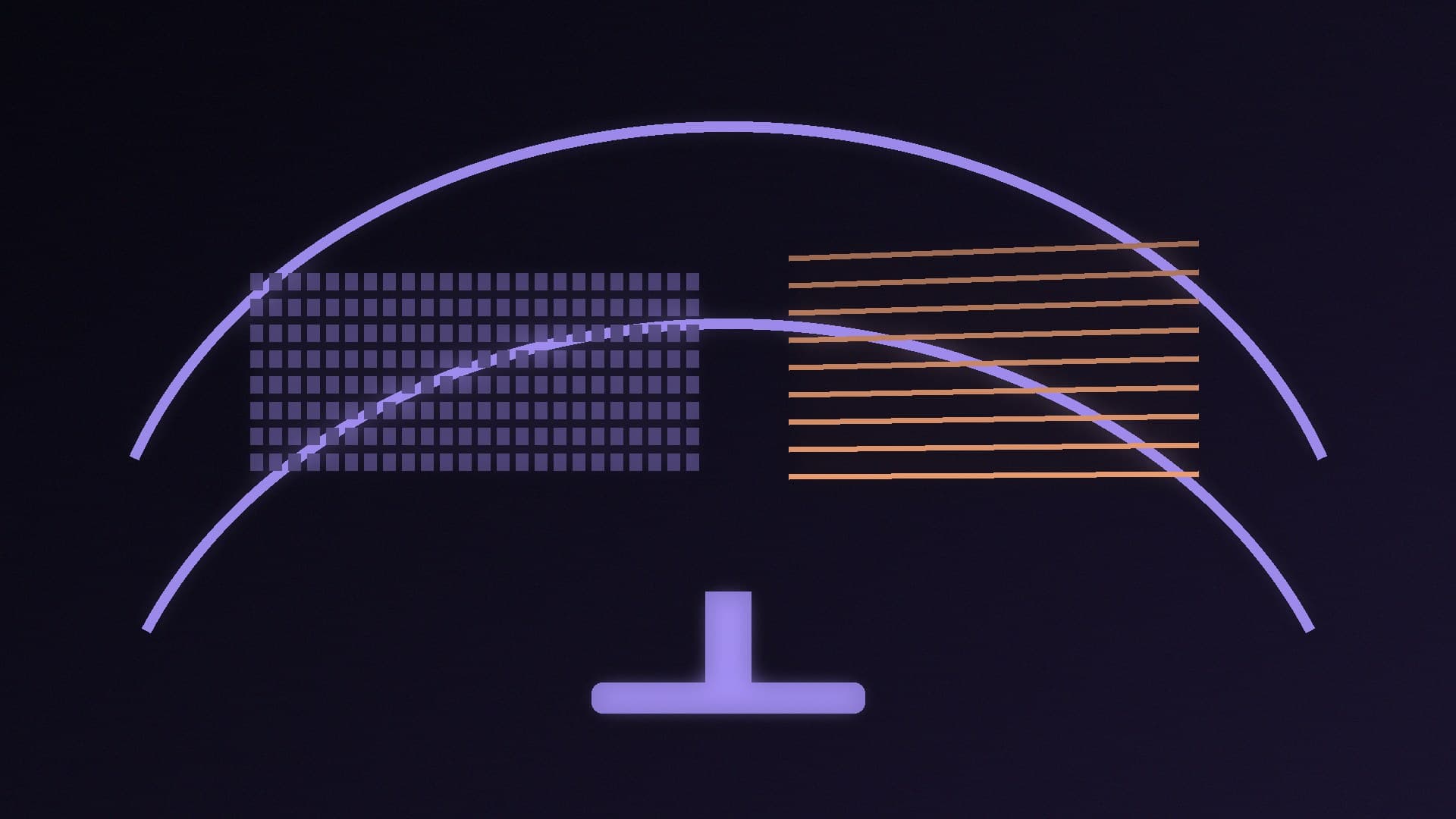
BenQ explains that the number before the R is a radius in millimetres: a 1000R monitor forms part of a circle with a 1,000mm radius. The smaller the number, the stronger the curve, so 1000R is more curved than 1500R or 1800R. BenQ says larger monitors tend to use gentler curves (1800R or wider, up to 4000R) because tight curves are harder to manufacture at large sizes and may be harder to get used to.
BenQ argues 1000R is the curve that best matches human vision, and suggests 32-34 inches if you want a strongly curved screen. That's a manufacturer's view, and personal preference matters more.
The case for curved
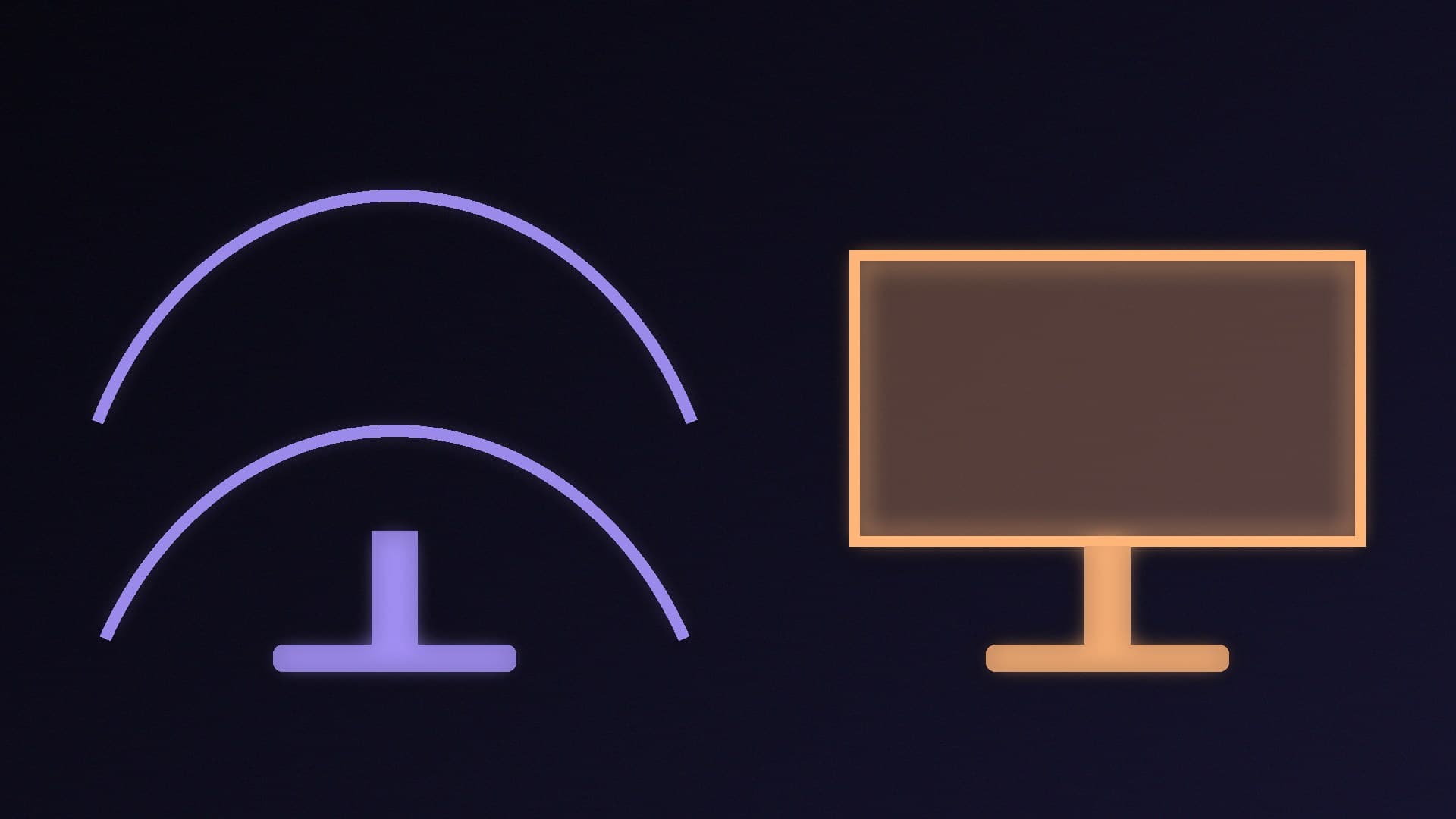
More consistent viewing distance. BenQ says a curved monitor keeps the distance from your eyes to each part of the screen more consistent, while a big flat screen may require you to move your head to see the edges. On large flat panels, it adds, the edges can look slightly different because you view them at more of an angle.
Immersion. Samsung says a curved screen wraps around your field of view, which it argues suits open-world games, racing games and first-person shooters. BenQ suggests curved screens for racing and flight sim set-ups.
Pairs well with ultrawide. Many ultrawide monitors are curved. BenQ notes that's common rather than required, and there are curved 16:9 monitors too. See our best ultrawide gaming monitor guide.
The case for flat
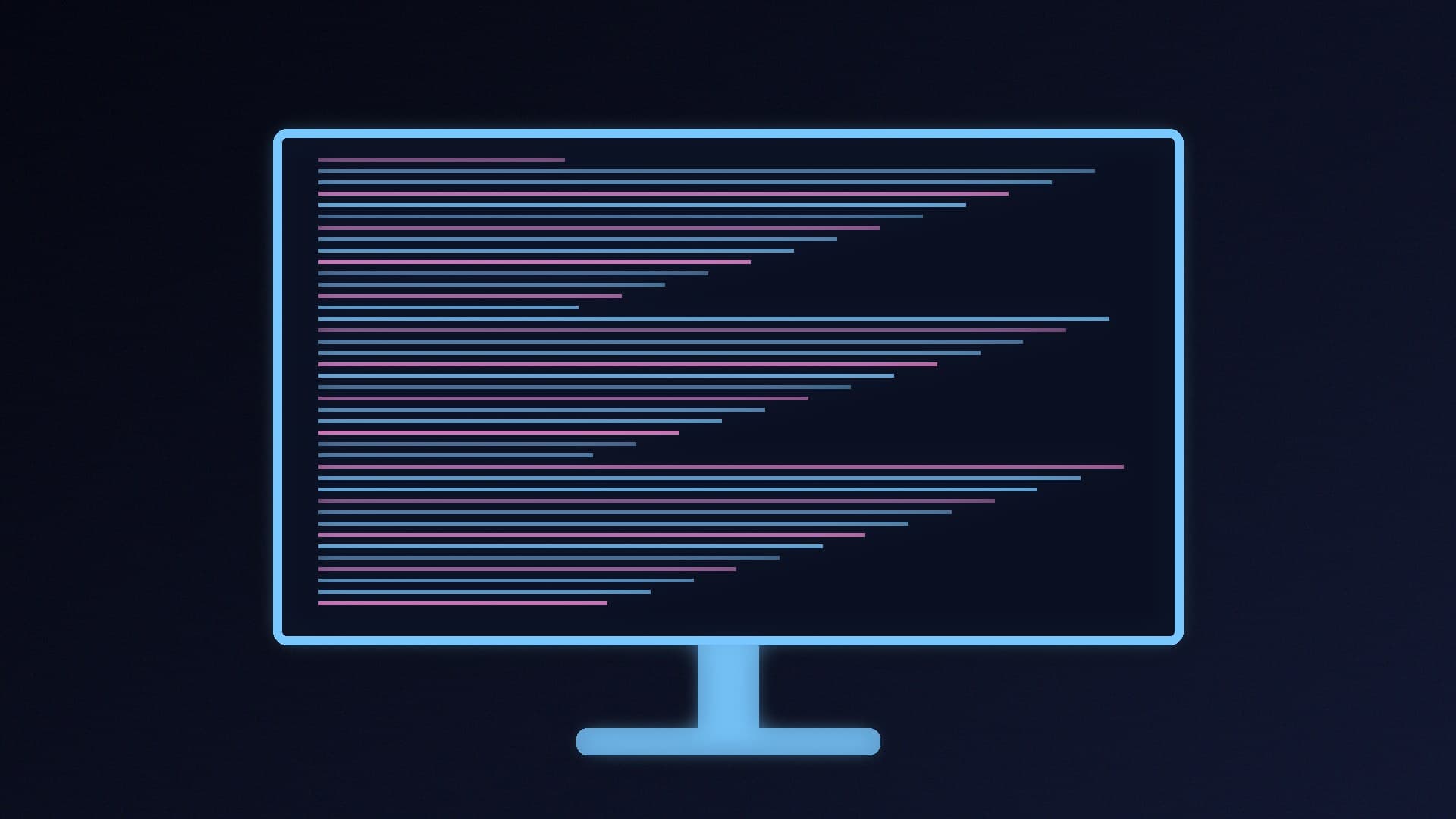
Accurate straight lines. BenQ says that for precision design work you should stick with flat displays, because they show straight lines more conventionally.
Multi-monitor set-ups. BenQ lists flat monitors as the practical choice when you need exact geometry and broad compatibility. Two or three flat screens also line up neatly side by side; our guide to setting up dual monitors covers the software side.
Consoles. BenQ notes that current consoles don't support 21:9 or 32:9 ultrawide aspect ratios, so a curved ultrawide is less useful if the monitor is mainly for a PS5 or Xbox.
Smaller screens. The benefit of a curve is greatest on wide and large screens. On a 24- or 27-inch 16:9 monitor, the edges are already close to your eyeline.
Simpler mounting. Flat screens are easier to wall-mount or position on a monitor arm without odd-looking gaps.
What curvature doesn't change
BenQ points out that apart from the curve, the basics are the same: panel types, refresh rates, response times, colour depth and HDR are all available on both. So decide on the curve separately from panel type and refresh rate. Our guides to IPS vs VA vs TN and 27 vs 32 inches help with those choices.
Which should you buy?
Buy curved if you're getting an ultrawide or a screen of 32 inches or more, play immersive single-player games or sims, and use one main monitor.
Buy flat if you edit photos or do design work, run two or more monitors, mainly play on a console, or are buying a 24- or 27-inch 16:9 screen.
Try before you buy if you can, because some people find a strong curve distracting at first. Remember your 14-day right to cancel when buying online in the UK.
Our verdict
Curved monitors keep the edges of a wide screen at a more even distance and make ultrawides and sims more immersive, according to BenQ and Samsung. Flat monitors are better for design work, multi-monitor set-ups and consoles, and a curve adds little on a 24- or 27-inch 16:9 screen. A lower R number means a stronger curve: 1000R is tight, 1800R gentle. Choose curved for a large or ultrawide main monitor, flat for everything else. Forge PC hasn't run hands-on comparisons for this guide.