An ultrawide monitor gives you more horizontal space than a 16:9 screen of the same height: a wider field of view in games that support it, and more room for timelines, spreadsheets or a second window at the desk. It also asks for a wider desk, a graphics card that can fill the extra pixels, and a clear idea of which shape you actually want.
Forge PC has not tested these monitors. The rankings and lab comments below come from Tom's Hardware's Best Gaming Monitors 2026 guide, last updated 5 November 2026. We have not used unofficial UK shop listings as firm 13 November prices, because we did not have stock-checked SpecPrice figures for these models on the day we wrote this.
If you are still choosing a resolution on a 16:9 panel, our 1080p vs 1440p vs 4K guide and 1440p monitor picks are the better starting points.
What "ultrawide" means here
Two shapes get called ultrawide, and they are not the same:
21:9, typically 3440 x 1440 on a 34-inch panel, or 5120 x 2160 on a larger 45-inch panel. 5120 ÷ 2160 is 2.37:1, which is 21:9.
32:9, typically 5120 x 1440 on a 49-inch panel, which is as wide as two 27-inch 16:9 screens side by side.
Tom's Hardware's "Best Ultrawide Gaming Monitor" section heads the LG UltraGear 45GX950A as a 49-inch 32:9 display, but the review body, the specification table and the quick-list table all describe a 45-inch panel with a 5120 x 2160 resolution. We are following those detailed figures, not the conflicting heading. 5120 x 2160 is a 45-inch 21:9-class "WUHD" or "5K2K" screen, not a 49-inch 32:9 super-ultrawide.
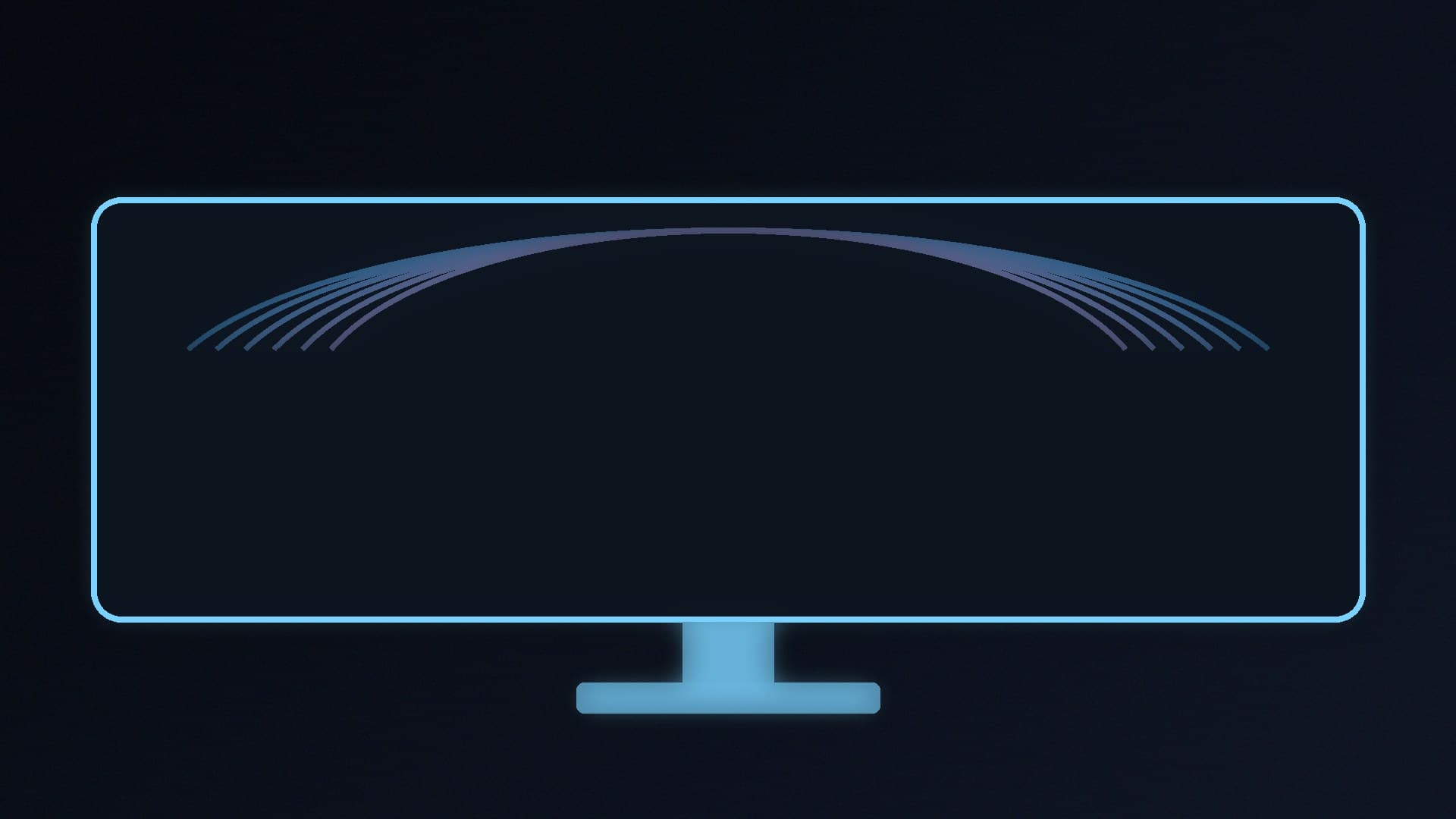
You will need a lot of desk width for the 45-inch model. Tom's says you need almost four feet of desk width, plus depth for the 800R curve. A 34-inch 21:9 panel is the more realistic step up if your desk is already tight.
The extra pixels also need a GPU that can drive them. A 45-inch 5120 x 2160 panel has about 11.1 million pixels, more than 4K's 8.3 million. Treat this as a high-end purchase and read our best graphics card guide alongside it.
Best overall ultrawide: LG UltraGear 45GX950A
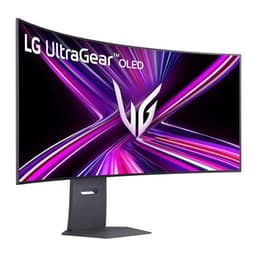
Tom's Hardware's ultrawide pick is the LG UltraGear 45GX950A, a 45-inch OLED with:
5120 x 2160 resolution at up to 165Hz, or 330Hz at 2560 x 1080
0.03ms response time (OLED-typical)
an 800R curve, which Tom's says delivers immersion without image distortion
AMD FreeSync and Nvidia G-Sync compatibility
two HDMI 2.1 ports, two DisplayPort 2.1 ports, one USB-C, a 3.5mm headphone jack with DTS: Headphone X, two 10-watt speakers and two downstream USB ports
Tom's reports accurate colour out of the box, a maximum of 275 nits in SDR in the spec table, a claimed 1,300 nits in HDR, and a measured 475 nits in HDR mode. It also flags the size and a hefty price, quoted in the review around $1,500 (a $1,000 figure appears earlier in the same section; we are not converting either number into a UK street price).
This model is already in Forge PC's product database as the LG 44.5-inch 45GX950A-B. Confirm a current UK price and whether the panel will physically fit before you buy. We did not have a stock-checked SpecPrice listing to quote on 13 November 2026.
Best 34-inch alternative: Alienware AW3423DWF
If 45 inches is too wide, Tom's "Best Curved Gaming Monitor" pick is the Alienware AW3423DWF: a 34-inch 21:9 QD-OLED with 3440 x 1440 resolution, a 165Hz refresh rate, an 1800R curve, and FreeSync and G-Sync compatibility. Tom's measured 107.94 per cent DCI-P3 coverage, praises contrast, colour saturation and motion processing, and says it did not need calibration out of the box.
The review quotes an MSRP of $1,100 and a typical online figure around $800. Again, those are Tom's figures, not UK prices we have re-checked. This model was not in the public product sitemap when we wrote this, so we have not linked a Forge PC product page for it.
A 34-inch 3440 x 1440 screen is still a big desk commitment, but it is a much more common ultrawide size than 45 inches, and it asks less of the GPU than 5120 x 2160.
Should you buy an ultrawide at all?
Buy one if you want a single wide screen for games that support 21:9, or for work that benefits from a wider canvas, and you have the desk and the GPU for it. Stay on 16:9 if you sit close to a smaller desk, if your favourite games have poor ultrawide support, or if you would rather spend the money on a brighter or faster 27-inch OLED.
OLED brings the contrast and response time that Tom's consistently prefers for gaming, with the usual caveat that you should look for a burn-in warranty. The 45GX950A and AW3423DWF are both OLED panels. A Mini-LED or VA ultrawide can be brighter in HDR highlights, but that is a different trade-off; we have not used unsourced brightness comparisons beyond what Tom's has published for these two screens.
Our verdict
If you want a tested ultrawide and you have the desk for it, Tom's Hardware's pick is the LG UltraGear 45GX950A: a 45-inch 5120 x 2160 OLED at 165Hz, with a 330Hz 2560 x 1080 mode and an 800R curve. If that is too large, the 34-inch Alienware AW3423DWF is the more practical 3440 x 1440 alternative in the same guide. We have not tested these monitors, and we have not quoted a stock-checked UK price for either one; confirm fit, GPU headroom and a current price before you buy.