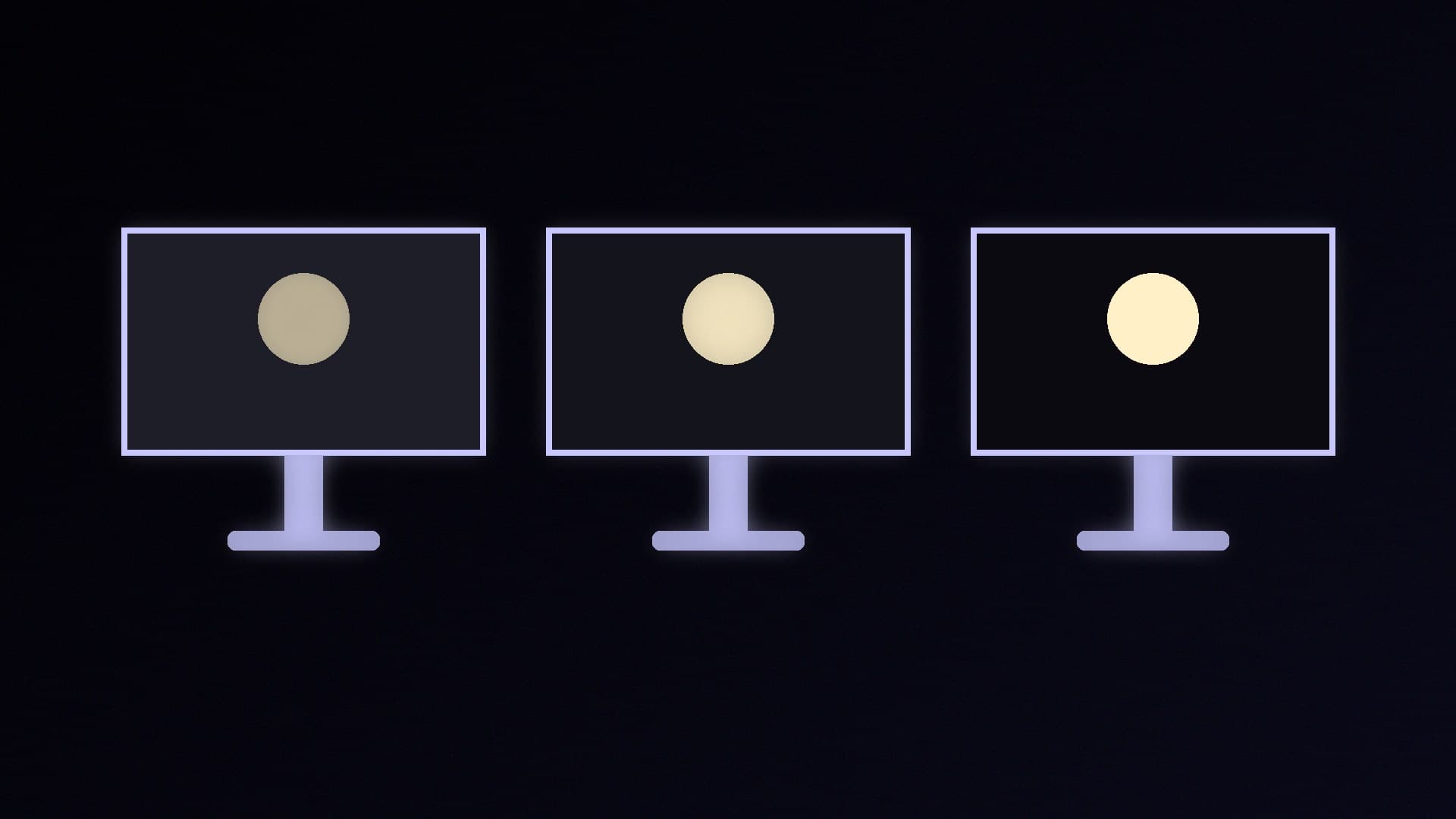
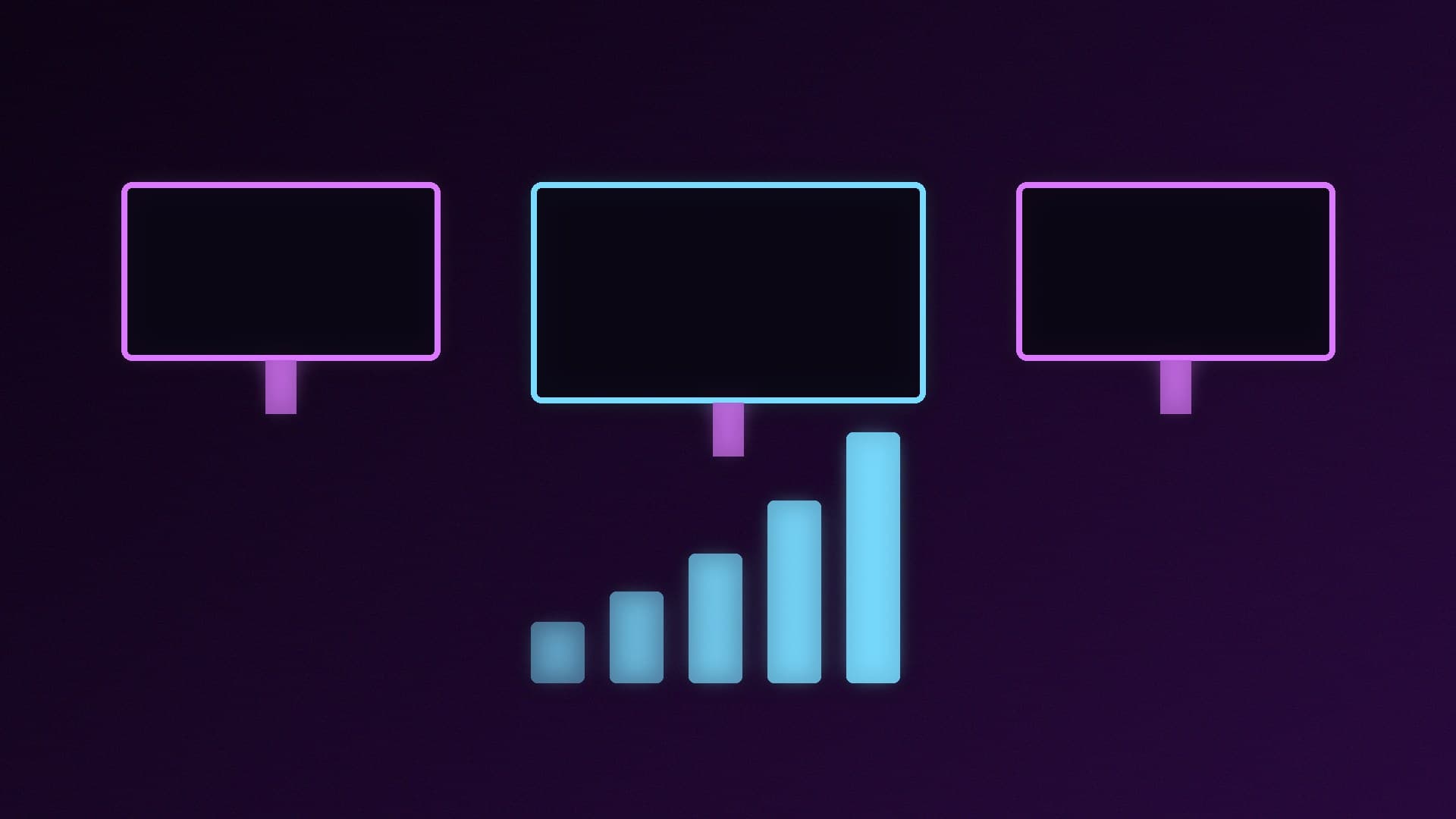
Almost every gaming monitor now claims HDR support, but the experience ranges from barely different to genuinely striking. The clearest guide is VESA's DisplayHDR certification, an open standard with published test criteria. The number in each badge is the minimum peak brightness in nits (cd/m²), but the tiers also set limits on black level, colour and how quickly the backlight responds. Forge PC hasn't tested monitors against these criteria; the figures below are from VESA's own DisplayHDR specification summary (CTS 1.2).
The tiers at a glance
VESA currently lists five classic tiers (DisplayHDR 400, 500, 600, 1000 and 1400) and five True Black tiers for emissive displays such as OLED. Here are the key minimums for the three tiers you'll see most:
Requirement (VESA CTS 1.2) | DisplayHDR 400 | DisplayHDR 600 | DisplayHDR 1000 |
|---|
Peak brightness, 10% centre patch (min) | 400 cd/m² | 600 cd/m² | 1,000 cd/m² |
Full-screen flash brightness (min) | 400 cd/m² | 600 cd/m² | 1,000 cd/m² |
Full-screen long-duration brightness (min) | 320 cd/m² | 350 cd/m² | 600 cd/m² |
Black level, corner box test (max) | 0.4 cd/m² | 0.1 cd/m² | 0.05 cd/m² |
Static contrast ratio, LCD (min) | 1,300:1 | 8,000:1 | 30,000:1 |
DCI-P3 colour coverage (min) | 90% | 95% | 95% |
10-bit video signal | Required | Required | Required |
VESA's table also includes DisplayHDR 500 (500 cd/m² peak, 0.1 cd/m² black) and DisplayHDR 1400 (1,400 cd/m² peak, 0.02 cd/m² black). All tiers require 99% BT.709 coverage and support for the HDR10 format.
DisplayHDR 400: the entry level
DisplayHDR 400 is the minimum certification. Its 0.4 cd/m² black-level limit is the loosest of any tier, four times the 0.1 cd/m² allowed at DisplayHDR 600, and its 1,300:1 minimum static contrast ratio is far below the 8,000:1 required for 600. It does still guarantee a 10-bit signal, HDR10 support and VESA's colour and accuracy tests. VESA warns that a monitor claiming HDR without a DisplayHDR performance level, or quoting a pseudo-spec such as "HDR-400" rather than "DisplayHDR 400", likely doesn't meet the certification requirements.
Treat a DisplayHDR 400 badge as "HDR-compatible" rather than a reason to buy. It's fine on a monitor you're choosing for refresh rate, resolution or price.
DisplayHDR 600: where HDR starts to look like HDR
DisplayHDR 600 raises the peak brightness to 600 cd/m², the maximum black level drops from 0.4 to 0.1 cd/m², and the minimum static contrast ratio rises to 8,000:1. That combination of brighter highlights and darker blacks is what HDR needs. VESA says that to reach the contrast ratios HDR content demands, an LCD must be able to change its backlight brightness. VESA's test also measures how much a monitor can dim parts of the screen while keeping others bright (its "active dimming" checkerboard test), with tighter limits at each higher tier.
DisplayHDR 1000: high-end LCD HDR
DisplayHDR 1000 doubles the brightness requirement to 1,000 cd/m² for short highlights and 600 cd/m² for sustained full-screen brightness, and tightens the black level to 0.05 cd/m², with a 30,000:1 minimum static contrast ratio. It's a demanding bar for an LCD, so check VESA's certified product list rather than trusting a box. Our OLED vs Mini LED comparison explains how the two main premium HDR technologies differ.
What about DisplayHDR True Black?
OLED monitors can switch individual pixels off, so they're certified under separate True Black tiers (400, 500, 600, 1000 and 1400). VESA's True Black criteria set a far stricter maximum black level of 0.0005 cd/m² and a faster rise time (two frames from black to maximum brightness, against eight for the classic tiers), but lower full-screen brightness requirements. For example, True Black 400 requires 250 cd/m² full-screen, against 320 cd/m² for classic DisplayHDR 400.
So a DisplayHDR True Black 400 display and a classic DisplayHDR 400 monitor share a peak-brightness number, but the True Black black-level limit is 800 times stricter (0.0005 vs 0.4 cd/m²). Don't compare a True Black number directly with a classic one. Our QD-OLED vs WOLED guide covers the two main OLED panel types.
How to use the badges when buying
Check the certification is real. VESA publishes a list of certified products on displayhdr.org. "HDR10" or "HDR ready" on its own only means the monitor accepts an HDR signal.
Look for 600 or above on LCD monitors if HDR matters to you; consider True Black for OLED.
Don't buy for the badge alone. Refresh rate, resolution and panel type matter as much. See our best 1440p and best 4K gaming monitors.
Set Windows up properly once you have one: our HDR set-up guide for Windows 11 covers calibration.
Our verdict
DisplayHDR 400 is an entry-level badge: it confirms basic HDR support, but its 400 cd/m² peak, loose 0.4 cd/m² black level and 1,300:1 contrast minimum are well short of the higher tiers. DisplayHDR 600 is the realistic starting point for LCD HDR, and DisplayHDR 1000 is where high-end Mini LED monitors sit. For OLED, look for DisplayHDR True Black instead, which sets a much stricter black level. Forge PC hasn't tested monitors against VESA's criteria; the figures come from VESA's published specification summary.