Skip to content

Author / Senior Hardware Editor / 158 articles

Callum Reid

Callum leads GPU, CPU and platform architecture coverage at Forge PC. Before joining the editorial desk, he spent nine years specifying, assembling and stress-testing custom gaming and workstation systems in the UK, with a focus on PCIe bandwidth, VRM thermal design, DDR5 memory tuning and 1440p/4K frame-time consistency.

  • NVENC vs x264 in OBS: Which Encoder Should You Stream and Record With?

    Versus

    NVENC vs x264 in OBS: Which Encoder Should You Stream and Record With?

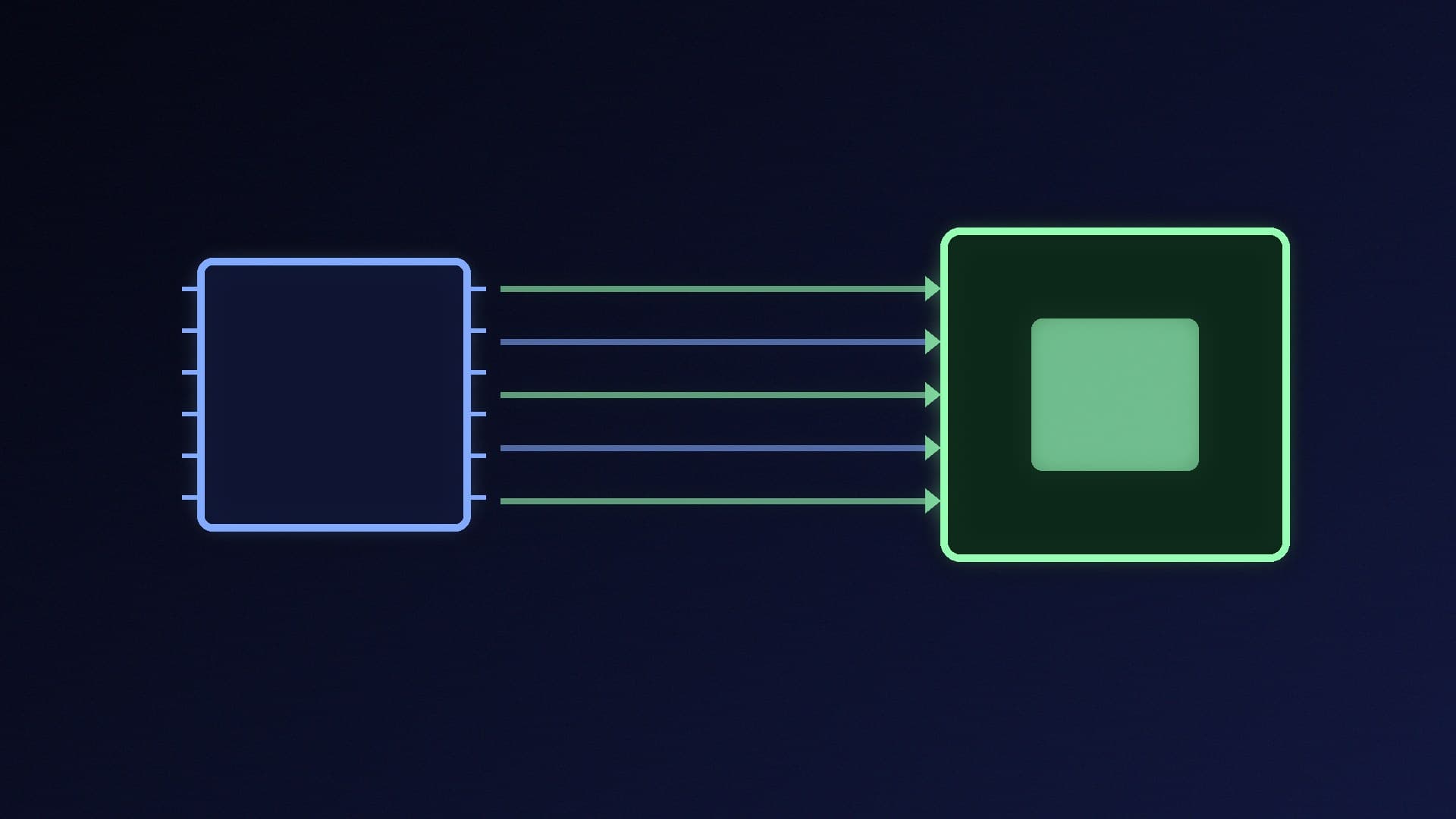
    On a single gaming PC with a GeForce GTX 16-series or RTX card, NVENC is the better OBS encoder: OBS recommends hardware encoders for performance, and NVIDIA suggests H.264 for Twitch and AV1 or HEVC for YouTube with the P6 preset. x264 still suits a dedicated streaming PC or a GPU with an old or missing encoder.

    Callum Reid3 min
  • NVIDIA Reflex vs AMD Anti-Lag 2: Which Low-Latency Setting Should You Use?

    Versus

    NVIDIA Reflex vs AMD Anti-Lag 2: Which Low-Latency Setting Should You Use?

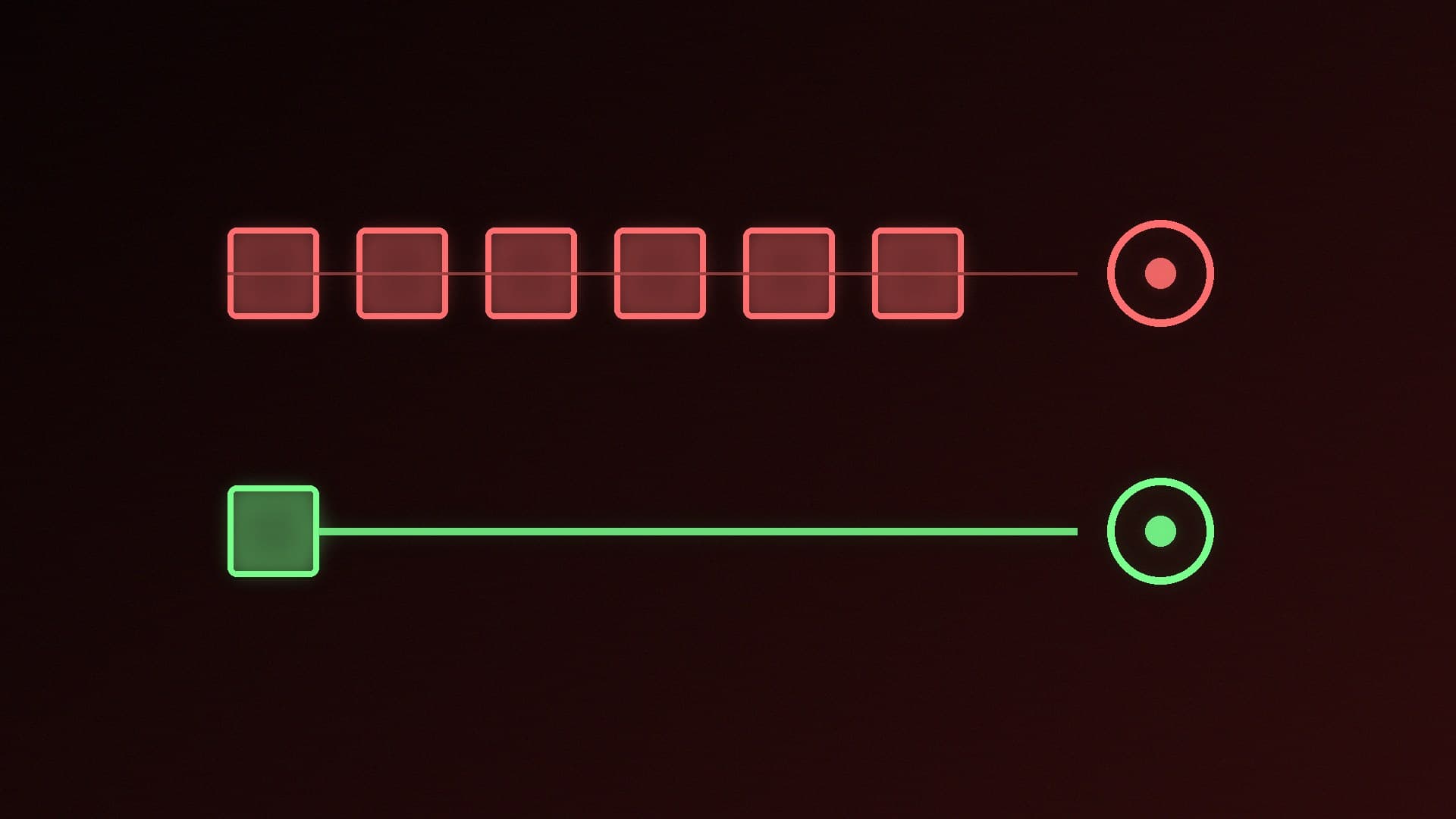
    NVIDIA Reflex and AMD Anti-Lag 2 both reduce input lag by stopping frames queuing behind a busy GPU, and both need game support. Your graphics card decides which you get. Without game support, NVIDIA's Low Latency Mode (Ultra) and AMD's driver-level Radeon Anti-Lag are partial fallbacks. Both help most when the GPU is the bottleneck.

    Callum Reid4 min

  • 1080p vs 4K Webcam: Do You Need 4K for Streaming and Video Calls?

    Versus

    1080p vs 4K Webcam: Do You Need 4K for Streaming and Video Calls?

    For most video calls and game streams, a good 1080p webcam at 60fps is enough, because platforms and apps usually deliver 1080p or less. A 4K webcam is worth it for recording, full-screen YouTube streams and cropping. The MX Brio does 4K30 and 1080p60 with mics, and the Facecam 4K does 4K60 over USB 3.0.

    Callum Reid4 min

  • Vertical vs Horizontal GPU Mount: Is Showing Off Your Graphics Card Worth It?

    Versus

    Vertical vs Horizontal GPU Mount: Is Showing Off Your Graphics Card Worth It?

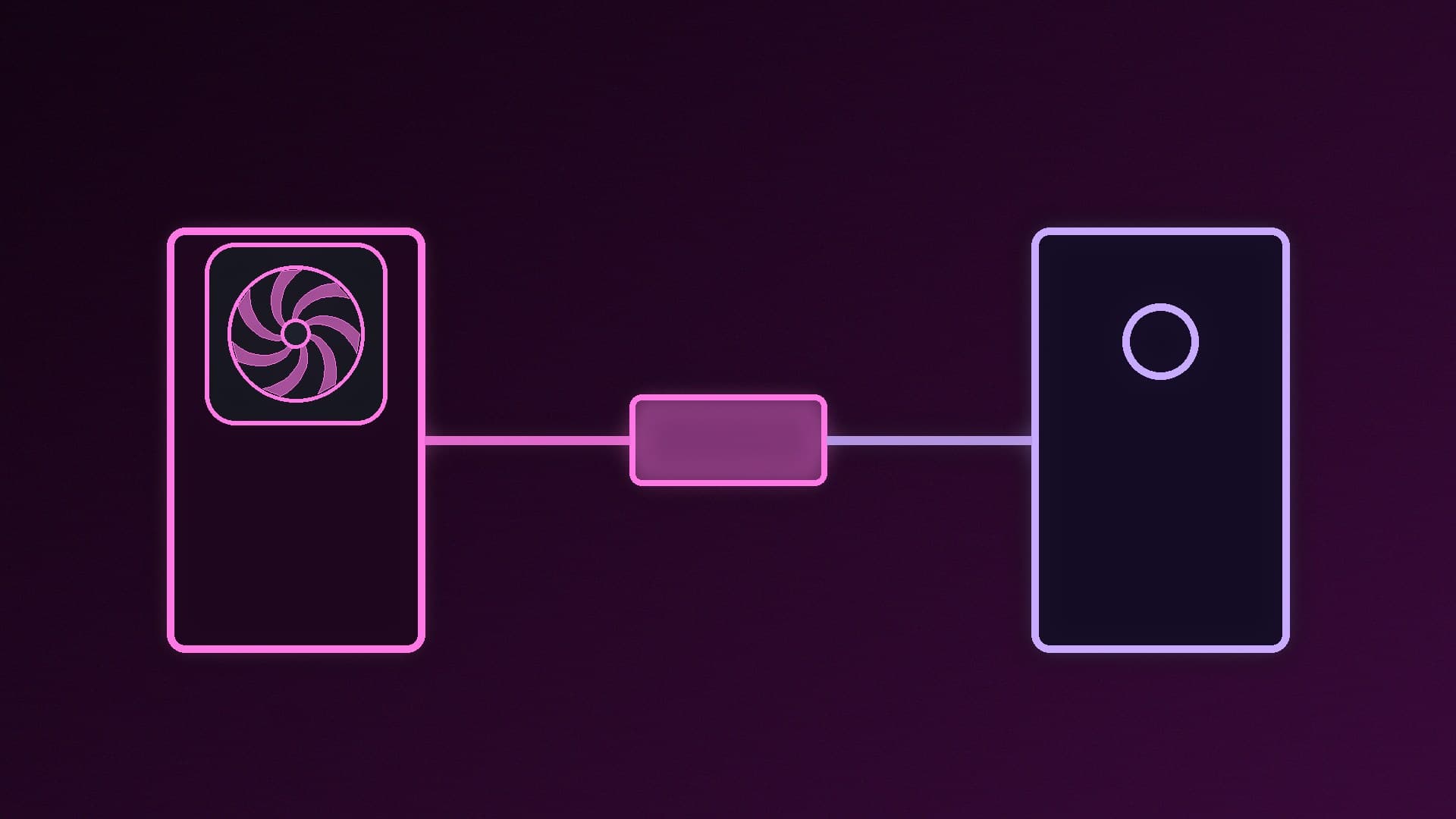
    Horizontal mounting gives a direct PCIe connection with no extra parts. Vertical mounting shows off the card and stops sag, but needs a bracket and riser. Lian Li's and Cooler Master's kits include PCIe 4.0 risers, which limit a PCIe 5.0 card to PCIe 4.0 link speeds, and the fans end up facing the side panel.

    Callum Reid4 min

  • Dual-Chamber vs Standard PC Case: Which Layout Should You Build In?

    Versus

    Dual-Chamber vs Standard PC Case: Which Layout Should You Build In?

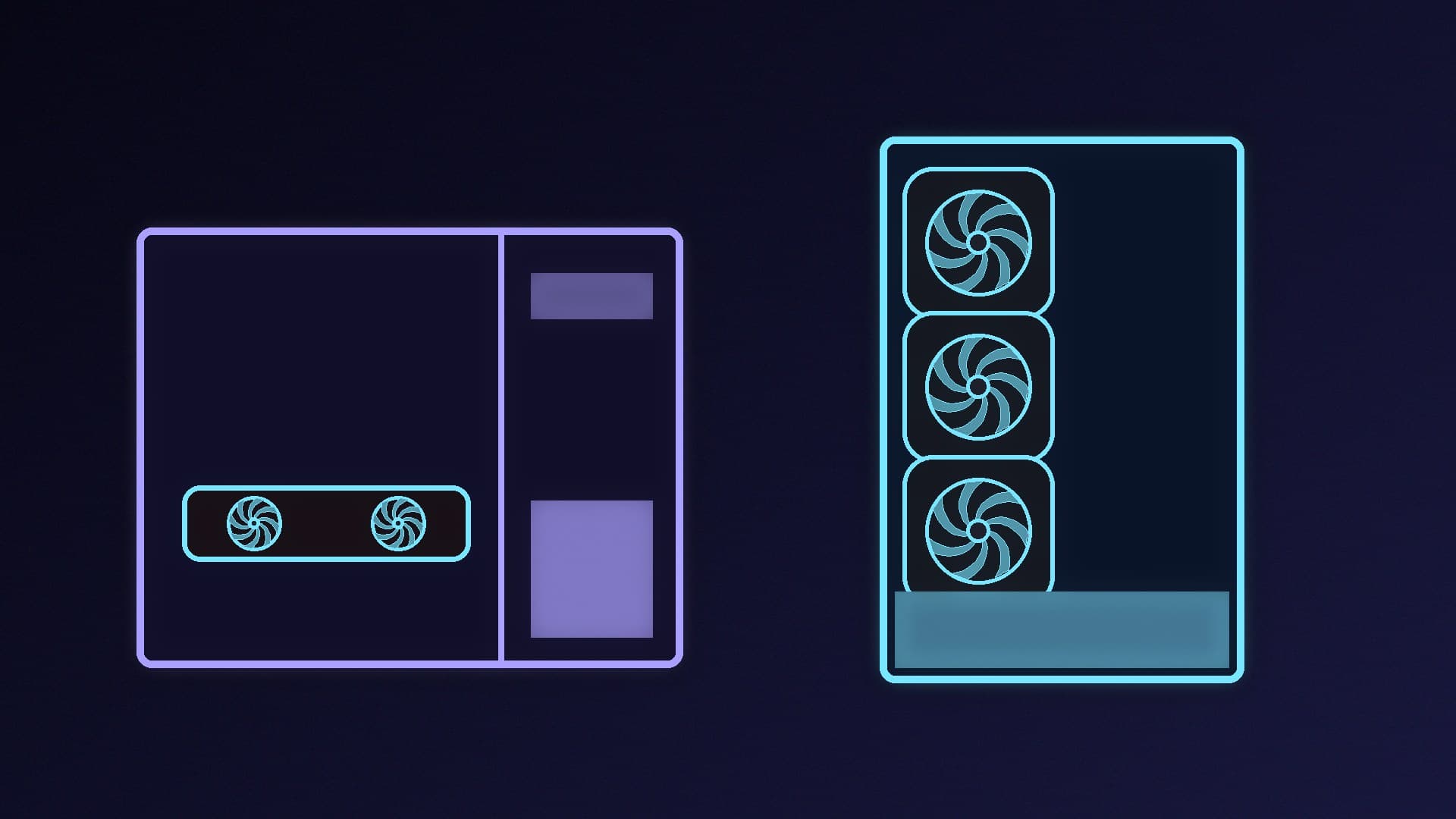
    A dual-chamber case hides the PSU and cables behind the motherboard and suits liquid cooling and long GPUs: Lian Li's O11 Dynamic EVO takes three 360mm radiators and 426mm cards. A standard front-intake tower such as the LANCOOL 217 is easier to air-cool, ships with five fans and fits taller coolers (180mm vs 167mm).

    Callum Reid4 min

  • Single-PC vs Dual-PC Streaming: Do You Still Need a Second PC to Stream?

    Versus

    Single-PC vs Dual-PC Streaming: Do You Still Need a Second PC to Stream?

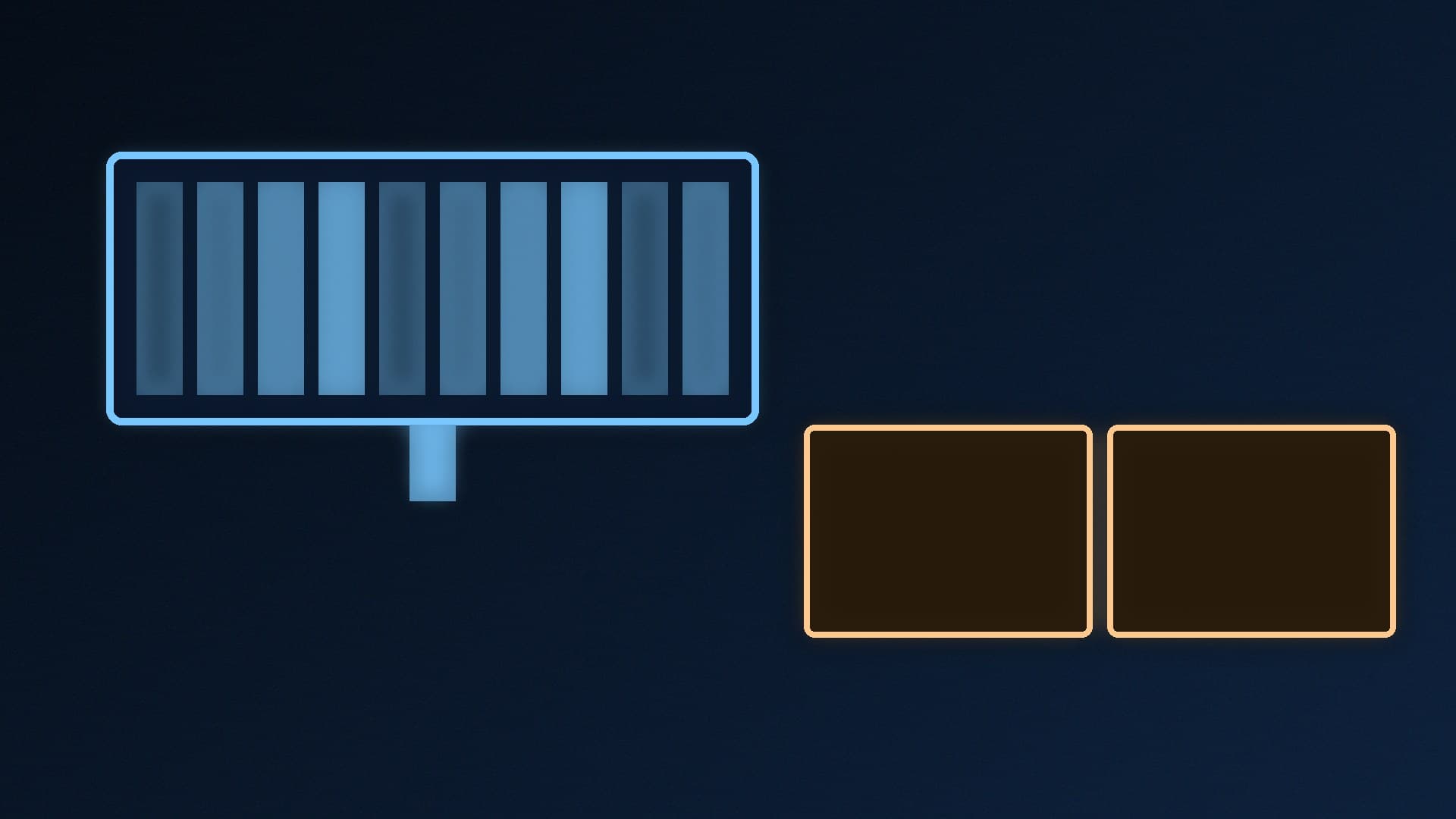
    A single PC is enough for most streamers: NVIDIA says the dedicated NVENC encoder on GeForce RTX cards lets you stream without impacting GPU or CPU performance. A dual-PC setup with a capture card and HDMI passthrough keeps the stream separate from the gaming PC and suits heavy productions, but costs more and is more complicated.

    Callum Reid3 min

  • Ultrawide vs Dual Monitors: Which Is Better for Gaming and Work?

    Versus

    Ultrawide vs Dual Monitors: Which Is Better for Gaming and Work?

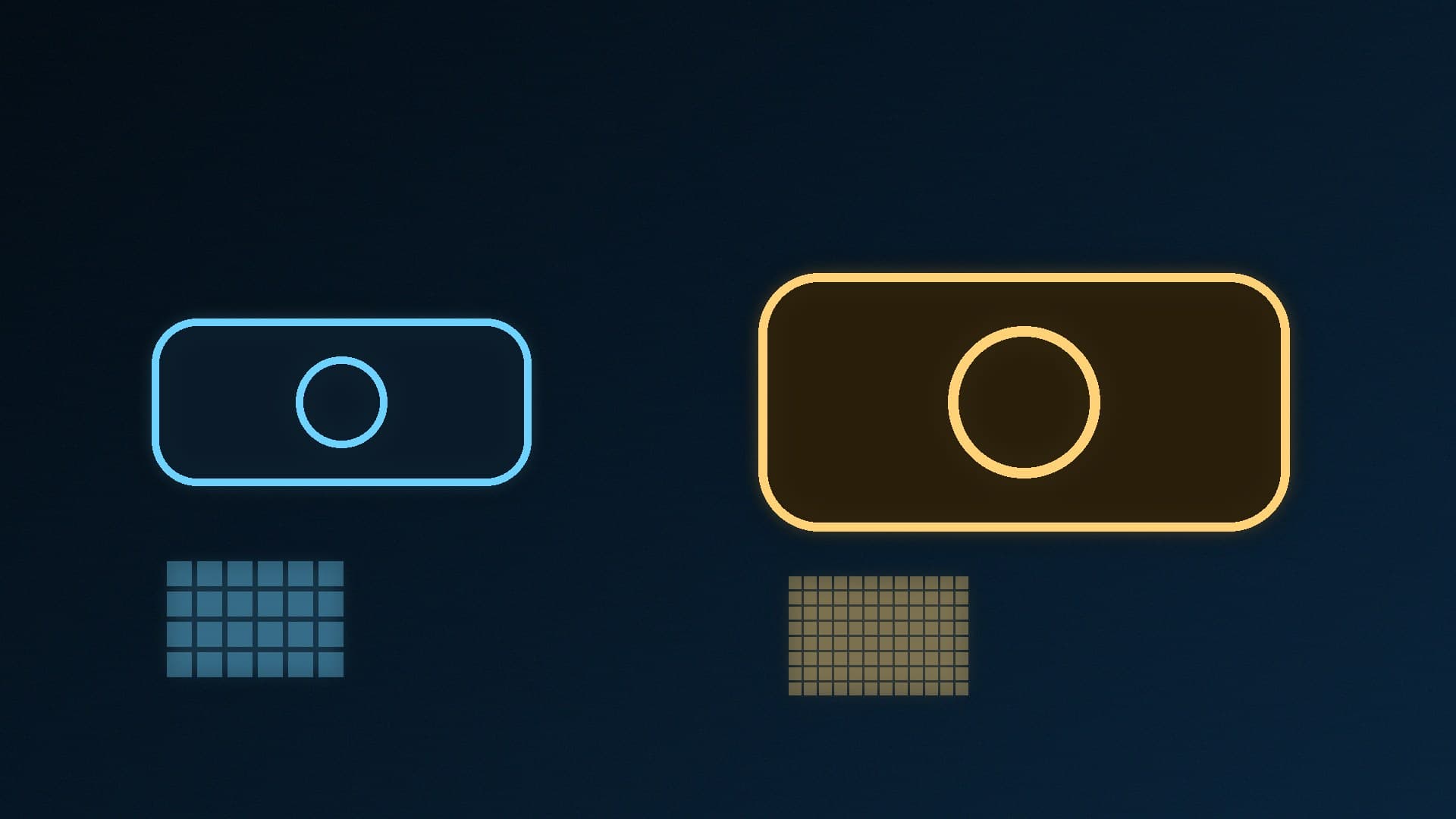
    An ultrawide suits gaming and wide timelines: a 3440 x 1440 panel has about 4.95 million pixels with no bezel in the middle, but your GPU renders about 34% more pixels than at 2560 x 1440. Two 1440p monitors give about 7.37 million pixels and a cleaner split for multitasking, and games still run on one screen.

    Callum Reid3 min

  • Intel Arc Pro B60 vs RTX 5060 Ti 16GB for Local AI: 24GB vs CUDA

    Versus

    Intel Arc Pro B60 vs RTX 5060 Ti 16GB for Local AI: 24GB vs CUDA

    Intel's Arc Pro B60 has 24GB of GDDR6 on a 192-bit bus with up to 456GB/s, aimed at AI inference workstations and multi-GPU setups. NVIDIA's RTX 5060 Ti 16GB has 16GB of GDDR7 on a 128-bit bus, 180W total graphics power and broad CUDA support. The B60 wins on capacity; the 5060 Ti on compatibility and gaming.

    Callum Reid3 min

  • 120mm vs 140mm Case Fans: Which Size Should You Buy?

    Versus

    120mm vs 140mm Case Fans: Which Size Should You Buy?

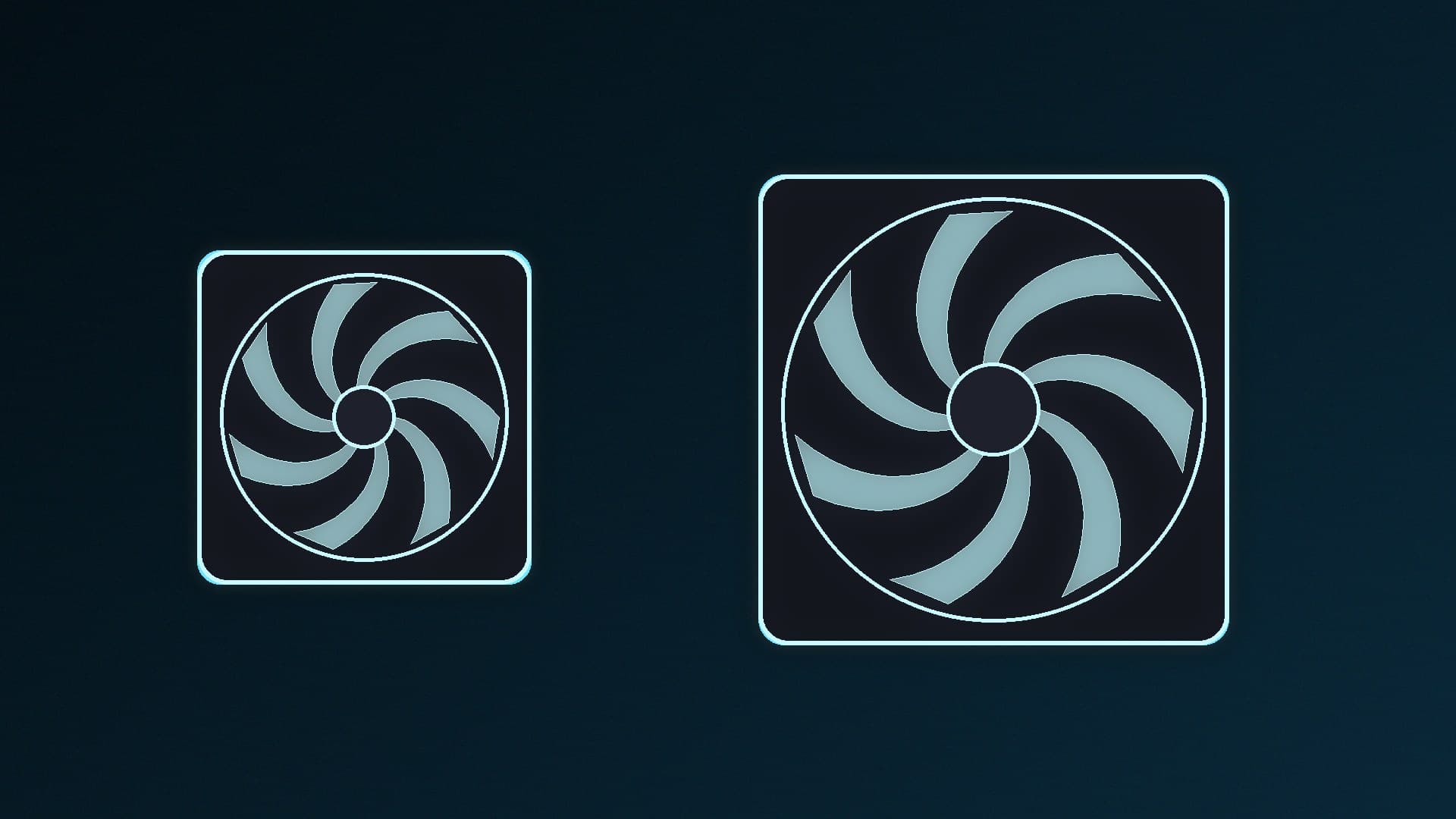
    140mm fans can move more air at lower speeds: ARCTIC rates its P14 Pro at 110 CFM at up to 2,500rpm, against 77 CFM at up to 3,000rpm for the 120mm P12 Pro, which has higher static pressure. Use 140mm where your case supports it for intake and exhaust, and 120mm for 240/360mm radiators, tower coolers and 120mm-only mounts.

    Callum Reid3 min

  • Single-Tower vs Dual-Tower CPU Cooler: Which Air Cooler Do You Need?

    Versus

    Single-Tower vs Dual-Tower CPU Cooler: Which Air Cooler Do You Need?

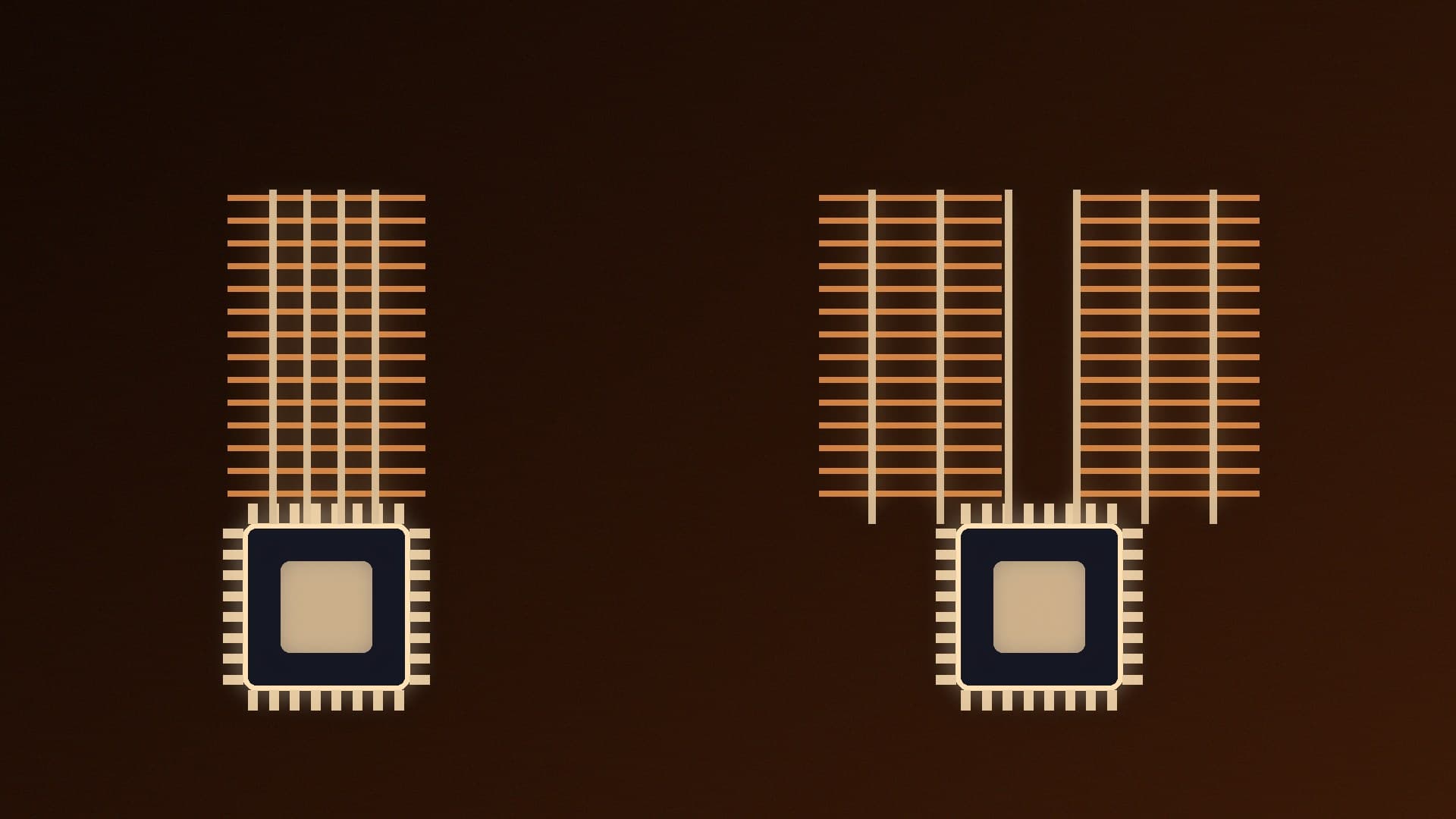
    Dual-tower air coolers have more heatpipes, fin area and usually two fans, so they suit hot, high-core-count CPUs. Single towers are lighter, narrower and avoid RAM clashes. DeepCool rates its single-tower AK400 at 220W (661g, 97mm wide) and dual-tower AK620 at 260W (1,456g, 138mm wide, 43mm RAM clearance).

    Callum Reid3 min

  • NVIDIA Game Ready vs Studio Driver: Which Should You Install?

    Versus

    NVIDIA Game Ready vs Studio Driver: Which Should You Install?

    NVIDIA's Game Ready Drivers are timed for new game launches, patches and DLC. Studio Drivers arrive on a longer cadence, typically monthly, and are tested against major creative apps. NVIDIA says every driver supports both games and creative apps, so choose Game Ready if you mainly game and Studio if stability for creative work matters more.

    Callum Reid3 min

  • RTX Spark vs DGX Spark: Which NVIDIA Local AI Mini PC Should You Choose?

    Versus

    RTX Spark vs DGX Spark: Which NVIDIA Local AI Mini PC Should You Choose?

    RTX Spark desktops and DGX Spark both pair a Grace CPU with a Blackwell GPU, up to 128GB of unified memory and up to 1 petaflop of FP4 AI performance. RTX Spark machines are Windows 11 on Arm PCs with 10Gb Ethernet; DGX Spark runs Ubuntu-based DGX OS and can cluster up to four units over ConnectX-7. Neither is a sensible gaming buy.

    Callum Reid4 min

  • Windows Hello Face vs Fingerprint: Which Is Better for a Desktop PC?

    Versus

    Windows Hello Face vs Fingerprint: Which Is Better for a Desktop PC?

    Both work well on a desktop, but you need to add hardware. Face sign-in needs a Windows Hello infrared camera, not a normal webcam, and is the convenient choice if you want a webcam anyway. A USB fingerprint reader is the simpler add-on if you don't want a camera. Microsoft requires a false accept rate below 0.001% for face and large fingerprint sensors.

    Callum Reid3 min

  • RTX 3090 vs RTX 5070 Ti for Local AI: 24GB Old or 16GB New?

    Versus

    RTX 3090 vs RTX 5070 Ti for Local AI: 24GB Old or 16GB New?

    For local AI, the RTX 3090's 24GB of GDDR6X beats the RTX 5070 Ti's 16GB of GDDR7 whenever models and their context need more than 16GB, which usually decides it. The 5070 Ti is a current Blackwell card with 5th-gen Tensor Cores, FP4 support, 300W power against 350W and a new-card warranty, so it's the safer buy if your models fit in 16GB.

    Callum Reid3 min

  • Prebuilt vs Custom Gaming PC: Should You Build or Buy in the UK?

    Versus

    Prebuilt vs Custom Gaming PC: Should You Build or Buy in the UK?

    Build your own PC for full control over parts and easy upgrades, if you're happy to troubleshoot yourself. Buy a prebuilt if you want one seller responsible for the whole PC under the Consumer Rights Act, including the 30-day short-term right to reject faults. Check the listing names the PSU, motherboard, RAM and SSD, and compare Black Friday deals with parts.

    Callum Reid4 min

  • Hot-Swappable vs Soldered Keyboards: Is Hot-Swap Worth Paying For?

    Versus

    Hot-Swappable vs Soldered Keyboards: Is Hot-Swap Worth Paying For?

    A hot-swappable keyboard has sockets, so you can pull a switch and push in a new one without soldering; on a soldered board, changing switches means desoldering. Hot-swap only helps with compatible switches: check MX-style vs low-profile, optical or magnetic, and whether the PCB accepts 5-pin switches. Worth it if you might change switches.

    Callum Reid3 min

  • Mesh Wi-Fi vs Wi-Fi Extender: Which Fixes Dead Zones for Your Gaming PC?

    Versus

    Mesh Wi-Fi vs Wi-Fi Extender: Which Fixes Dead Zones for Your Gaming PC?

    A Wi-Fi range extender rebroadcasts your router's signal and is a cheaper fix for one or two dead zones, ideally placed halfway between router and dead zone, but can create a second network and lower speeds. A mesh system's nodes form one network with seamless roaming for larger homes. EasyMesh extenders are a middle ground; Ethernet beats both.

    Callum Reid4 min

  • RTX 5080 vs RTX 4090 for Local AI: 16GB of GDDR7 or 24GB of GDDR6X?

    Versus

    RTX 5080 vs RTX 4090 for Local AI: 16GB of GDDR7 or 24GB of GDDR6X?

    For local AI, the RTX 4090's 24GB of GDDR6X beats the RTX 5080's 16GB of GDDR7 when models need more than 16GB, and its 1,008GB/s bandwidth is slightly higher than the 5080's 960GB/s. The 5080 has a newer Blackwell chip with FP4 support, PCIe 5.0 and 360W power against 450W, but needs software with Blackwell support.

    Callum Reid3 min