Skip to content

Author / Senior Hardware Editor / 158 articles

Callum Reid

Callum leads GPU, CPU and platform architecture coverage at Forge PC. Before joining the editorial desk, he spent nine years specifying, assembling and stress-testing custom gaming and workstation systems in the UK, with a focus on PCIe bandwidth, VRM thermal design, DDR5 memory tuning and 1440p/4K frame-time consistency.

  • X870 vs X870E: Which AMD AM5 Motherboard Chipset Do You Need?

    Versus

    X870 vs X870E: Which AMD AM5 Motherboard Chipset Do You Need?

    AMD's X870 and X870E share CPU support, PCIe 5.0 graphics and NVMe, USB4 and overclocking. X870E adds more chipset connectivity: 44 usable PCIe lanes vs 36, up to 12 USB 10Gbps ports vs 6, twice the 20Gbps USB and up to 8 SATA ports vs 4. Most gamers don't need the extra.

    Callum Reid3 min
  • RTX 5070 vs RX 9070 for Local AI: 12GB GDDR7 or 16GB GDDR6?

    Versus

    RTX 5070 vs RX 9070 for Local AI: 12GB GDDR7 or 16GB GDDR6?

    For local AI, the RX 9070's 16GB of GDDR6 beats the RTX 5070's 12GB of GDDR7 on capacity, with near-identical bandwidth (640GB/s vs 672GB/s) and a lower UK price: about £656 vs about £750 on 20 November 2026. The RTX 5070's advantage is CUDA's wider software support; on Windows, Ollama runs the RX 9070 through Vulkan.

    Callum Reid3 min

  • Lemonade vs Ollama: Which Local AI Server Should You Use on an AMD or NVIDIA PC?

    Versus

    Lemonade vs Ollama: Which Local AI Server Should You Use on an AMD or NVIDIA PC?

    Ollama is the safest default for local LLMs, with a big model library and support for NVIDIA, AMD and Apple hardware. Lemonade, an open-source server with AMD-backed optimisations, is the better choice on Ryzen AI and Radeon PCs if you want NPU support or speech and image models alongside LLMs. It also speaks the Ollama and OpenAI APIs.

    Callum Reid5 min

  • Sleep vs Hibernate vs Shut Down in Windows 11: Which Should You Use on a Gaming PC?

    Versus

    Sleep vs Hibernate vs Shut Down in Windows 11: Which Should You Use on a Gaming PC?

    Sleep keeps your session in RAM for the fastest resume but loses unsaved work in a power cut. Hibernate writes it to hiberfil.sys on your SSD and uses no power, but resumes more slowly. Shut down or restart for a clean start. On a gaming desktop, sleep for short breaks and hibernate for long ones; on a laptop, hibernate or shut down before travelling.

    Callum Reid5 min

  • RTX 5090 vs RTX 4090 for Local AI: Is 32GB and 1.8TB/s Worth the Upgrade?

    Versus

    RTX 5090 vs RTX 4090 for Local AI: Is 32GB and 1.8TB/s Worth the Upgrade?

    For local AI, the RTX 5090's 32GB of GDDR7 and 1,792GB/s of bandwidth beat the RTX 4090's 24GB and 1,008GB/s, so bigger models and longer contexts fit and token generation should be faster, with FP4 support too. It needs more power and NVIDIA recommends a 1,000W PSU. If your models fit in 24GB, a good-value RTX 4090 is still very capable.

    Callum Reid5 min

  • RX 9070 XT vs RTX 5070 Ti for Local AI: Which 16GB GPU Should You Buy?

    Versus

    RX 9070 XT vs RTX 5070 Ti for Local AI: Which 16GB GPU Should You Buy?

    Both cards have 16GB, so they fit the same models, but the RTX 5070 Ti has about 40% more memory bandwidth (896GB/s vs 640GB/s) and CUDA support almost everywhere. The RX 9070 XT runs Ollama via ROCm on Linux and Vulkan on Windows and cost about £390 less in the UK on 20 November 2026. Pay for NVIDIA if you want things to just work.

    Callum Reid4 min

  • Stability Matrix vs Pinokio: Which One-Click Local AI Launcher Should You Use?

    Versus

    Stability Matrix vs Pinokio: Which One-Click Local AI Launcher Should You Use?

    Stability Matrix is a focused package manager for image and video tools such as ComfyUI, Forge and InvokeAI, with a shared model folder and its own Inference UI. Pinokio is a general one-click launcher for almost any open-source AI app, running each in an isolated folder. Pick Stability Matrix for image work and Pinokio for variety.

    Callum Reid5 min

  • Fullscreen vs Borderless Windowed: Which Display Mode Should You Use for PC Games?

    Versus

    Fullscreen vs Borderless Windowed: Which Display Mode Should You Use for PC Games?

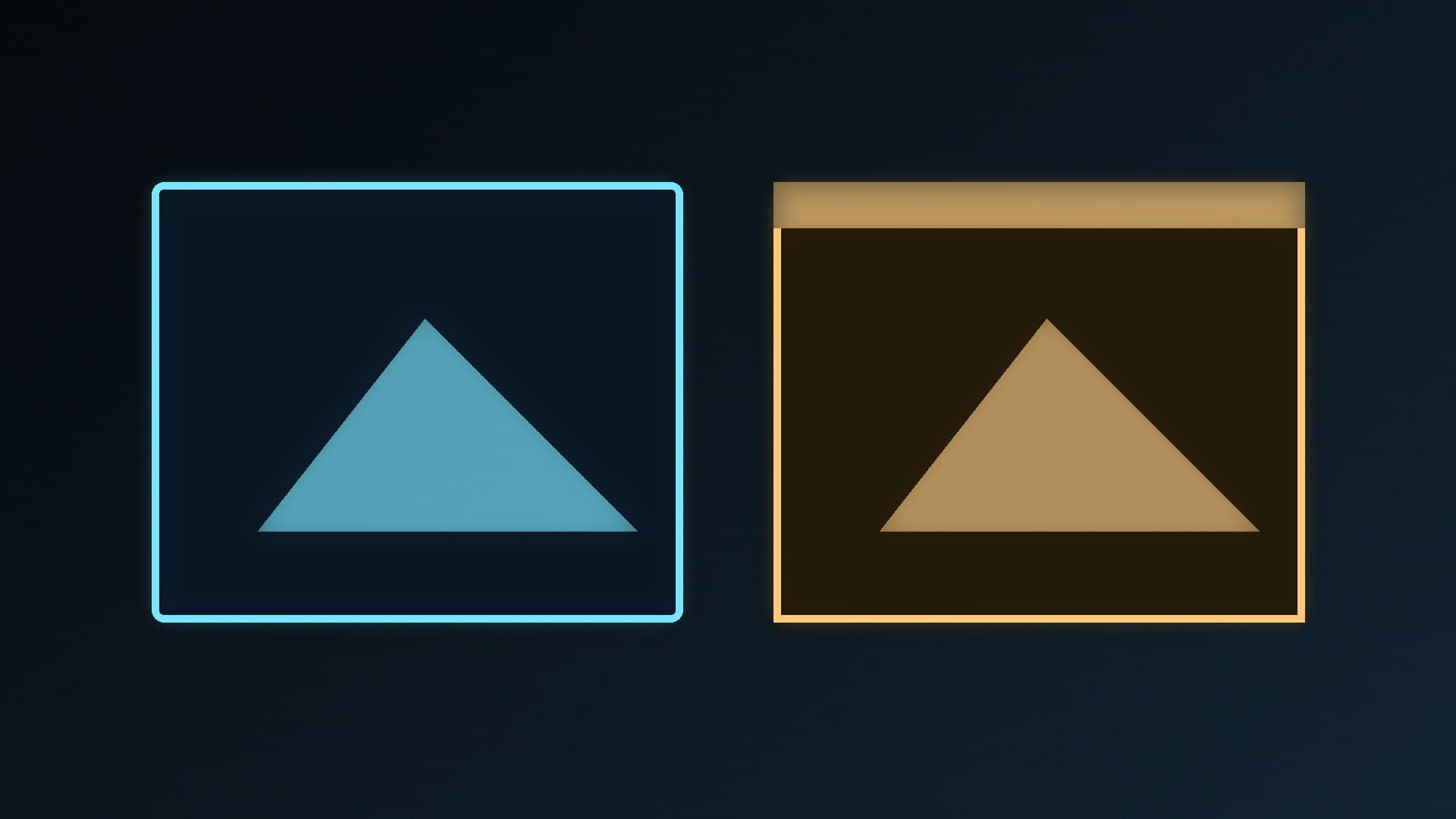
    On Windows 11, exclusive fullscreen and borderless windowed are close. Fullscreen Optimisations already run most fullscreen games in an optimised borderless mode with equal performance on average, Microsoft says, and Optimizations for windowed games helps DirectX 10/11 titles. Use borderless for convenience and test fullscreen if a game misbehaves.

    Callum Reid5 min

  • GGUF vs Safetensors: Which AI Model File Format Do You Need?

    Versus

    GGUF vs Safetensors: Which AI Model File Format Do You Need?

    GGUF is a single-file, usually quantised model format for llama.cpp-based apps such as Ollama and LM Studio, ideal for running chatbots on a gaming PC. Safetensors is Hugging Face's safe, fast format for original model weights, used by PyTorch tools and most ComfyUI image models. Download GGUF for local LLMs and Safetensors for image generation.

    Callum Reid4 min

  • A620 vs B840: AMD's Budget AM5 Motherboard Chipsets Compared

    Versus

    A620 vs B840: AMD's Budget AM5 Motherboard Chipsets Compared

    AMD's spec table shows A620 and B840 are almost identical: PCIe 4.0 graphics and NVMe, no PCIe 5.0, no CPU overclocking, EXPO memory overclocking and the same USB and SATA limits. B840 has 34 usable PCIe lanes to A620's 32. Choose a board on features and price, or step up to B850 for PCIe 5.0 NVMe and CPU overclocking.

    Callum Reid3 min

  • HDMI 2.1 vs HDMI 2.2: What Changes for PC Monitors, Graphics Cards and Cables

    Versus

    HDMI 2.1 vs HDMI 2.2: What Changes for PC Monitors, Graphics Cards and Cables

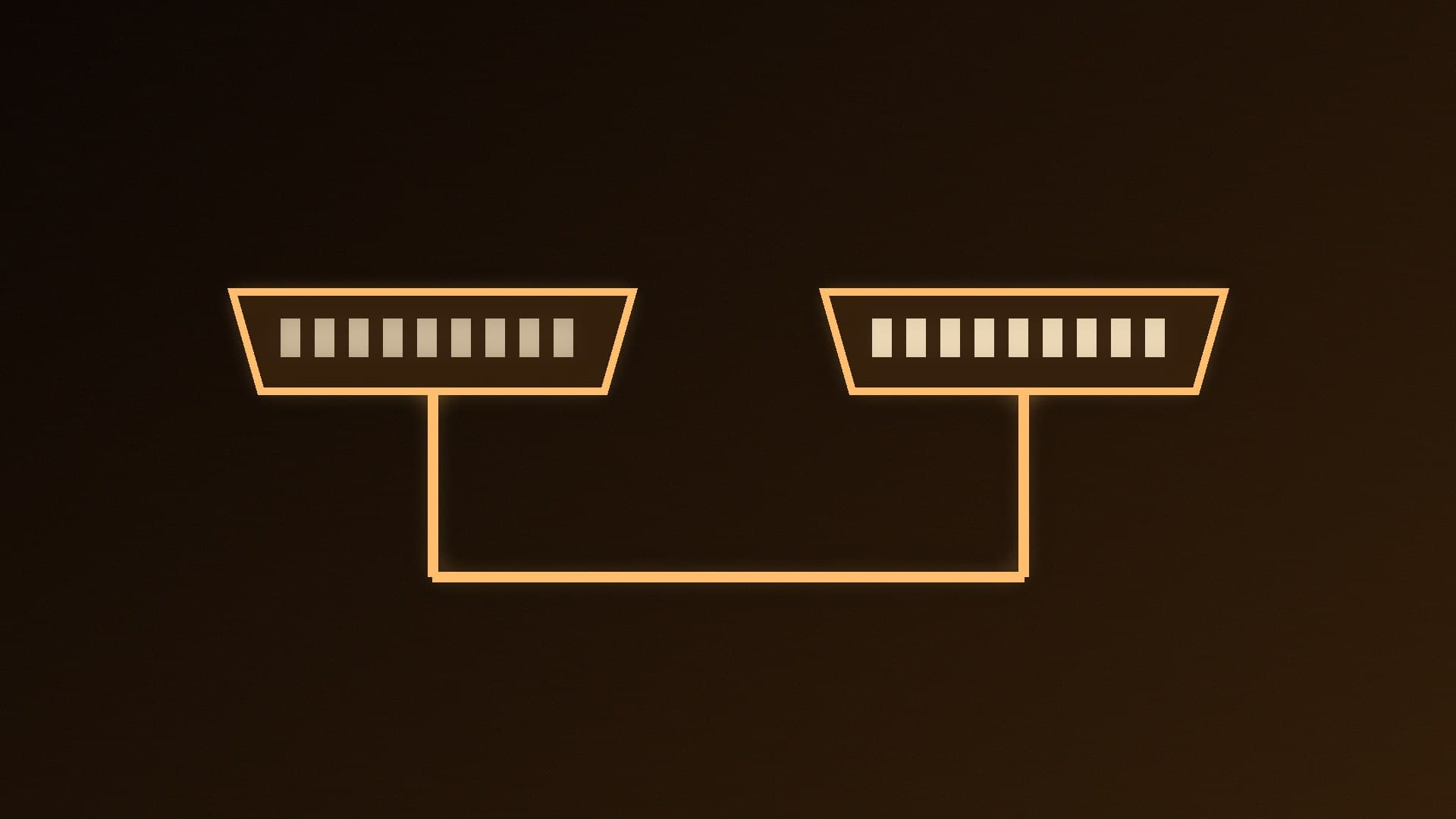
    HDMI 2.2 doubles HDMI's maximum bandwidth from 48Gbps to 96Gbps, enabling uncompressed 4K 240Hz and 8K 60Hz with full chroma. Its Ultra96 label can mean 64, 80 or 96Gbps, so check the real figure, and use a certified Ultra96 HDMI Cable for full bandwidth. For most PCs today, HDMI 2.1 or DisplayPort is still enough.

    Callum Reid4 min

  • HDR10 vs HDR10+ vs Dolby Vision on PC: What Your Monitor's HDR Badge Means

    Versus

    HDR10 vs HDR10+ vs Dolby Vision on PC: What Your Monitor's HDR Badge Means

    HDR10 uses static metadata and is the format Windows HDR is built around. HDR10+ adds royalty-free dynamic metadata, and HDR10+ Gaming certifies both monitor and GPU. Windows picks Dolby Vision automatically on certified monitors, but Microsoft warns some cap brightness in that mode. Panel brightness and contrast matter more than the badge.

    Callum Reid3 min

  • KoboldCpp vs LM Studio: Which Local AI App Should You Use?

    Versus

    KoboldCpp vs LM Studio: Which Local AI App Should You Use?

    KoboldCpp is a single, install-free executable built on llama.cpp, with CUDA and Vulkan builds plus image, speech and agent features and a story-writing UI. LM Studio is a polished app that finds and downloads models for you and serves them over an OpenAI-like API. LM Studio suits most people; KoboldCpp suits tinkerers and writers.

    Callum Reid3 min

  • Single-Rank vs Dual-Rank RAM: What 1Rx8 and 2Rx8 Mean for Your PC

    Versus

    Single-Rank vs Dual-Rank RAM: What 1Rx8 and 2Rx8 Mean for Your PC

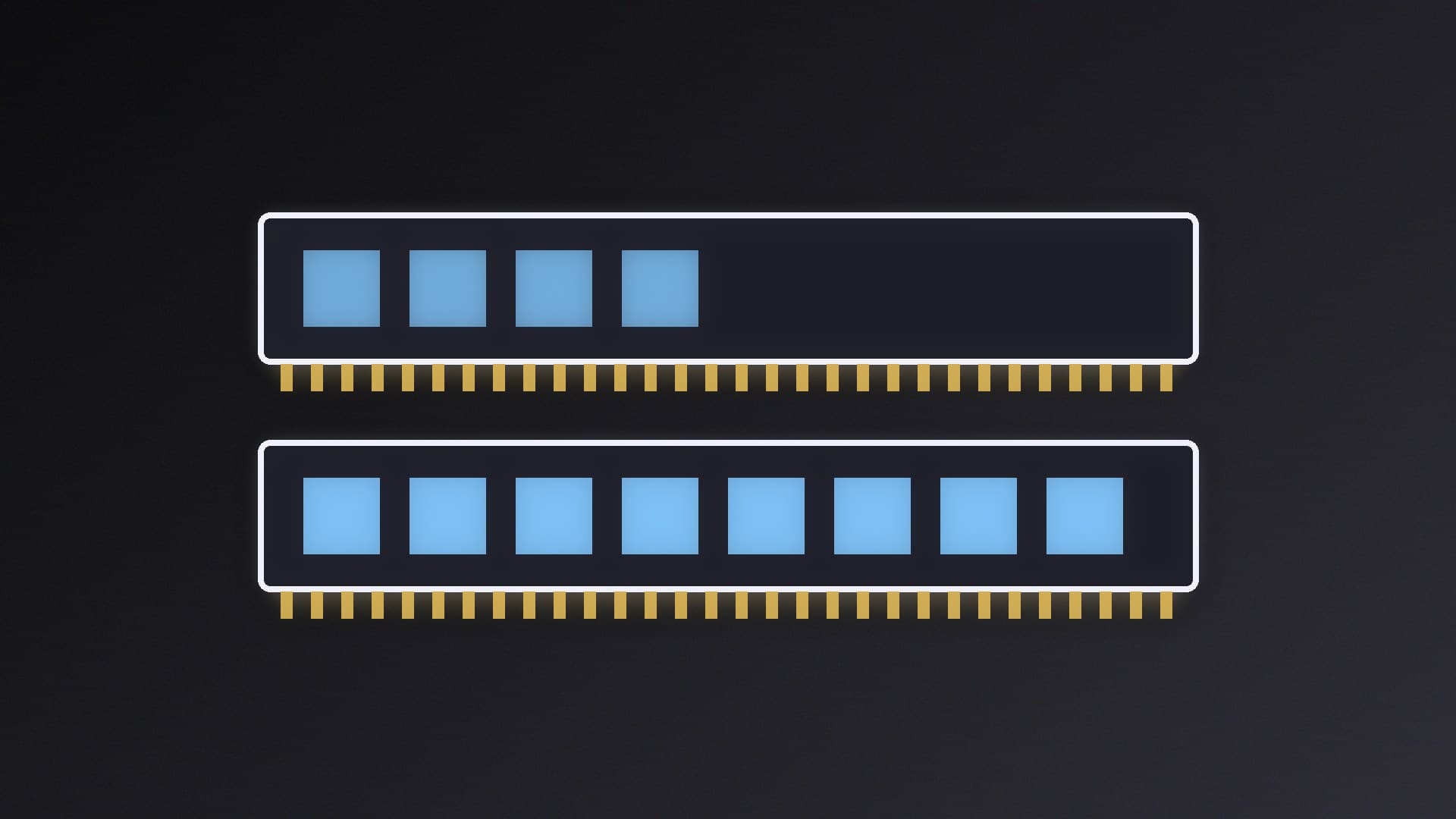
    A memory rank is a 64-bit block of data on a module, shown as 1Rx8 or 2Rx8. Dual-rank RAM generally performs a little better thanks to rank interleaving, says Kingston, but uses more power and loads the memory bus more. Single-rank runs cooler and is what most very fast DDR5 kits use. Pick capacity and speed first.

    Callum Reid3 min

  • llamafile vs Ollama: Single-File Local AI or a Proper Model Manager?

    Versus

    llamafile vs Ollama: Single-File Local AI or a Proper Model Manager?

    llamafile turns a local AI model into one executable you just run, with CUDA, ROCm and Vulkan GPU support and a browser chat, but Windows can't run llamafiles over 4GB. Ollama is an installed service with a model library, ollama ps for checking GPU use and the port 11434 API most local AI apps expect. Use Ollama day to day, llamafile for quick tests.

    Callum Reid4 min

  • PBT vs ABS Keycaps: Which Keycap Plastic Is Better for Your Keyboard?

    Versus

    PBT vs ABS Keycaps: Which Keycap Plastic Is Better for Your Keyboard?

    PBT keycaps are harder, resist shine and feel textured, while ABS keycaps are cheaper, take brighter colours and let RGB through more easily but get shiny with use. Legend type matters too: double-shot legends last longest on either plastic, dye-sub is PBT-only and not backlit, and a well-made ABS set can beat cheap PBT.

    Callum Reid3 min

  • ComfyUI vs InvokeAI: Which Local AI Image Generator Should You Use?

    Versus

    ComfyUI vs InvokeAI: Which Local AI Image Generator Should You Use?

    ComfyUI is the more flexible local AI image generator: a node graph, offline-first core and broad GPU support, including Radeon on Windows via its desktop app. Invoke suits artists, with a layered canvas, inpainting, a gallery and optional node workflows, but it supports AMD GPUs only on Linux. Both are free and open source.

    Callum Reid3 min