For running AI models at home on a single consumer graphics card, NVIDIA's GeForce RTX 5090 and RTX 4090 are the two cards most people end up comparing. The RTX 4090 has been the default "big local AI" card since it launched in October 2022, and the RTX 5090 replaces it with more memory, much more memory bandwidth and Blackwell's new low-precision formats. This comparison uses NVIDIA's official specifications and its RTX Blackwell architecture whitepaper. Forge PC hasn't benchmarked either card, so we don't quote tokens-per-second figures of our own; instead we explain which specs matter for AI and why.
Specs compared
| GeForce RTX 5090 | GeForce RTX 4090 |
|---|
Architecture | Blackwell (GB202) | Ada Lovelace (AD102) |
CUDA cores | 21,760 | 16,384 |
Tensor Cores | 5th generation | 4th generation |
NVIDIA AI TOPS | 3,352 | 1,321 |
Memory | 32GB GDDR7 | 24GB GDDR6X |
Memory interface | 512-bit | 384-bit |
Memory data rate | 28Gbps | 21Gbps |
Memory bandwidth | 1,792GB/s | 1,008GB/s |
L2 cache | 96MB (98,304KB) | 72MB (73,728KB) |
Total graphics power | 575W | 450W |
NVIDIA minimum system power | 1,000W | 850W |
PCIe interface | Gen 5 | Gen 4 |
Sources: NVIDIA's GeForce comparison page and RTX Blackwell GPU architecture whitepaper. AI TOPS are NVIDIA's peak figures, and its whitepaper presents FP4 as new in RTX Blackwell, so don't read the roughly 2.5x gap as a real-world speed-up.
Why memory capacity matters most
For local AI, the first question is whether a model fits in VRAM at all. When a model's weights, plus the memory needed for its context (the KV cache), fit entirely on the GPU, it runs at full speed. When they don't, software either refuses to load it or spills part of it into much slower system RAM. Our how much VRAM do you need guide covers this in detail.
The RTX 5090's 32GB is a third more than the RTX 4090's 24GB. As a rough rule of thumb, a model's weights take about its parameter count multiplied by the bits per weight, divided by eight: so a 32-billion-parameter model quantised to 4 bits needs around 16GB for weights alone, before context and overhead. That extra 8GB on the RTX 5090 gives you room for:
Larger models at the same quantisation, or the same model at a higher-quality quantisation. Our GGUF quantisation explainer explains the trade-off.
Longer context. The KV cache grows with context length, so 32GB lets you keep more of a long document or conversation on the GPU. See our context length and VRAM explainer.
Bigger image and video models with fewer memory-saving tricks.
Why memory bandwidth matters for LLM speed
Once a model fits, bandwidth becomes the key spec for chatbot-style use. NVIDIA's own technical blog on LLM inference explains that generating output tokens (the decode phase) is memory-bound, and that model execution is "frequently memory-bandwidth bound", in particular by the weights. Each new token needs the model's weights to be read from memory, so how fast the card can move data matters more than raw compute.
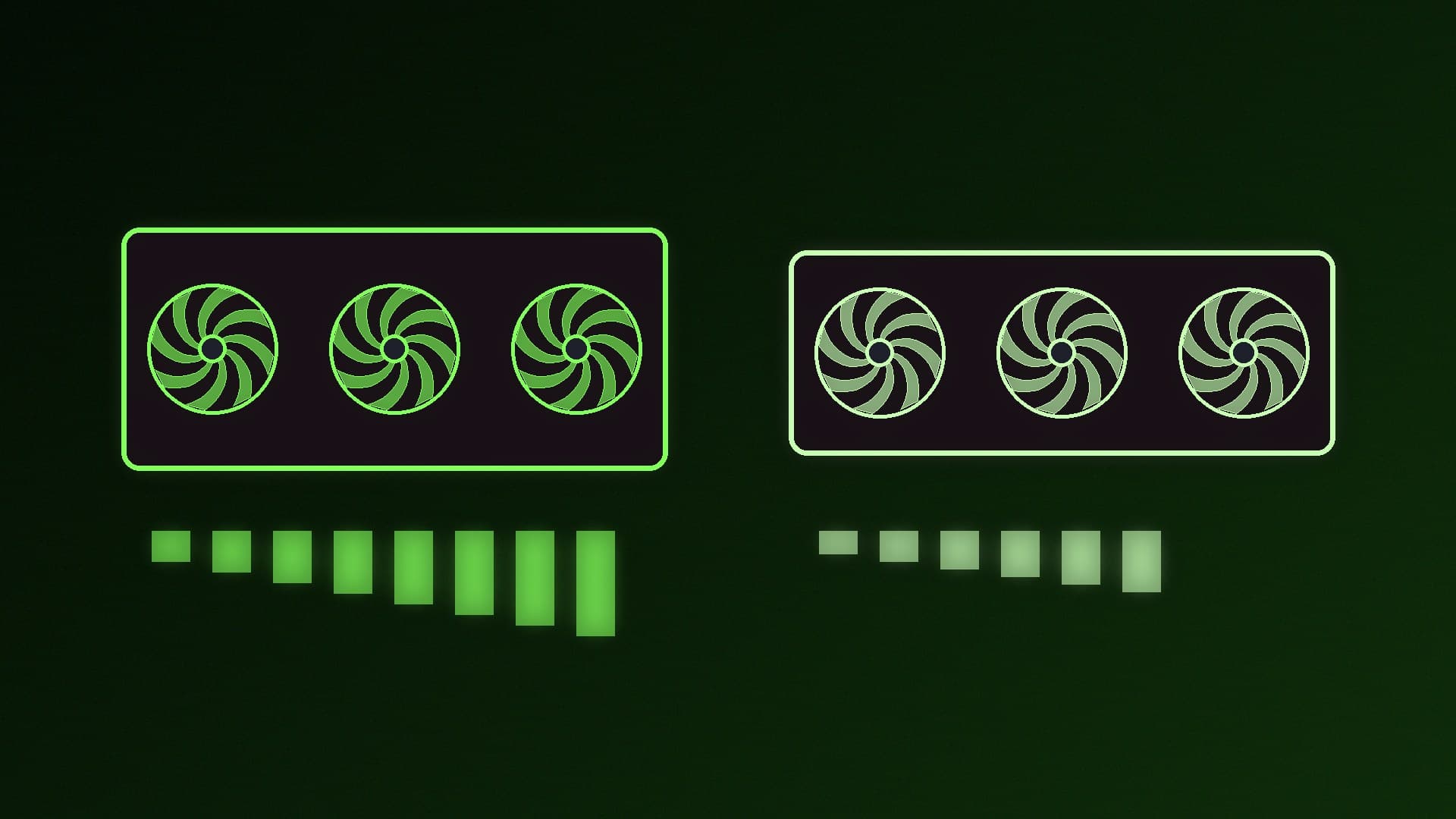
Here the RTX 5090's advantage is large: 1,792GB/s against 1,008GB/s, about 78% more bandwidth, thanks to faster GDDR7 on a wider 512-bit bus. All else being equal, that points to noticeably faster token generation on models that fit in both cards, though real results depend on the software, model and settings. For independent numbers, check reviews that include LLM benchmarks before you buy.
Prompt processing (reading your input, the prefill phase) is more compute-bound, and there the 5090's extra CUDA cores and newer Tensor Cores help too.
FP4 and Blackwell's Tensor Cores
NVIDIA's whitepaper says RTX Blackwell Tensor Cores support FP16, BF16, TF32, INT8 and the FP8 Transformer Engine, and add FP4 and FP6 Tensor Core operations. At 4 bits per value, FP4 weights take half the memory of FP8. Because NVIDIA describes FP4 and FP6 as new additions in RTX Blackwell, FP4-specific models and optimisations are a Blackwell advantage over the RTX 4090. Our FP4 vs FP8 vs FP16 guide explains what these formats mean and which tools use them.
That said, most people running local LLMs at home use quantised GGUF models in tools such as Ollama, LM Studio or llama.cpp, which run on both cards. FP4 matters most if you use NVIDIA-optimised runtimes or image models published in that format.
Power, cooling and your PSU
The RTX 5090 is rated at 575W total graphics power against the RTX 4090's 450W, and NVIDIA's minimum system power rises from 850W to 1,000W (based on a Ryzen 9 9950X system). NVIDIA lists the RTX 5090's power connection as four PCIe 8-pin cables via the adapter in the box, or one 600W PCIe Gen 5 cable; the RTX 4090 needs three 8-pin cables or one 450W-or-greater Gen 5 cable.
In practice, an RTX 5090 build needs a quality PSU of at least 1,000W, ideally with a native 12V-2x6 cable; see our best 1000W power supplies, and follow our guide to connecting 12V-2x6 cables safely. If your PC runs AI jobs for hours, you can also cap the card's power to cut heat and noise; our nvidia-smi power limit guide shows how.
Software support
Both cards are CUDA GPUs, so tools such as Ollama, LM Studio and llama.cpp run on either. If you're installing PyTorch yourself, make sure your build matches your card and driver; our PyTorch with CUDA on Windows guide covers matching versions.
Which should you buy?
Choose the RTX 5090 if: - You want the most VRAM and bandwidth available on a single consumer GeForce card. - You run 30B-class or larger models, long contexts or large image and video models. - You want FP4 support for newer NVIDIA-optimised models. - Your PSU and case can handle a 575W card.
Choose the RTX 4090 if: - You can find one at a sensible price, new or used. Our used GPU for local AI guide explains what to check. - The models you use fit in 24GB, and you're happy with slower token generation than the 5090. - You want lower power draw and an 850W PSU requirement.
If neither fits your budget, the RTX 5080 vs RTX 4090 comparison and our best GPU for local LLMs guide cover cheaper options. If you need more than 32GB, see RTX PRO 6000 vs RTX 5090, or consider running models across two GPUs.
Our verdict
For local AI, the RTX 5090 is a clear step up from the RTX 4090: 32GB instead of 24GB means bigger models and longer contexts fit on the card, about 78% more memory bandwidth (1,792GB/s vs 1,008GB/s) should translate into faster token generation, and FP4 support future-proofs it for Blackwell-optimised models. The cost is more power and a 1,000W PSU requirement. If your models already fit in 24GB and you can find a good-value RTX 4090, it's still a very capable AI card; otherwise, the RTX 5090 is the one to buy.