We've already compared the RX 9070 XT and RTX 5070 Ti for gaming. This time the question is local AI: running chatbots (LLMs) with apps like Ollama and LM Studio, and generating images in tools like ComfyUI. Both cards have 16GB of video memory, which is what decides which models fit, but they differ a lot in memory bandwidth, software support and price. This comparison uses AMD's and NVIDIA's official specs, TechSpot's spec tables and the Ollama and AMD ROCm documentation. Forge PC hasn't run AI benchmarks on either card, so there are no tokens-per-second or image-time figures here.
The short answer
| AMD Radeon RX 9070 XT | NVIDIA GeForce RTX 5070 Ti |
|---|
Video memory | 16GB GDDR6 | 16GB GDDR7 |
Memory bus and bandwidth | 256-bit, up to 640GB/s | 256-bit, 896GB/s |
AI hardware | 128 AI accelerators; 389 TOPS INT8 (779 with sparsity) | 5th-gen Tensor Cores; 1,406 AI TOPS (NVIDIA's figure) |
Shader cores | 4,096 stream processors | 8,960 CUDA cores |
Board power | 304W typical | 300W total graphics power |
Recommended PSU | 750W | 750W |
Main AI software route | ROCm on Linux and Windows, plus Vulkan | CUDA, supported almost everywhere |
Cheapest UK price (approx., 20 Nov 2026) | About £820 | About £1,212 |
AMD figures are from its RX 9070 XT spec page; NVIDIA figures from its RTX 5070 family page; bandwidth for the RTX 5070 Ti from TechSpot. UK prices are the cheapest new listings found by SpecPrice at 02:50 GMT on 20 November 2026 and will change.
The two companies quote AI performance differently (AMD lists INT8 with and without sparsity; NVIDIA gives a single AI TOPS figure), so treat the TOPS numbers as rough rather than directly comparable.
Memory: the same 16GB, different speeds
For local AI, the amount of VRAM matters most, because it decides which models you can load fully on the GPU. Both cards have 16GB, so they can hold the same models and context lengths. Our LLM context length and VRAM guide explains how to work out what fits.
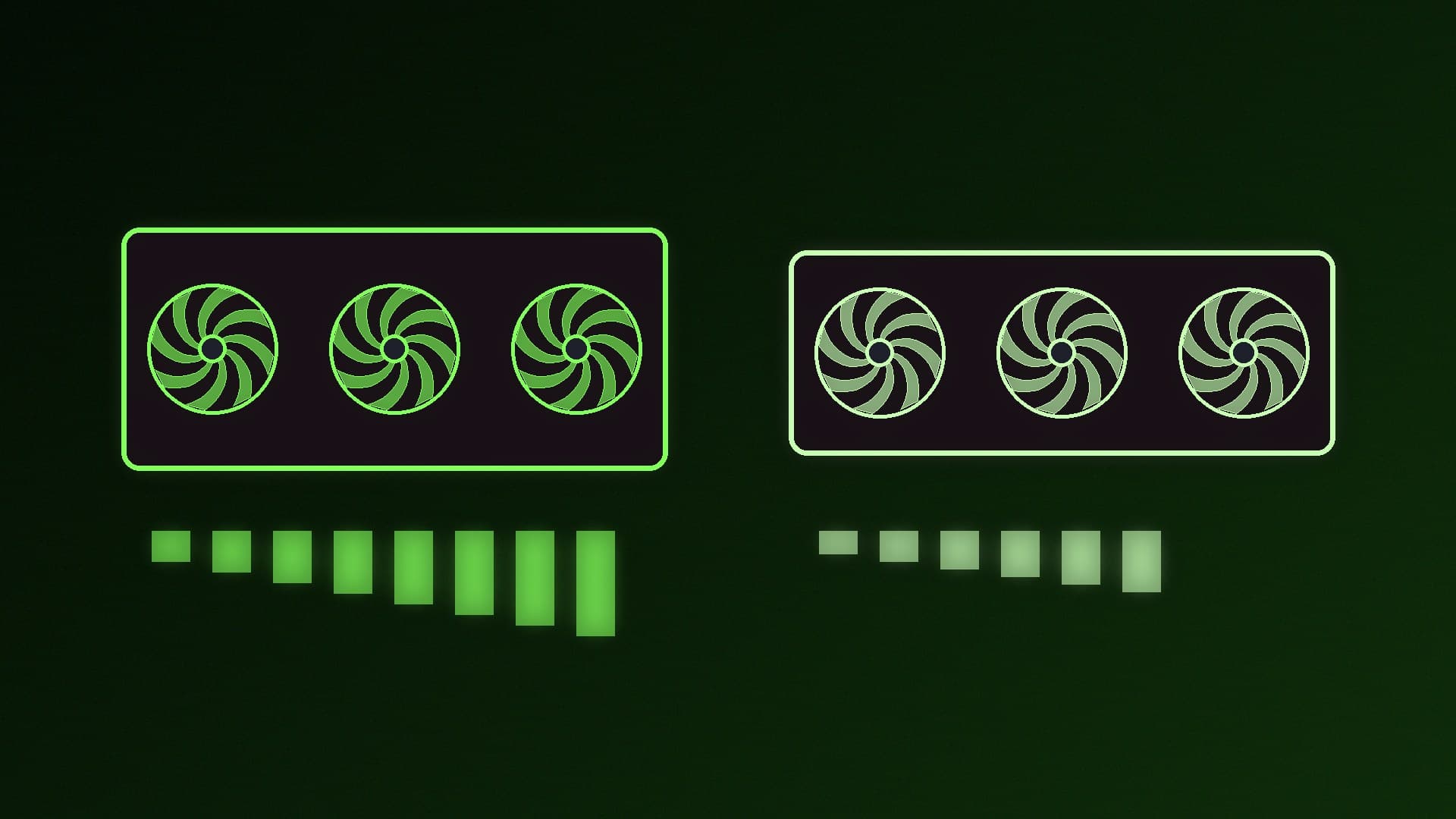
The difference is bandwidth. The RTX 5070 Ti's GDDR7 gives it 896GB/s, according to TechSpot, against up to 640GB/s for the RX 9070 XT, about 40% more. Generating text with an LLM reads the model's weights from memory for every token, so memory bandwidth has a big influence on how quickly text appears. On paper that favours the RTX 5070 Ti for chatbots, but real-world speed also depends on the software backend and how well it's optimised for each card.
Software: CUDA vs ROCm and Vulkan
This is where the two cards differ most.
NVIDIA's CUDA is the most widely supported platform for local AI software, and NVIDIA cards work with Ollama, LM Studio, llama.cpp and ComfyUI without extra steps.
AMD's support is much better than it was, with a few caveats:
Ollama on Linux lists the RX 9070 XT (gfx1201) as a supported GPU through ROCm.
Ollama on Windows lists only RX 7000 series Radeon cards for its ROCm support at the time of writing. On Windows, Ollama also supports other GPUs through Vulkan, which it says is enabled by default when the backend is installed and needs no extra setup on most Windows drivers.
AMD's HIP SDK for Windows system requirements list the RX 9070 XT (gfx1201) as a supported GPU.
So chatbot apps like Ollama run on the RX 9070 XT on both Linux and Windows, but some image, video and audio projects may need extra steps or a Linux install. Our guide to running local AI on an AMD Radeon GPU covers the current options, and setting up WSL2 for local AI is another route.
Price: a gap of about £390
On 20 November 2026, the cheapest RX 9070 XT SpecPrice found in the UK was about £820, across seven shops, while the cheapest RTX 5070 Ti was about £1,212. That's a difference of roughly £390, or nearly half as much again for the NVIDIA card. Prices may move during Black Friday week, so check on the day.
For the price of the RTX 5070 Ti, you could put the difference towards more system RAM, which helps when models spill over from VRAM, or a larger SSD for model files. Our how much RAM for local AI guide explains why that matters.
Power and size
The two cards draw similar power: AMD lists 304W typical board power for the RX 9070 XT and NVIDIA 300W total graphics power for the RTX 5070 Ti, and both companies recommend a 750W power supply. Partner cards vary in size and power, so check the specific model's length and power connectors. Our best 750W power supply guide has suitable PSUs.
Which should you buy?
Buy the RTX 5070 Ti if you want the widest software support and the least troubleshooting, plan to try lots of image, video and audio AI projects, or care most about LLM text speed, where its higher memory bandwidth should help.
Buy the RX 9070 XT if you mainly run chatbots through Ollama or LM Studio, are comfortable with Linux or occasional workarounds, and want to save around £390 for the same 16GB of VRAM.
If 16GB isn't enough for the models you want, compare with our RTX 5070 Ti vs RTX 5080 for local AI and RTX 3090 vs RTX 5070 Ti for local AI articles, or see our best GPU for local LLMs guide.
Our verdict
The RTX 5070 Ti is the safer choice for local AI: it has 40% more memory bandwidth and CUDA support in nearly every AI app. But at about £390 more in the UK right now, the RX 9070 XT is a serious alternative for anyone who mainly runs LLMs, with the same 16GB of VRAM and growing ROCm and Vulkan support. If you want things to just work, pay for the NVIDIA card; if you're happy to tinker, the Radeon saves a lot of money.