If you want to run local AI models without spending a fortune, 16GB of VRAM is the sweet spot, and the cheapest current cards that offer it are AMD's Radeon RX 9060 XT 16GB and NVIDIA's GeForce RTX 5060 Ti 16GB. We've already compared them for gaming; this guide looks at them for local LLMs and image generation. It's based on AMD's and NVIDIA's official specifications, Ollama's and AMD's software documentation, TechSpot's published specs and SpecPrice's UK prices. Forge PC hasn't benchmarked either card for AI, so there are no tokens-per-second figures here.
The short answer
| Radeon RX 9060 XT 16GB | GeForce RTX 5060 Ti 16GB |
|---|
VRAM | 16GB GDDR6 | 16GB GDDR7 |
Memory bus | 128-bit | 128-bit |
Memory bandwidth | Up to 320GB/s (AMD) | 448GB/s (TechSpot) |
Compute | 32 compute units, 2,048 stream processors, 64 AI accelerators | 4,608 CUDA cores |
Board power | 160W typical (AMD) | 180W total graphics power (NVIDIA) |
Main AI software path on Windows | Vulkan in Ollama; ROCm-based PyTorch preview | CUDA |
Cheapest UK price, 19 Nov 2026 (approx.) | about £609.98 | about £699.98 |
UK prices are SpecPrice's cheapest new listings, checked at 22:50 GMT on 19 November 2026, and will change.
Same VRAM, different memory speed
For running a language model, VRAM capacity decides what fits, and memory bandwidth has a big influence on how quickly it generates text, because the GPU has to read the model's weights for every token. Both cards have 16GB, so they can hold the same size of model and context.
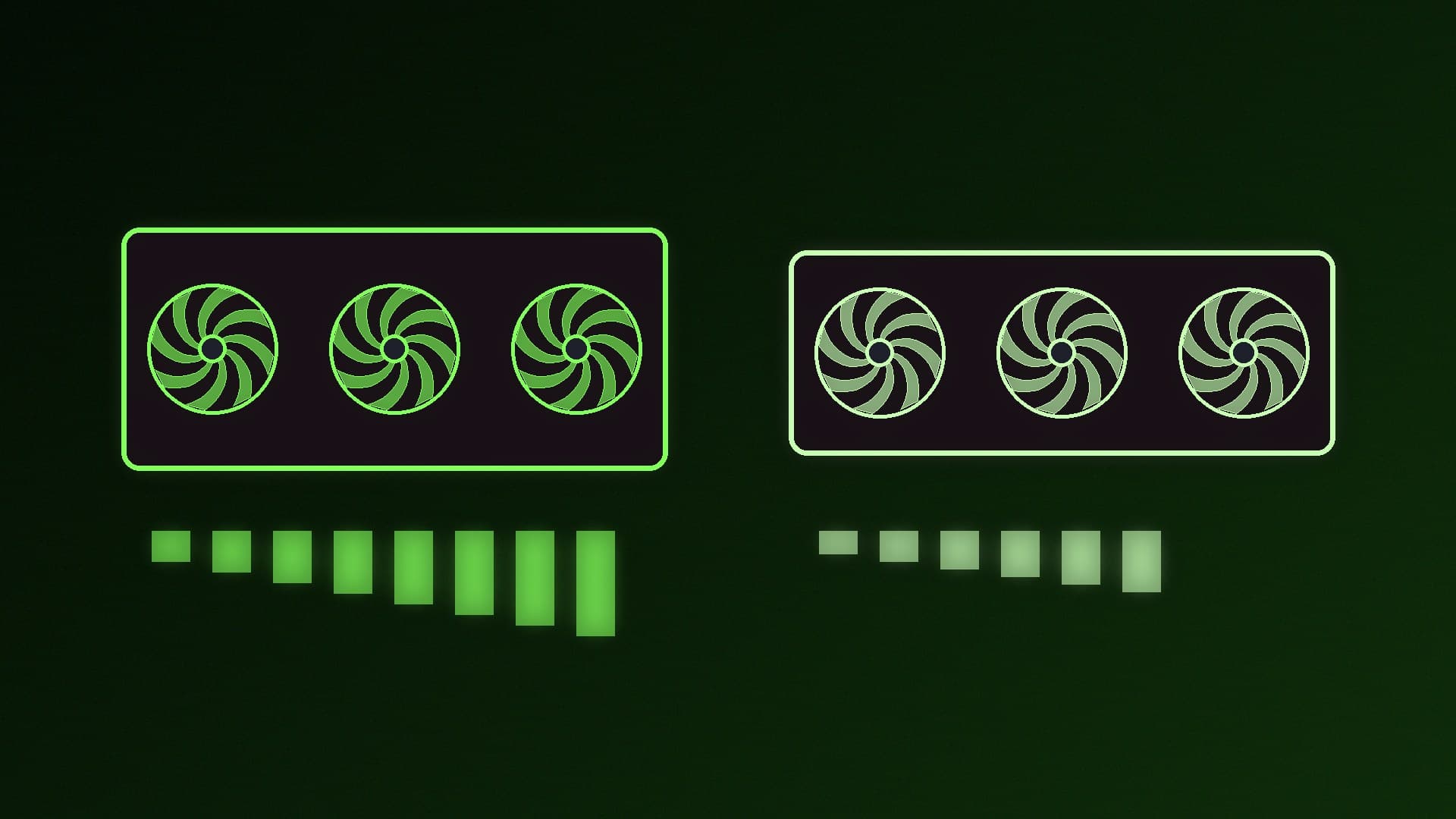
The difference is speed. AMD lists the RX 9060 XT 16GB at up to 320GB/s from 20Gbps GDDR6 on a 128-bit bus. TechSpot lists the RTX 5060 Ti at 448GB/s from 28Gbps GDDR7, also on a 128-bit bus. That's 40% more bandwidth for the NVIDIA card on paper. We haven't measured how that translates into tokens per second, so treat it as a strong pointer rather than a result. Our GDDR7 vs GDDR6 and how much VRAM you need guides explain why these numbers matter.
Don't compare the headline AI figures directly. NVIDIA quotes 759 "AI TOPS" for the RTX 5060 Ti, while AMD lists 205 TOPS of INT8 matrix performance (410 TOPS with structured sparsity) for the RX 9060 XT. They are measured in different ways, so the gap between them doesn't tell you much about real AI speed.
Software support: the bigger difference
NVIDIA RTX 5060 Ti. Ollama lists GeForce RTX 50 series cards, including the RTX 5060 Ti, under compute capability 12.0 in its supported GPUs, using CUDA. CUDA is the platform our own ComfyUI and PyTorch guides use. See our guides to checking your CUDA version and installing PyTorch with CUDA.
AMD RX 9060 XT. Support depends on your operating system:
Linux: Ollama lists the RX 9060 XT among the AMD GPUs it supports through ROCm.
Windows: Ollama's Windows ROCm list currently covers Radeon RX 7000 series cards, not the RX 9060 XT. Ollama says additional GPU support on Windows and Linux comes through Vulkan, which is enabled by default and normally needs no extra setup on Windows, so that's how a 9060 XT will usually run in Ollama on Windows.
PyTorch and ComfyUI on Windows: AMD's ROCm documentation lists the RX 9060 XT as supported for PyTorch on Windows with ROCm 7.2.1 components, but notes that the full ROCm stack isn't yet supported on Windows. AMD's HIP SDK for Windows 7.2.0 documentation also lists the RX 9060 XT.
In short, the Radeon card works for local AI, but expect more tinkering, and check each app's AMD support before you buy. Our guides to running local AI on an AMD Radeon GPU and NVIDIA vs AMD for local AI go deeper.
Power and the rest of your PC
AMD lists a 160W typical board power for the RX 9060 XT, and NVIDIA lists 180W total graphics power for the RTX 5060 Ti, based on its reference specifications. Partner cards can differ. AMD lists PCIe 5.0 x16 for the RX 9060 XT, while TechSpot lists the RTX 5060 Ti as PCIe 5.0 x8, which is worth knowing if your motherboard only has PCIe 4.0 or 3.0. If you'll run long AI jobs, also check your VRAM usage and system RAM, because Ollama's documentation advises avoiding offloading the model to the CPU for best performance.
Which should you buy?
Buy the RTX 5060 Ti 16GB if local AI is a main reason for the upgrade. It has 40% more memory bandwidth on paper and the smoothest software support across Ollama, LM Studio, ComfyUI and PyTorch.
Buy the RX 9060 XT 16GB if you mainly game, want local AI as a bonus, are comfortable with Vulkan or Linux, and would rather keep about £90 in your pocket at current UK prices.
Consider stepping up if you can stretch the budget. Our RTX 5060 Ti 16GB vs RTX 5070 for local AI comparison and best GPU for local LLMs guide cover the alternatives, and a used GPU can offer more VRAM for the money.
Whichever you buy, avoid the 8GB versions for AI. Our RX 9060 XT 8GB vs 16GB guide explains why.
Our verdict
For local AI, the RTX 5060 Ti 16GB is the safer choice: same 16GB as the Radeon, about 40% more memory bandwidth on paper (448GB/s vs 320GB/s) and CUDA support. The RX 9060 XT 16GB is about £90 cheaper in the UK on 19 November 2026 and is supported through Vulkan in Ollama and through ROCm on Linux, so it makes sense if gaming comes first and you don't mind some extra setup.