HDMI 2.2 is the newest version of the HDMI specification, and you'll start to see it, and a new "Ultra96" label, on spec sheets and cable packaging. The headline change is bandwidth, but the labelling and cable rules matter just as much when you're buying. This comparison is based on HDMI Licensing Administrator's official pages. Forge PC hasn't tested any HDMI 2.2 hardware, and which monitors, graphics cards and cables support it is up to each manufacturer, so always check the product's own specs.
The short answer
| HDMI 2.1 | HDMI 2.2 |
|---|
Maximum bandwidth | Up to 48Gbps | Up to 96Gbps |
Certified cable | Ultra High Speed HDMI Cable (entered the market in 2020) | Ultra96 HDMI Cable |
Feature name to look for | - | "Ultra96" (64, 80 or 96Gbps) |
Backward compatible with earlier HDMI versions | - | Yes |
Bandwidth: 48Gbps vs 96Gbps
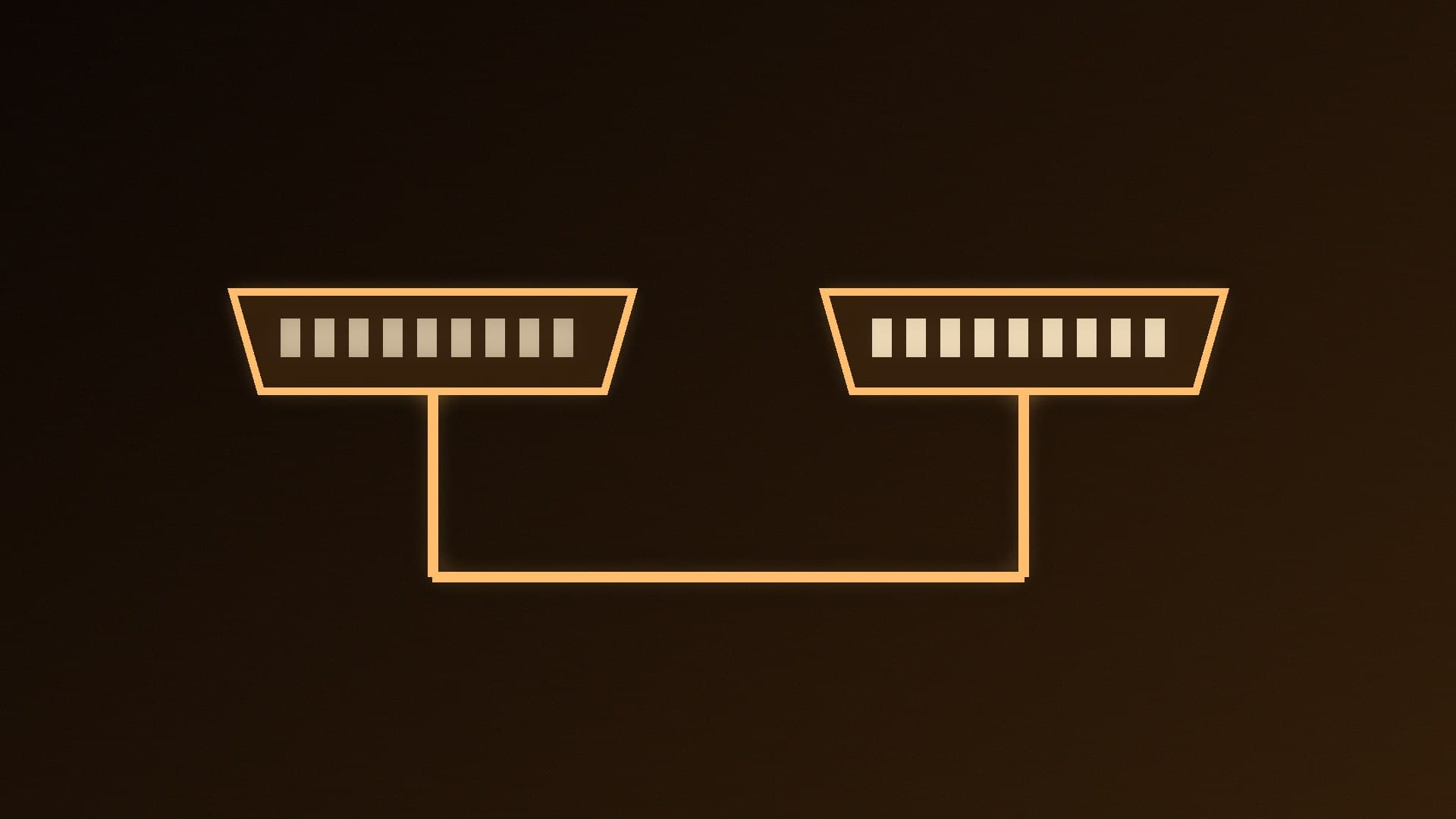
HDMI LA says the Ultra High Speed HDMI Cable was introduced with the HDMI 2.1 Specification and is meant for systems supporting up to 48Gbps. HDMI 2.2 raises the maximum to 96Gbps, using what HDMI LA calls next-generation Fixed Rate Link technology.
More bandwidth means more pixels, more frames and more colour data without compression. HDMI LA lists these HDMI 2.2 capabilities:
4K at 240Hz and 8K at 60Hz, both uncompressed with full chroma (4:4:4) and 10-bit or 12-bit colour.
Higher resolutions up to 12K at 120Hz and 16K at 60Hz, and support for 10K, 12K and 16K.
For PC gamers, the 4K 240Hz uncompressed point is the most relevant, as high-refresh 4K monitors are now common. If you're choosing a refresh rate, see 144Hz vs 240Hz.
The Ultra96 label
This is the part most likely to confuse buyers. HDMI LA says "Ultra96" is a feature name manufacturers are encouraged to use when a product supports a maximum of 64Gbps, 80Gbps or 96Gbps in line with HDMI 2.2. So an Ultra96 device isn't necessarily a full 96Gbps device; it could support 64Gbps or 80Gbps. Check the spec sheet for the actual figure and the resolutions and refresh rates supported.
HDMI LA says manufacturers may use the Ultra96 name on HDMI ports, spec sheets, user guides, on-screen displays, marketing and packaging.
Cables: Ultra96 vs Ultra High Speed
Ultra96 HDMI Cable: supports up to 96Gbps and, according to HDMI LA, is the only cable that supports all HDMI 2.2 applications. Products that use the Ultra96 name require it to make sure their maximum bandwidth is properly supported. HDMI LA says it can be used with existing HDMI devices.
Ultra High Speed HDMI Cable: the HDMI 2.1-era cable, for setups up to 48Gbps.
Both are part of HDMI's mandatory Ultra HDMI Cable Certification Program. HDMI LA says certified cables must carry a certification label on the packaging, the cable name must appear on the cable jacket, and the label can be scanned with a standard QR code app to check the model is certified. That's the easiest way to avoid counterfeit or mislabelled cables.
Is HDMI 2.2 backward compatible?
Yes. HDMI LA says HDMI 2.2 is backward compatible with earlier versions. Our advice: to get the extra bandwidth, the graphics card, the cable and the display all need to support it, so check all three. HDMI 2.2 also includes the Latency Indication Protocol (LIP), which HDMI LA describes as improving audio and video sync, especially in setups with an AV receiver or soundbar.
HDMI or DisplayPort for a PC?
In our view, HDMI matters most on PC when you connect to a TV, or to a monitor whose best mode is only available over HDMI; otherwise check what DisplayPort version your card and monitor offer. Our DisplayPort vs HDMI for gaming guide covers the wider comparison, and G-Sync vs FreeSync explains variable refresh rate support.
Should you wait for HDMI 2.2?
Our view: not usually. If your monitor or TV and graphics card already support what you need over HDMI 2.1 or DisplayPort, HDMI 2.2 won't change much today. It's worth looking for if you're buying a high-end display intended to run 4K at 240Hz or above over HDMI without compression, and then the graphics card, display and cable all need to support it. When you're shopping for a display, see the best 4K gaming monitors, and once it's connected, how to change your monitor's refresh rate.
Our verdict
HDMI 2.2 doubles HDMI's top bandwidth from 48Gbps to 96Gbps, enabling uncompressed 4K at 240Hz and 8K at 60Hz with full chroma and 10- or 12-bit colour. The key buying advice is about labels: "Ultra96" can mean 64, 80 or 96Gbps, so check the real figure, and use a certified Ultra96 HDMI Cable (scan the QR label) if you want full HDMI 2.2 bandwidth. For most PC setups today, HDMI 2.1 or DisplayPort is still enough.