NVIDIA's GeForce RTX 5070 and AMD's Radeon RX 9070 are close rivals for 1440p gaming, as we covered in our RX 9070 vs RTX 5070 gaming comparison. For running large language models locally, the choice comes down to something simpler: how much video memory you get, and how well your AI software supports the card. This comparison uses NVIDIA's and AMD's official specifications, Ollama's hardware documentation and SpecPrice's UK price tracking on 20 November 2026. Forge PC hasn't benchmarked either card for AI, so we don't quote tokens-per-second figures.
Specs that matter for local AI
| NVIDIA GeForce RTX 5070 | AMD Radeon RX 9070 |
|---|
Video memory | 12GB GDDR7 | 16GB GDDR6 |
Memory bus | 192-bit | 256-bit |
Memory bandwidth | 672GB/s | Up to 640GB/s |
AI hardware | 5th-gen Tensor Cores; 988 AI TOPS (NVIDIA's figure) | 112 AI accelerators; 289 TOPS INT8 (578 with sparsity), AMD's figures |
Power | 250W total graphics power | 220W typical board power (650W minimum PSU) |
Main AI software route | CUDA, supported almost everywhere; Vulkan | ROCm (Ollama lists it on Linux) and Vulkan |
Cheapest UK price (approx., 20 Nov 2026) | About £750 | About £656 |
The two companies' AI performance figures are measured differently, so don't compare TOPS numbers directly.
VRAM: the RX 9070's big advantage
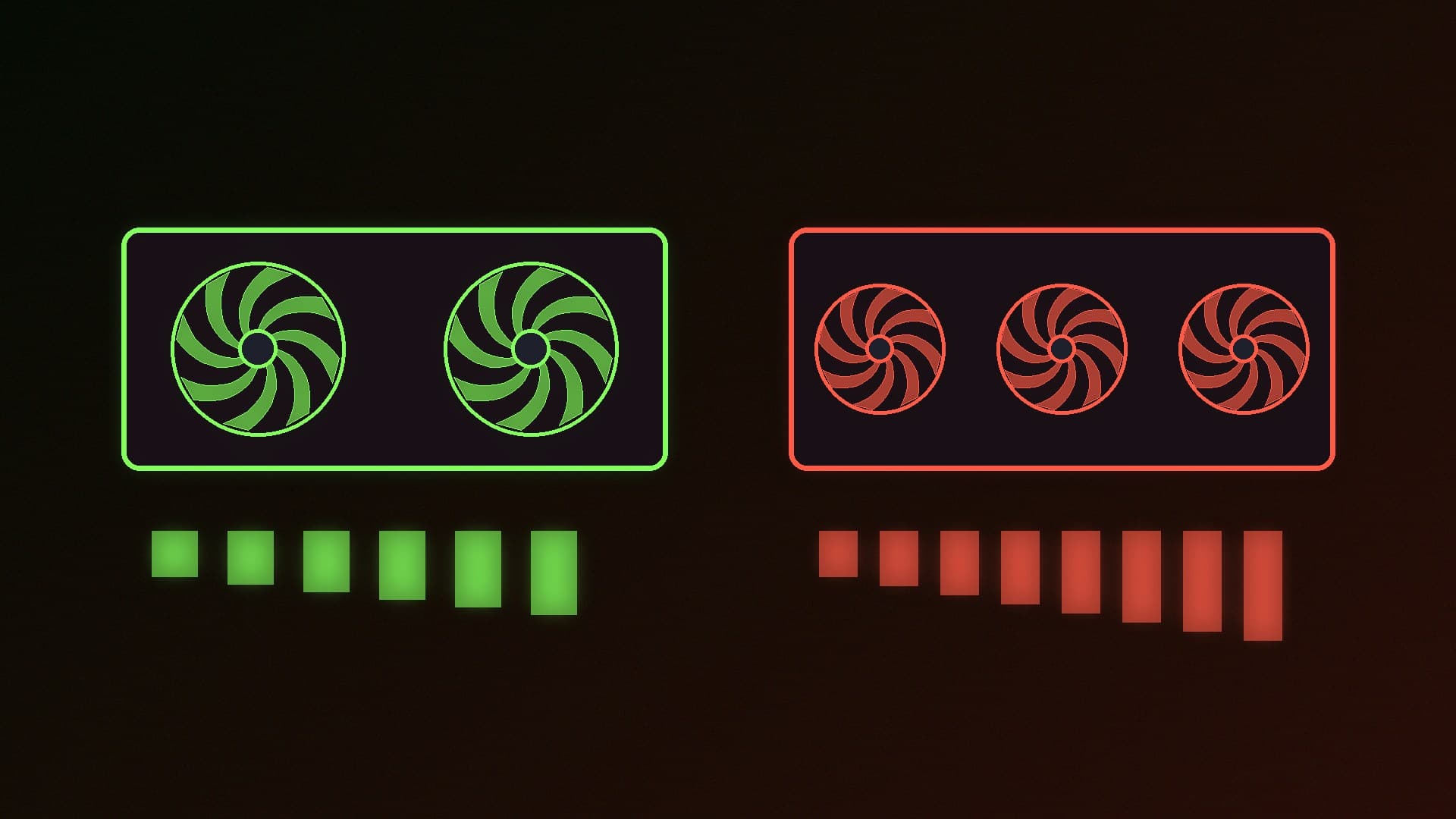
For local LLMs, VRAM decides which models fit entirely on the GPU. The RX 9070's 16GB gives you 4GB more room than the RTX 5070's 12GB. That extra space can be used for a larger model, a less heavily quantised version of the same model, or a longer context window, which also uses memory. Once a model doesn't fit in VRAM, tools spill layers into system RAM and generation slows sharply. Our guides to how much VRAM you need and context length and VRAM explain the maths.
Bandwidth: roughly level
Token generation speed is generally limited by memory bandwidth, because the GPU has to read the model's weights for every token it generates. NVIDIA lists 672GB/s for the RTX 5070 and AMD up to 640GB/s for the RX 9070, so on paper they're within about 5% of each other for models that fit on both cards. NVIDIA's faster GDDR7 makes up for its narrower 192-bit bus.
Software: CUDA's advantage
CUDA is still the most widely supported route for AI software, from LLM runners to image generators and training tools, so the RTX 5070 will generally work with less fuss. Support for Radeon has improved: Ollama's hardware documentation lists the RX 9070 among AMD cards supported through ROCm on Linux. Its Windows ROCm list covers RX 7000-series cards, not the RX 9070, but Ollama also supports GPUs through Vulkan on Windows and Linux. Our guide to running local AI on an AMD Radeon GPU covers the options. If you want to experiment beyond chatbots, check that your specific apps support ROCm or Vulkan before buying the AMD card.
Price
SpecPrice's tracker on 20 November 2026 showed the cheapest RX 9070 at about £656 (AWD-IT) and the cheapest RTX 5070 at about £750 (Overclockers UK). That makes the RX 9070 both cheaper and better equipped with memory, by roughly £94 at those prices. Prices are approximate and move quickly around Black Friday; check before buying.
Which should you buy?
Choose the RX 9070 if your main goal is running local LLMs. 16GB of VRAM lets you run larger models or longer contexts than 12GB, at a lower UK price, and popular tools such as Ollama support it (through Vulkan on Windows).
Choose the RTX 5070 if you want the widest AI software compatibility, use CUDA-only tools, or care more about NVIDIA features for gaming. Just accept that 12GB will limit model size. If you're considering stretching your budget, our RTX 5060 Ti 16GB vs RTX 5070 for local AI comparison shows another way to get 16GB on NVIDIA.
Our verdict
For local AI, the RX 9070 is the better-value card: it has 16GB of VRAM against 12GB, near-identical memory bandwidth and, at about £656 against about £750 on 20 November 2026, a lower price. The RTX 5070's advantage is CUDA's broader software support, not raw capacity. If you mainly chat with LLMs through Ollama or similar tools, pick the RX 9070; if you rely on CUDA-only apps, the RTX 5070 is the safer choice despite its smaller memory.