With Black Friday deals landing on 27 November, plenty of people will be weighing up a 4K webcam against a cheaper 1080p model. The number on the box isn't the whole story. Where your video ends up, the frame rate you want, your USB ports and your lighting all affect whether 4K makes a visible difference. This comparison uses the official specifications of two current 4K webcams, Logitech's MX Brio and Elgato's Facecam 4K, plus YouTube's published live-streaming bitrates. Forge PC hasn't tested image quality ourselves, so we don't make claims about which camera looks best.
The short answer
Video calls: 1080p is plenty for most people. A 4K camera can still help in other ways, such as a larger sensor and room to crop.
Twitch-style game streaming with a facecam: your camera is usually a small box in the corner, so 1080p at a smooth frame rate matters more than 4K.
YouTube streams, recorded videos and full-screen "just chatting" streams: 4K starts to make sense, especially if you crop or zoom in editing.
What 4K actually gives you
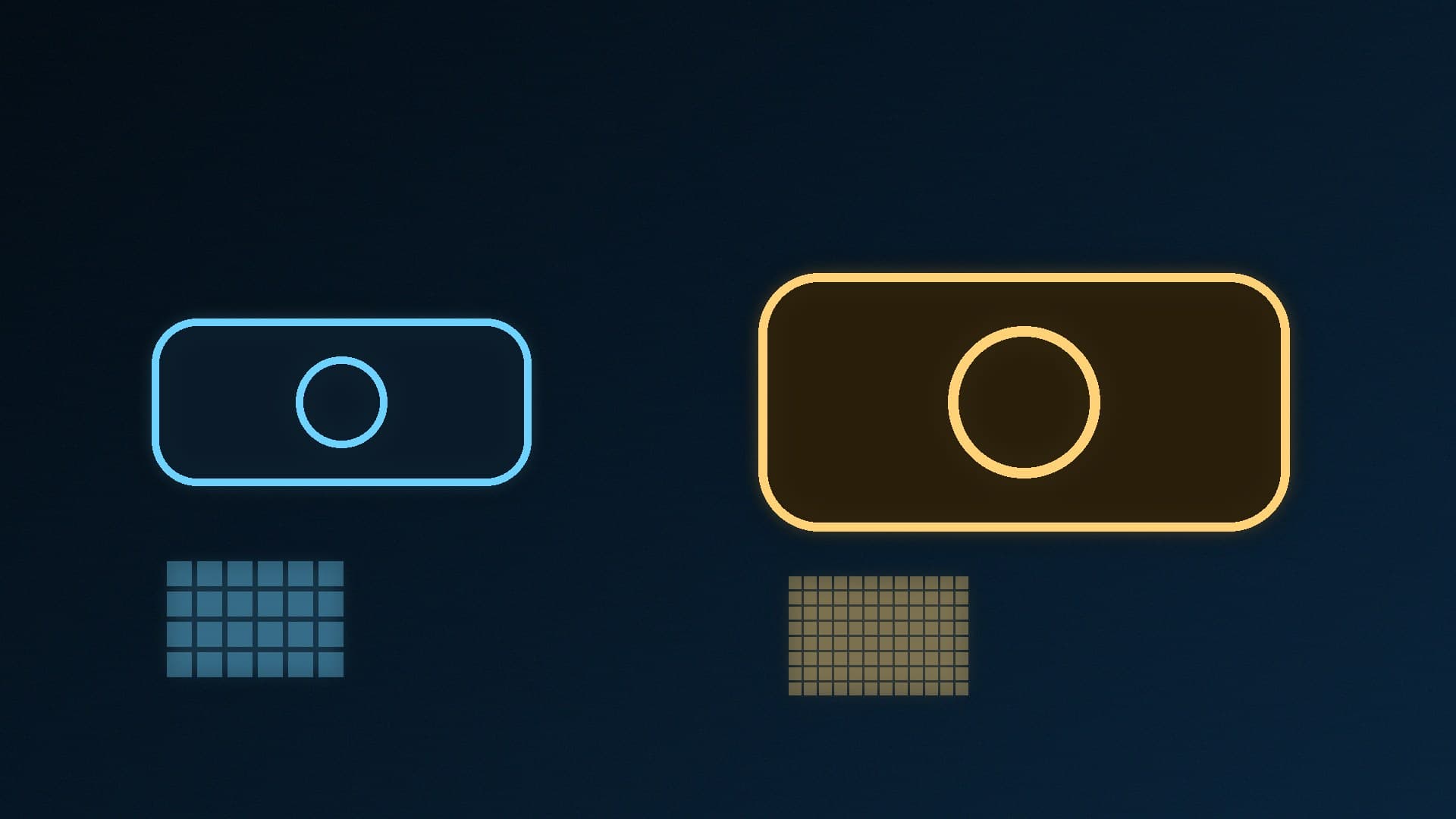
More pixels to work with. A 4K (3840 x 2160) image has four times the pixels of 1080p (1920 x 1080). Even if you output 1080p, you can crop or zoom into a 4K image and keep a full-HD result. That's useful for reframing a shot without moving the camera.
Often a bigger sensor. Premium 4K webcams tend to use larger sensors. Logitech's MX Brio uses a Sony STARVIS IMX415 sensor (1/2.8-inch, 1.45µm pixels), and Logitech calls it its largest webcam sensor yet. Elgato's Facecam 4K uses a 1/1.8-inch Sony STARVIS 2 sensor. A larger sensor usually helps in dim rooms, but good lighting still matters more than anything else.
Choice of resolution and frame rate. Most 4K webcams can drop to 1080p at a higher frame rate. That flexibility is often more useful than 4K itself.
Frame rate: the hidden trade-off
Resolution and frame rate compete for bandwidth. The two 4K cameras show how this varies:
| Logitech MX Brio | Elgato Facecam 4K |
|---|
Sensor | Sony STARVIS IMX415, 1/2.8-inch | Sony STARVIS 2, 1/1.8-inch |
Max at 4K | 30fps | 60fps (MJPG only, over USB 3.0) |
Max at 1080p | 60fps | 60fps |
HDR | Not listed in the spec table | Up to 2160p30 |
Field of view | 90° (max) | 90° |
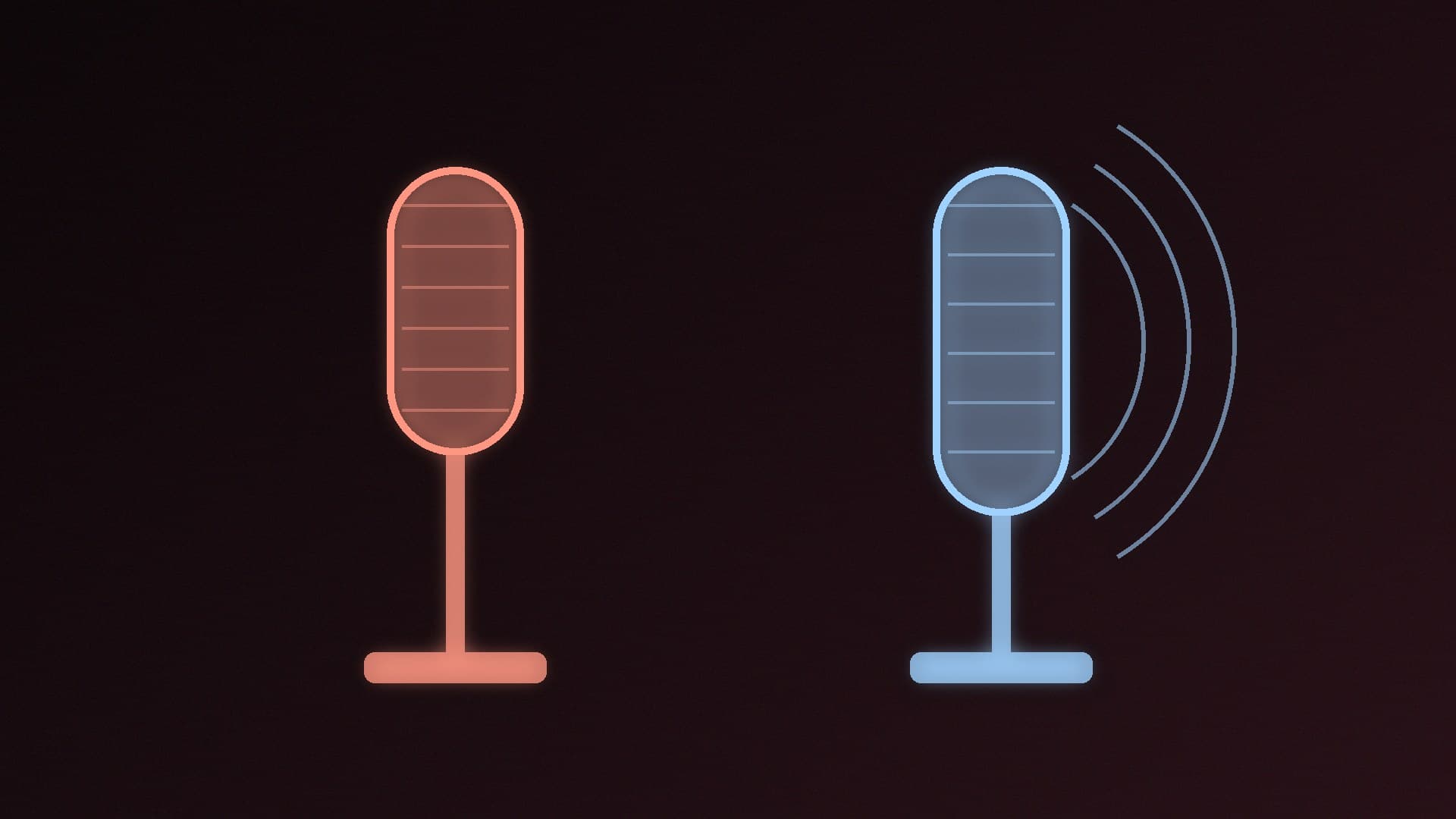
Microphone | Dual beamforming mics | None (Elgato says it left it out to focus on picture quality) |
Connection | USB-C, needs a USB 3.0 port | USB-C; USB 2.0 limits it to 1080p60 |
Extras | Privacy shutter, Logi Options+ / G HUB software | 49mm lens filter thread, 1/4-inch mount |
If smooth motion matters to you, for example a facecam during fast games, 1080p60 is the setting to aim for. Both cameras can do it. Only the Facecam 4K can do 4K at 60fps, and only over USB 3.0 using MJPG compression.
Your PC and USB ports matter
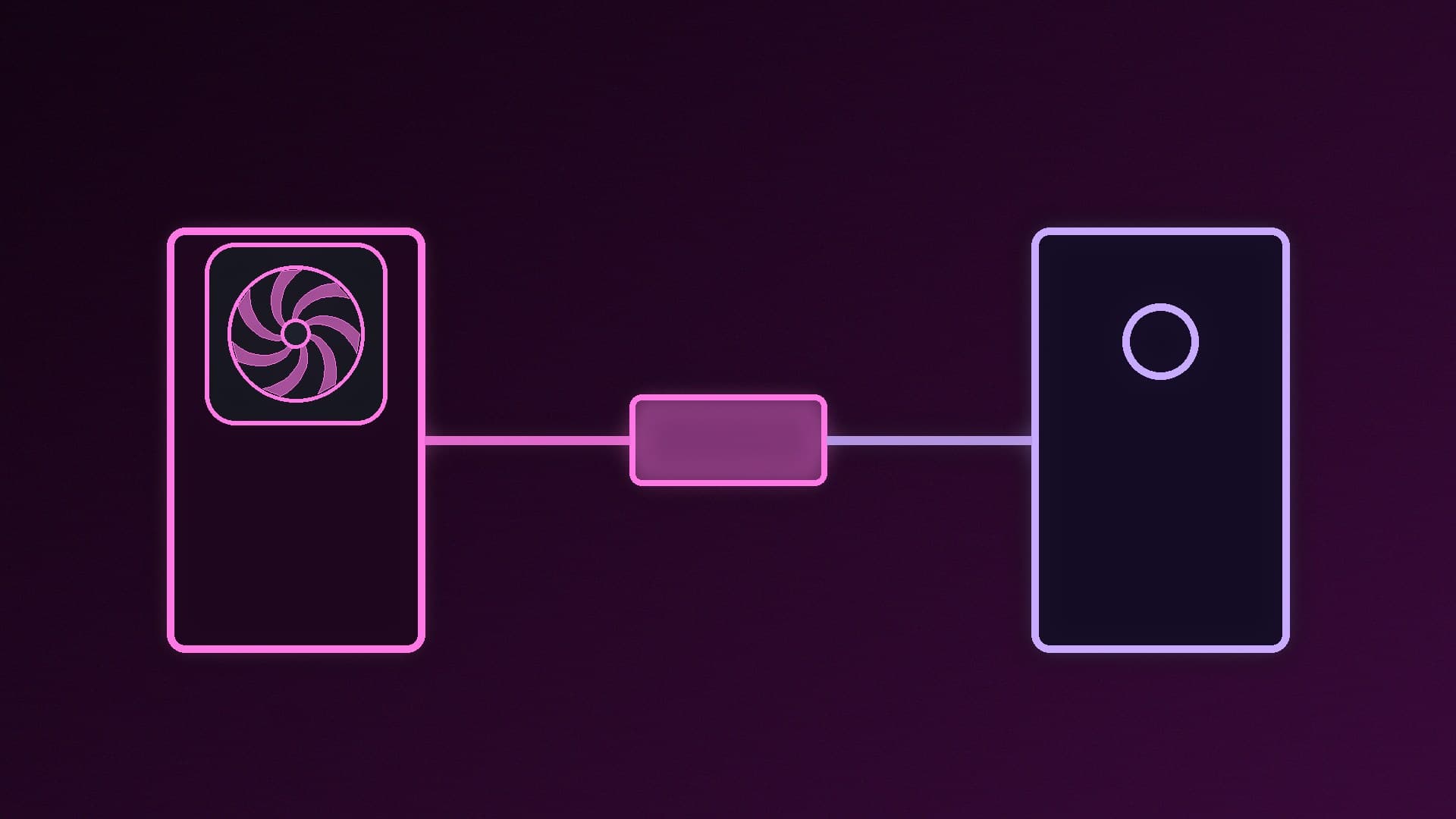
4K webcams send much more data than 1080p ones. Logitech says the MX Brio needs a USB-C port that supports USB 3.0. Elgato says the Facecam 4K drops to 1080p60 or lower on USB 2.0. Plug a 4K webcam into a rear USB 3 port rather than a front-panel hub or a USB 2.0 port.
Processing a 4K camera feed in OBS and scaling it down also adds load. If you're streaming and gaming on one PC, our single PC vs dual PC streaming comparison and streaming setup guide explain how to keep encoding under control.
Where your video ends up
Your viewers only see what the platform delivers. YouTube's live encoder guidance recommends these bitrates for H.264:
Stream resolution and frame rate | YouTube recommended bitrate (H.264) | Recommended (AV1/H.265) |
|---|
1080p at 60fps | 17Mbps | 12Mbps |
4K at 30fps | 42Mbps | 30Mbps |
4K at 60fps | 50Mbps | 35Mbps |
A 4K stream needs several times the upload bandwidth of a 1080p stream. Many home connections can't sustain that reliably, and other platforms and video-call apps often deliver 1080p or less. Unless you're recording locally or streaming to YouTube in 4K, a 4K camera's extra pixels will usually be scaled down before anyone sees them.
Which should you choose?
Choose a 1080p webcam if: you mainly do video calls or stream with a small facecam, you want to keep costs down, or your PC only has USB 2.0 ports free. Put the savings towards a key light, which makes a bigger difference.
Choose a 4K webcam if: you record videos or stream full-screen to YouTube, want room to crop and reframe, want a larger sensor for dimmer rooms, or want 4K60 (Facecam 4K) or built-in mics (MX Brio).
If you want even better image quality, a mirrorless camera is the next step up; see webcam vs mirrorless camera for streaming. For current recommendations, see our best webcam guide, and to get the best from whatever you buy, read how to adjust webcam settings in Windows 11.
Our verdict
For most video calls and game streams, a good 1080p webcam at 60fps is enough, because platforms and apps usually deliver 1080p or less. A 4K webcam earns its place if you record or stream full-screen to YouTube or want to crop your shot. Premium models also bring larger sensors: the Logitech MX Brio does 4K30 and 1080p60 with built-in mics, and the Elgato Facecam 4K does 4K60 over USB 3.0 with HDR up to 2160p30. Either way, plug it into a USB 3 port and get your lighting right first.