A gaming keyboard is something you'll touch every day for years, so it's worth choosing carefully rather than grabbing whatever has the biggest Black Friday discount. The good news is that the decision breaks down into a handful of questions, and once you've answered them, most of the market rules itself out. This guide works through them in the order we think matters.
1. Pick a size first
Size affects your desk space, your mouse room and which keys you lose, so decide it before anything else.
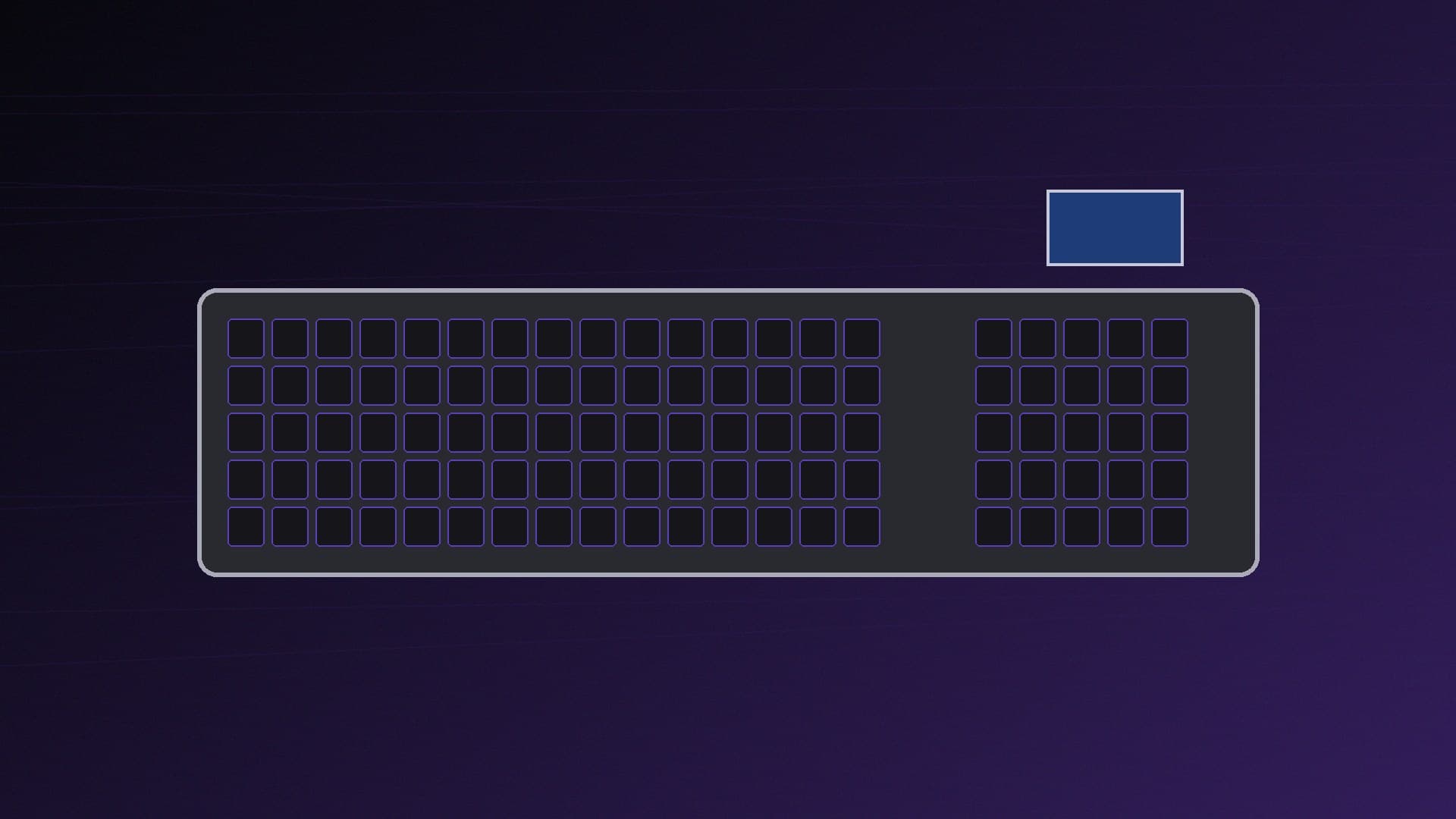
Full-size (100%): number pad included. Best if you type numbers a lot or use the keyboard for work as well as games.
TKL (tenkeyless, around 80%): drops the number pad but keeps the function row, arrows and navigation cluster. A popular compromise for gaming because it frees up mouse space. Wooting's 80HE is an example of this size, and Corsair's K70 Core TKL RGB is another.
75%: squeezes the function row and arrow keys into a tighter block. Razer describes its BlackWidow V4 75% as a streamlined layout that still includes a function row and arrow keys.
65% and 60%: smaller again, usually losing the function row (and on 60%, the arrows), which you reach through a function layer instead.
If you can't decide, our TKL vs full-size vs 75% keyboard and 65% vs 75% comparisons go into more detail.
UK buyers: check the layout. Many keyboards are sold in ANSI (US) form, with a wide Enter key and different symbol positions. If you want the UK ISO layout with the tall Enter key and the pound sign on the 3 key, make sure the listing says UK or ISO. Wooting, for example, ships its ISO 80HE without keycaps installed and sends the language keycap set separately.
2. Choose a switch type
This is the biggest choice after size.
Membrane: quiet, cheap and soft. Fine for casual play, but less precise and harder to repair. See membrane vs mechanical.
Mechanical: each key has its own switch. They come in three main feels: linear (smooth), tactile (a bump) and clicky (a bump plus a click). Our linear vs tactile vs clicky guide explains the difference. Razer's page for the BlackWidow V4 75%, for example, describes it as pre-loaded with tactile switches.
Hall effect (magnetic): switches with a magnet, read by a sensor on the circuit board, so the keyboard knows exactly how far each key is pressed. That allows adjustable actuation and Rapid Trigger (below). Wooting's 80HE is a hall effect board that uses its own Lekker switches; Wooting notes that the keyboard can't detect a switch without the magnet, so you can't fit ordinary mechanical switches. Our hall effect vs mechanical comparison covers the trade-offs.
3. Decide whether you need Rapid Trigger
Rapid Trigger lets a key reset as soon as you start to lift it, rather than at a fixed point, which competitive players use for fast strafing and counter-strafing in shooters. It needs analogue (usually hall effect) switches. Wooting, for instance, says the 80HE lets you set each key's actuation point anywhere from 0.1 to 4.0mm in 0.1mm steps, and tune press and release sensitivity independently.
If you mainly play single-player games, strategy titles or MMOs, you don't need it, and a good mechanical keyboard will serve you well. If you play Valorant, Counter-Strike 2 or similar seriously, see our best rapid trigger keyboard picks.
4. Hot-swap or not?
A hot-swappable keyboard lets you pull out the switches and fit different ones without soldering. Razer says the BlackWidow V4 75% accepts most standard 3-pin and 5-pin mechanical switches and includes a 2-in-1 keycap and switch puller. Hot-swap is worth having if you think you might want a different feel later, or if you want to replace a single faulty switch. See hot-swappable vs soldered.
5. Build and sound
Enthusiast-style features have spread to mainstream gaming boards. Razer lists a gasket-mounted FR4 plate, lubricated stabilisers and two layers of sound-dampening foam on the BlackWidow V4 75%. Gasket mounting suspends the plate on soft gaskets, which Razer says gives a lighter feel and reduces metallic pinging. Our gasket mount vs tray mount explainer goes further. Also look at keycaps: PBT plastic generally resists shine better than ABS.
6. Wired or wireless, and polling rate
Wired keyboards are simplest and never need charging. Good 2.4GHz wireless keyboards are now fine for gaming, while Bluetooth is better kept for office use. Our wired vs wireless gaming keyboard comparison covers battery life and latency.
Polling rate is how often the keyboard reports to the PC. Many keyboards poll at 1,000Hz, and some now go higher. Wooting says the 80HE supports true 8kHz polling, which it equates to a 0.125ms input interval. Higher polling is a small gain that matters mostly to competitive players.
7. Software and remapping
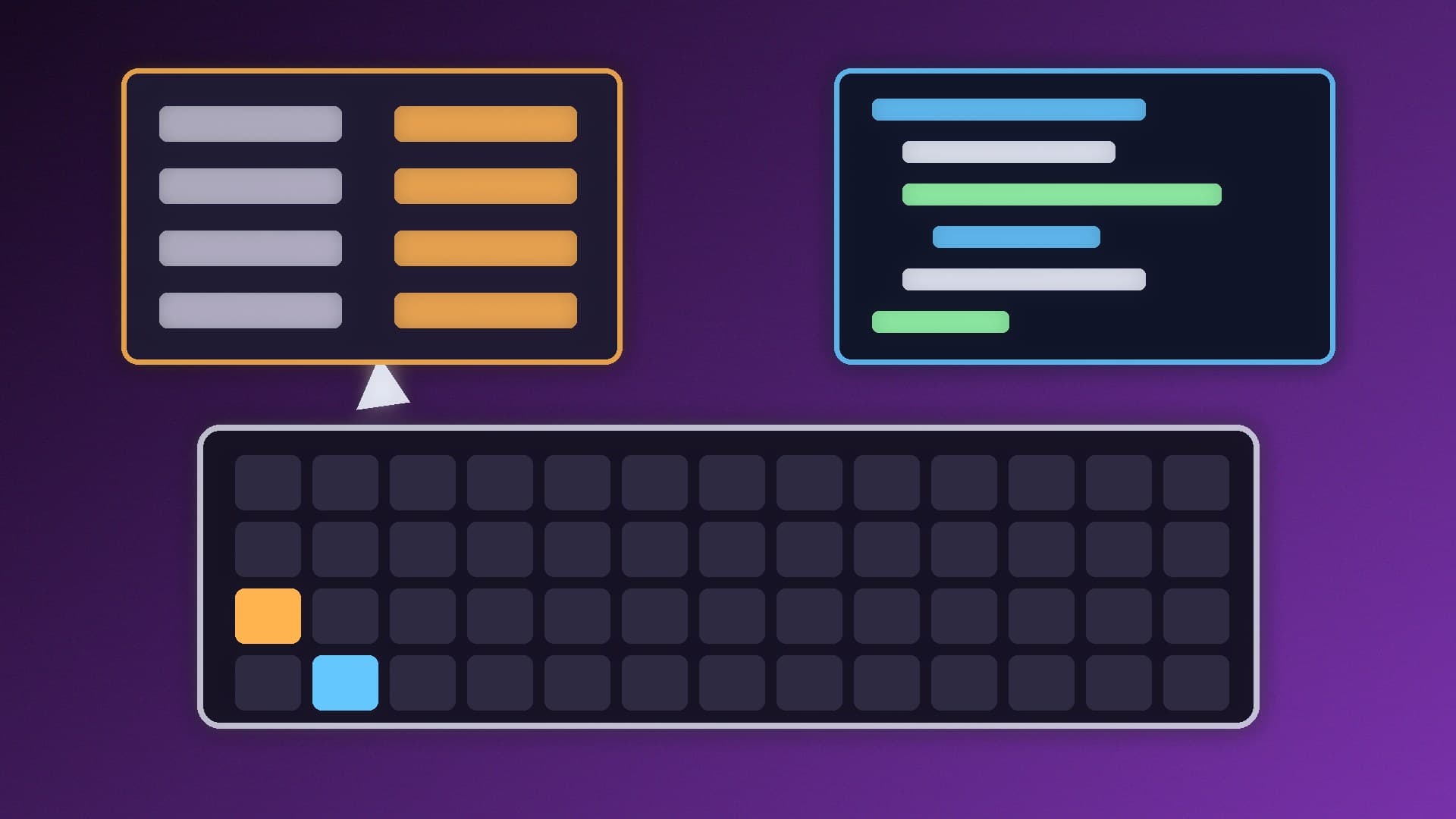
Check the software before you buy. Some keyboards rely on a desktop app, others on a web configurator, and some support open firmware such as VIA (see how to remap a keyboard with VIA). Make sure you can save profiles to the keyboard itself if you don't want an app running all the time.
Quick checklist
Size: full-size, TKL, 75% or smaller?
Layout: UK ISO or US ANSI?
Switches: membrane, mechanical (linear, tactile, clicky) or hall effect?
Rapid Trigger: needed for competitive shooters?
Hot-swap: want to change switches later?
Connection: wired, 2.4GHz wireless or Bluetooth?
Software: app, web or onboard profiles?
Our verdict
Start with size and layout, then switch type. For most players, a TKL or 75% mechanical keyboard with hot-swap sockets in a UK ISO layout is the sweet spot: it frees mouse space and lets you change the feel later.
If you play competitive shooters, a hall effect board with Rapid Trigger is worth the extra money. Otherwise, spend on build quality and comfort rather than ever-higher polling rates. When you're ready to shortlist, our best gaming keyboard, best TKL and best budget gaming keyboard guides are good places to start.