ZSA, the maker of the Voyager, Moonlander and ErgoDox EZ split ergonomic keyboards, has launched a wireless version of the Voyager. It keeps the low-profile 52-key layout, hot-swappable switches and open-source QMK firmware of the wired model, but adds Bluetooth and a battery in each half. The unusual part is the battery: rather than a sealed pouch cell, ZSA has built the keyboard around standard 18650 cells that you can replace yourself. The launch was reported by TechPowerUp on 24 November 2026.
What's new
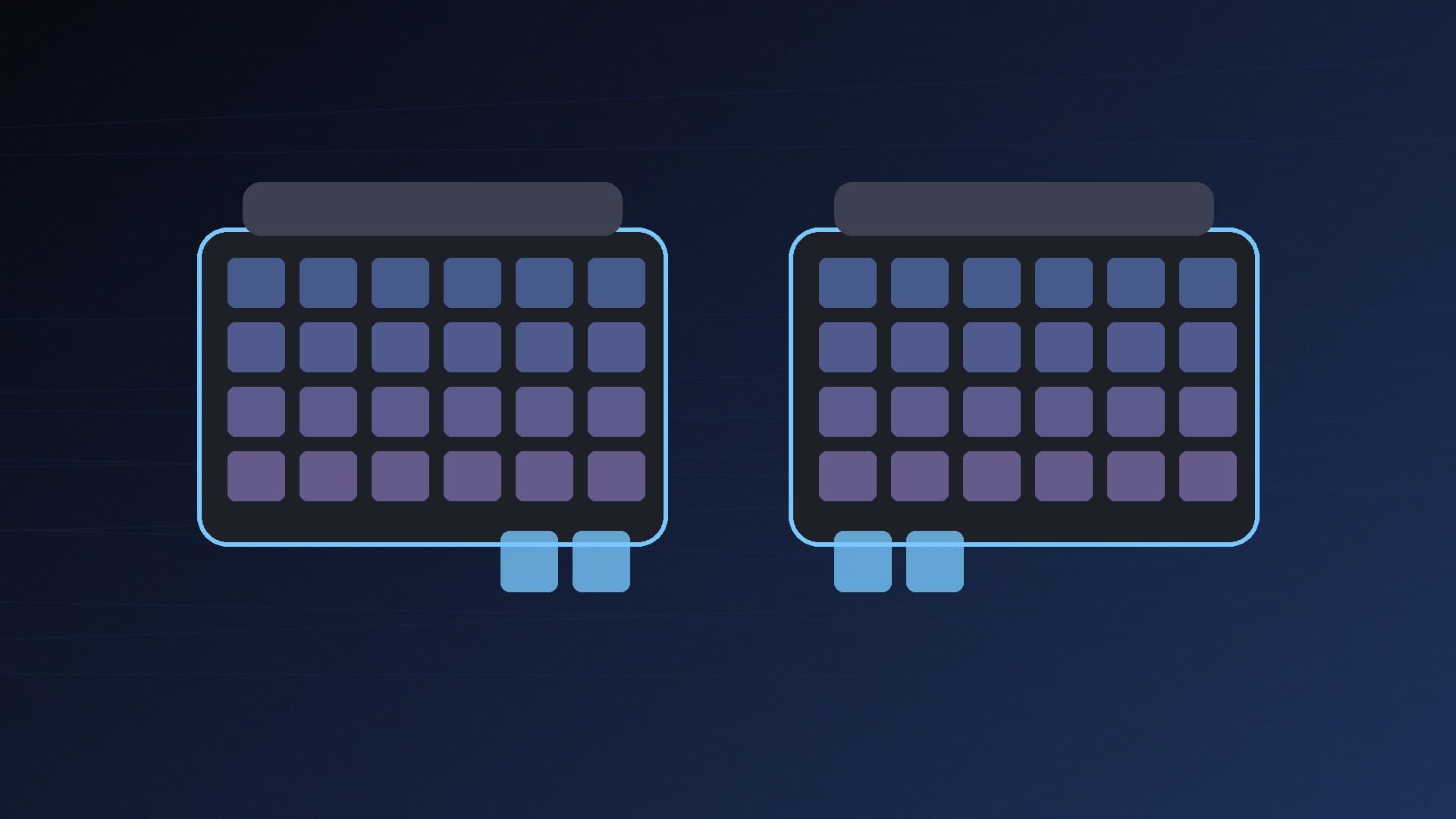
The Wireless Voyager is a split keyboard: two separate halves, each 14cm wide and 16.5cm deep according to ZSA. Each half is 1.6cm high including keycaps, rising to 2.2cm at the battery hump. ZSA lists the total weight as 582g with the magnetic legs fitted, or 875g packed in its carrying case.
The main changes are wireless connectivity and power:
Bluetooth 6.0, with up to five paired devices and tap-to-switch between them. There's no USB dongle; the keyboard connects directly over Bluetooth.
Wired mode is still there. Plug the left half into a computer over USB-C and connect the halves with the TRRS cable, and ZSA says the board runs fully wired while both sides charge.
Two 18650 cells come fitted, one per half. ZSA says a single Phillips screw is all that holds each battery in, and nothing is soldered.
QMK firmware, configured with ZSA's free Oryx layout editor, as on ZSA's wired boards.
ZSA's battery-life figures are given in "typical working days" from a full charge across both halves with everyday typing: up to 30 days with lighting off and just the keyboard, or 7 days with full RGB lighting and two Navigator pointing modules fitted. Those are ZSA's estimates, not Forge PC measurements.
Why replaceable batteries matter
Most wireless keyboards use a slim battery made for that one product, often soldered or glued in. When it stops holding a charge after a few years, the keyboard may be hard or impossible to repair. ZSA's own battery page makes exactly this argument and says it chose the 18650 because it's a standard cell you can buy "virtually anywhere in the world". ZSA also says the cells it ships should last "a good few years", but that they will eventually wear out like all batteries.
ZSA had previously refused to make wireless keyboards. Its updated "Why are your keyboards not wireless?" page, signed by CEO and co-founder Erez Zukerman, explains that two things changed: designing the board around a battery that will be available for years, and improvements in the reliability of wireless chipsets from Nordic, which ZSA says the Wireless Voyager uses.
18650s are lithium-ion cells, so if you replace them yourself, buy from a reputable supplier and avoid unbranded or second-hand cells.
Switches, Navigator and what's in the box
ZSA offers five low-profile Kailh Choc switch options: Platypus, Brown, White, Red and Pro Red. The switches are hot-swappable, so you can change them later without soldering (see hot-swappable vs soldered keyboards). TechPowerUp notes that the board still uses the Choc V1 switch standard, so it isn't compatible with ordinary MX-style switches.
The Wireless Voyager also works with ZSA's Navigator, a trackball or trackpad module that snaps onto a half magnetically. ZSA says both work wirelessly and that the Wireless Voyager is backwards compatible with wired Navigators. You can fit one Navigator, two or none, and add them later.
In the box, ZSA lists the two fitted 18650 cells, a magnetic hard case, a key puller, a USB-C cable, a TRRS cable, a tenting kit with four magnetic legs, 36 extra keycaps and a keycap sleeve. It also includes two Key Guards that slide under the inner thumb keys to stop the board waking up in a bag. ZSA says it works with Windows, macOS, Linux, ChromeOS, iPad, iPhone and Android without any software needed to type, and it has a two-year warranty.
Price and UK availability
ZSA sells the Wireless Voyager directly from its own website, listing it at US$429 with shipping included. The bundle with both Navigator modules is listed at US$699, and on the buying page the Navigator trackpad adds US$129 and the trackball US$169. For comparison, the wired Voyager is listed at US$365. ZSA's pages show prices in US dollars, and the pages we read don't say how UK VAT or import charges are handled, so check the final total at checkout before ordering. At the time of writing, ZSA lists the Wireless Voyager as in stock, with a ships-in-two-weeks note on its buying page.
Should you buy one?
The Wireless Voyager is a niche, premium keyboard. It suits people who already want a compact split ergonomic layout and work across a laptop, desktop and tablet, and who'd rather not trail a cable between the halves. If you're new to split boards, our guide to the best split ergonomic keyboards covers cheaper and more conventional options, and the best low-profile keyboards guide covers flat, laptop-style boards.
Bluetooth is convenient, but it isn't the best choice for competitive gaming; see Bluetooth vs 2.4GHz wireless for gaming and wired vs wireless gaming keyboards. The Wireless Voyager's wired USB-C mode gives you a fallback. If a Bluetooth keyboard won't pair or keeps dropping out on your PC, how to fix Bluetooth not working in Windows 11 covers the usual fixes.
Our verdict
ZSA has designed the Wireless Voyager around standard batteries you can replace with a screwdriver, and it keeps the QMK firmware, hot-swap switches and wired mode that define the original Voyager. At US$429 before any UK charges it's expensive, and the low-profile Choc switches and 52-key layout take some getting used to. If you already know you want a split board and value repairability, it's worth a look; otherwise, start with a cheaper split keyboard first.