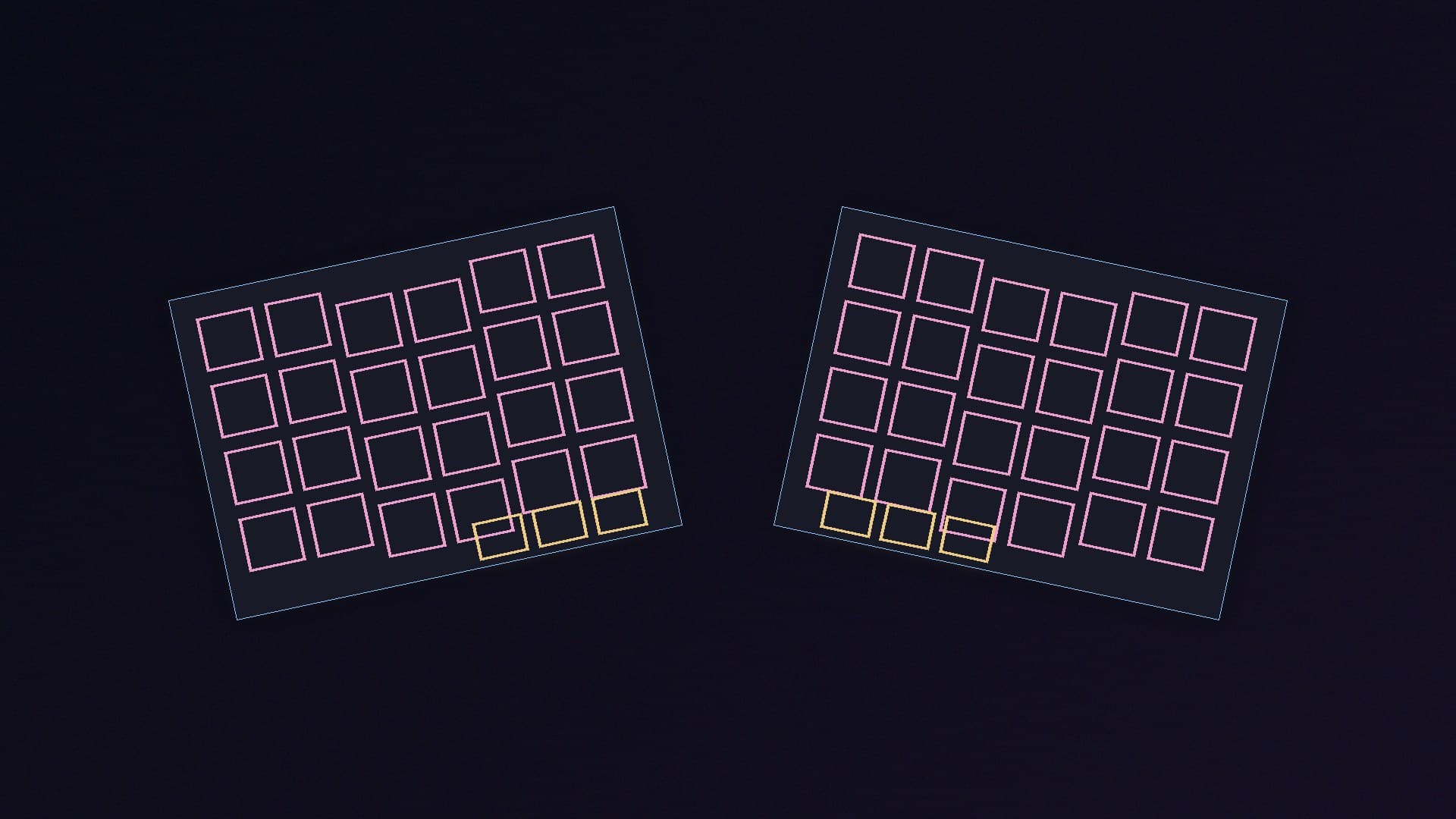
If long days at the keyboard leave your wrists, forearms or shoulders aching, a split keyboard is one of the most effective changes you can make to your desk. Splitting the keys lets you place each hand at shoulder width, and many split boards also tent (raise the thumb side) to reduce forearm twisting. This guide picks the best options for different needs, based on each maker's official specifications. None of this is medical advice: if you have pain, see a GP or physiotherapist.
Quick picks
Keyboard | Best for | Layout | Key features |
|---|
Logitech ERGO K860 | First ergonomic keyboard | One-piece, curved split layout | Pillowed wrist rest, 0°, -4° and -7° tilt legs |
ZSA Voyager | Compact, low-profile split | Fully split, 52 keys | Low-profile Kailh Choc switches, hot-swappable, Oryx layout editor |
ZSA Wireless Voyager | Wireless split | Fully split, 52 keys | Bluetooth, replaceable 18650 batteries |
ZSA Moonlander | Tenting and adjustability | Fully split | Tilting thumb module, detachable wrist rests, optional Platform tenting |
Kinesis Advantage360 | Contoured keywells | Fully split | Concave keywells, three tenting heights, thumb clusters |
What to look for in a split keyboard
One-piece or fully split. A one-piece board with a split layout, such as the K860, is easier to get used to and keeps a familiar footprint. A fully split board lets you set the gap and angle between the halves exactly.
Tenting. Raising the inner edge of each half moves your hands towards a "handshake" position, which Kinesis says reduces stress from forearm pronation. Some boards build it in; others need an accessory.
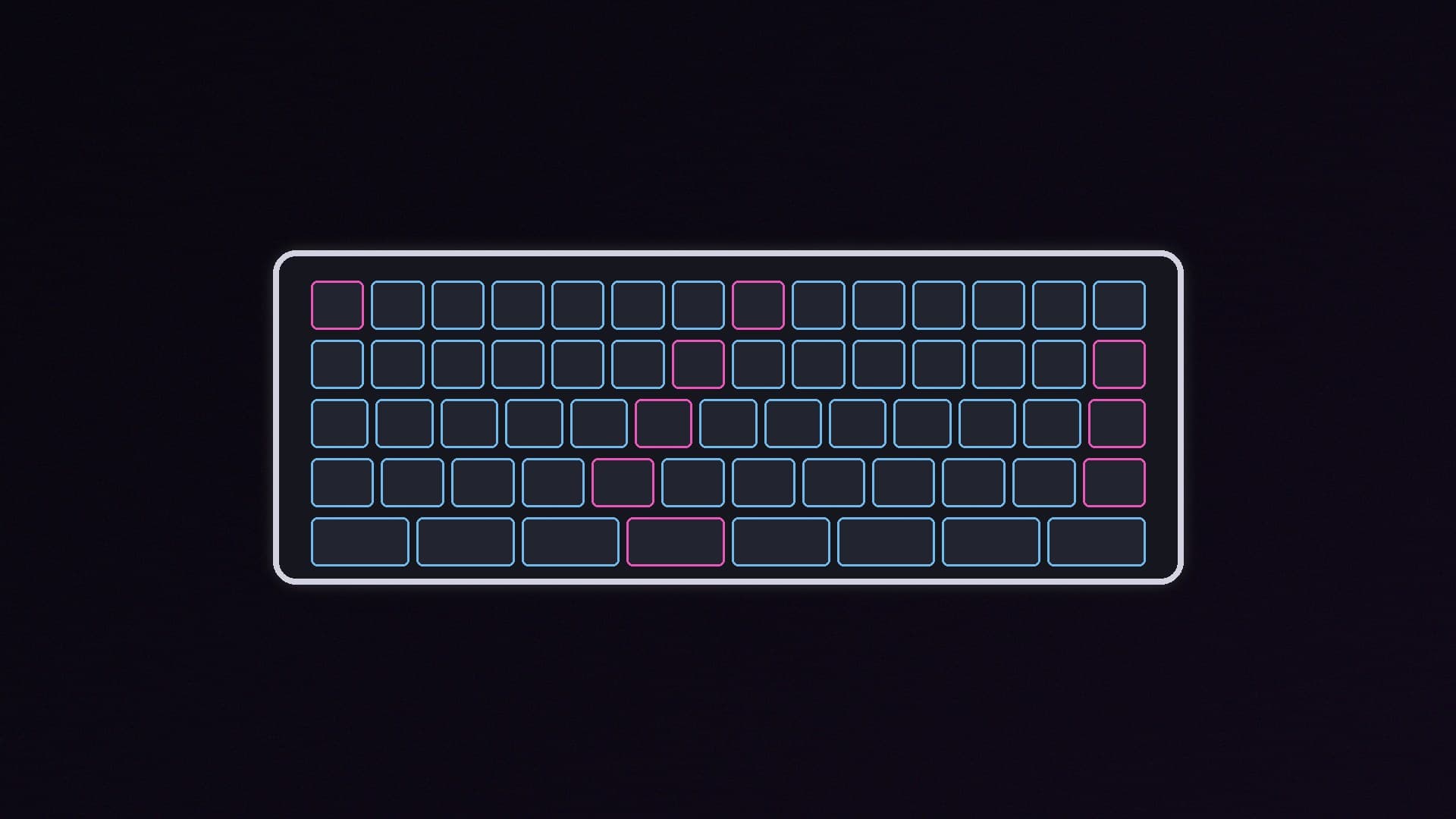
Columnar (ortholinear) keys. ZSA and Kinesis arrange keys in vertical columns rather than the usual staggered rows, because, as ZSA puts it, your fingers move up and down, not sideways. Expect a few weeks of slower typing while you adjust.
Thumb clusters. Moving keys such as Space, Enter and Backspace under the thumbs takes work away from the little fingers.
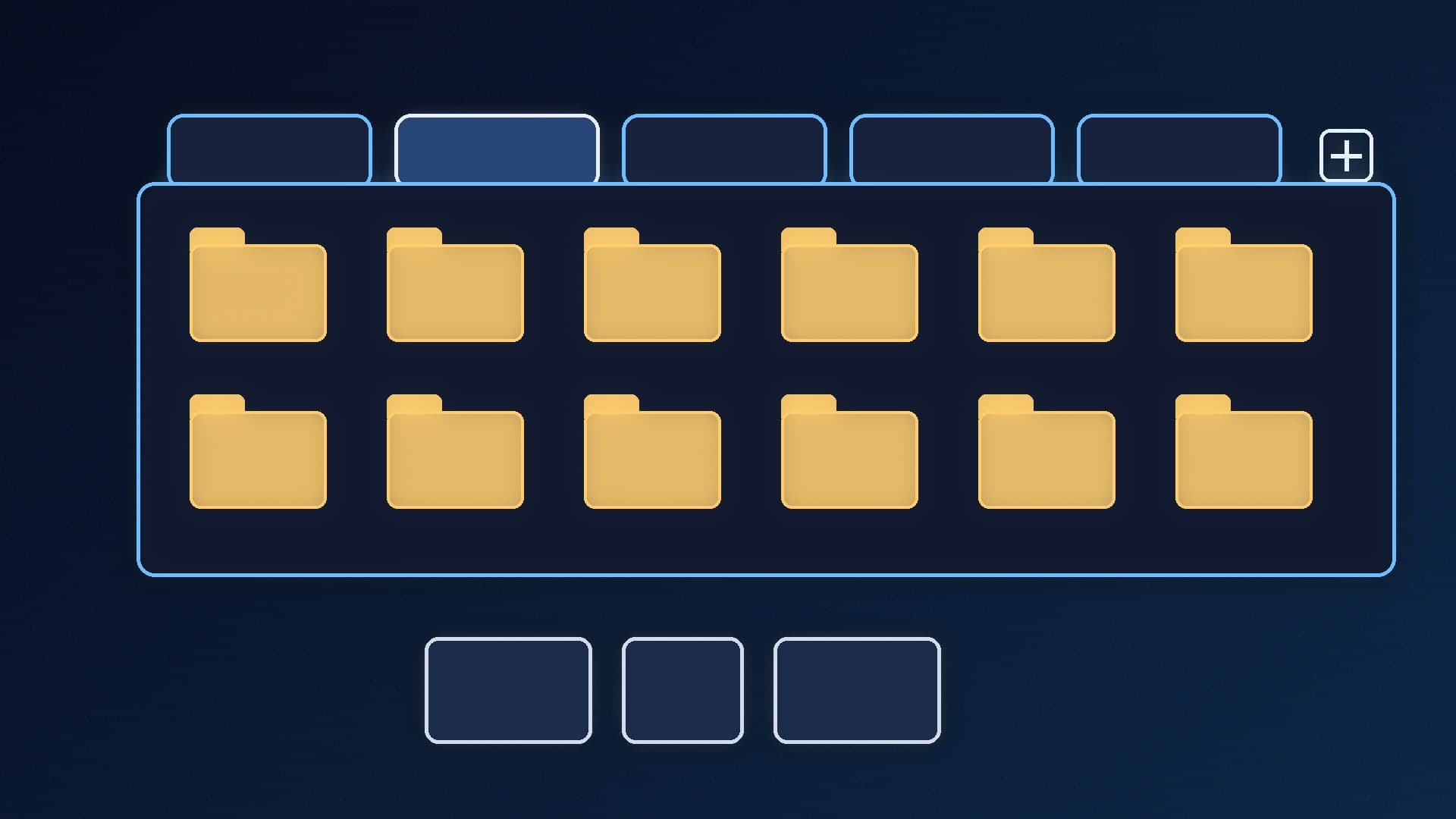
Programmability. Smaller split boards rely on layers, so good layout software matters. Our guide to remapping a keyboard with VIA covers the basics of layers if you're new to them.
Switches. Mechanical split boards offer linear, tactile or clicky switches; see our linear vs tactile vs clicky guide. Hot-swap sockets let you change switches later without soldering, as explained in hot-swappable vs soldered keyboards.
Best first split keyboard: Logitech ERGO K860
The ERGO K860 is the gentlest introduction to split typing. It's a single board with a curved, split keyframe, so the keys are angled towards each hand without separating into two halves. Logitech says the sloping shape reduces strain on the wrists and forearms, and the pillowed wrist rest, made from layers of knitted fabric, high-density foam and memory foam, offers 54% more wrist support and 25% less wrist bending, by Logitech's own figures. Its palm-lift tilt legs set the board at 0°, -4° or -7°, so the keyboard slopes away from you (negative tilt), which Logitech says keeps your wrists in a natural position whether you're seated or standing.
Because it's a one-piece board, it's closer to a normal keyboard than the fully split boards below, which should make it easier to adapt to. Logitech's UK store listed it at £99.99 when we checked on 25 November 2026 (approximate, prices change). The trade-off is adjustability: you can't widen the split or tent it.
Choose it if you want something more comfortable than a standard keyboard without retraining your typing.
Best compact split: ZSA Voyager
The ZSA Voyager is a fully split, 52-key mechanical keyboard built with low-profile Kailh Choc switches, which ZSA says makes it its thinnest board. ZSA calls it laptop-friendly, and its small footprint makes it easy to carry. ZSA offers four low-profile switch types, the board is hot-swappable, and every Voyager comes with four magnetic tenting legs that snap on.
Like all ZSA boards, it's configured with Oryx, ZSA's free browser-based layout editor, and the layout is saved on the keyboard itself, so it works on any computer without software installed. ZSA's optional Keymapp app shows your layout on screen while you learn. With 52 keys, you'll use layers for numbers, symbols and function keys, so set aside time to build a layout.
Choose it if you want a fully split board that's compact, portable and highly programmable.
Best wireless split: ZSA Wireless Voyager
ZSA has just launched a wireless version of the Voyager. According to TechPowerUp's report on 24 November 2026, it uses the same 52-key design based on Kailh Choc V1 switches, with a battery pack and wireless module on each half. It connects to the PC over Bluetooth, and the halves connect to each other wirelessly too, though they can still be joined with a TRRS cable for easier charging. TechPowerUp reports ZSA's figures of up to 7 days of use per charge with RGB on and both Navigator trackpad and trackball attached, and up to 30 days with RGB off and no Navigators.
The batteries are user-replaceable standard 18650 cells, held in by a single Phillips screw, which should help the keyboard outlast its first set of batteries. TechPowerUp reports US prices of US$429 for the keyboard and US$699 with both Navigators; we haven't found a UK price.
Choose it if you want a Voyager without cables across your desk, and don't mind charging it every week or so.
Best for tenting and adjustability: ZSA Moonlander
The Moonlander is ZSA's larger, more adjustable split board. Its thumb module tilts up and down, and the detachable wrist support modules automatically angle to follow when you tent and tilt the keyboard. For steeper tenting, ZSA sells The Platform, an all-metal tenting accessory that slides, locks and folds. ZSA also sells a Tripod Kit for mounting it at any angle.
ZSA describes it as mechanical, with conventional keyswitches rather than the Voyager's low-profile ones, a backlight slot on each key with RGB LEDs, and hot-swappable switches. It comes with a carrying case, and ZSA notes the left half can be used on its own as a macro pad for gaming. Like the Voyager, it's configured with Oryx and comes with a two-year warranty.
Choose it if you want to fine-tune angles and prefer conventional-height mechanical switches.
Best contoured keyboard: Kinesis Advantage360
The Kinesis Advantage360 takes Kinesis's long-running contoured design and splits it. Its concave keywells are scooped into a bowl shape to reduce finger extension, keys are arranged in columns, and the halves sit at shoulder width. The keywells are tented, with a choice of three heights, and integrated palm supports are built in. Thumb clusters handle Enter, Space, Backspace and Delete, and there's no number pad, so your mouse can sit closer to your body.
Kinesis offers SmartSet USB electronics, programmable through onboard shortcuts or the SmartSet app for Windows and macOS with settings saved to the keyboard's 8MB flash memory, or Pro Bluetooth electronics. Switch options on the Signature Series include Cherry Linear Red, Gateron Brown, Kailh Clicky White and Kailh Quiet Pink, with a three-year warranty. Kinesis's own online store only supports US customers and points buyers elsewhere to other options, so check UK availability before setting your heart on one.
Choose it if you want the most sculpted, fully supported typing position and can live with a large board.
Getting used to a split keyboard
Start with the halves about shoulder-width apart and keep your wrists straight.
Expect to type more slowly for the first couple of weeks on a columnar board; short daily practice sessions help.
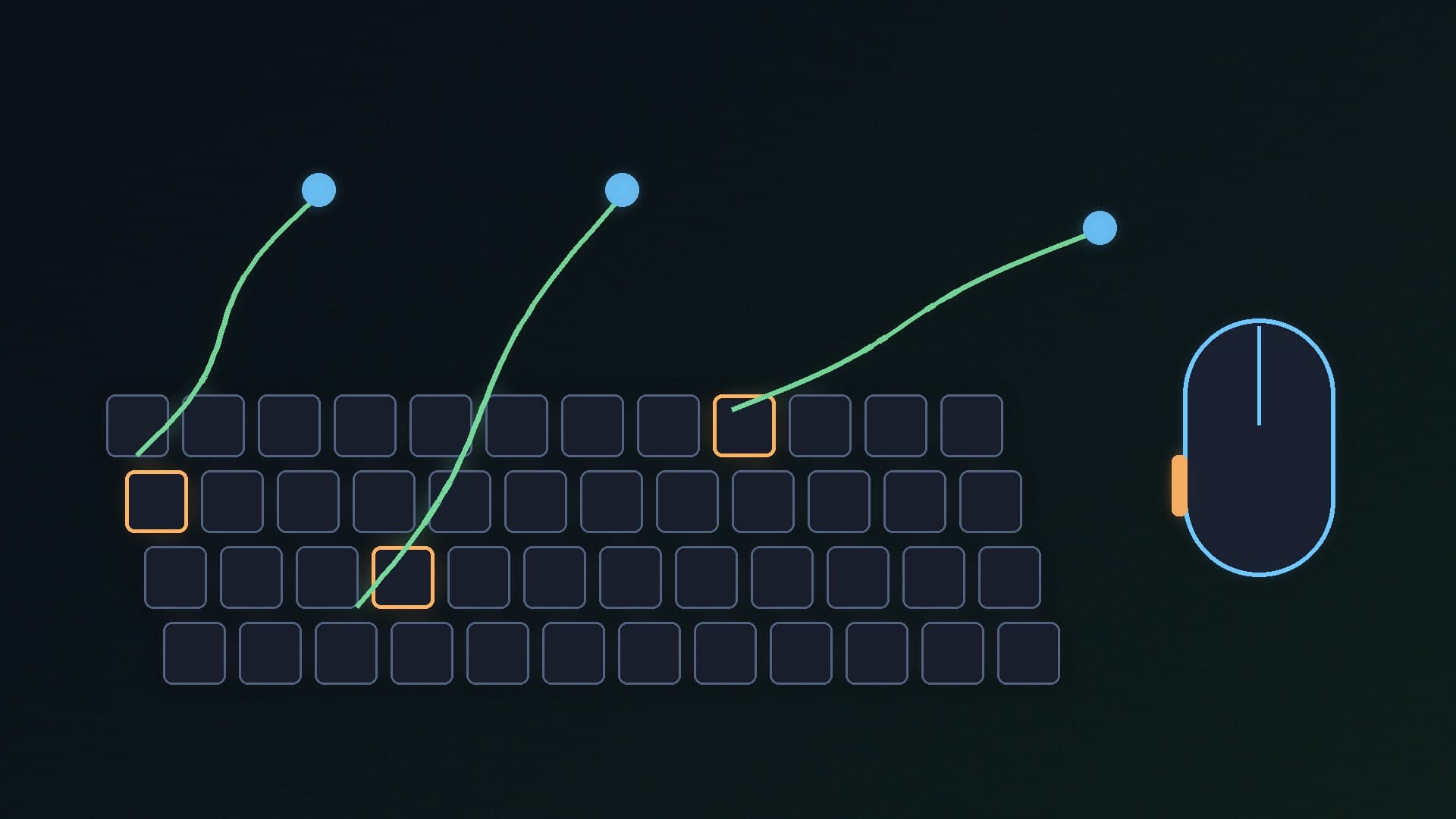
Keep the mouse close. Removing the number pad, as the Advantage360 and ZSA boards do, helps. For the other hand, see our best ergonomic mouse guide.
If you also game, a standard board may still suit fast-paced shooters better; our best gaming keyboard guide covers those.
Our verdict
For most people trying ergonomic typing for the first time, the Logitech ERGO K860 is the easy, affordable choice. If you want a true split, the ZSA Voyager is the most compact and portable, with a new wireless version, while the ZSA Moonlander offers the most adjustment and the Kinesis Advantage360 the most contoured support, if you can source one in the UK.