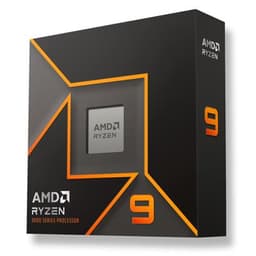
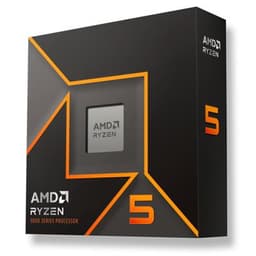
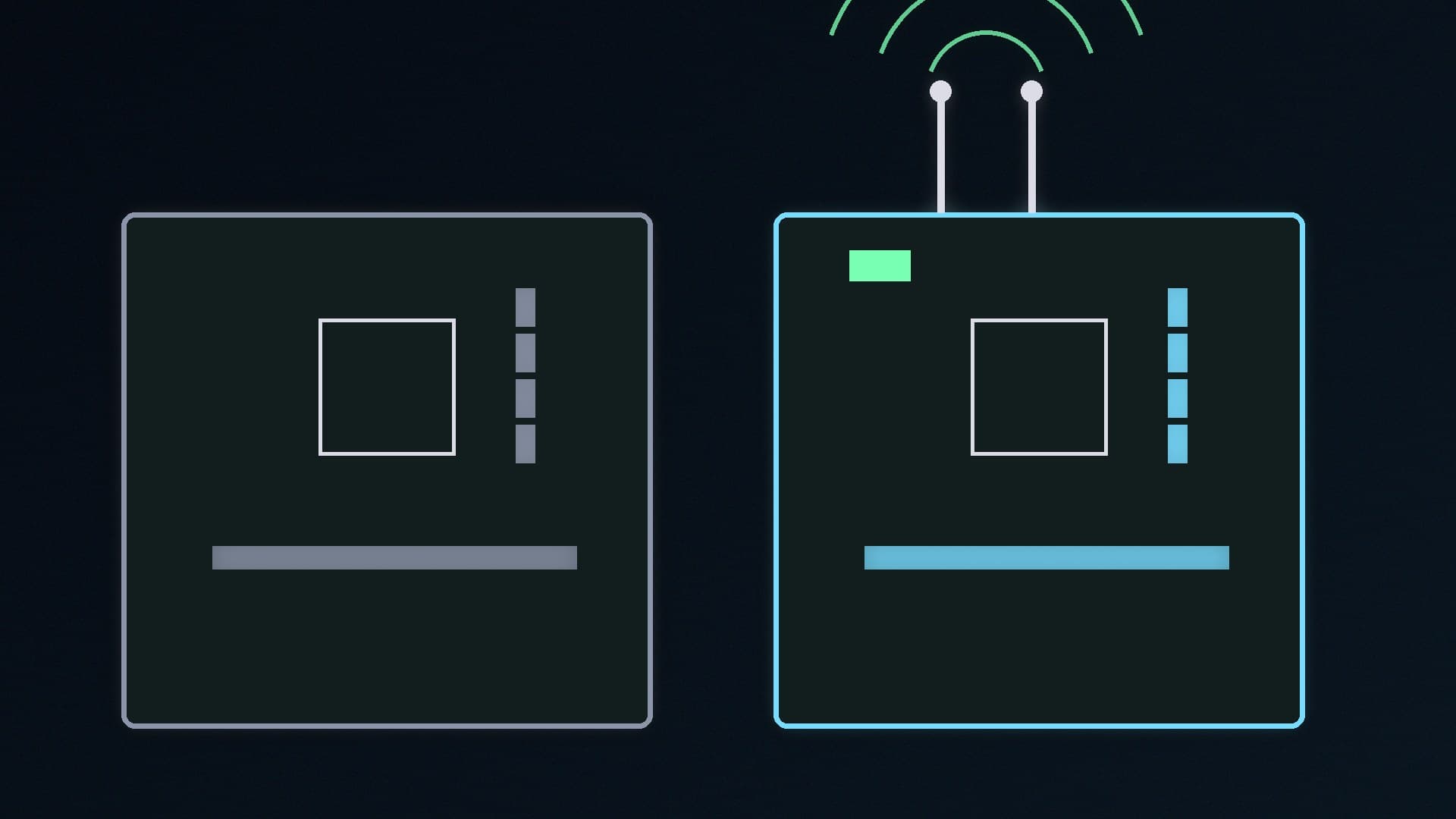
One of the best things about AMD's AM5 platform is that the motherboard you bought for a Ryzen 7000 chip will take a Ryzen 9000 processor too. If you built around a Ryzen 5 7600, 7600X or an 8000-series APU, a CPU swap can be the cheapest meaningful upgrade available, with no new board, RAM or Windows licence needed. These picks are based on AMD's official product pages, read on 25 November 2026.
Quick picks
Pick | CPU | Cores / threads | L3 cache | Max boost | Default TDP | AMD's cooler advice |
|---|
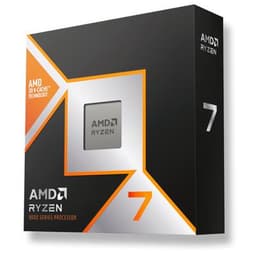
Best for gaming | Ryzen 7 9850X3D | 8 / 16 | 96MB | 5.6GHz | 120W | Liquid cooler recommended |
Best value gaming X3D | Ryzen 7 9800X3D | 8 / 16 | 96MB | 5.2GHz | 120W | Liquid cooler recommended |
Best for gaming and creating | Ryzen 9 9950X3D | 16 / 32 | 128MB | 5.7GHz | 170W | Liquid cooler recommended |
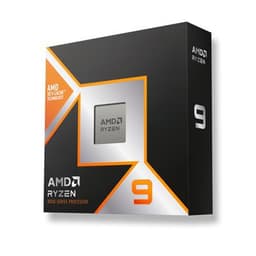
Best for productivity on a budget | Ryzen 9 9900X | 12 / 24 | 64MB | 5.6GHz | 120W | Liquid cooler recommended |
Best efficient all-rounder | Ryzen 7 9700X | 8 / 16 | 32MB | 5.5GHz | 65W | Premium air cooler recommended |
Smallest step up | Ryzen 5 9600X | 6 / 12 | 32MB | 5.4GHz | 65W | Premium air cooler recommended |
All six use the AM5 socket. AMD lists the same supporting chipsets for each: A620, B650, B650E, X670, X670E, B840, B850, X870 and X870E. None includes a cooler in the box.
Before you buy: three checks
1. Update the BIOS first. Your chipset being on AMD's list doesn't mean the BIOS already on your board knows about a newer chip. Go to your motherboard's support page, check its CPU support list for the exact processor, and note the minimum BIOS version. Flash it while your current CPU is still installed, because an older BIOS may not boot with the new chip. If you're also weighing a board change, our AM5 motherboard guide covers the current options.
2. Check your cooler. The two 65W chips are rated for a premium air cooler, but AMD recommends a liquid cooler for the X3D chips and the 9900X. If you're upgrading from a 65W Ryzen 5 with a basic air cooler, budget for a better one.
3. Check your power supply and board. A 170W chip such as the 9950X3D on a budget A620 or B840 board is a mismatch worth avoiding. Look at your board's VRM and the CPU support list rather than assuming every listed chipset suits every chip equally.
Best for gaming: Ryzen 7 9850X3D
The 9850X3D is the newest chip here: AMD lists its launch date as 29 January 2026. It pairs eight cores and 16 threads with 96MB of L3 cache, and AMD lists a boost clock of up to 5.6GHz. That large cache is what AMD's X3D line is built around and why X3D chips are the usual recommendation for gaming builds. If gaming is the main reason for the upgrade and you want the newest option, start here.
Best value gaming X3D: Ryzen 7 9800X3D
The 9800X3D shares the 9850X3D's core count, 96MB L3 cache and 120W default TDP, but AMD lists a lower maximum boost of 5.2GHz. It has been on sale since November 2024, so it's widely stocked. If you see it for noticeably less than the 9850X3D, it's the sensible gaming pick, because the cache, which is the main reason to buy an X3D chip, is the same size.
Best for gaming and creating: Ryzen 9 9950X3D
AMD calls the 9950X3D a "gaming and content creation processor", and the specs explain why: 16 cores, 32 threads, 128MB of L3 cache and up to 5.7GHz. It's the chip for anyone who games and also renders, encodes or compiles. It also has the highest default TDP here at 170W, so make sure your cooler and board are up to it.
Best for productivity on a budget: Ryzen 9 9900X
If your workload is mostly multithreaded, such as video exports, 3D rendering or software builds, and gaming is secondary, the 9900X gives you 12 cores and 24 threads at a 120W TDP without paying for 3D V-Cache. Our Ryzen 7 9700X vs Ryzen 9 9900X comparison goes into whether the extra cores are worth it for you.
Best efficient all-rounder: Ryzen 7 9700X
The 9700X has eight cores and 16 threads with a 65W default TDP and AMD's "premium air cooler" recommendation. That makes it the easiest upgrade for small cases, quieter builds and anyone who wants more cores than a six-core Ryzen 5 without changing their cooling. It has 32MB of L3 cache, a third of the X3D chips, so for a gaming-first upgrade the X3D models are the more targeted choice.
Smallest step up: Ryzen 5 9600X
The 9600X keeps six cores and 12 threads, so if you already own a six-core Ryzen 5 7600 or 7600X, it's a newer-generation chip rather than a move up in core count. It mostly makes sense if you're coming from a lower-end AM5 chip, such as a Ryzen 5 8500G, or if you find it at a good price. For most upgraders, one of the eight-core chips above is a bigger step.
Which should you choose?
Mostly gaming: Ryzen 7 9850X3D, or the 9800X3D if it's cheaper.
Gaming plus heavy creative work: Ryzen 9 9950X3D.
Mostly multithreaded work: Ryzen 9 9900X.
Small or quiet build on air cooling: Ryzen 7 9700X.
If you're still on AM4 and wondering whether to make the jump, see our AM4 to AM5 upgrade guide first.
Our verdict
For most AM5 owners upgrading from a six-core Ryzen 5, the Ryzen 7 9850X3D is the best drop-in upgrade for gaming, with the 9800X3D a strong alternative if it's cheaper, because both have the same eight cores and 96MB of L3 cache. Choose the Ryzen 9 9950X3D if you also do heavy creative work, the 9900X for multithreaded work on a tighter budget, and the 65W 9700X if you want to keep air cooling. Whatever you pick, check your board's CPU support list and update the BIOS before swapping chips.