AMD's Ryzen 7 9700X and Ryzen 9 9900X sit next to each other in the Ryzen 9000 desktop range, and both use the same Zen 5 architecture on the same AM5 socket. The question is simple: is it worth stepping up from eight cores to twelve? This comparison is based on AMD's official specifications and TechPowerUp's launch reviews.
Specs side by side
All figures below come from AMD's product pages.
| Ryzen 7 9700X | Ryzen 9 9900X |
|---|
Architecture | Zen 5 (Granite Ridge) | Zen 5 (Granite Ridge) |
Cores / threads | 8 / 16 | 12 / 24 |
Base clock | 3.8GHz | 4.4GHz |
Max boost clock | Up to 5.5GHz | Up to 5.6GHz |
L2 cache | 8MB | 12MB |
L3 cache | 32MB | 64MB |
Default TDP | 65W | 120W |
AMD's cooler recommendation | Premium air cooler | Liquid cooler |
Cooler in the box | No | No |
Socket | AM5 | AM5 |
Memory | DDR5, 2 channels, up to 256GB | DDR5, 2 channels, up to 256GB |
PCIe | PCIe 5.0, 28 lanes (24 usable) | PCIe 5.0, 28 lanes (24 usable) |
Integrated graphics | AMD Radeon Graphics (2 cores, 2,200MHz) | AMD Radeon Graphics (2 cores, 2,200MHz) |
Max operating temperature | 95°C | 95°C |
Launch date | 8 August 2024 | 15 August 2024 |
What's the same
More than you might expect. Both chips:
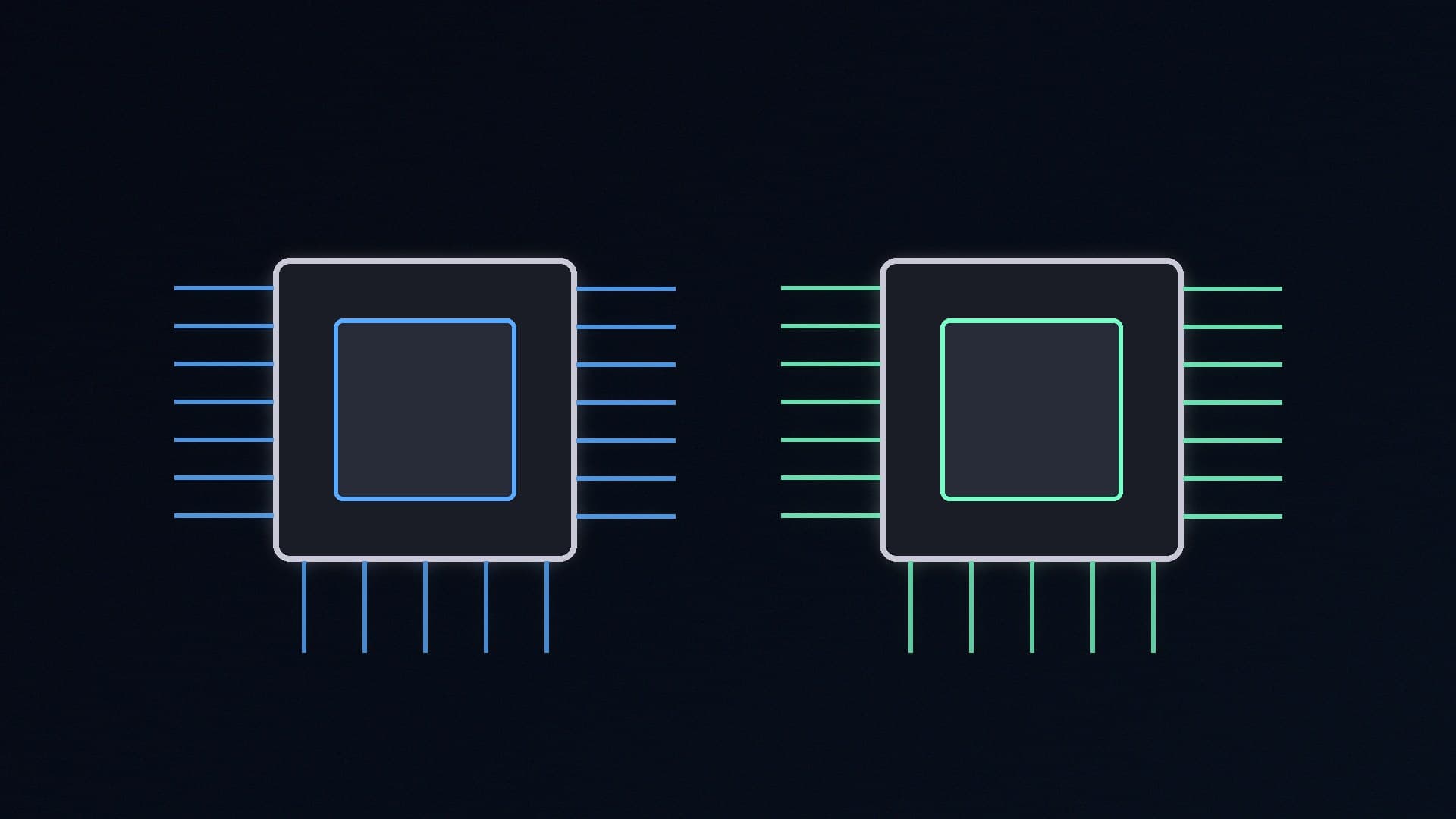
Use the same Zen 5 cores, built on TSMC's 4nm process with a 6nm I/O die, according to AMD.
Drop into any AM5 board. AMD lists A620, B650, B650E, B840, B850, X670, X670E, X870 and X870E as supporting chipsets, although TechPowerUp notes that older 600-series boards need a BIOS update first.
Support the same memory: dual-channel DDR5 with official speeds of DDR5-5600 for two DIMMs, falling to DDR5-3600 with four. See our guide on how to enable XMP and EXPO for running faster kits.
Offer PCIe 5.0, AVX-512 support and the same basic AMD Radeon integrated graphics with two graphics cores, handy for a display output or for troubleshooting without a graphics card.
Are unlocked for overclocking, with Precision Boost Overdrive, Curve Optimizer and Ryzen Master support listed by AMD.
So the choice of motherboard, memory and graphics card doesn't change between them. If you're still choosing a board, our B850 vs X870 comparison applies equally to both.
What's different
Cores and cache
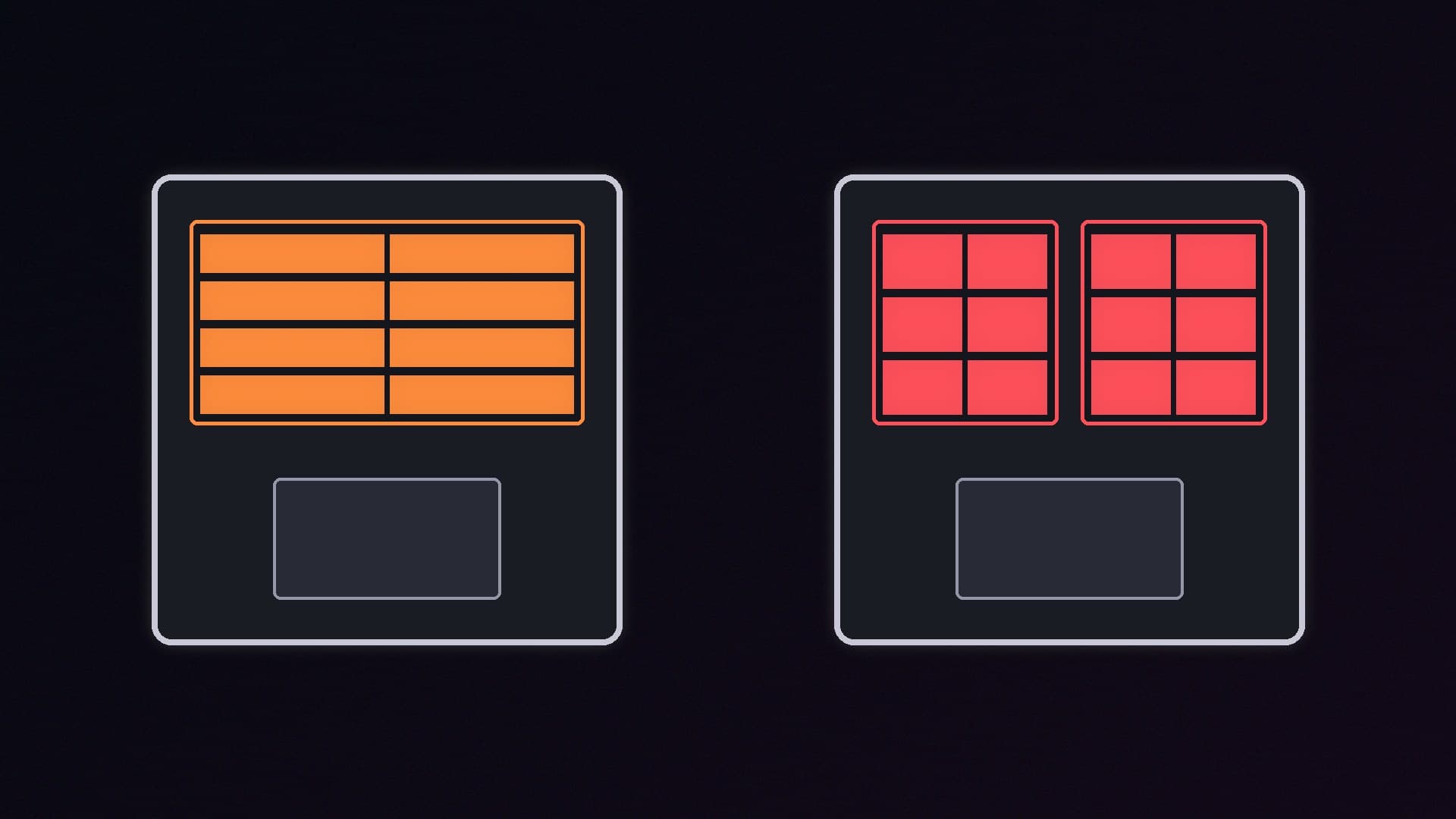
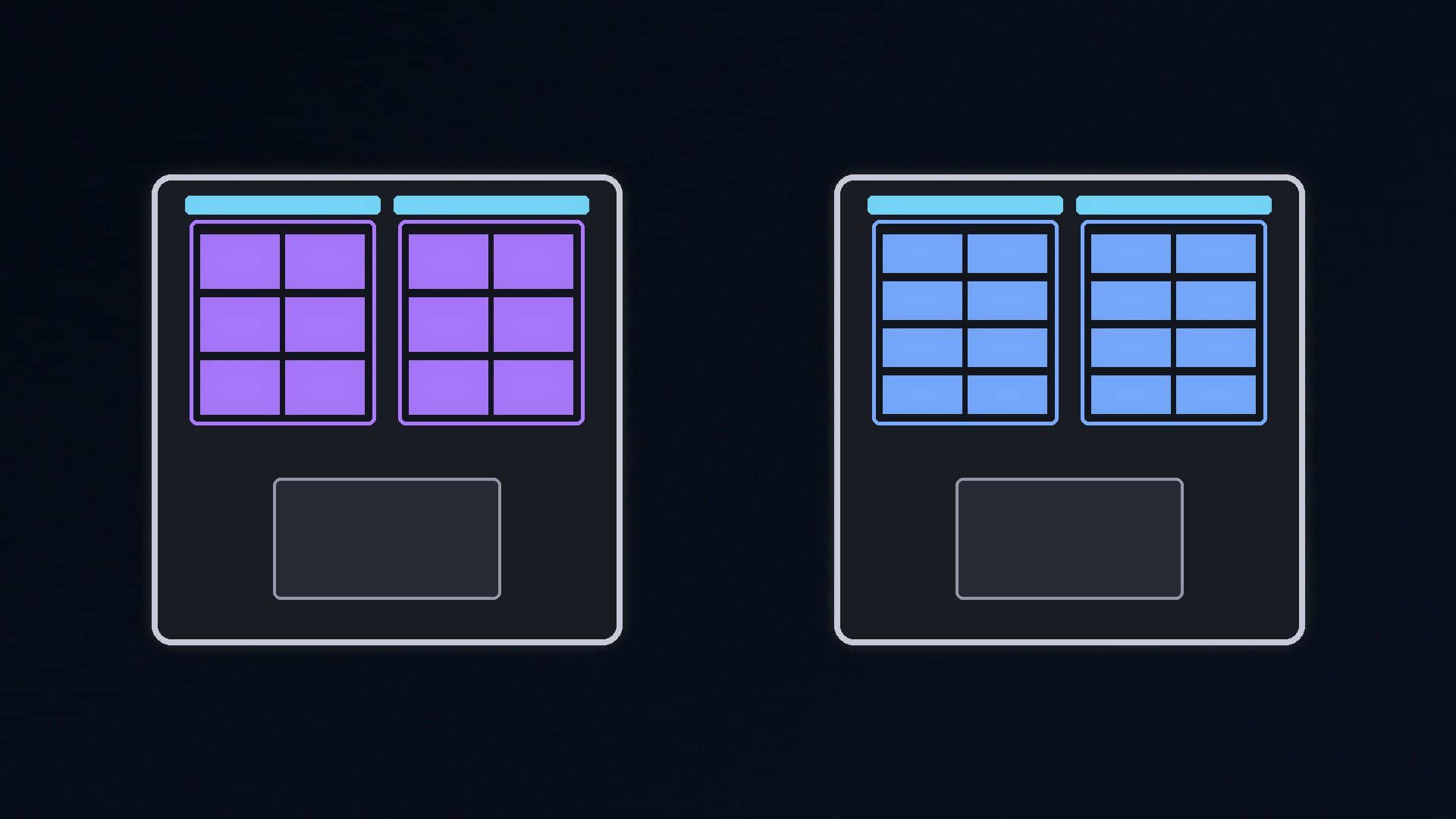
The 9900X has 50% more cores (12 vs 8) and threads (24 vs 16), plus 50% more L2 cache and twice the L3 cache. TechPowerUp explains how that's built: the 9700X uses a single eight-core CPU die (CCD), while the 9900X uses two CCDs with six cores enabled on each. That's why its L3 cache doubles, as each CCD keeps its full 32MB.
Extra cores pay off in work that splits neatly across many threads: video encoding, 3D rendering, code compiling, running virtual machines, or gaming while streaming with software encoding. They generally do much less for games, which tend to lean on a smaller number of fast cores. TechPowerUp positions the 9900X as a balance point between the 9700X and the 16-core Ryzen 9 9950X for buyers who find eight cores too few.
Clocks
The 9900X's maximum boost is only 0.1GHz higher (5.6GHz vs 5.5GHz), so single-threaded speed, which matters most in games and everyday apps, should be close. Its base clock is noticeably higher, at 4.4GHz against 3.8GHz, which reflects its bigger power budget.
Power and cooling
This is the most practical difference. The 9700X has a 65W default TDP and AMD recommends a premium air cooler. The 9900X has a 120W TDP and AMD recommends a liquid cooler for optimal performance. Neither comes with a cooler, so budget for one either way. Our air cooler vs AIO guide and best AIO coolers can help.
A higher TDP also means more heat to move out of the case and a little more demand on your power supply, although either chip is a modest load next to a modern graphics card.
Which is better for gaming?
For a gaming-only PC, the 9700X is the more sensible of the two. The two chips use the same cores at almost the same peak boost clock, and the four extra cores on the 9900X are rarely the bottleneck in games. If gaming is the main priority and you're willing to spend more, AMD's X3D chips with extra stacked cache are worth a look; we compare one in Ryzen 7 9800X3D vs Ryzen 7 9700X.
Which is better for work?
If you regularly render, encode, compile or run several heavy apps at once, the 9900X's extra cores will save time, and that's exactly the buyer TechPowerUp says it's aimed at. Make sure your cooler can handle a 120W chip.
Other options
If you're comparing across brands, see our Core Ultra 7 265K vs Ryzen 7 9700X comparison, and our best CPUs roundup covers the wider market. Prices move a lot around Black Friday, so check current listings before deciding; we haven't quoted UK prices here.
Our verdict
Buy the Ryzen 7 9700X if your PC is mainly for gaming and everyday use: it has the same Zen 5 cores and almost the same boost clock, runs at 65W and only needs a good air cooler. Choose the Ryzen 9 9900X if you do heavily multithreaded work such as rendering, encoding or compiling, where its 12 cores and 64MB of L3 cache earn their keep, and pair it with a capable cooler, ideally the liquid cooler AMD recommends.