Skip to content

VersusCPU

B860 vs B760: Which Intel Motherboard Chipset Should You Buy?

B860 and B760 share 14 chipset PCIe lanes, the same USB and SATA counts, memory overclocking and no CPU overclocking. The difference is the platform: B760 is LGA 1700 for 12th-14th-gen Core and comes in DDR4 versions; B860 is LGA 1851 for Core Ultra 200S, with a CPU PCIe 5.0 x4 link and DDR5.

By , Senior Hardware Editor

4 min read

B860 vs B760: Which Intel Motherboard Chipset Should You Buy?

B860 and B760 are Intel's mainstream "B-series" chipsets, and on paper they look almost identical: the same number of chipset PCIe lanes, the same USB mix and the same SATA count. The real difference is the platform each belongs to. B760 boards use the LGA 1700 socket for 12th, 13th and 14th-gen Core processors, while B860 boards use LGA 1851 for Core Ultra 200S (Arrow Lake) chips, so you can't swap a CPU between them. This comparison is based on Intel's official specifications.

Specs compared

Intel B860

Intel B760

Chipset family

800 Series (Arrow Lake)

700 Series (Raptor Lake)

Launch

Q1 2025

Q1 2023

CPU-attached PCIe

PCIe 5.0: 1x16 + 1x4

PCIe 5.0: 1x16, PCIe 4.0: 1x4

Chipset PCIe

Up to 14 lanes, PCIe 4.0

Up to 14 lanes (Intel's brief: up to 10 PCIe 4.0 + 4 PCIe 3.0)

DMI link

DMI 4.0 x4

DMI 4.0 x4

USB

Up to 2x 20Gb/s, 4x 10Gb/s, 6x 5Gb/s; 12 USB 2.0

Up to 2x 20Gb/s, 4x 10Gb/s, 6x 5Gb/s; 12 USB 2.0

SATA 6Gb/s

Up to 4

Up to 4

Memory overclocking

Yes

Yes

DIMMs per channel

2

2

Integrated Wi-Fi support

Intel Wi-Fi 6E AX211

Intel Wi-Fi 6E AX211

Chipset base power

6W

6W

Neither chipset is listed by Intel as supporting CPU overclocking; both support memory overclocking. If you want to overclock an unlocked K-series processor, you need the Z-series chipset on either platform; our B860 vs Z890 comparison covers that choice on LGA 1851.

The differences that actually matter

1. CPU support and upgrade path

This is the deciding factor. Intel's 700-series chipset brief lists support for 12th, 13th and 14th-gen Core desktop processors on B760. B860 is part of the 800 Series built for Core Ultra 200S chips. If you already own an LGA 1700 processor, a B760 board lets you keep it; if you're buying a new Core Ultra 200S chip, you need an LGA 1851 board such as B860. Our guide to upgrading from LGA 1700 to LGA 1851 explains what changes, and the best LGA 1700 CPU upgrades covers staying on the older socket.

2. A PCIe 5.0 M.2 slot from the CPU

On B760, Intel lists the processor's lanes as one PCIe 5.0 x16 link (for the graphics card) plus a PCIe 4.0 x4 link. On B860, both are PCIe 5.0: 1x16 plus 1x4. In practice that means a B860 board can wire a CPU-attached M.2 slot for PCIe 5.0 SSDs without taking lanes from the graphics card, if the board maker chooses to. Check each board's spec sheet, because implementation varies.
3. DDR4 or DDR5

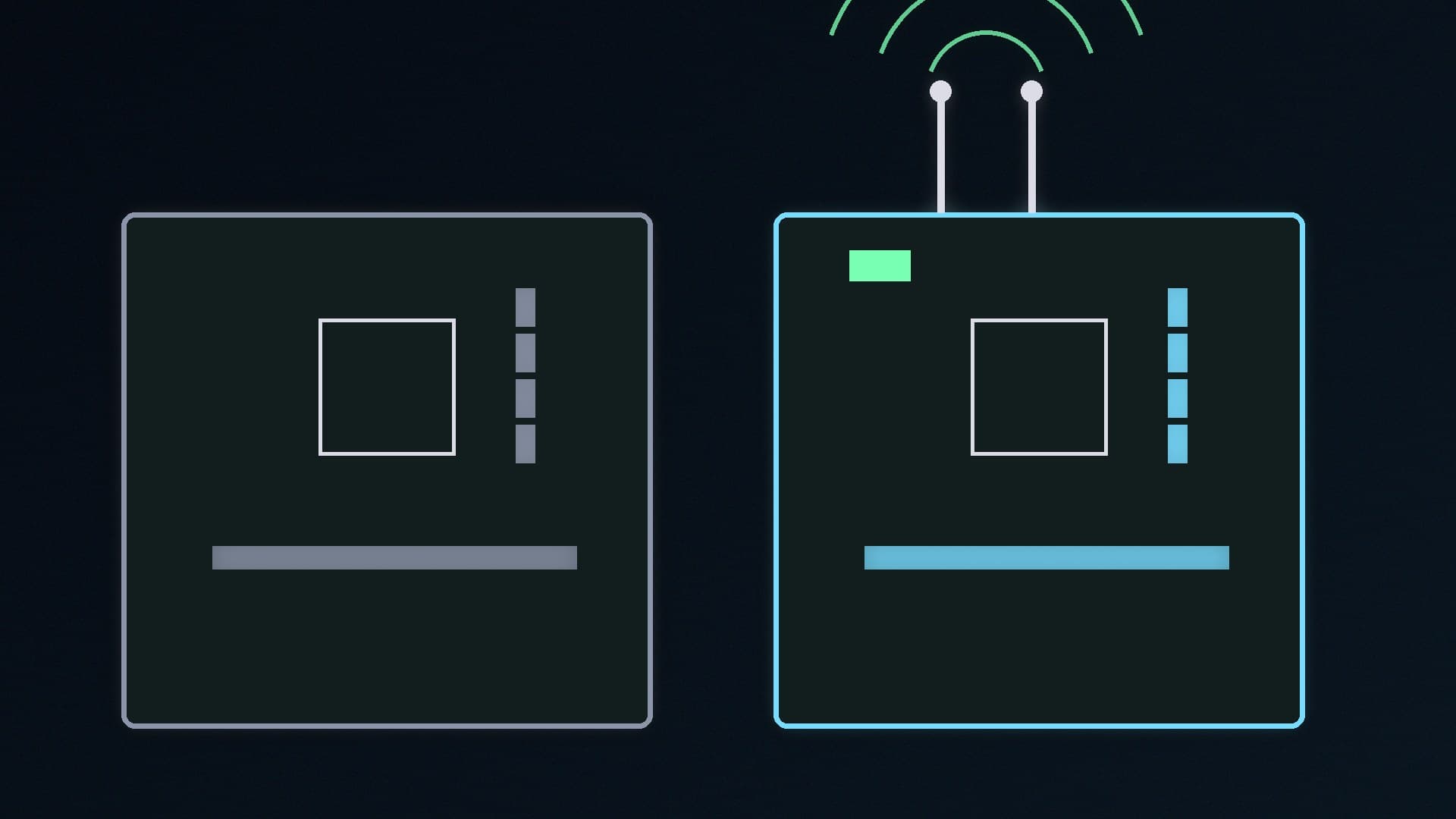
B760 boards come in DDR4 and DDR5 versions (the MSI PRO B760M-P DDR4 in our database is a DDR4 example), and Intel's 700-series brief lists DDR4 up to 3200 MT/s and DDR5 up to 5600 MT/s, with maximum speeds tied to one DIMM per channel. A DDR4 B760 board is therefore a way to reuse memory you already own, which matters while DDR5 prices are high. For Core Ultra 200S chips, plan on DDR5: Intel lists DDR5 up to 6400 MT/s as the supported memory type for the Core Ultra 9 285K, for example, with no DDR4 listed. Make sure the board you buy matches the RAM you plan to use.

4. The chipset's own lanes

Both chipsets offer up to 14 PCIe lanes, but on B860 all of them are PCIe 4.0, while Intel's brief lists B760 as up to 10 PCIe 4.0 plus 4 PCIe 3.0 lanes. Extra M.2 slots and add-in cards hanging off the chipset are therefore more likely to run at PCIe 4.0 speeds on B860. Both connect to the CPU over a DMI 4.0 x4 link, so devices on the chipset share that bandwidth on either board.

5. Security features

Intel lists Intel Trusted Execution Technology and Boot Guard support for B860, and Trusted Execution Technology as not supported on B760. These matter more for business PCs than for most home gaming builds.

Which should you buy?

Buy a B760 board if you already have a 12th, 13th or 14th-gen Core CPU, or want to reuse DDR4 memory. It has the same USB and SATA counts and memory overclocking as B860.

Buy a B860 board if you're building around a Core Ultra 200S processor, want a CPU-attached PCIe 5.0 M.2 slot alongside a PCIe 5.0 graphics slot, and are happy to buy DDR5. Our best B860 motherboards guide lists specific boards, and how to choose a motherboard covers what else to look for.

Our verdict

B860 and B760 are closely matched chipsets on paper, so the choice is really about the platform. B760 makes sense if you already own an LGA 1700 CPU or DDR4 memory. B860 is the one to choose for a new Core Ultra 200S build, with a CPU-attached PCIe 5.0 x4 link for fast SSDs and an all-PCIe 4.0 chipset, at the cost of needing DDR5. Neither supports CPU overclocking, so look at Z-series boards if that matters.

The bottom line

B860 and B760 are closely matched chipsets on paper, so the choice is really about the platform. B760 makes sense if you already own an LGA 1700 CPU or DDR4 memory. B860 is the one to choose for a new Core Ultra 200S build, with a CPU-attached PCIe 5.0 x4 link for fast SSDs and an all-PCIe 4.0 chipset, at the cost of needing DDR5. Neither supports CPU overclocking, so look at Z-series boards if that matters.

Sources

  1. 01Intel, Intel B860 Chipset specifications
  2. 02Intel, Intel B760 Chipset specifications
  3. 03Intel, Intel 700 Series Chipset brief
  4. 04Intel, Core Ultra 9 Processor 285K specifications

About the author

Callum Reid

Senior Hardware Editor

Callum leads GPU, CPU and platform architecture coverage at Forge PC. Before joining the editorial desk, he spent nine years specifying, assembling and stress-testing custom gaming and workstation systems in the UK, with a focus on PCIe bandwidth, VRM thermal design, DDR5 memory tuning and 1440p/4K frame-time consistency.

More from Callum Reid

Read next

Wi-Fi vs Non-Wi-Fi Motherboard: Is Built-In Wi-Fi Worth It?

Versus

Wi-Fi vs Non-Wi-Fi Motherboard: Is Built-In Wi-Fi Worth It?

A Wi-Fi motherboard adds a pre-installed M.2 Key E wireless module with Bluetooth and antennas, and keeps wired Ethernet; MSI's B850 TOMAHAWK MAX WIFI lists Wi-Fi 7 and Bluetooth 5.4. Buy non-Wi-Fi only if you'll always be wired and the saving is meaningful.

Callum Reid3 min

CPU Contact Frame vs Stock ILM: Is It Worth Swapping on LGA1700?

Versus

CPU Contact Frame vs Stock ILM: Is It Worth Swapping on LGA1700?

Intel says the slight heat-spreader bending caused by its LGA1700 ILM is expected and in spec, and that modifying the socket may void warranties. Tom's Hardware measured up to about 12°C lower on a Core i5-13600K with Thermalright's contact frame, but it won't help if cooler contact is already good.

Callum Reid4 min

Best AM5 CPU Upgrade in 2026: 6 Drop-In Ryzen Picks

Best Picks

Best AM5 CPU Upgrade in 2026: 6 Drop-In Ryzen Picks

The best drop-in AM5 upgrades on AMD's specs: Ryzen 7 9850X3D for gaming (8 cores, 96MB L3, 5.6GHz), 9800X3D for value, 9950X3D for gaming plus creating, 9900X for multithreaded work and the 65W 9700X for air-cooled builds. Update your BIOS before swapping.

Hannah Vance5 min

How to Move Your PC Into a New Case, Step by Step

How-To

How to Move Your PC Into a New Case, Step by Step

To move a PC to a new case, check form factor, GPU, cooler and PSU clearances, photograph every connection, strip the old case from the outside in, install only the standoffs your board needs, fit the I/O shield first if separate, then reconnect and test before closing up. Windows shouldn't need reactivating.

Marcus Thorne6 min