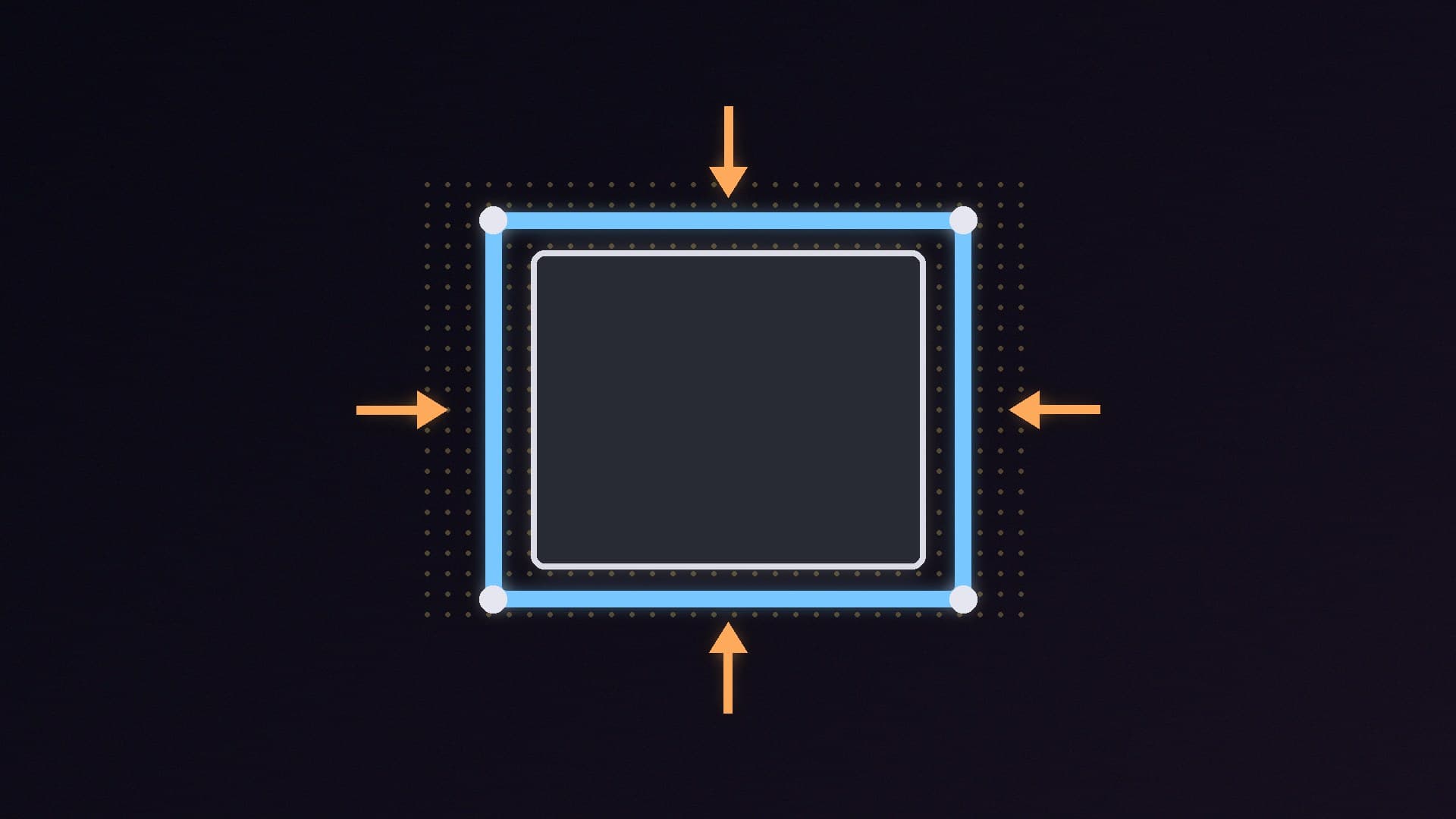
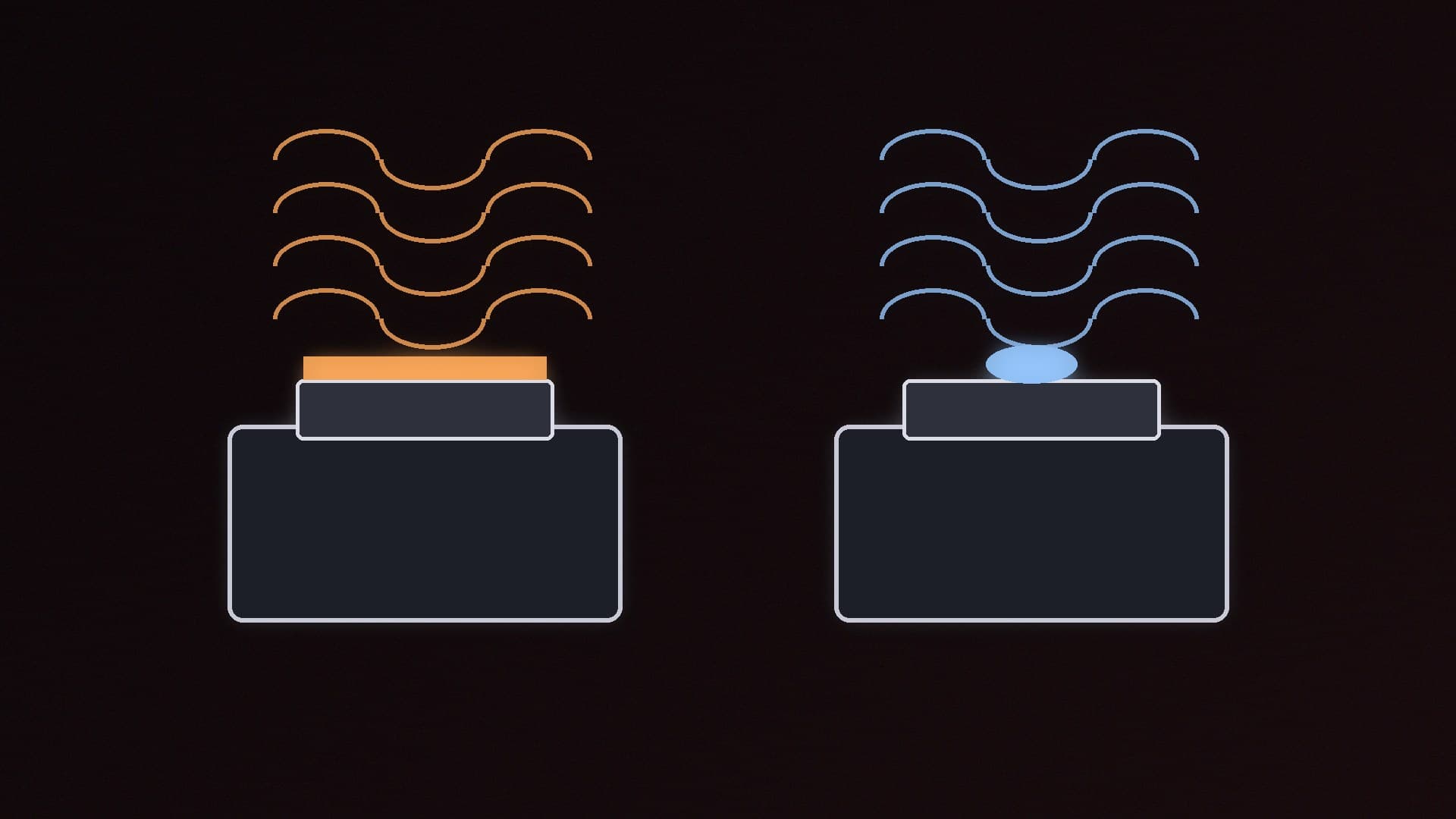
Intel's 12th, 13th and 14th Gen Core desktop chips sit in a long, rectangular LGA1700 socket, held down by a hinged metal clamp called the independent loading mechanism (ILM). Soon after launch, builders noticed that the ILM's pressure could bow the CPU's heat spreader slightly, leaving a gap between the chip and the cooler. Aftermarket contact frames, such as Thermalright's LGA1700-BCF, replace the ILM to spread that pressure differently. This comparison is based on Intel's public statement, Thermalright's specifications and Tom's Hardware's independent testing.
| Stock Intel ILM | Aftermarket contact frame (e.g. Thermalright LGA1700-BCF V2) |
|---|
What it is | Hinged clamp with a load plate and lever, fitted by the motherboard maker | Solid aluminium frame screwed down over the CPU in place of the ILM |
How it holds the CPU | Load plate clamped down by a lever | Frame screwed down around the CPU using the ILM's screws |
Intel's position | Slight deflection is "expected" and keeps the CPU within specification | Modifying the socket or ILM is strongly discouraged and "may void any product warranties" |
Thermalright specification | n/a | 54 x 70 x 6mm, 20g, aluminium alloy, L-shaped screwdriver included, 6-year warranty |
Listed compatibility | Every LGA1700 board | Intel 12th, 13th and 14th Gen (LGA1700) |
Reversible? | It's the default | Yes, if you keep the original ILM and its screws |
What Intel says about bending
In 2022 Intel told Tom's Hardware that its internal data showed the heat spreader "may have slight deflection after installation in the socket", that this was expected and that it doesn't make the processor run outside specification. In the same statement Intel said it strongly recommends against any modification to the socket or ILM, because that would put the processor outside specification and could void product warranties.
Tom's Hardware pointed out an important nuance: "within specification" means the chip still reaches its base clock below its maximum temperature. Intel doesn't guarantee boost clocks, so a chip with worse cooler contact can still be in spec while boosting less under heavy load.
What independent testing found
In its review of Thermalright's LGA1700-BCF, Tom's Hardware tested a Core i5-13600K with an ARCTIC Liquid Freezer II 240. With the CPU limited to 125W, it measured temperatures about 12°C lower with the frame fitted. With a 95W limit the difference was about 3°C, and with no power limit the chip still hit its 100°C limit either way, though it took longer to get there and averaged about 6°C lower over the run.
The reviewer's own conclusion is the key point: the frame can help a lot if your CPU is bending, but it won't make a difference if cooler contact is already good. Results depend on the individual CPU, motherboard, cooler and mounting pressure, so treat these as one system's numbers rather than a promise.
Thermalright publishes an installation guide for the BCF V2 on its product page, and you should follow that rather than a generic walkthrough. Tom's Hardware's review describes the process for the original BCF: remove the cooler, use the supplied L-shaped screwdriver to take out the screws holding the stock ILM, lift the ILM away, then place the frame around the CPU and secure it using the same screws. Its reviewer adds a useful tip: before tightening each screw, turn it backwards in the thread until you hear a click so it starts straight, then tighten. Tighten evenly and stop when the screws are snug rather than forcing them.
Two warnings. Don't throw anything away: the frame reuses the original screws, and you'll want the stock ILM in a labelled bag so you can refit it before selling the board or sending it back under warranty. And read your motherboard maker's warranty terms as well as Intel's, because removing the ILM is a physical change to the board. Tom's Hardware also notes it had heard of stability problems after fitting similar products, although its own install went smoothly, so test the PC properly afterwards.
What about LGA1851?
Intel's Core Ultra 200S processors use the newer LGA1851 socket. Thermalright's BCF V2 page lists only 12th, 13th and 14th Gen compatibility, so don't assume an LGA1700 frame fits an LGA1851 board. If you're on Core Ultra, look for a frame that specifically lists LGA1851 and check your board maker's guidance first. If you're still deciding between the platforms, our guide on upgrading from LGA1700 to LGA1851 covers what changes.
Who should choose which
Keep the stock ILM if your temperatures are reasonable for your cooler, you value the full CPU and motherboard warranty, or you'd rather not unscrew parts of the socket. Most mid-range LGA1700 chips running at sensible power limits fall into this group, and a fresh application of a good compound from our best thermal paste guide is the easier first step.
Consider a contact frame if you run a high-power chip such as a Core i7 or i9 with a capable liquid cooler, you've already ruled out a poor mount or old paste, and you accept the warranty risk. It's also worth considering if you're already removing the cooler to change paste or try a phase-change pad such as PTM7950.
Our verdict
The stock ILM is the safe default: Intel says the slight bending it causes keeps the CPU within specification, and it's the only option that keeps you clearly inside Intel's warranty terms. A contact frame is a cheap, reversible tweak (as long as you keep the original parts) that independent testing shows can lower temperatures noticeably on a hot, bending LGA1700 chip, but it does nothing if your cooler already makes good contact. Only fit one if you've ruled out simpler fixes, keep the original ILM, and accept that Intel may treat it as a modification.