PTM7950 has gone from an industrial part number to a common recommendation on PC forums, usually pitched as a "set and forget" replacement for thermal paste. It's a phase-change material (PCM) developed by Honeywell, whose product page and data charts are now published by Solstice Advanced Materials. It's supplied as a solid pad that softens and flows once it gets warm, then fills the gap between a chip and its cooler much like paste. This comparison uses Honeywell and Solstice's published data for PTM7950 and ARCTIC's specifications for its MX-6 paste as a representative conventional compound.
PTM7950 vs thermal paste at a glance
| PTM7950 (pad) | Conventional thermal paste (e.g. ARCTIC MX-6) |
|---|
Form | Solid pad between liners; also sold as a paste/printable version (PTM7950-SP) | Paste in a syringe |
How it works | Phase change at 45°C, then flows to fill the interface | Spread or pressed out when the cooler is mounted |
Thermal conductivity (maker's figure) | 8.5 W/m·K (ASTM D5470) | No figure on ARCTIC's MX-6 spec sheet (it points to an FAQ) |
Thermal impedance (maker's figure) | 0.04-0.08 °C·cm²/W at no shim | Not listed |
Electrical conductivity | Volume resistivity 2.1 x 10^14 Ω·cm | ARCTIC says MX-6 is not electrically conductive or capacitive |
Operating / continuous-use range | -55°C to 150°C | -50°C to 150°C |
Supplied thickness | 0.2, 0.25, 0.3, 0.4 or 0.5mm pads | n/a |
Application | Cut to size, peel liners, place, mount cooler | Dot, line or spread, mount cooler |
How PTM7950 works
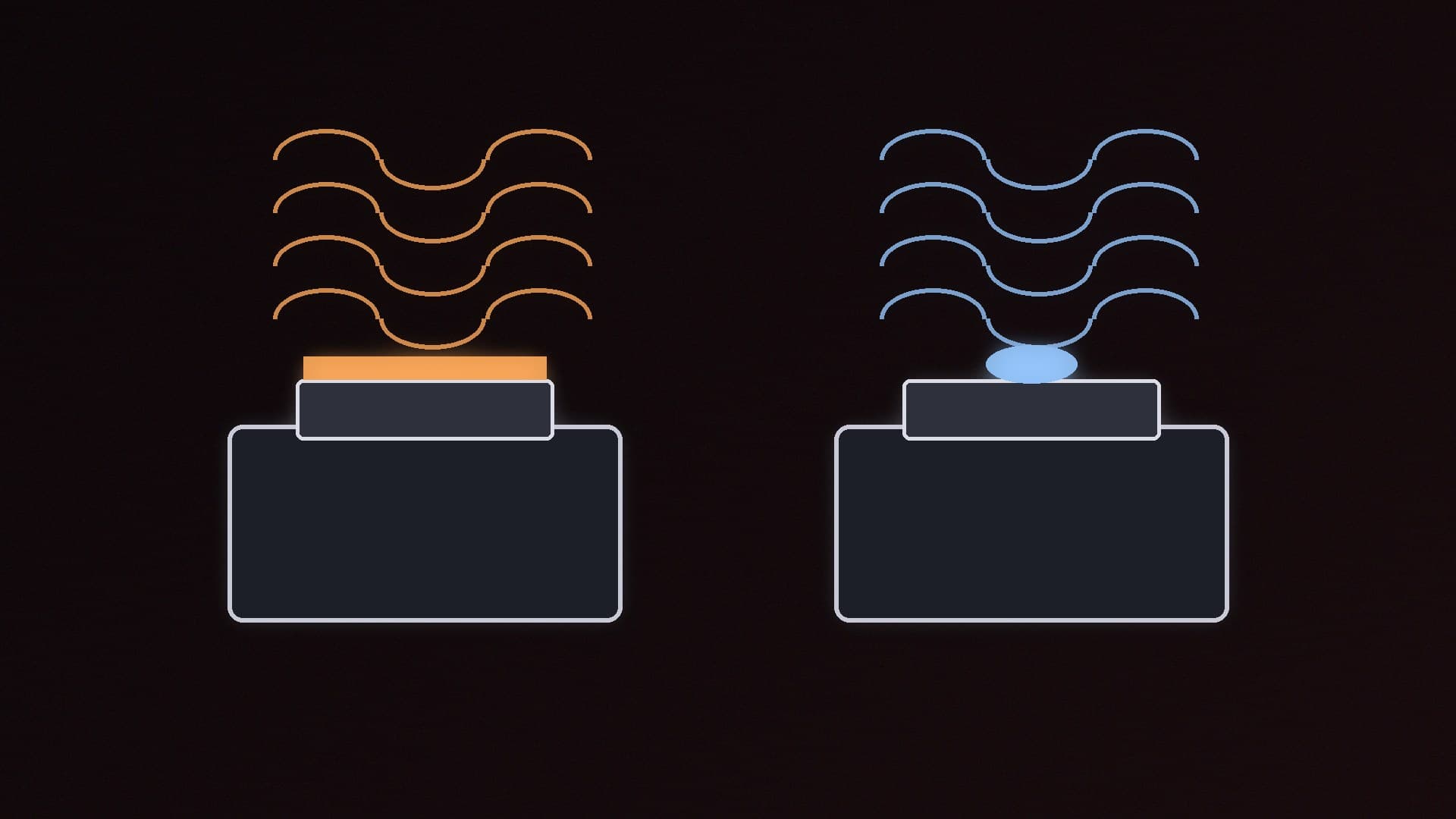
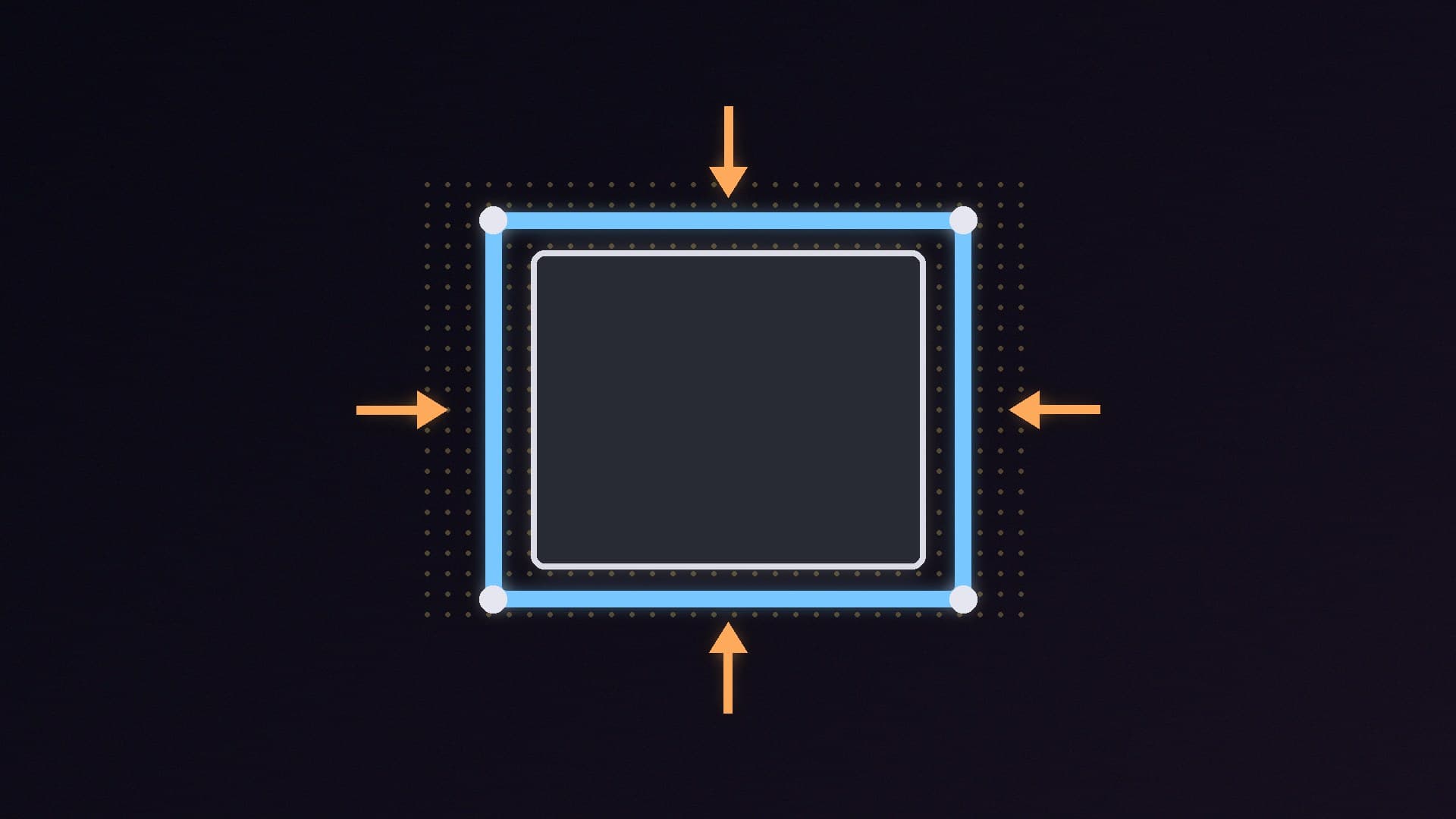
At room temperature PTM7950 is a soft, solid pad. Honeywell's datasheet gives its phase change temperature as 45°C. Once the chip warms past that, the material softens and flows under the cooler's mounting pressure, filling microscopic gaps in much the same way paste does. Honeywell says clamping pressure and temperature should bring the bond line, the layer between the two surfaces, down to under 1.5 mil (0.038mm) for best performance, and states plainly that "the material must go through the phase change temperature" to reach its rated performance.
In practice, that means a freshly applied PTM7950 pad won't behave like a finished interface until it has been through at least one proper heat cycle. If you check temperatures straight after fitting it, give the PC a gaming or stress session first so the CPU or GPU gets well above 45°C, then judge.
Honeywell also offers PTM7950-SP, a paste or printable version with the same listed 8.5 W/m·K conductivity and 0.04 °C·cm²/W impedance. Most enthusiasts use the pad format, which is what people usually mean by "PTM7950".
What the numbers mean, and what they don't
Honeywell lists PTM7950's thermal conductivity as 8.5 W/m·K under ASTM D5470, and its thermal impedance as 0.04-0.08 °C·cm²/W at no shim. Lower thermal impedance is better: it describes how much the material resists heat flow across the actual interface.
Be careful comparing these numbers with figures printed on thermal paste packaging. Manufacturers use different test methods and conditions, and some don't publish a figure at all. ARCTIC, for example, lists the MX-6's viscosity (45,000 poise), density (2.6 g/cm³), continuous-use temperature (-50°C to 150°C), volume resistivity (1.8 x 10^12 Ω·cm) and breakdown voltage (7.5 kV/mm), but its spec sheet's thermal conductivity entry points to an FAQ rather than giving a value. A higher W/m·K figure on one datasheet doesn't automatically mean lower temperatures than another product, because the thickness of the finished layer and the mounting pressure matter as much as the material.
That's why the best guide is independent testing on hardware like yours, credited to the outlet that ran it, rather than headline conductivity figures.
Where PTM7950 has the edge
Long-term stability
The main reason people switch is longevity. Honeywell's datasheet reports thermal impedance of 0.04 °C·cm²/W at the end of the production line, still 0.04 after a 1,000-hour bake at 150°C and after a 1,000-hour "Double 85" test, and 0.045 after 1,000 temperature cycles between -55°C and 125°C. That reliability data is the strongest argument for PTM7950 in a laptop or graphics card you'd rather not open again for years.
Clean, repeatable application
Because it's a pre-formed pad, you don't have to judge how much paste to use or worry about air pockets from a bad spread. Solstice's properties chart lists pad thicknesses from 0.2mm to 0.5mm, and Honeywell's datasheet highlights "superior handling and reworkability". For GPU dies and laptop chips, where a messy paste job can spread on to surrounding components, that predictability helps.
Not electrically conductive
Honeywell lists a volume resistivity of 2.1 x 10^14 Ω·cm, which puts it firmly in electrically insulating territory. That's a big contrast with liquid metal, which is electrically conductive and needs much more care. Our liquid metal vs thermal paste comparison covers that option.
Where thermal paste still makes sense
Desktop CPUs you'll rebuild
On a desktop CPU with a heatspreader and a good tower cooler or AIO, a quality paste is easy to apply, widely available from UK retailers and cheap to replace whenever you change cooler. Most desktop users repaste every time they remove the cooler anyway, so PTM7950's longevity matters less. Our best thermal paste guide covers the compounds we'd consider.
Easier to buy with confidence
Paste from established PC brands is easy to buy from mainstream retailers. PTM7950 is an industrial material rather than a retail PC product, so check what you're buying and who's selling it. ARCTIC runs an authenticity check for its pastes and warns that counterfeits offer neither the performance nor the durability of the original; the same caution applies to any thermal material bought from unknown sellers.
Simpler first checks
Paste works at the moment you mount the cooler. With PTM7950 you need to get through the phase change first, so early temperature readings can be misleading. If you're troubleshooting a hot PC, our guide on how to stop a PC overheating covers checks to make before you change the thermal material at all.
How to apply PTM7950 safely
Check your warranty. Opening a graphics card or laptop to replace the factory thermal material may affect your warranty; check the manufacturer's terms first.
Clean both surfaces. Remove old paste or pad from the chip and the cooler's contact plate with isopropyl alcohol and a lint-free cloth, as you would for a normal thermal paste replacement.
Cut the pad to size. Keep both liners on while you cut it to cover the die or heatspreader, using clean scissors or a craft knife.
Peel one liner, place, peel the other. Lay the exposed side on the chip, press it flat, then remove the second liner. Don't leave a liner on: it would sit between the chip and cooler.
Mount the cooler with even pressure. Tighten screws evenly, in the pattern the cooler maker specifies.
Heat-cycle it. Run a demanding game or stress test so the chip passes 45°C and the material can flow, then check temperatures.
Which should you choose?
Choose PTM7950 if you're repasting a laptop or graphics card that you don't want to open again soon, you want a clean application with no guesswork, or you've had paste dry out or pump out on a hot GPU die.
Choose thermal paste if you're building or upgrading a desktop CPU cooler, you swap coolers often, or you want a material you can buy easily from mainstream UK retailers with no doubt about authenticity.
Our verdict
PTM7950 is worth it where longevity matters most: laptops and graphics cards that are awkward to open, where Honeywell's reliability data shows its thermal impedance barely moving after 1,000 hours at 150°C and 1,000 temperature cycles. For a desktop CPU that you'll reseat whenever you change cooler, a good conventional paste remains the simpler, easier-to-source choice. Whichever you pick, remember that PTM7950 needs to pass 45°C before it reaches its rated performance, so judge it only after a proper heat cycle.