9.42 Experimental. This story is based on Microsoft's Windows ML announcement on its Foundry on Windows developer blog, dated 20 November 2026, and Microsoft's earlier Aion Instruct post, both read on 25 November 2026.
Microsoft has released Windows ML 2.9.42 Experimental, the first version of its built-in local AI framework to support a new back end called the DirectX Compute Graph Compiler (DX CGC). Microsoft says it has been developing DX CGC with AMD, Intel, NVIDIA and Qualcomm, and that it's "optimized first for GPUs, with NPU support in progress".
It's a developer release rather than something you'll notice in Windows straight away, but it's worth knowing about if you run AI models on your own PC. It's Microsoft's clearest step yet towards one Windows-native way of running local AI on any graphics card, and it adds support for the GGUF model files that tools such as llama.cpp, Ollama and LM Studio already use.
What is Windows ML?
Windows ML is Microsoft's framework for running AI models locally on Windows PCs, across graphics cards, NPUs and processors. Until now it has relied on ONNX Runtime, with each hardware maker supplying an "execution provider" to accelerate models on its chips. Our DirectML vs Windows ML explainer covers how Microsoft has moved new AI development from DirectML to Windows ML.
Microsoft says it introduced an experimental, Windows-native inferencing path, the Windows ML Runtime API, in October. Version 2.9.42 Experimental is the first to connect that path to DX CGC.
What DX CGC does
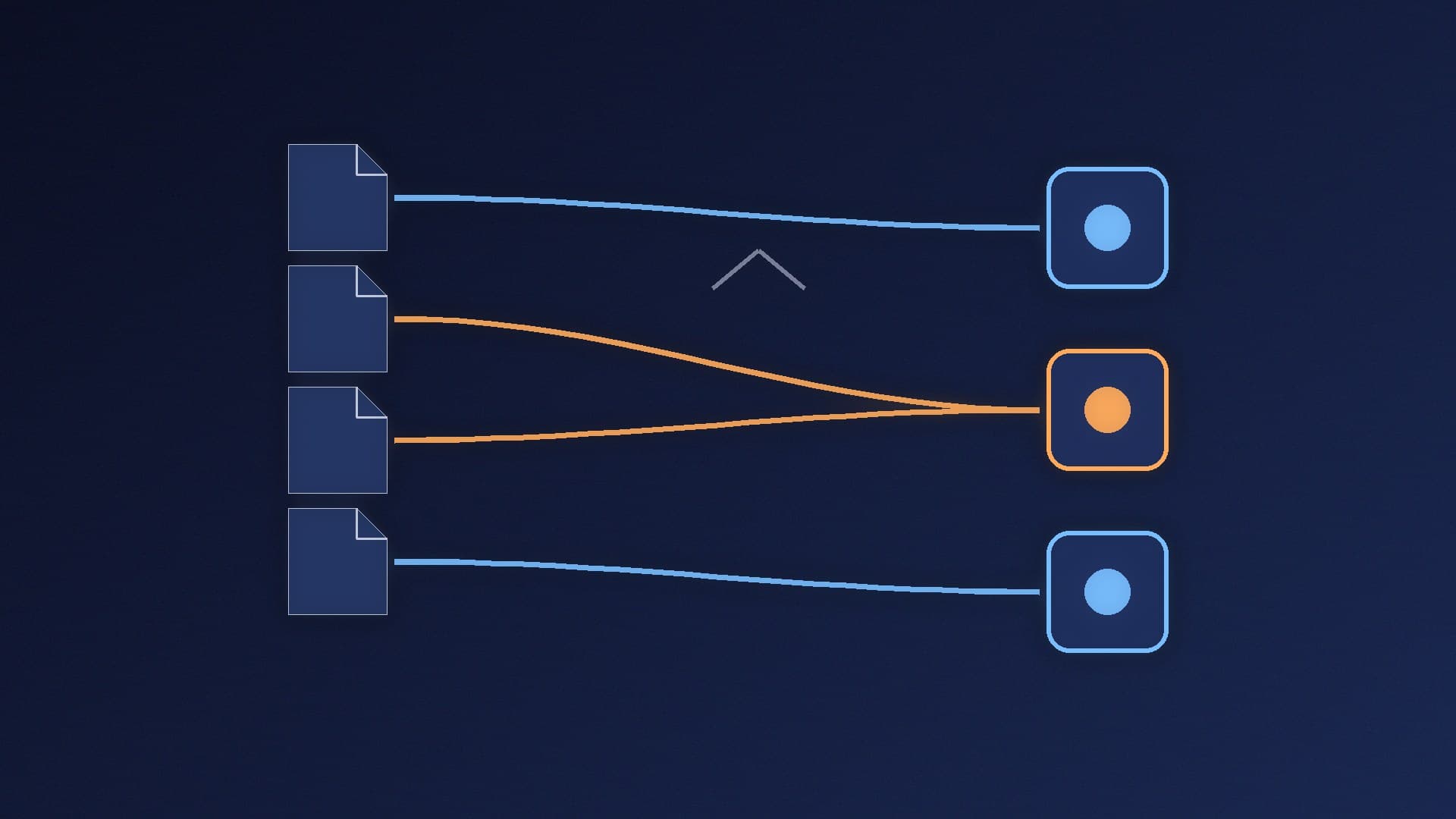
According to Microsoft, DX CGC is a compiler and inference engine built on MLIR, an open compiler framework. Developers convert a model once into a portable format Microsoft calls Compute Graph IR (CGIR), either with the Windows ML command-line tool or automatically at runtime for supported formats. DX CGC then compiles it for the specific chip in your PC and runs it through Direct3D 12.
The key points from Microsoft's announcement:
One model for all hardware. Developers shouldn't need to maintain separate versions of a model for each chip maker.
Vendor optimisations with a fallback. Device-specific optimisations come from compiler back ends built with AMD, Intel, NVIDIA and Qualcomm. Where a vendor's driver doesn't support DX CGC yet, or part of a model isn't supported, Windows ML falls back to a built-in path using shaders and other optimised kernels.
GPU first. DX CGC is aimed at graphics cards for now. CPU and NPU workloads still run through the existing ONNX Runtime-based path.
Existing ONNX apps can use it. A new ONNX Runtime execution provider, the Windows ML Compute Graph EP, runs ONNX models through DX CGC with no code changes, according to Microsoft.
NVIDIA GPUs first
In this first release, Microsoft says vendor-specific hardware acceleration through DX CGC requires the NVIDIA GeForce 621.24 driver, or the equivalent driver for NVIDIA's RTX Spark systems. Microsoft says vendor-specific acceleration for other GPUs is planned for future releases. Microsoft's description suggests that, until then, other graphics cards rely on DX CGC's built-in fallback path rather than vendor-tuned code.
So if you have an AMD Radeon or Intel Arc card, this release doesn't yet bring the full benefit. Microsoft's post doesn't give a date for other vendors.
GGUF and Hugging Face models load directly
The bigger change for local AI enthusiasts is in Windows ML's higher-level Task APIs, which cover text generation, speech recognition and a new "decision" task for classification and routing. Microsoft says these now accept GGUF and Hugging Face SafeTensors model files directly, alongside ONNX, so you don't need to convert or export a model first. For text generation, developers can also load GGUF files with a llama.cpp loader that uses NVIDIA's CUDA back end.
Microsoft's recommended models for Windows ML and CGC include LLMs from the Llama, Qwen, Gemma and Phi families, Whisper and Nemotron for speech recognition, and non-LLM models such as YOLO, CLIP and ResNet-50.
There's also a local server with an OpenAI-compatible endpoint, so apps that already talk to cloud AI services, or to local tools like Ollama, can be pointed at Windows ML instead. Microsoft's example runs a 27B Qwen model on an NVIDIA GPU and uses it as the model behind GitHub Copilot CLI for local coding.
What it means for you
For now, very little changes for everyday users. Windows ML 2.9.42 is labelled experimental, and Microsoft says it's an early release meant to gather feedback on the design and quality of the APIs. Microsoft's advice is that developers shipping apps today should keep using the generally available ONNX Runtime-based APIs.
Longer term, it matters because it could make local AI features in Windows apps work better across more graphics cards without each developer having to target NVIDIA, AMD and Intel separately. It also fits with Microsoft's wider push to use graphics cards, not just NPUs, for on-device AI: Microsoft has said its new Aion 1.0 Instruct on-device language model will expand to supported GPUs, including NVIDIA RTX and AMD RDNA 4 cards, as we reported in our Aion Instruct story. Microsoft plans to start rolling Aion 1.0 Instruct out to Windows Insiders from 4 December 2026, with retail availability planned for January 2027.
If you just want to run models on your PC today, tools such as Ollama, LM Studio and Microsoft's own Foundry Local are still the easier route. See our guide to running AI models with Foundry Local and our Foundry Local vs Ollama comparison.
Our verdict
Windows ML 2.9.42 Experimental is an early developer release, but it shows where Microsoft wants local AI on Windows to go: one Windows-native path that compiles models for whichever graphics card you have, with direct support for the GGUF and Hugging Face files the local AI community already uses. NVIDIA GeForce owners get vendor-tuned acceleration first with the 621.24 driver; acceleration for other vendors' GPUs is planned for later releases, with a built-in fallback path in the meantime. It won't change how you run models today, but it's a meaningful step towards local AI apps that simply work on any Windows PC.