Every figure below comes from the builder's own write-up as reported by Tom's Hardware on 23 November 2026, with V100 specifications from NVIDIA's datasheet. Treat the speeds as one person's results with one set of models and settings.
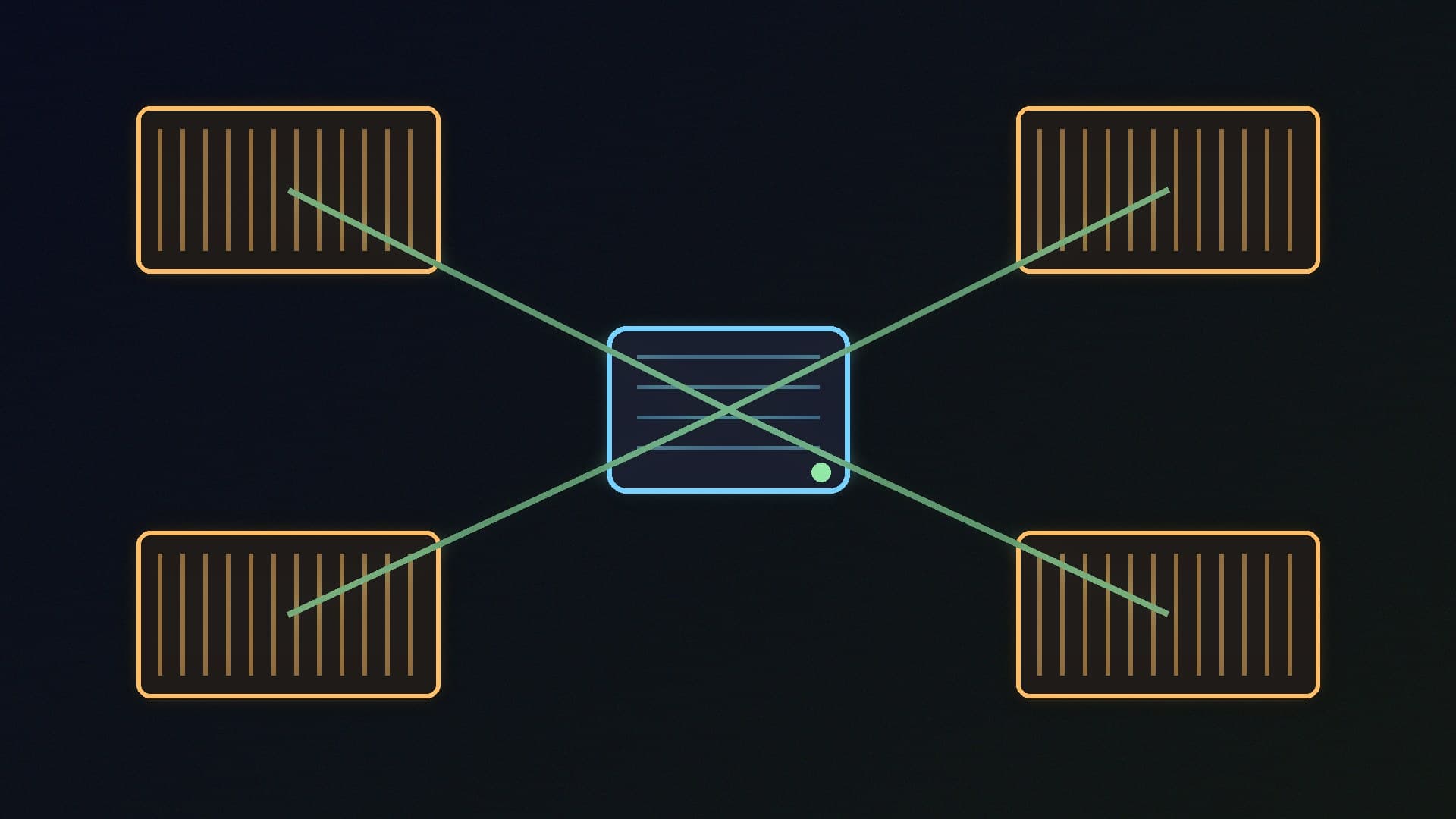
A home-lab project reported by Tom's Hardware shows how far people will go to get a lot of graphics memory for local AI without buying a workstation card. The Australian builder, who posted the project on Reddit and in a YouTube build guide, has connected four used 32GB NVIDIA V100 accelerators to a refurbished Lenovo M720q Tiny mini PC, for 128GB of VRAM in total.
How the build works
According to Tom's Hardware, the M720q Tiny has an Intel Core i5-9400T and 64GB of DDR4. The GPUs aren't inside it, of course. A PCIe switch card with a PEX8724 chip sits in the Tiny's riser slot, taking an x8 link in and providing four x4 OCuLink ports out, so each V100 runs at PCIe Gen3 x4. OCuLink is an external PCIe cable connection often used for external graphics docks; our OCuLink vs USB4 eGPU comparison explains how it differs from Thunderbolt-style docks.
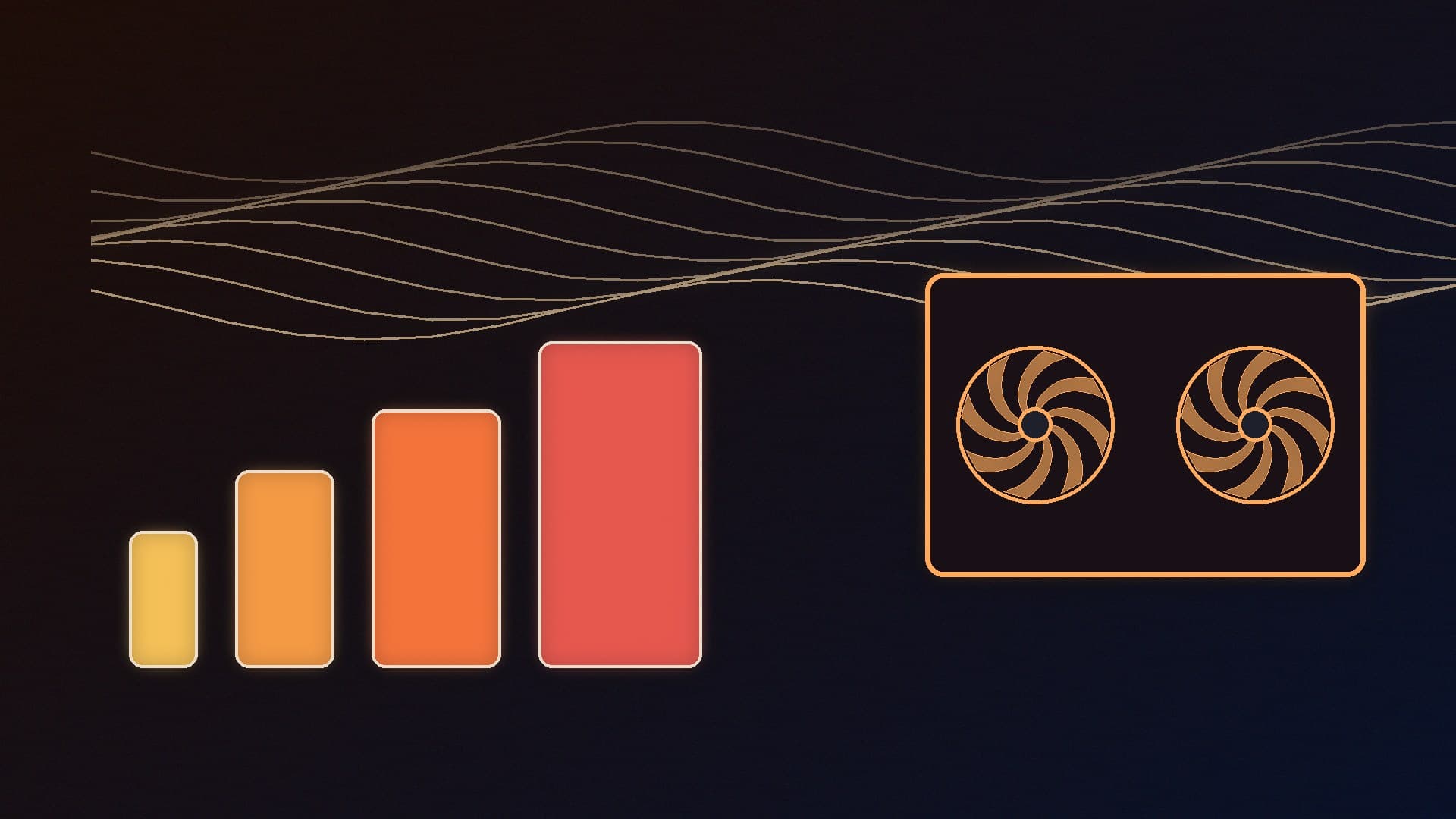
Each card sits in its own AOOSTAR AG01 eGPU dock, and Tom's Hardware reports that each dock has a built-in 800W power supply. Because the V100s are passively cooled and rely on external airflow, each one gets a 3D-printed 140mm funnel with a Noctua NF-A14 iPPC-3000 fan, all driven from an ARCTIC USB fan controller. An extra ARCTIC P12 Silent fan, fitted in a hole drilled in the Tiny's lid, cools the switch card, which runs hot.
The builder also keeps temperatures in check in software. Tom's Hardware reports that each card is power-capped to 200W, 800W in total, and that a script pauses work if the hottest card reaches 83°C and powers the system off at 87°C.
The hacks needed to make it boot
This was not a plug-and-play upgrade. Tom's Hardware reports two big obstacles:
The riser slot wouldn't power the switch card. The Tiny only powers its riser when the card pulls a presence pin, which the switch card doesn't do, so the builder added a solder bridge on the back of the riser.
Lenovo's BIOS couldn't map four cards. The stock firmware leaves a 128GB window for 64-bit devices, and each 32GB V100 needs 64GB of it, so only two cards worked and a third hung at POST. The builder replaced the firmware with coreboot 26.09 and an EDK2 payload, with above-4G allocation enabled, which Tom's Hardware says expands the window to about 486GB.
Flashing third-party firmware and soldering on a motherboard riser can permanently damage hardware and will void any warranty, so this is a proof of concept rather than a recipe.
The reported results
The builder's figures, as reported by Tom's Hardware:
Workload (builder's figures) | Reported speed |
|---|
Qwen3.8-27B Q6, one card | About 40 tokens per second |
Qwen3.8-27B Q6, all four cards, each running its own copy with four requests at once | About 285 tokens per second in total |
Qwen3.8-Flash-Next-125B-A6B IQ4_XS across all four cards | About 43 tokens per second in chat, or about 116 with eight requests |
The 285 tokens per second figure is total throughput from four separate copies of the model serving several requests in parallel, not the speed a single chat would see. Tom's Hardware also reports a measured noise level of about 62dB at one metre, and says the builder calls using the full 128GB a "party trick". In practice he runs a copy of the 27B model on each card to process large volumes of stock-announcement documents for his business, and says the machine has been running almost 24/7 for a few weeks.
What it cost
The builder puts the cost at about A$6.5k all-in including local taxes, or closer to US$3,500, according to Tom's Hardware, which also notes that prices for some V100 hardware, SXM2 cards in particular, have climbed significantly this year. We haven't converted that to a UK price because the used market here is different.
What it means for UK local AI builders
The appeal is obvious. NVIDIA's datasheet lists the V100 PCIe with 32GB (or 16GB) of HBM2 memory and 900GB/s of memory bandwidth, so four of them give a very large pool of fast memory for the money. There are catches, though:
They're passively cooled data-centre cards. NVIDIA's datasheet lists a passive thermal solution and up to 250W per PCIe card, so each one needs air forced through it.
Software support is narrowing. Ollama's hardware page still lists the V100 (compute capability 7.0) as supported, but NVIDIA's CUDA 13 release notes say several CUDA libraries have removed support for Maxwell, Pascal and Volta GPUs. Volta cards are on borrowed time for new tools.
Splitting work across cards isn't free. Each card here gets only a PCIe Gen3 x4 link, and the builder gets his best results by running one copy of a model per card.
If you want lots of VRAM with less risk, our guide to buying a used GPU for local AI in the UK and our explainer on running a local LLM across two GPUs are better starting points.
Our verdict
This four-V100 mini PC is a clever, very hands-on way to get 128GB of VRAM, and the builder's reported throughput shows what old data-centre cards can still do when each runs its own copy of a model. But it relied on soldering, replacement firmware, four separate eGPU docks and passively cooled 250W cards whose CUDA support is being wound down. Most people building a local AI PC in the UK should treat it as an interesting experiment, not a shopping list.