This report is based on the official UVR website and the developer's 18 November 2026 update on GitHub issue 2399, both read on 25 November 2026.
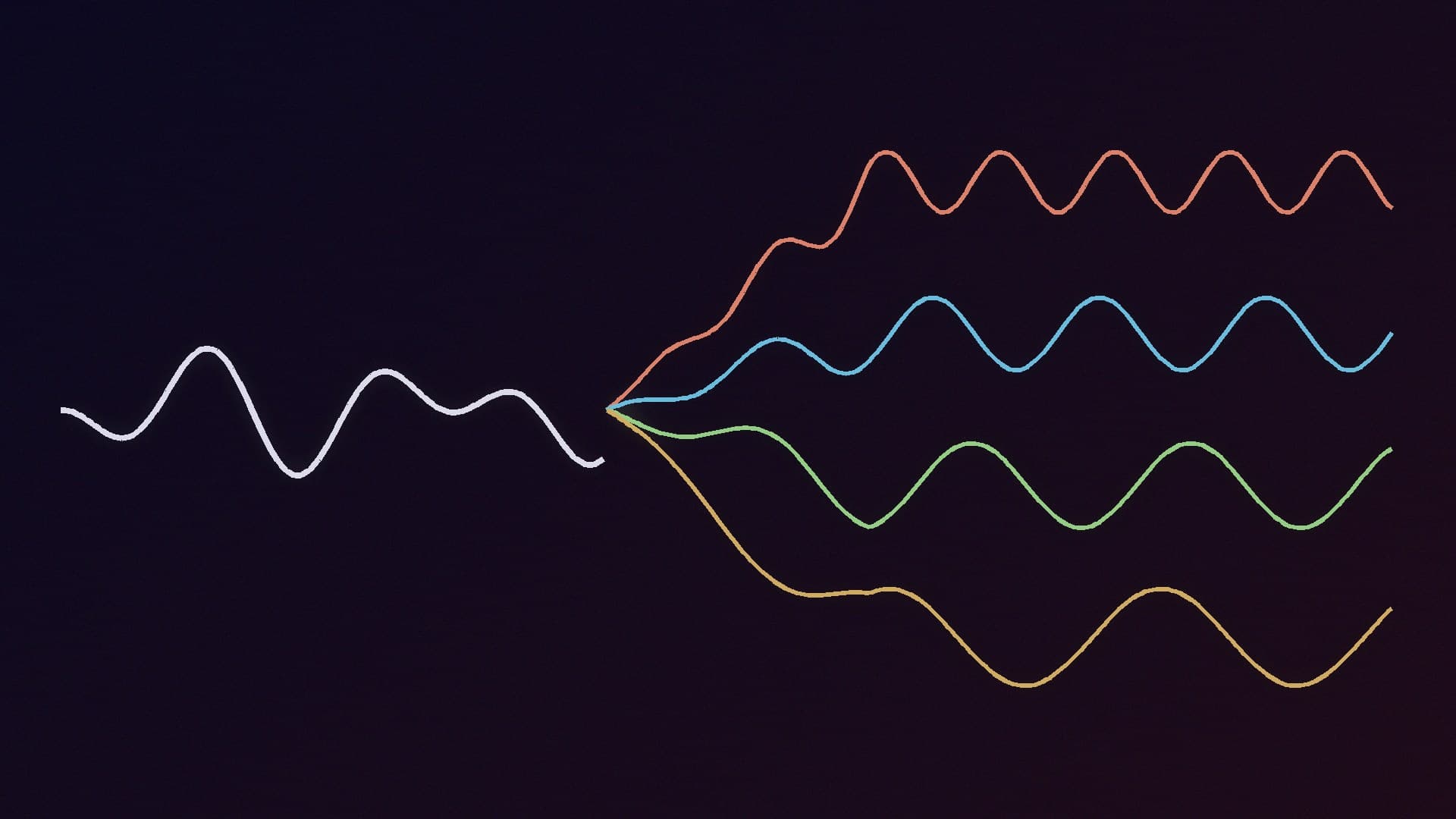
Ultimate Vocal Remover (UVR) is a free, open-source desktop app that uses machine-learning models to split a song into stems, typically vocals and an instrumental, on your own PC. The current public release is UVR 5.6. Its developer, Anjok07, has now set a date for the long-awaited rewrite: UVR6 for Windows will be released on 11 December 2026. macOS is planned to follow shortly after, then Linux.
If you already use UVR to isolate a vocal for practice, karaoke or remixes, this is the first firm public date since the last major release in 2023. Until 11 December, the official site still points people to UVR5.
What's coming in UVR6
The official site and the 18 November GitHub update describe UVR6 as a rebuild, not a patch on the current app. The interface is being moved from Tkinter to PySide. The site says the new interface is "cleaner, faster and easier to read", with accessibility options built in from the start, plus dark, light and colour themes.
Other changes listed on the official site and in that update:
A rebuilt Download Center, presented as a searchable, sortable table of models that also describes what each model is for.
Support for newer model architectures, including many models released by the community since 2023. The developer says getting newer models to run without breaking compatibility with the existing UVR library has been one of the harder parts of the work.
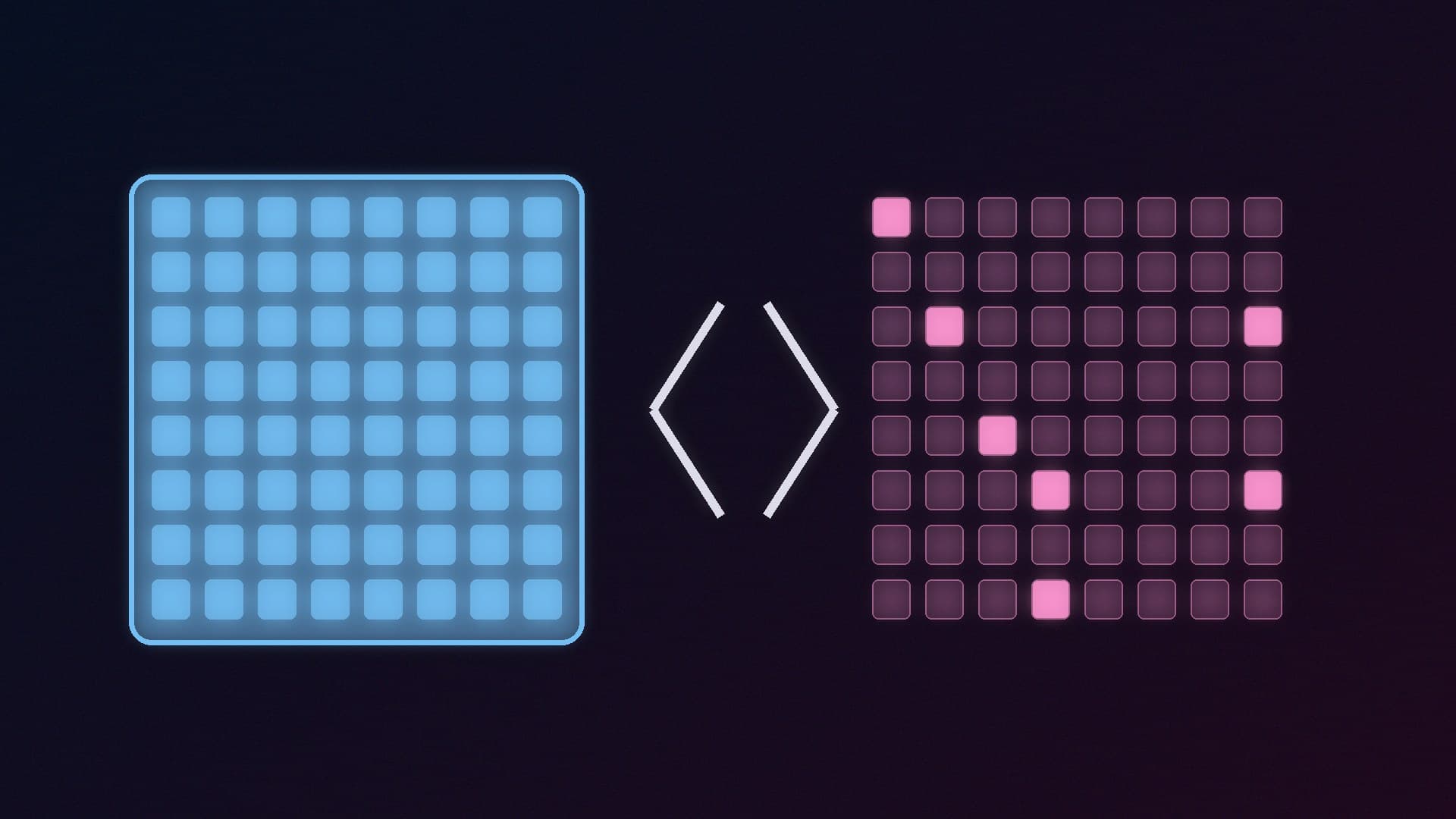
Ensemble mode, which runs several models on the same song and blends the results.
Built-in audio tools to align tracks, match them, and change key or tempo without leaving the app.
A command-line version that uses the same models and settings as the graphical app, aimed at batch jobs and scripts. The developer says the official demo video does not show this, and that more detail will follow at release.
The 18 November update also says UVR6 is already with a few testers, that a new demo video is on the official website, and that the remaining work is polishing, hardware compatibility and smaller bugs. Windows is first, "with macOS following shortly after, and then Linux". The developer says the gaps between those releases are not intended to be large, and that each one will be announced on the official site.
Why the wait, and what to use today
The developer says the last major UVR release was in 2023. In the official development update on GitHub issue 2399 (first posted on 6 October 2026 and updated since), Anjok07 wrote that they are the only person actively developing the main UVR codebase, and that UVR 6 became a much larger job than expected because audio-separation models, machine-learning libraries and dependencies have all changed since UVR 5. Rather than keep stacking patches on the old code, they rebuilt it.
Until UVR6 is out, the official advice is to keep using UVR5. The site describes it as the current release: it removes vocals, isolates instruments and splits songs into stems with MDX-Net, VR and Demucs models, and it is free and open source on Windows, Mac and Linux. The project's GitHub README for v5.6 adds practical hardware notes for that current app: the Windows installer is aimed at Windows 10 or higher and must be installed to the main C: drive; NVIDIA GTX 1060 6GB is listed as the minimum for GPU conversions, with at least 8GB of VRAM recommended; and a DirectML Windows build is offered for AMD Radeon or Intel Arc cards, with AMD support described as limited. The UVR GUI code is MIT-licensed.
If you already have a local-AI audio workflow, UVR sits alongside rather than instead of the tools we cover in our speech-to-text buying guide, our local music generation how-to and our local text-to-speech picks. None of those apps does stem separation, and UVR does not transcribe or generate music.
Our verdict
UVR6 now has a public Windows date of 11 December 2026, with macOS and Linux to follow, according to the official site and the developer's 18 November GitHub update. The rewrite moves the app to PySide, adds a searchable model catalogue, newer architectures, ensemble blending, built-in audio tools and a command-line version. Until then, UVR5 remains the version to download. We haven't used UVR6, so treat the new features as the developer's own description until the release is out and can be checked independently.