The specifications, download sizes and benchmark figures below come from Ollama's model library, Mistral AI's and Qwen's model cards on Hugging Face and Mistral's launch announcement, all read on 25 November 2026. Where we quote benchmark scores, they're the developer's own figures.
If you want an AI coding assistant that runs entirely on your own PC, with no subscription and no code leaving your machine, the model matters as much as the app. Two of the most popular choices in Ollama's library are Mistral AI's Devstral Small 2 and Alibaba's Qwen3-Coder 30B. Both are built for "agentic" coding, where the model uses tools to read your project, edit files and run commands, and both are open-weight under the Apache 2.0 licence. But they're built in very different ways, and that changes which graphics card you need.
Quick comparison
| Devstral Small 2 | Qwen3-Coder 30B |
|---|
Developer | Mistral AI | Qwen (Alibaba) |
Size | 24B parameters | 30.5B total, 3.3B active per token (mixture of experts) |
Ollama command | ollama run devstral-small-2
| ollama run qwen3-coder
|
Default Ollama download (4-bit) | 15GB | 19GB |
8-bit download | 26GB | 32GB |
Context window | 256K per Mistral (Ollama lists 384K) | 256K native, up to 1M with YaRN per Qwen (Ollama lists 256K) |
Image input | Yes | No, text only |
Tool calling in Ollama | Yes | Yes |
Thinking mode | Not listed | No, non-thinking only |
Developer's own CLI | Mistral Vibe | Qwen Code |
Licence | Apache 2.0 | Apache 2.0 |
Design: dense 24B vs mixture of experts
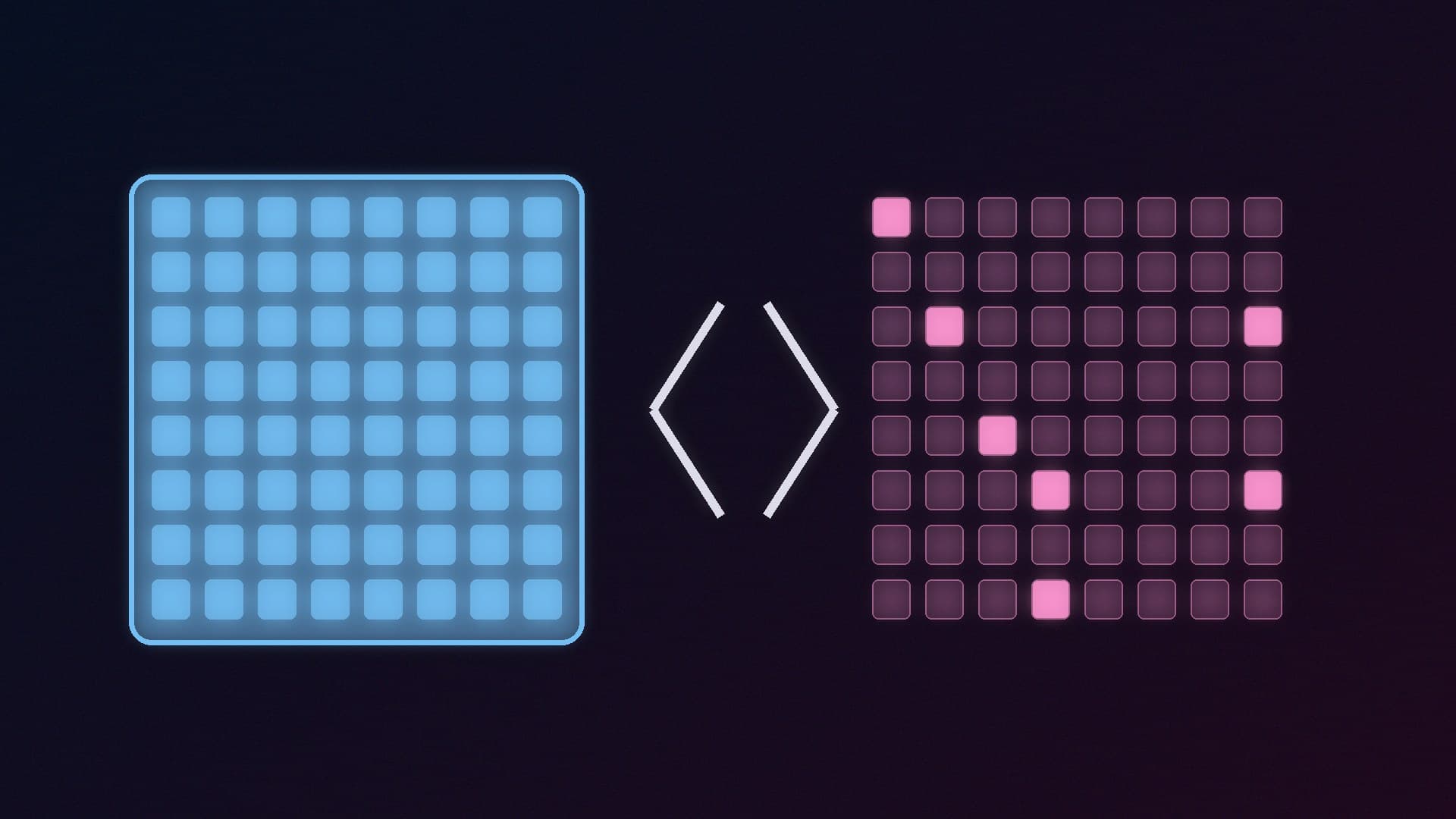
This is the biggest difference between the two. Qwen describes Qwen3-Coder 30B as having 30.5B parameters in total but only 3.3B activated for each token. That's a mixture-of-experts (MoE) design: the model is large on disk, but only a small slice of it does the work for each word it writes.
Mistral describes Devstral Small 2 as a 24-billion-parameter model, and lists no experts or "active parameter" figure, so all of its weights are in play for every token. Our explainer on MoE vs dense models covers the trade-offs in detail, but in short: an MoE model with few active parameters generally has less work to do per token, so it tends to generate text faster on the same hardware, and it copes better when part of it has to sit in system memory rather than VRAM. A dense model needs more computing power per token but can pack more capability into a smaller download.
VRAM: which fits your graphics card?
Ollama's default 4-bit builds are 15GB for Devstral Small 2 and 19GB for Qwen3-Coder 30B. You'll also need spare VRAM for context, and coding tools use a lot of it because they send whole files to the model.
24GB cards (RTX 4090, RTX 3090, RX 7900 XTX and similar): both fit. Devstral Small 2 leaves around 9GB for context; Qwen3-Coder leaves about 5GB. Mistral's model card says Devstral Small 2 is light enough to run on a single RTX 4090 or a Mac with 32GB of RAM.
16GB cards: neither fits entirely. Devstral Small 2's 15GB download leaves almost no room for context, so Ollama will push part of it into system memory and it will slow down considerably. Qwen3-Coder is bigger, but because it's an MoE model you can keep its expert layers in system RAM and the rest on the GPU, which is often a workable compromise. Our guide to running MoE models on low VRAM with llama.cpp shows how.
32GB cards and up: you can run either at 8-bit (26GB for Devstral Small 2, 32GB for Qwen3-Coder) or give them a much longer context.
If you're choosing a card specifically for local coding, our best 24GB graphics cards for local AI guide is the place to start.
Context length
Both models are designed for big codebases. Qwen says Qwen3-Coder 30B supports 256K tokens natively, extendable to 1M using YaRN, and is "optimized for repository-scale understanding". Mistral's model card gives Devstral Small 2 a 256K context window, while Ollama's library lists 384K.
In practice, your VRAM will run out long before either limit. Ollama's documentation says it defaults to a 4K context on cards with less than 24GiB of VRAM and 32K on cards with 24GiB to 48GiB, but recommends at least 64,000 tokens for coding tools and agents, so raise it gradually as explained in our guide to setting Ollama's context length. Qwen's own model card suggests reducing context to around 32,768 tokens if you hit out-of-memory errors.
Devstral Small 2 has one clear extra: Mistral says it added vision capabilities compared with Devstral Small 1.1, and Ollama lists it with text and image input. That's useful if you want to paste in a screenshot of an error message or a UI mock-up. Qwen3-Coder 30B is text only.
Both models support tool calling in Ollama, which is what coding agents rely on. Qwen says Qwen3-Coder supports most agent platforms, naming its own Qwen Code and Cline, and that it uses a specially designed function-call format. Mistral's model card lists Cline and Kilo Code among the tools Devstral works with, alongside its own Mistral Vibe CLI. Note that the card says Vibe asks for a Mistral API key the first time you run it, so for a fully offline set-up you may prefer a tool such as Cline or Continue pointed at Ollama. See our guides to using Cline with Ollama and using Continue with Ollama.
Qwen also notes that Qwen3-Coder 30B only works in non-thinking mode and doesn't generate thinking blocks, so it gets straight to the answer.
Benchmarks: what the developers say
Mistral reports that Devstral Small 2 scores 65.8% on SWE-bench Verified, 51.6% on SWE-bench Multilingual and 32.0% on Terminal Bench. Those are Mistral's own figures, and the company notes that competitor scores in its table are based on publicly reported values.
The Qwen3-Coder 30B model card doesn't give comparable scores on its page; it points to Qwen's blog and documentation for benchmark results, and Mistral's table compares Devstral with other, larger models rather than with Qwen3-Coder 30B. We haven't found an independent, like-for-like comparison of the two at the quantisation levels most people run at home, so we wouldn't pick between them on benchmark scores alone. Try both on your own code: they're free, and swapping models in Ollama takes one command.
Which should you choose?
Choose Devstral Small 2 if: - You have a 24GB graphics card and want the most headroom for context. - You want to show the model screenshots or images. - You'd like a model whose developer publishes SWE-bench scores for it.
Choose Qwen3-Coder 30B if: - You want the model likely to respond faster, as only 3.3B of its parameters are active for each token. - You have a 16GB card and are happy to offload expert layers to system RAM. - You plan to use Qwen Code or want the option of very long context through YaRN.
Our verdict
Devstral Small 2 and Qwen3-Coder 30B are both strong, Apache 2.0 licensed choices for a local coding assistant, and the best one depends mostly on your graphics card. With a 24GB card, Devstral Small 2 is the more rounded option: it's the smaller download at 15GB, leaves more room for context, accepts images and comes with published SWE-bench scores from Mistral. Qwen3-Coder 30B is the better fit if speed matters or you only have 16GB of VRAM, because its mixture-of-experts design activates just 3.3B parameters per token and copes better with partial offloading to system RAM. As neither developer offers a like-for-like comparison, the sensible approach is to try both on your own projects.