Browse a local AI model library and you will see names like "30B-A3B" next to plain "27B" or "31B". The first is a mixture-of-experts (MoE) model; the second is a dense model. They behave very differently on a home PC, and picking the right type for your hardware can make the difference between a model that types faster than you read and one that crawls.
Forge PC has not benchmarked these models. This explainer uses Hugging Face's guide to mixture-of-experts, the Qwen3 and Mixtral model documentation, llama.cpp's documentation and figures published by Lablup for its MLxcel inference engine.
What is the difference?
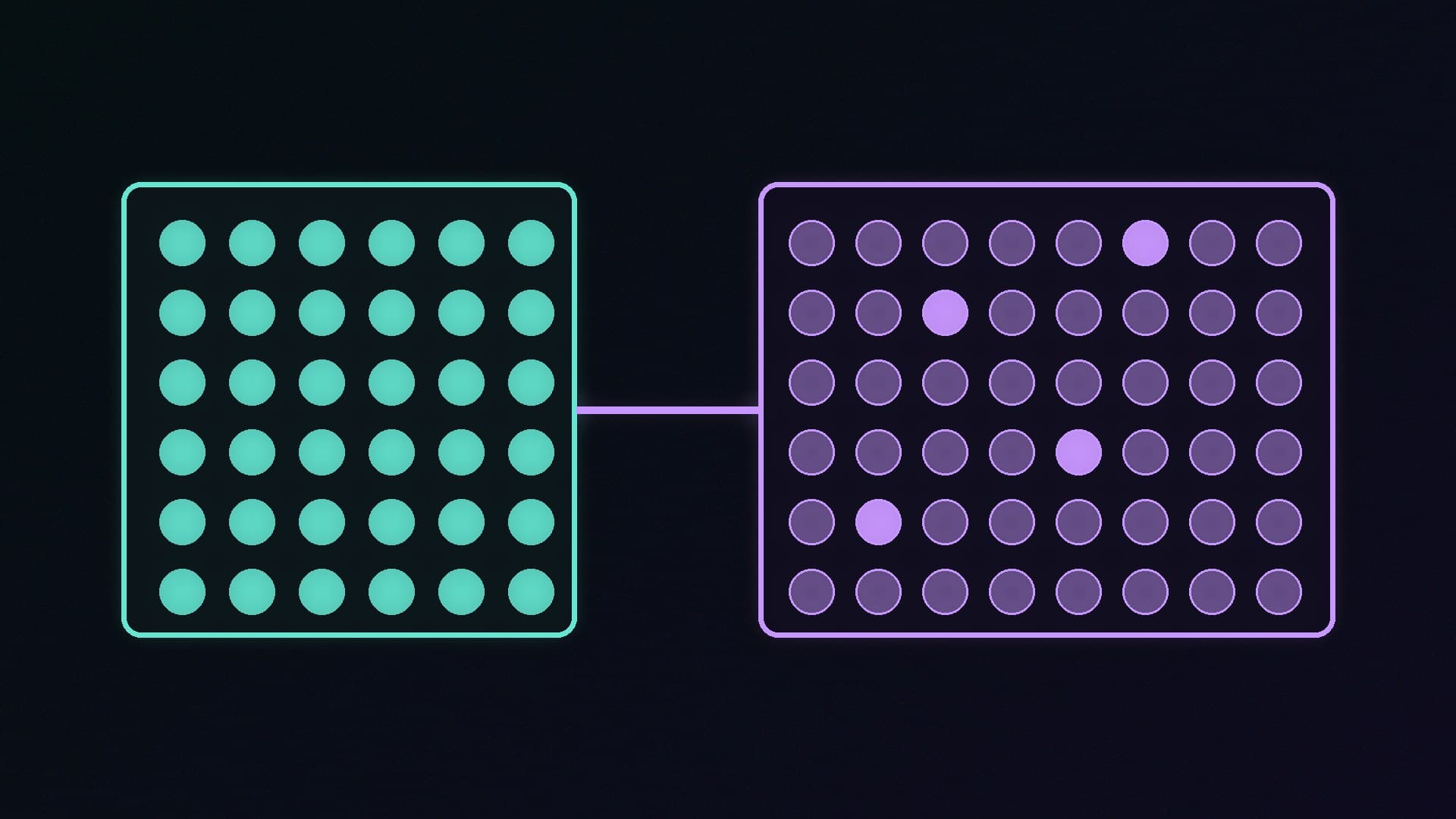
A dense model uses all of its parameters (its learned weights) to produce every token, or word fragment. A 27-billion-parameter dense model does 27 billion parameters' worth of work for each one.
An MoE model splits much of the network into many "experts" and uses a router to pick only a few for each token. Hugging Face's explainer puts it simply: although an MoE "might have many parameters, only some of them are used during inference", which leads to much faster inference than a dense model with the same number of parameters.
Two real examples:
Model | Total parameters | Used per token |
|---|
Qwen3-30B-A3B | 30.5B | 3.3B (8 of 128 experts) |
Mixtral 8x7B | 46.7B | 12.9B |
The "A3B" in Qwen's name stands for about 3 billion active parameters, according to its model card.
Speed: MoE usually wins
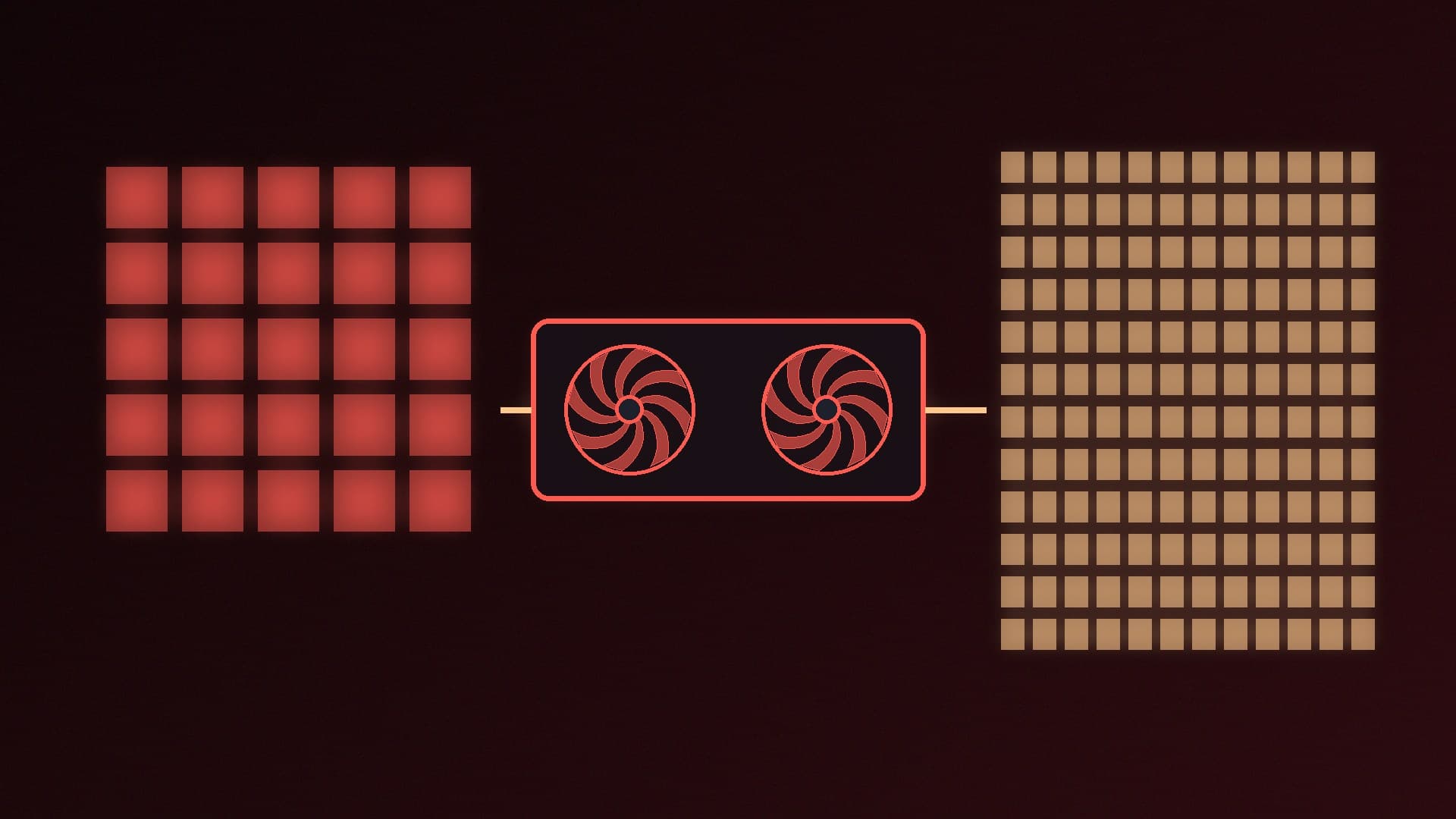
When a model generates text, each new token requires reading the active weights from memory, so memory bandwidth largely sets the speed. Lablup makes this point in its MLxcel 0.8 release notes, and its own figures on an AMD Ryzen AI Max+ 395 show how big the gap can be:
Nemotron 3 Nano 30B-A3B (MoE, 3B active): 75.9 tokens per second
Gemma 4 31B (dense): 10.2 tokens per second, which Lablup says is close to the theoretical ceiling set by that chip's memory bandwidth
These are Lablup's results on one system with its own software, not Forge PC tests, but they show the principle: two models of similar total size, roughly a sevenfold difference in generation speed.
Memory: the MoE catch
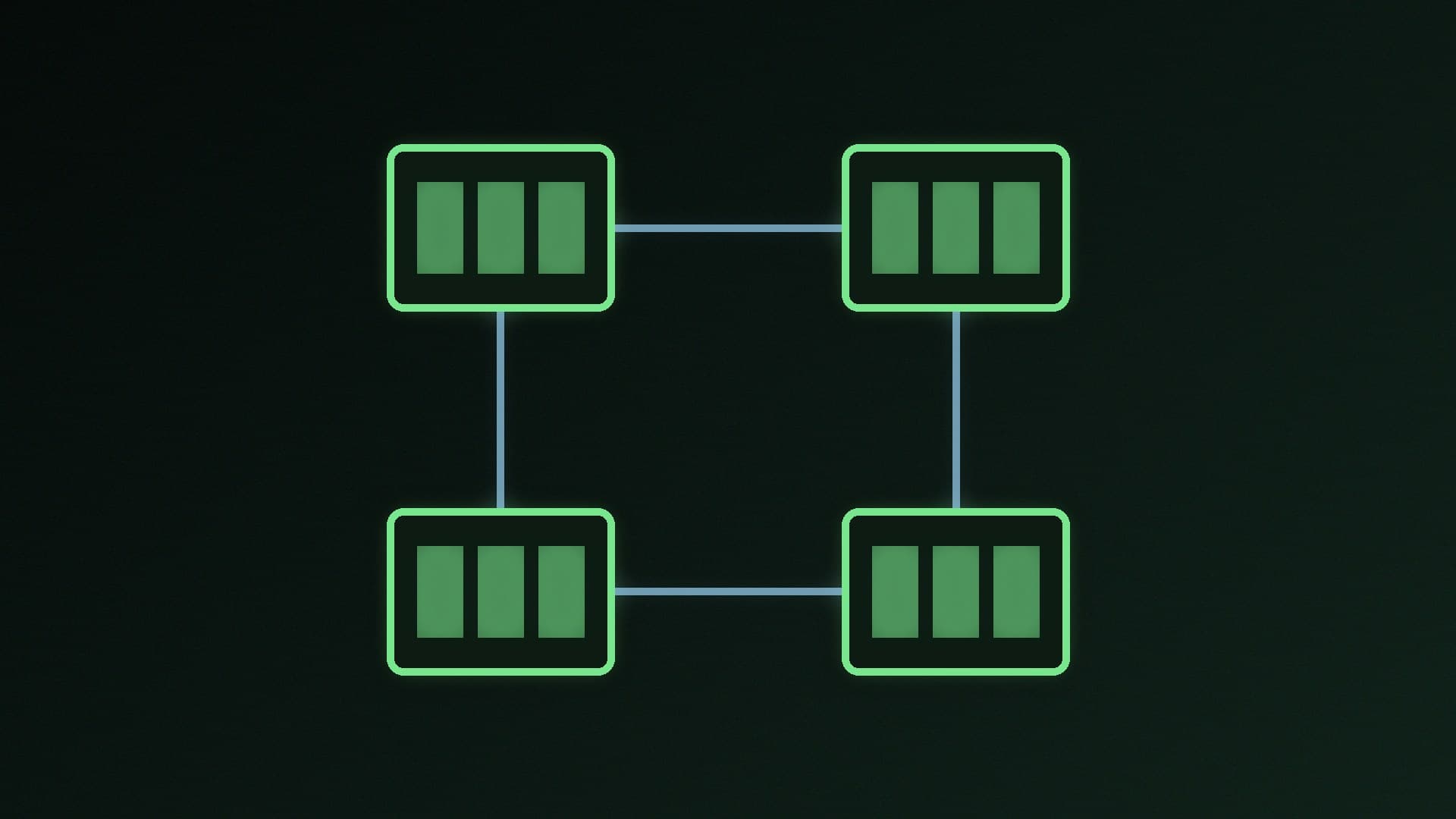
The catch is that the experts the router does not use for one token may be needed for the next, so all of them must be loaded. Hugging Face notes that "all parameters need to be loaded in RAM, so memory requirements are high". In its Mixtral 8x7B example, you need enough VRAM to hold a dense 47B-parameter model, even though inference runs with the compute of a much smaller model.
Hugging Face's guide therefore concludes that for low-throughput use with little VRAM, a dense model will be better, because a smaller dense model can sit entirely on the graphics card.
So a 30B MoE model needs roughly as much memory as a 30B dense model at the same quantisation, not as much as a 3B model. Our quantisation explainer explains how compression changes those sizes.
MoE has a trick for smaller graphics cards
Because only a few experts are active at a time, MoE models cope better than dense models when they do not fit entirely in VRAM. llama.cpp, the engine behind many local AI apps, has options called --cpu-moe and --n-cpu-moe, which keep some or all of the expert weights in system RAM while the rest of the model stays on the graphics card.
That makes MoE models a good match for PCs with a mid-range graphics card and plenty of system memory, and for unified-memory systems such as AMD's Ryzen AI Max chips. Our system RAM for local AI guide covers how much memory to aim for, and our CPU vs GPU for local AI comparison explains why the graphics card is still faster.
Quality: it depends on the model
Hugging Face explains that, for the same compute, MoE models can be pre-trained faster than dense ones. But quality varies from model to model, and a model with 3B active parameters is not automatically as capable as a dense model with 30B. Compare models on the tasks you care about rather than on parameter counts alone.
Which should you choose?
Choose an MoE model if: - you have lots of system RAM or a unified-memory system, but a modest graphics card - you value fast responses, for chat or coding helpers - the model is slightly too big for your VRAM, so you can offload experts to RAM
Choose a dense model if: - the whole model fits comfortably in your graphics card's VRAM - you have little VRAM and little system RAM, so a small model that fits entirely on the GPU is the realistic option - you want the most capable model that fits, and can accept slower output - your app does not support MoE expert offloading
To check how much of a model is really on your GPU, see our guide to checking VRAM usage. For general speed tips, read how to speed up local LLMs in Ollama.
Our verdict
Mixture-of-experts models such as Qwen3-30B-A3B only use a fraction of their parameters for each token, so they generate text far faster than dense models of similar size: Lablup measured 75.9 tokens per second for a 30B-A3B MoE model against 10.2 for a dense 31B model on the same AMD chip. But every expert still has to be loaded, so they need as much memory as their total size suggests. On a PC with a modest graphics card and plenty of system RAM, or a unified-memory system, an MoE model is often worth trying; if memory is tight overall, or a dense model fits fully in your VRAM, dense remains a strong option. Forge PC has not benchmarked these models.