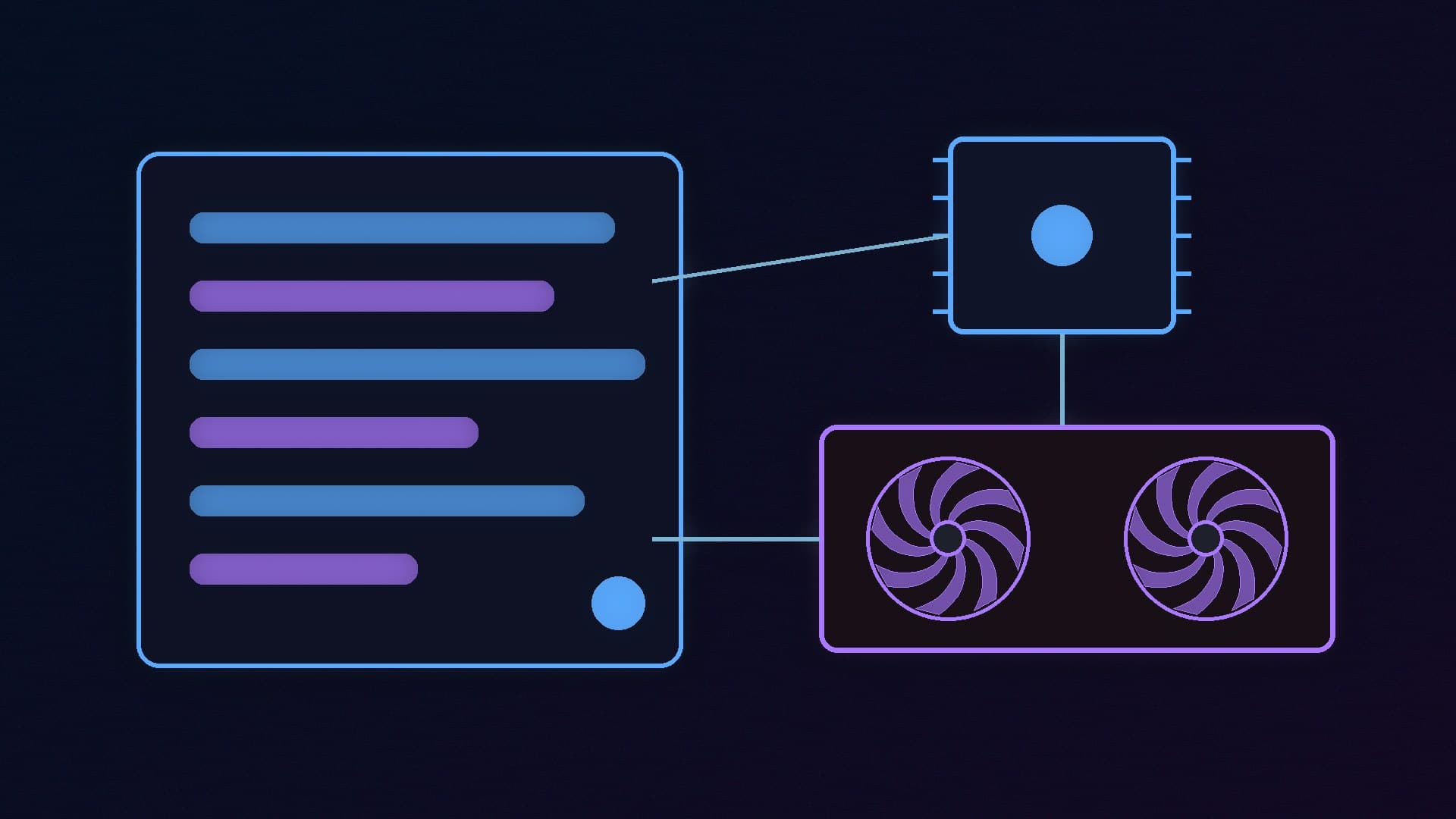
Microsoft has announced a replacement for Phi Silica, the small on-device language model that Windows 11 uses for local AI features on Copilot+ PCs. The new model is called Microsoft Aion Instruct. Microsoft says it will start reaching Windows Insiders on 20 November and ordinary Windows 11 PCs in January 2027. Microsoft is also expanding it beyond NPUs to "popular dGPUs like NVIDIA's RTX-series and AMD's RDNA4 generation".
That last part matters for desktop builders. Until now, Windows' built-in language model has mostly been a laptop story, tied to the NPUs in Copilot+ PCs. Forge PC has not tested Aion Instruct. This article is based on Microsoft's developer blog post of 13 November and its Windows AI documentation.
What Aion Instruct is
Aion Instruct is the model behind Windows' local text features and the Windows AI APIs that developers can call from their own apps. Microsoft compares it with Phi Silica like this:
| Phi Silica | Aion Instruct |
|---|
Parameters | 3.8 billion | 2.3 billion |
Input context limit | 3,500 tokens | 32,000 tokens |
So the new model is smaller, but it can take in roughly nine times as much text at once. Microsoft says users can expect "more responsive language model experiences" and better use of device resources. It has not published independent quality comparisons yet; a technical report is promised for the Microsoft Command Line blog.
Microsoft also says Aion Instruct adds invisible watermarking to its text output, to meet text-provenance requirements in some regions.
The timeline
Microsoft lists three stages:
October 2026: a standalone developer package became available for testing.
20 November 2026: Aion Instruct is planned to begin rolling out to Windows Insider Preview devices. Microsoft's documentation says Phi Silica remains on those PCs during this stage, with a controlled feature rollout deciding which model is active.
January 2027: Aion Instruct is planned to roll out to retail Windows devices, and Phi Silica is removed.
Microsoft's own blog post uses "late January" as the target for full retail availability. As with any staged Windows rollout, expect it to reach different PCs at different times.
What about graphics cards?
Microsoft says it is expanding Aion Instruct to supported GPUs, naming NVIDIA RTX and AMD RDNA 4 (the Radeon RX 9000 series), and that hardware support "will expand in stages as configurations meet our readiness and quality standards". It has not yet published a final list of supported cards for Aion Instruct.
The closest guide is Microsoft's current Phi Silica documentation, which already describes GPU support in preview. It lists:
NVIDIA GeForce RTX 30 series and newer with at least 6GB of video memory.
AMD Radeon RX 9060 series and newer with at least 6GB of video memory.
NPUs in Copilot+ PCs, which Microsoft says give the best performance.
There are catches in that preview. Running Phi Silica on a GPU currently needs a Windows Insider Experimental Channel build, Developer Mode switched on, and the latest driver installed directly from NVIDIA or AMD rather than from Windows Update. Some features behave differently on a GPU: Microsoft says prompt compression and speculative decoding are only available on the NPU, so GPU text generation may be slower. On a GPU, the model is not preinstalled. It downloads on demand through Windows Update the first time an app asks for it, and Microsoft says that download is several gigabytes. You can remove it later under Settings > System > AI Components.
We do not know yet whether Aion Instruct on GPUs will keep exactly these requirements when it reaches retail PCs, so treat them as a guide to the direction of travel, not a final specification.
Does this make an NPU or Copilot+ PC less important?
Somewhat, for desktop users. The NPU is still Microsoft's preferred home for the model, and features such as Recall remain tied to Copilot+ PCs, as our NPU and Copilot+ explainer describes. But putting Windows' own model on ordinary RTX and RDNA 4 graphics cards means a gaming desktop without an NPU can, in future, run the same local text features that apps build on the Windows AI APIs.
It does not turn Windows into a general-purpose local chatbot. Aion Instruct is a small model meant to power features inside Windows and apps. If you want to chat with larger open models on your own graphics card today, tools such as Ollama and LM Studio are still the way to do it. Our guide to running AI models locally shows how.
What you should do now
Nothing, if you are on a normal Windows 11 PC. Microsoft says most existing AI features should keep working through the switch, so the change should happen in the background.
Keep graphics drivers current if you want to try GPU-based Windows AI features in preview. Microsoft's documentation stresses drivers from NVIDIA or AMD directly. Our guide to updating graphics drivers covers both.
Do not buy hardware for it yet. The supported-card list for Aion Instruct has not been published. Video memory still matters most for serious local AI, and that has not changed. Our Microsoft AI PC tiers story covers how memory is shaping Microsoft's plans.
Our verdict
Aion Instruct is a sensible upgrade on paper: a smaller model with a far longer context limit, arriving on Copilot+ PCs and, in stages, on NVIDIA RTX and AMD RDNA 4 graphics cards. For desktop owners, the GPU expansion is the real news, because Windows' built-in language model has so far been mostly an NPU feature. But retail availability is not planned until January 2027, Microsoft has not published the final list of supported cards, and the current GPU preview has real limitations. We have not tested Aion Instruct; this report is based on Microsoft's own announcement and documentation.