Skip to content

VersusGPU

Foundry Local vs Ollama: Which Local AI Runtime Should You Use?

Microsoft Foundry Local vs Ollama: Foundry Local is a developer runtime and SDK with a curated model catalogue and automatic GPU and NPU acceleration, while Ollama is a ready-to-use app, CLI and local API with NVIDIA and AMD Radeon GPU support on Windows.

By , Senior Hardware Editor

3 min read

Foundry Local vs Ollama: Which Local AI Runtime Should You Use?

Foundry Local and Ollama both run AI models on your own PC, with no cloud subscription and no per-token costs. They're built for different jobs, though: Ollama is a ready-to-use app and server for running open models, while Microsoft positions Foundry Local as a runtime and SDK for building on-device AI into apps. We've compared them using Microsoft Learn and Ollama's official documentation.

At a glance

Foundry Local

Ollama

Made by

Microsoft

Ollama

Main use

Embedding local AI in apps

Running models from an app, CLI or API

Platforms

Windows, macOS (Apple silicon), Linux

Windows, macOS, Linux (separate docs for each)

Hardware acceleration

Automatic: GPUs and NPUs when available, CPU fallback

NVIDIA and AMD Radeon GPUs on Windows (ROCm or Vulkan)

API

SDK (C#, C++, JavaScript, Rust, Python) plus optional OpenAI-compatible server

Local API at localhost:11434

Models

Curated, optimised catalogue

Large library of open models

What Foundry Local is for

Microsoft describes Foundry Local as an end-to-end local AI solution for shipping applications that run entirely on the device. Its runtime handles downloading models, hardware acceleration, model management and inference through ONNX Runtime, and Microsoft says it adds about 20MB to an application package.

Its strongest feature for PC owners with new laptops is automatic hardware acceleration: Microsoft says Foundry Local detects the hardware and picks the best execution provider, running on GPUs and NPUs when available and falling back to the CPU. It also manages execution provider and driver updates. The model catalogue is curated rather than open, and Microsoft lists chat models such as GPT OSS, Qwen, DeepSeek, Mistral and Phi, plus Whisper for transcription. It supports OpenAI request and response formats, including the Responses API, and no Azure subscription is needed.

The catch is that Microsoft's current documentation is aimed at developers, with getting-started guides built around SDK packages for .NET, Node.js and other languages. If you just want to chat with a model, it's less direct than Ollama. Our Foundry Local guide covers getting started, and we reported on Foundry Local's GitHub Copilot integration.
What Ollama is for

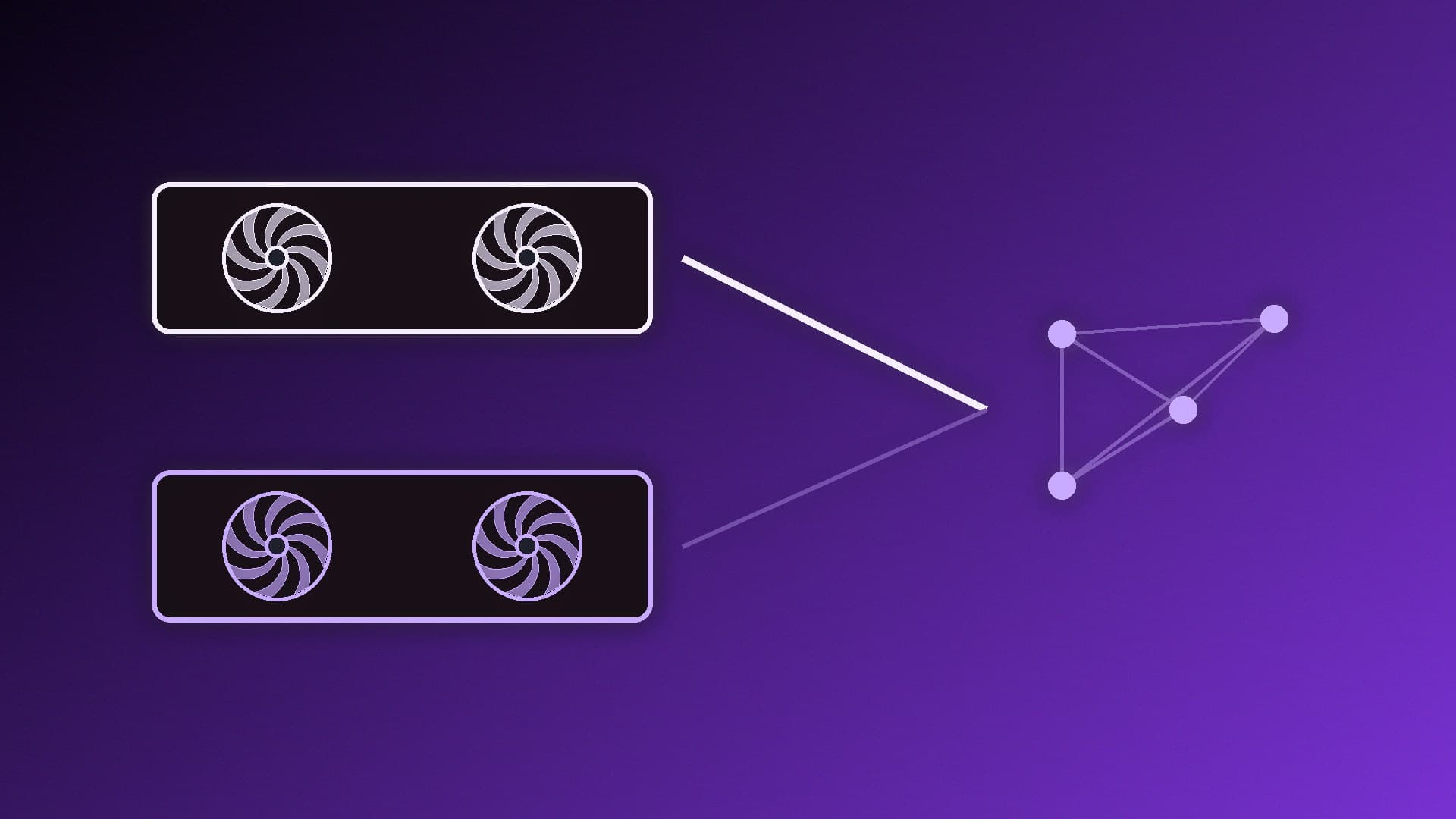
Ollama's documentation says it runs as a native Windows application with NVIDIA and AMD Radeon GPU support, runs in the background, and makes the ollama command available in Command Prompt, PowerShell or any terminal, with its API served at http://localhost:11434. Other apps can connect to that API, which is how many chat front ends and coding tools use Ollama.

On Windows, Ollama lists these requirements:

  • Windows 10 22H2 or newer, Home or Pro.

  • NVIDIA driver 551.61 or newer for NVIDIA cards.

  • An AMD ROCm v7/HIP 7-capable driver for ROCm acceleration, or a Vulkan-capable Radeon driver for Vulkan acceleration.

  • At least 4GB for the install, plus space for models, which Ollama says can be tens to hundreds of gigabytes.

You can change where models are stored with the OLLAMA_MODELS environment variable; see how to move Ollama models to another drive. Ollama's Windows documentation doesn't mention NPU support, so if you want to use a laptop's NPU, Foundry Local is the more relevant option.

Which should you use?

  • Use Ollama if you want to run open models today from a terminal or a chat app, especially on a PC with an NVIDIA or AMD graphics card. Its API is supported by a wide range of tools; see how to use Ollama's OpenAI-compatible API.

  • Use Foundry Local if you're building a Windows, macOS or Linux app that needs on-device AI, or you want automatic use of an NPU on a Copilot+ PC without managing hardware yourself.

For more on where an NPU helps and where a GPU is better, see NPU vs GPU for local AI, and if you're choosing a chat app, see Ollama vs LM Studio.

Our verdict

Ollama is the better choice for most people who want to run local AI models on a gaming PC: it's an app you install and use, with GPU support for NVIDIA and AMD cards and an API that many tools understand. Foundry Local is Microsoft's developer-focused runtime, and its automatic GPU and NPU acceleration makes it the one to watch if you're building apps or want to use a Copilot+ PC's NPU.

The bottom line

Ollama is the better choice for most people who want to run local AI models on a gaming PC: it's an app you install and use, with GPU support for NVIDIA and AMD cards and an API that many tools understand. Foundry Local is Microsoft's developer-focused runtime, and its automatic GPU and NPU acceleration makes it the one to watch if you're building apps or want to use a Copilot+ PC's NPU.

Sources

  1. 01Microsoft Learn, What is Foundry Local?
  2. 02Microsoft Learn, Get started with Foundry Local
  3. 03Ollama, Windows documentation

About the author

Callum Reid

Senior Hardware Editor

Callum leads GPU, CPU and platform architecture coverage at Forge PC. Before joining the editorial desk, he spent nine years specifying, assembling and stress-testing custom gaming and workstation systems in the UK, with a focus on PCIe bandwidth, VRM thermal design, DDR5 memory tuning and 1440p/4K frame-time consistency.

More from Callum Reid

Read next

How to Choose Which GPU Ollama Uses (or Force CPU)

How-To

How to Choose Which GPU Ollama Uses (or Force CPU)

How to make Ollama use a specific graphics card with CUDA_VISIBLE_DEVICES (NVIDIA), ROCR_VISIBLE_DEVICES (AMD ROCm) or GGML_VK_VISIBLE_DEVICES (Vulkan), how to force CPU-only with an invalid ID, and how to check the result with ollama ps.

Marcus Thorne2 min

How to Log GPU Usage, Temperature and Power With nvidia-smi

How-To

How to Log GPU Usage, Temperature and Power With nvidia-smi

How to log an NVIDIA graphics card's utilisation, VRAM, temperature and power draw to a CSV file with nvidia-smi's --query-gpu, --format=csv, -l and -f options, plus the dmon alternative, based on NVIDIA's documentation.

Marcus Thorne3 min

How to Enable K/V Cache Quantisation in Ollama (and Save VRAM)

How-To

How to Enable K/V Cache Quantisation in Ollama (and Save VRAM)

How to cut the memory Ollama's K/V context cache uses by setting OLLAMA_KV_CACHE_TYPE to q8_0 (about half of f16) or q4_0 (about a quarter), which needs Flash Attention, with steps for Windows, Linux and macOS from Ollama's FAQ.

Marcus Thorne2 min