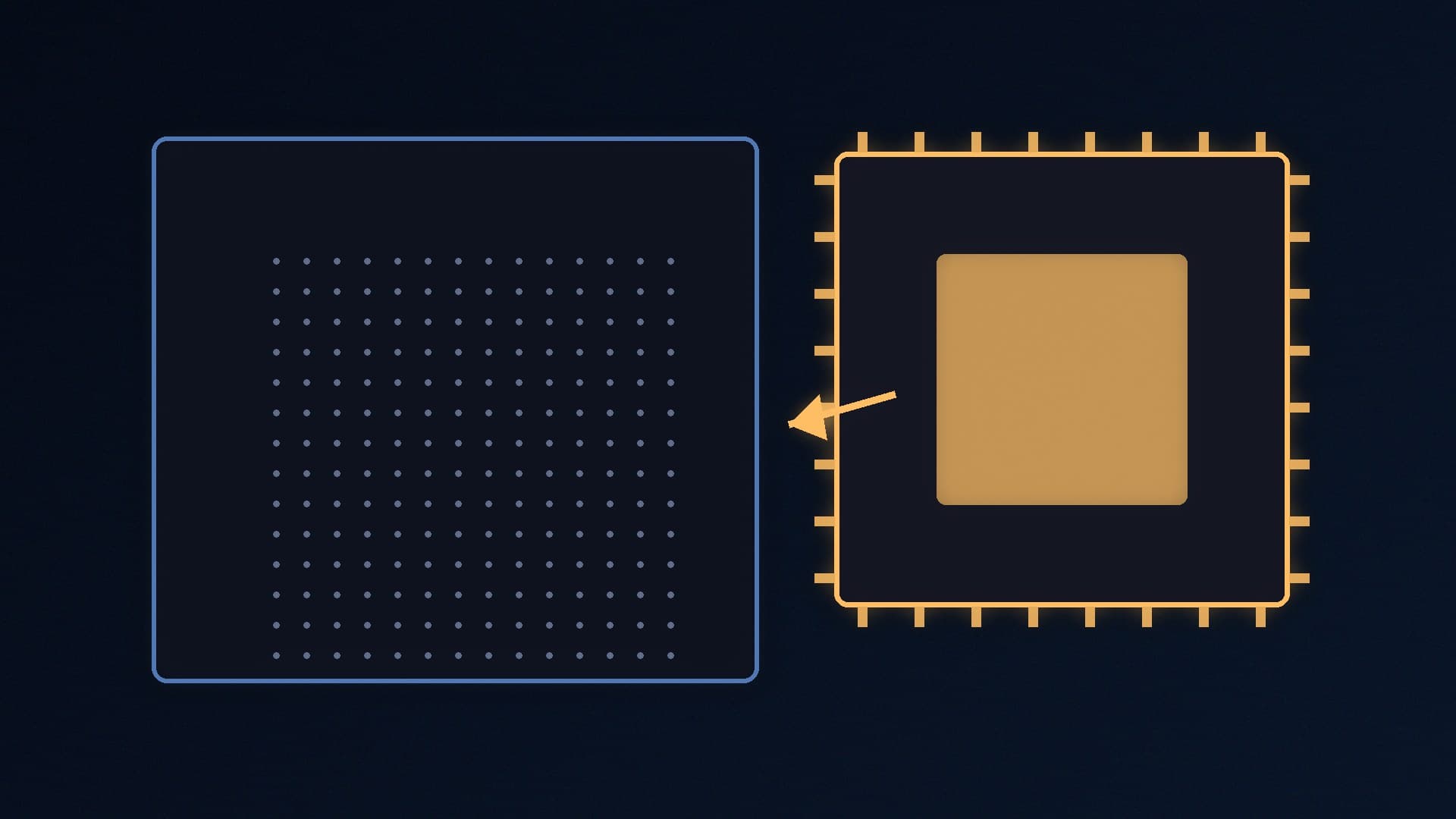
Intel's LGA 1700 socket covers 12th, 13th and 14th Gen Core desktop processors, and it is still one of the most common platforms around: CPU-Z's validator statistics put LGA 1700 at 14.1% of submitted systems in November 2026. If you built a PC with a 12th Gen chip, a drop-in upgrade can be much cheaper than a new motherboard, processor and memory, especially if your board uses DDR4 and RAM prices are high.
Forge PC has not tested these processors. Core counts are from listings on SpecPrice, prices are approximate UK prices from SpecPrice's listings as viewed on 16 November 2026 (some retailer prices were last refreshed on 15 November), and stability guidance is from Intel.
Quick picks
Pick | Processor | Cores / threads | Approx. UK price (16 November 2026) |
|---|
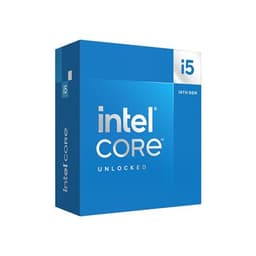
Best overall | Intel Core i5-14600KF | 14 / 20 | about £215 |
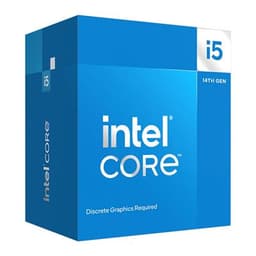
Best value | Intel Core i5-14400F | 10 / 16 | about £137 |
Best budget | Intel Core i3-14100F | 4 / 8 | about £95 |
Best for heavy multitasking | Intel Core i7-14700K | 20 / 28 | about £305 |
"F" models have no integrated graphics, so you need a graphics card. "K" models are unlocked for overclocking, which needs a Z690 or Z790 motherboard.
Before you upgrade: two essential checks
1. Update your BIOS first. Older 600-series boards may need a BIOS update to recognise 13th and 14th Gen processors. Check the CPU support list on your motherboard maker's website and update while your current CPU is still installed. Our guide to updating your BIOS safely walks through it.
2. Make sure the BIOS has Intel's stability fix. Some 13th and 14th Gen desktop processors were affected by what Intel calls "Vmin Shift Instability". Intel now recommends using Intel Default Settings in the BIOS and running the latest BIOS with microcode 0x12F or later. It has also extended warranty coverage by two years for eligible affected processors, to up to five years from the original purchase date. If you buy a 13th or 14th Gen chip, flashing the latest BIOS is not optional.
Best overall: Intel Core i5-14600KF
Approx. £215 (16 November 2026)
The i5-14600KF is the sweet spot for gaming upgrades, with 14 cores and 20 threads. Coming from a 12th Gen Core i3 or i5, it gives you more cores for streaming and background apps as well as higher clock speeds. The Core i5-14600K adds integrated graphics for about £15 to £20 more, which is useful as a backup if your graphics card fails.
Pair it with a decent cooler: our best CPU cooler guide has options.
Best value: Intel Core i5-14400F
Approx. £137 (16 November 2026)
The i5-14400F has 10 cores and 16 threads and is locked, so it works well on cheaper B660 and B760 boards. It is a sensible upgrade from a 12th Gen i3 or a Core i5-12400F, which costs about £132 itself, so the newer chip is the better buy if you're starting from scratch on LGA 1700.
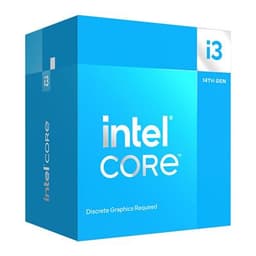
Best budget: Intel Core i3-14100F
Approx. £95 (16 November 2026)
The i3-14100F has four cores and eight threads. That's enough for esports and lighter games with a modest graphics card, but it is not a meaningful upgrade over a 12th Gen Core i3. Consider it if you are replacing a dead CPU or building a budget PC around a cheap LGA 1700 board.
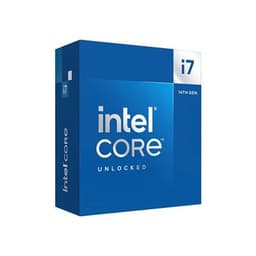
Best for heavy multitasking: Intel Core i7-14700K
Approx. £305 (16 November 2026)
The i7-14700K has 20 cores and 28 threads, so it suits gamers who also edit video or compile code. It is power-hungry, so check your motherboard's power delivery and your cooler before buying. The Core i9-14900K costs about £438 and is hard to justify as an upgrade.
What about memory?
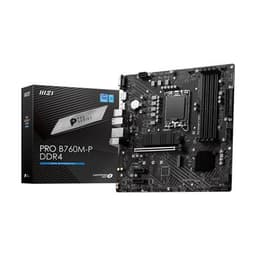
LGA 1700 boards use either DDR4 or DDR5, never both, so check your board before buying RAM. If you have a DDR4 board such as the MSI PRO B760M-P DDR4, a 32GB DDR4-3200 kit like Crucial's Pro 32GB (2x16GB) or the Kingston FURY Beast 32GB DDR4-3200 CL16 is an affordable upgrade from 16GB. Our best DDR4 RAM guide has more options, and our XMP guide explains how to run it at its rated speed.
LGA 1700 is a dead-end socket, so don't buy a new LGA 1700 motherboard for a long-term build. If you're starting fresh, compare our AM5 vs LGA 1851 guide and Intel's next socket in Nova Lake and LGA 1954: what we know. But if you already own a working LGA 1700 board, a drop-in CPU is one of the cheapest meaningful upgrades. AMD owners should see our best AM4 CPU upgrade guide.
Our verdict
The Core i5-14600KF is the best LGA 1700 upgrade for most gamers at about £215 on 16 November 2026, while the i5-14400F is the value choice for locked B660 and B760 boards. Whatever you buy, update your BIOS first and make sure it includes Intel's microcode 0x12F or later, then use Intel Default Settings. Forge PC has not tested these processors.