Millions of gaming PCs still run on DDR4: every AMD AM4 system, and Intel 6th to 14th generation machines on DDR4 motherboards. If yours is one of them, a memory upgrade is one of the cheapest ways to make it feel faster, especially if you are still on 16GB or a single stick. And with DDR5 prices up sharply this year, DDR4 is now much better value per gigabyte.
Forge PC has not tested these kits. Our picks are based on manufacturers' specifications, UK price tracking from PC Prowler and RAM Prices UK, and the platform guidance in our existing guides. All prices below are approximate and were checked on 14 November 2026.
DDR4 prices right now
According to the PC Prowler UK RAM Price Index, updated on 14 November 2026:
Memory type | Typical price per GB | Change since March 2026 |
|---|
DDR4 desktop | about £9.31 | +3.5% |
DDR5 desktop | about £17.36 | +15.4% |
So a typical DDR4 desktop kit costs roughly half as much per gigabyte as DDR5, and DDR4 prices have risen far less this year. RAM Prices UK, which tracks thousands of DDR4 listings on Amazon.co.uk, put the median at about £8.22 per GB on the same day. These are averages across many kits, so individual kits will be cheaper or dearer. Our explainer on why RAM is expensive covers the reasons behind the rise.
Which speed should you buy?
RAM Prices UK's DDR4 buying advice lines up with what AMD and Intel platforms support:
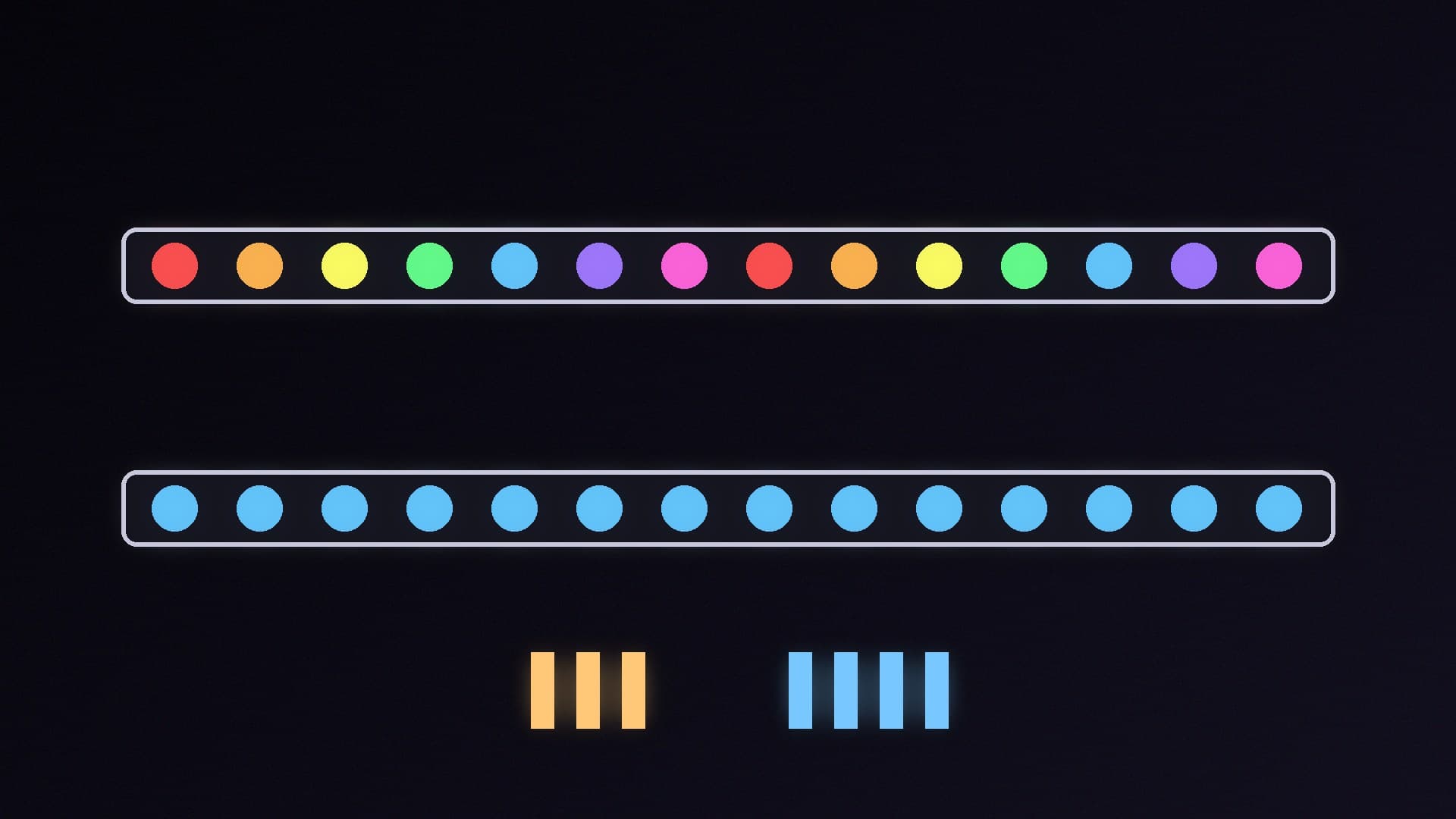
DDR4-3200 CL16 is the sweet spot for Ryzen 3000 and 5000 and for Intel. It costs little more than slower kits.
DDR4-3600 CL16 or CL18 is the enthusiast pick on AM4, worth a few per cent in games. Beyond 3600 on Ryzen, the memory controller usually has to run at a lower ratio, and the gains disappear.
Locked office PCs and laptops often run memory at 2400 or 2666 whatever you fit, so do not pay extra for speed there.
Whatever you buy, turn on XMP (or DOCP/EXPO on some AMD boards) in the BIOS after fitting, or the kit runs at its default 2133MT/s. Our guide to enabling XMP and EXPO shows how. Then run a memory test with MemTest86 to check that the new kit is stable.
How much RAM do you need?
16GB (2x8GB) is the minimum for a gaming PC now, and fine for a budget build or an office PC.
32GB (2x16GB) is the best choice for most gaming PCs in 2026, and it gives headroom for browsers, Discord and streaming alongside games. Our RAM for gaming guide explains why.
64GB (2x32GB) is for heavy multitasking, video editing, virtual machines or running local AI models on the CPU.
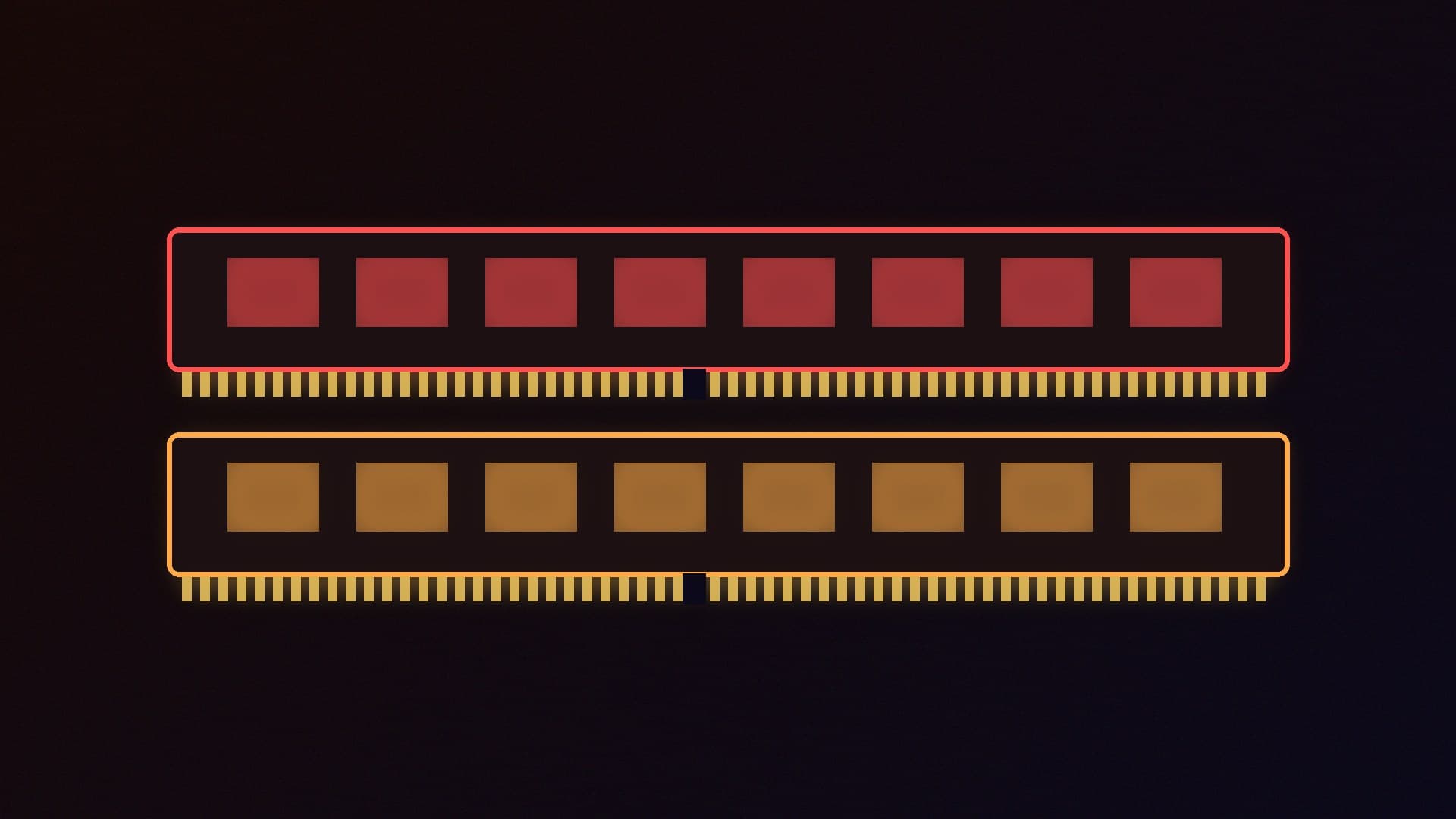
Buy a matched two-stick kit for dual-channel memory rather than mixing old and new sticks. RAM Prices UK notes that four DDR4 sticks generally work well if you need 64GB, but a 2x32GB kit leaves slots free and is usually easier to run at full speed.
Best DDR4 for most people: 32GB (2x16GB) DDR4-3200 CL16
Our pick: G.SKILL Ripjaws V 32GB (2x16GB) DDR4-3200 CL16 (F4-3200C16D-32GVK). G.SKILL rates it at 16-18-18-38 at 1.35V using an Intel XMP 2.0 profile, with a limited lifetime warranty. It is a no-nonsense kit for any DDR4 desktop.
Alternative: Kingston FURY Beast Black 32GB (2x16GB) DDR4-3200 CL16 (in our database). RAM Prices UK lists FURY Beast among the low-profile kits that clear large air coolers, which matters in small cases or under a big tower cooler.
Best DDR4 for AM4 gaming: 32GB DDR4-3600
If you have a Ryzen 5000 chip, such as one of the upgrades in our best AM4 CPU upgrade guide, a 3600 kit is the one step up worth paying for:
G.SKILL Ripjaws V 32GB (2x16GB) DDR4-3600 CL16 (F4-3600C16D-32GVKC), rated at 16-19-19-39 at 1.35V. The tighter CL16 latency makes it the better of the 3600 choices on paper.
Kingston FURY Beast Black 32GB (2x16GB) DDR4-3600 CL18 (KF436C18BBK2/32), rated at 18-22-22 at 1.35V.
TEAMGROUP T-FORCE VULCAN Z 32GB (2x16GB) DDR4-3600 CL18 (TLZGD432G3600HC18JDC01), with a 32mm-tall aluminium heat spreader, according to TEAMGROUP.
Best budget DDR4: 16GB (2x8GB) DDR4-3200 CL16
For a cheap build, an office PC or a first upgrade from a single 8GB stick:
G.SKILL Ripjaws V 16GB (2x8GB) DDR4-3200 CL16 (F4-3200C16D-16GVKB). G.SKILL rates it at 16-18-18-38 at 1.35V with XMP 2.0, and a limited lifetime warranty.
Kingston FURY Beast Black 16GB (2x8GB) DDR4-3200 CL16 (KF432C16BBK2/16). Kingston rates its XMP profile at 3200MT/s, 16-18-18, 1.35V.
If your budget stretches, 32GB is a better long-term buy, because games and Windows are using more memory every year.
Best 64GB DDR4: Kingston FURY Beast Black 64GB (2x32GB) DDR4-3200 CL16
Kingston FURY Beast Black 64GB (2x32GB) DDR4-3200 CL16 (KF432C16BBK2/64). Kingston lists its XMP profile as 3200MT/s, 16-20-20, at 1.35V. It uses dual-rank 32GB modules, so check your motherboard's memory support list if you plan to fill all four slots.
Is it worth moving to DDR5 instead?
Usually not, if your current platform is still fast enough. Moving to DDR5 means a new motherboard and CPU as well as memory, and DDR5 currently costs roughly twice as much per gigabyte. Our DDR5 vs DDR4 comparison explains where the newer standard helps. If you are building a new AM5 or Intel Core Ultra PC, see our best DDR5 RAM guide instead.
Tips before you buy
Check the motherboard's memory support list (QVL) on the manufacturer's website for your exact board.
Desktop DDR4 uses 288-pin DIMMs. Laptops use smaller SO-DIMMs, and server RDIMMs will not work in a desktop board.
Used and Amazon Warehouse memory is worth considering. RAM Prices UK notes that memory has no moving parts and either works or does not, so a used kit that passes a memory test is as good as new.
Our verdict
For most DDR4 PCs, buy a 32GB (2x16GB) DDR4-3200 CL16 kit such as the G.SKILL Ripjaws V or Kingston FURY Beast, and switch on XMP. On a Ryzen 5000 system, a 3600 CL16 kit is the one worthwhile step up. Choose 16GB only for budget builds, and 64GB for heavy creative work or local AI. DDR4 desktop memory cost about £9.31 per GB on 14 November 2026, roughly half the price of DDR5, so upgrading an existing DDR4 PC is still good value. Forge PC has not tested these kits; specifications come from G.SKILL, Kingston and TEAMGROUP, and prices are approximate.