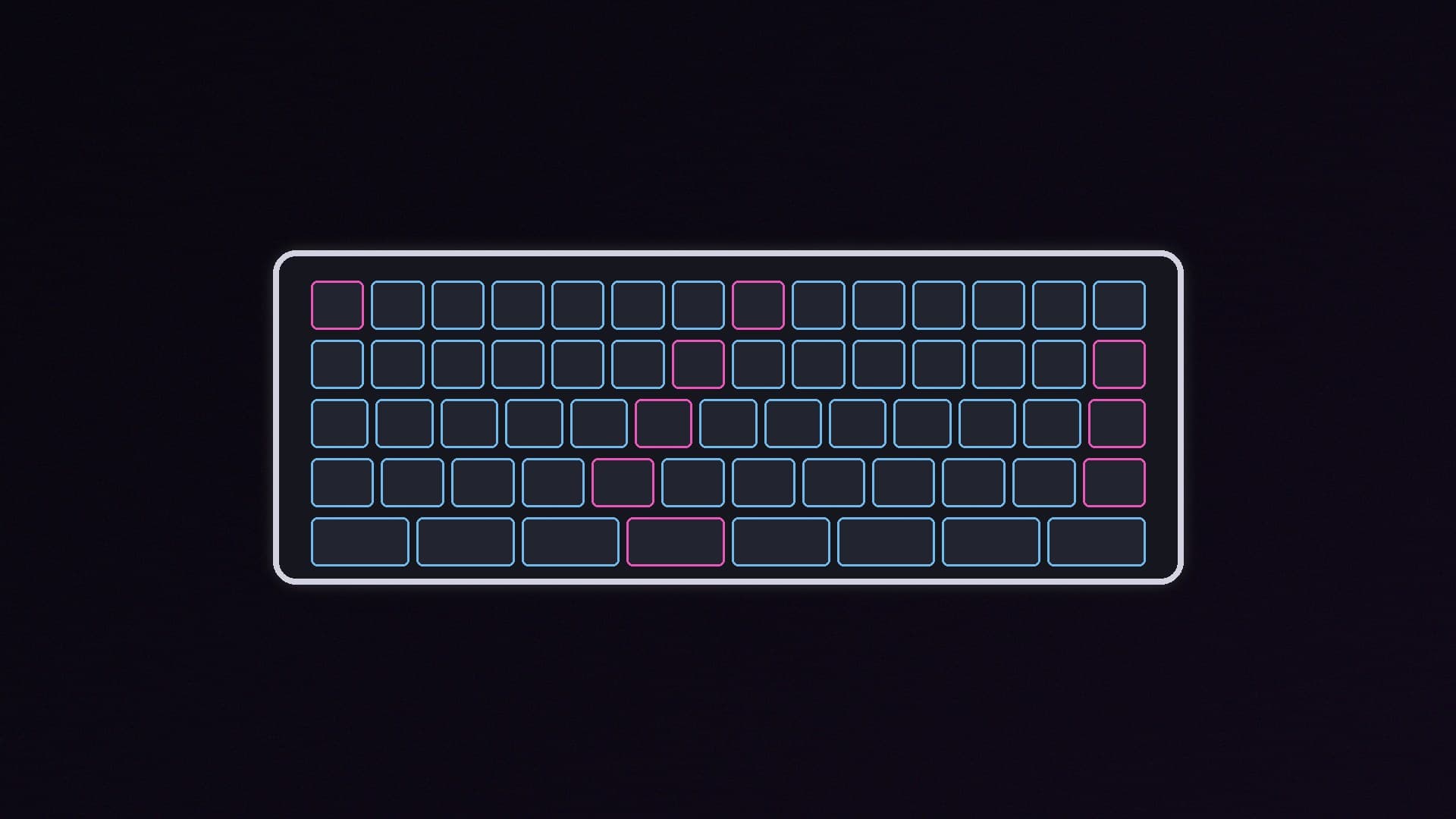
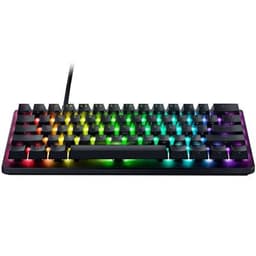
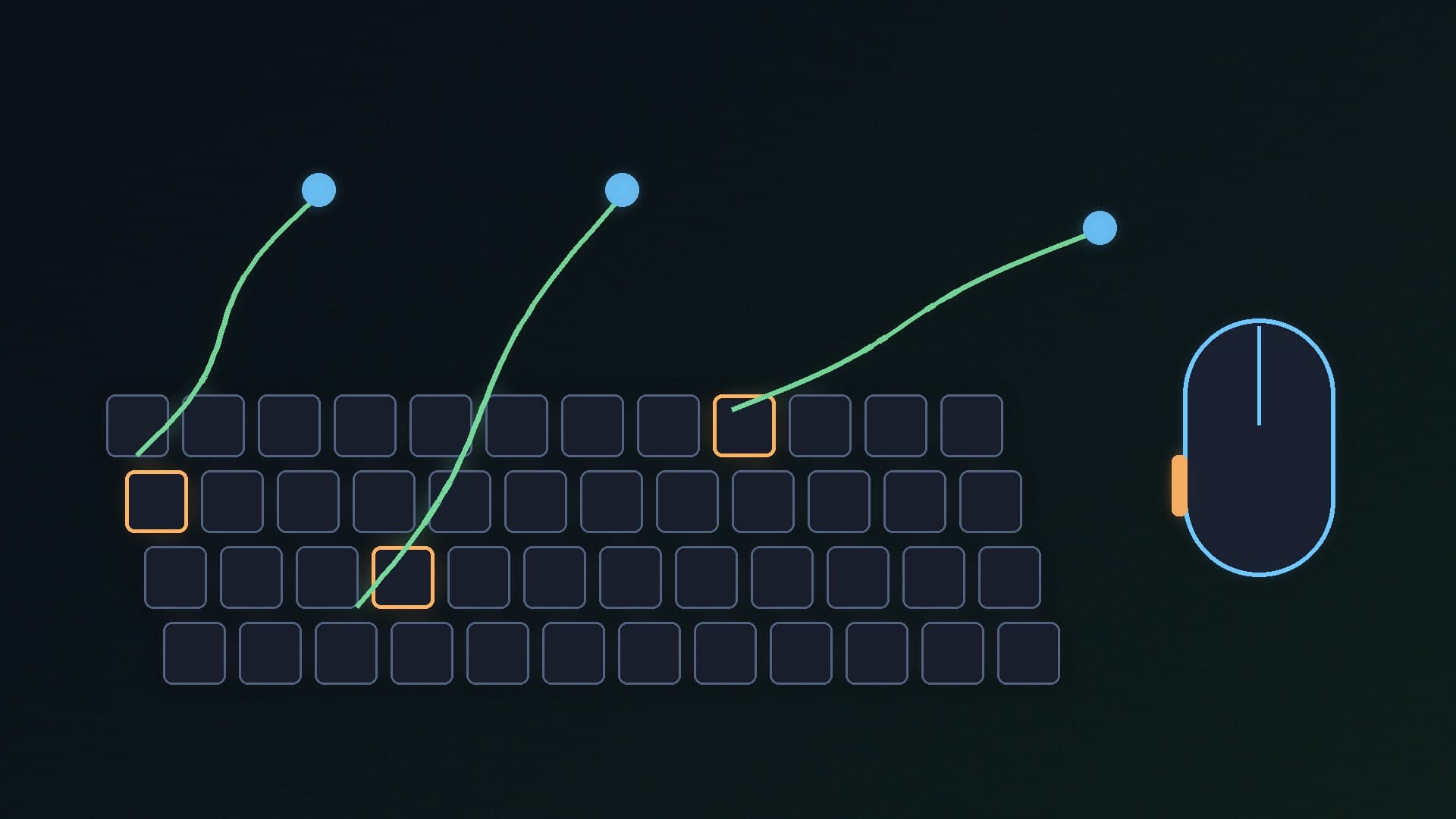
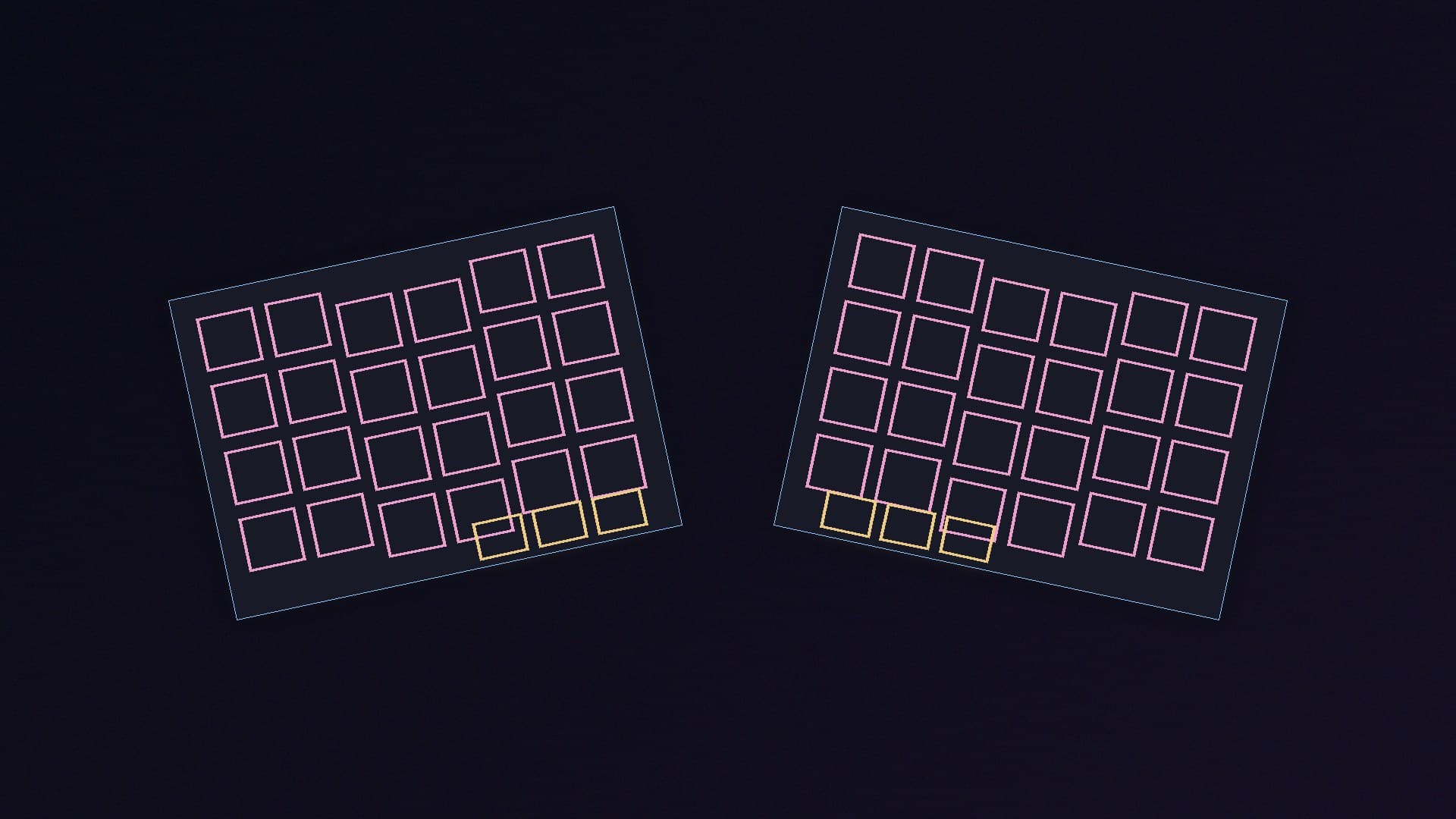
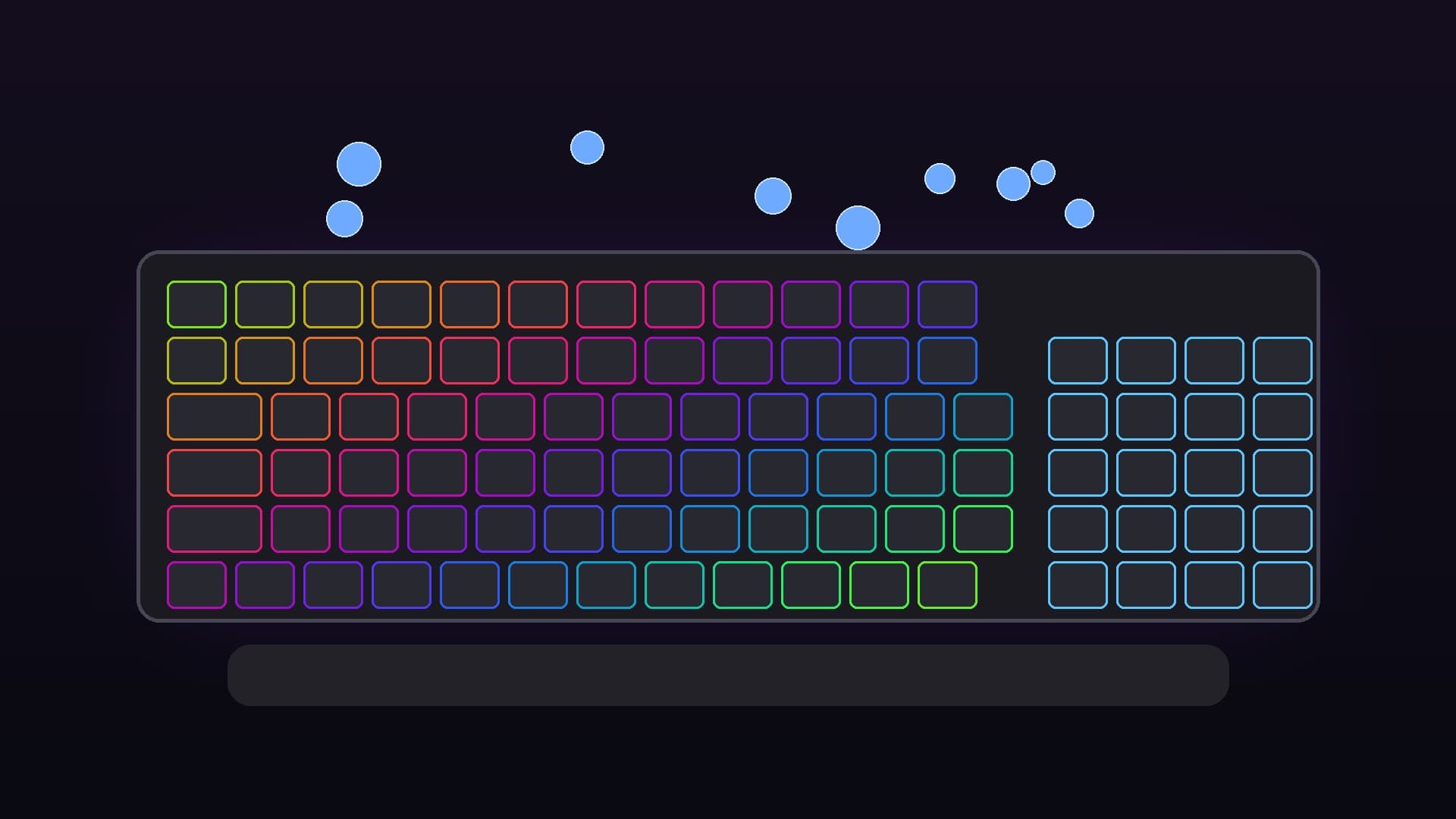
A 60% keyboard drops the function row, navigation cluster, arrow keys and number pad, leaving just the main typing block. That frees up a lot of desk space for wide mouse movements, which is why the layout is popular with competitive players. The trade-off is that F-keys, arrows and editing keys move to function layers. These are our three picks, chosen on manufacturers' published specifications and features.
Our picks at a glance
Pick | Best for | Switch type | Key features (manufacturer) |
|---|
Razer Huntsman V3 Pro Mini | Competitive gaming | Razer Analog Optical Gen-2 | 0.1-4.0mm adjustable actuation, Rapid Trigger, Snap Tap, aluminium top plate |
Wooting 60HE+ | Tinkerers and modders | Lekker L60s (magnetic, analog) | Rapid Trigger, 0.1mm actuation steps, SOCD, Mod Tap, 4-year warranty |
Razer Huntsman Mini | A simpler optical 60% | Razer Optical (linear or clicky) | 5 onboard profiles, aluminium case, detachable USB-C, standard keycap support |
Best for competitive gaming: Razer Huntsman V3 Pro Mini
Razer calls the Huntsman V3 Pro Mini a 60% keyboard for pros, and the feature list is built around fast, repeatable inputs. It uses Razer's second-generation analog optical switches, which Razer says offer an adjustable actuation range of 0.1 to 4.0mm, a 40g actuation force and a 100-million keystroke lifespan.
Rapid Trigger. Razer says keys reset with an upward motion as small as 0.1mm rather than at a fixed point, for faster repeated presses.
Snap Tap. Prioritises the latest of two paired keys without releasing the first. It's off by default and toggled with Fn + Left Shift (A and D are paired by default).
Onboard adjustment. Actuation height and Rapid Trigger sensitivity can be changed on the keyboard itself using the number row, then saved to onboard memory, with deeper settings in Razer Synapse.
Build. Textured doubleshot PBT keycaps with side-printed secondary functions and an aluminium top plate.
Arrow keys. The bottom-right modifier keys act as arrow keys when tapped and as modifiers when held.
Choose it if you play fast shooters, want analog features without a lot of setup, and already use Razer Synapse. It's in our specs database: Razer Huntsman V3 Pro Mini.
Best for tinkerers: Wooting 60HE+
Wooting describes the 60HE+ as a 60% layout with Lekker L60s switches, and its strength is software. Wootility, which runs in a browser or as a desktop app, unlocks a long list of analog features:
Rapid Trigger and adjustable actuation, with each key's actuation point adjustable in 0.1mm steps.
SOCD settings to decide what happens when opposite keys are pressed together.
Dynamic Keystroke, which maps different actions to a half press, full press, half release and full release.
Mod Tap, Toggle Key and Controller Input for analog movement.
Four onboard profiles, so you don't need Wootility running once it's set up.
Wooting's specifications list a steel switch plate, an ABS case, plate-mounted screw-in-compatible stabilisers, a 2m braided USB-C to USB-A cable, dimensions of 30.2 x 11.6 x 3.8cm and a weight of 605g. Wootility supports more than 70 switch types, and Wooting sells the 60HE+ as a standalone module (PCB and essentials only) that it says fits most aftermarket 60% cases. The warranty is four years, or two years on LEDs.
Choose it if you want the deepest analog feature set and like the idea of swapping switches, keycaps or the case later.
A simpler optical 60%: Razer Huntsman Mini
Not everyone needs analog switches. The original Razer Huntsman Mini uses Razer Optical Switches in either linear or clicky versions, with Black or Mercury chassis options. Razer lists:
Doubleshot PBT keycaps with side-printed secondary functions, and support for any standard keycap set.
Onboard memory for up to five profiles, plus preset lighting effects that work without Razer Synapse running.
A detachable, non-proprietary USB-C cable with a latch.
An aluminium casing with a matte finish.
Snap Tap support through Razer Synapse 4.
Choose it if you want a compact, well-built 60% board for everyday gaming and typing and don't need adjustable actuation or Rapid Trigger.
What to check before you buy a 60% keyboard
Our verdict
The Razer Huntsman V3 Pro Mini is our pick for most competitive players who want a 60% board: analog optical switches with 0.1-4.0mm actuation, Rapid Trigger, Snap Tap and on-keyboard tuning in a compact aluminium-topped design. The Wooting 60HE+ is the choice if you want the most configurable analog features and room to mod, backed by a four-year warranty. The Razer Huntsman Mini suits anyone who wants a simpler optical 60% keyboard without analog extras.