CapFrameX, the Windows tool for capturing and analysing frame times in games, has reached version 1.9.2. Released on 11 November 2026, it's a big update: there's a new tile overlay with its own editor, the CapFrameX overlay renderers are designed to take less away from the game, and a newer build of PresentMon fixes several capture problems, including some with frame generation. 9.2 for this story. It's based on the developers' release notes and project page on GitHub and the CapFrameX website, checked on 27 November 2026, and any performance figures below are the developers' own.
What CapFrameX does
CapFrameX describes itself as a tool to capture, analyse and compare game performance on Windows. It's built on Intel's PresentMon, which records when each frame is presented, and adds hardware monitoring, frame time and FPS charts and configurable overlays. Rather than just showing an average frame rate, it lets you look at frame times, percentiles and stutter for each run, and compare runs side by side. If you've never used it, our guide on how to use CapFrameX covers the basics of capturing and reading a run.
The new tile overlay
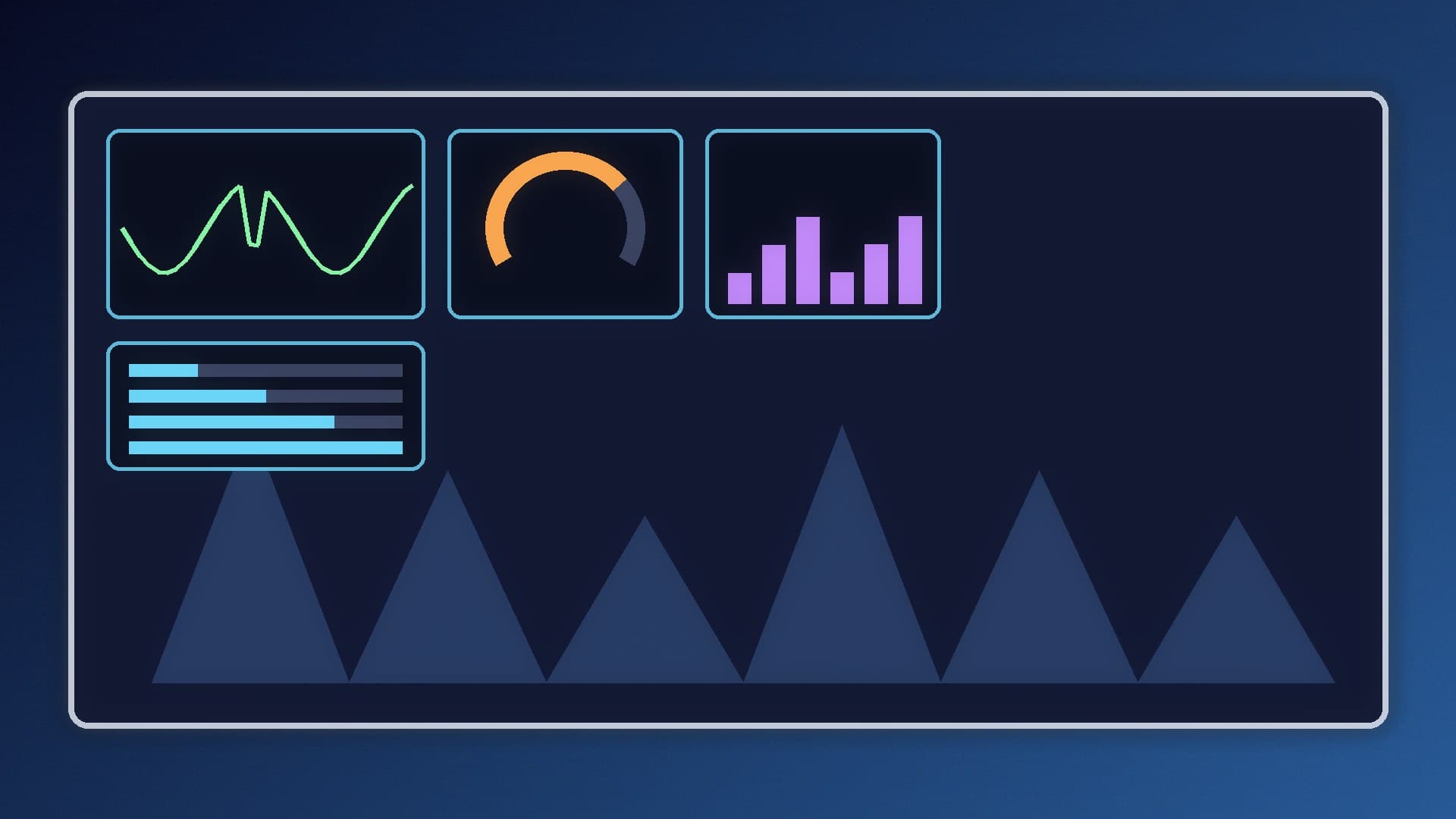
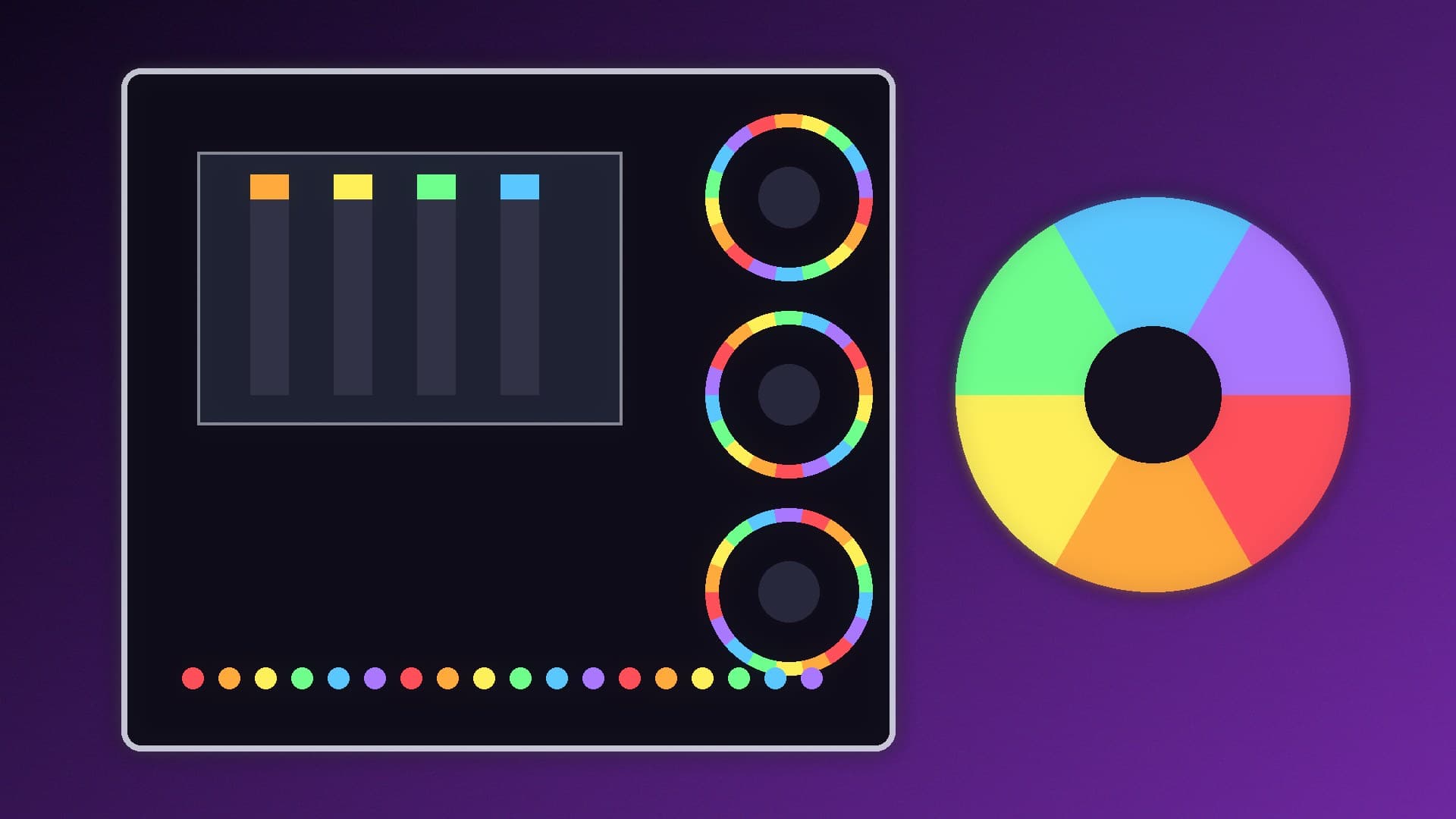
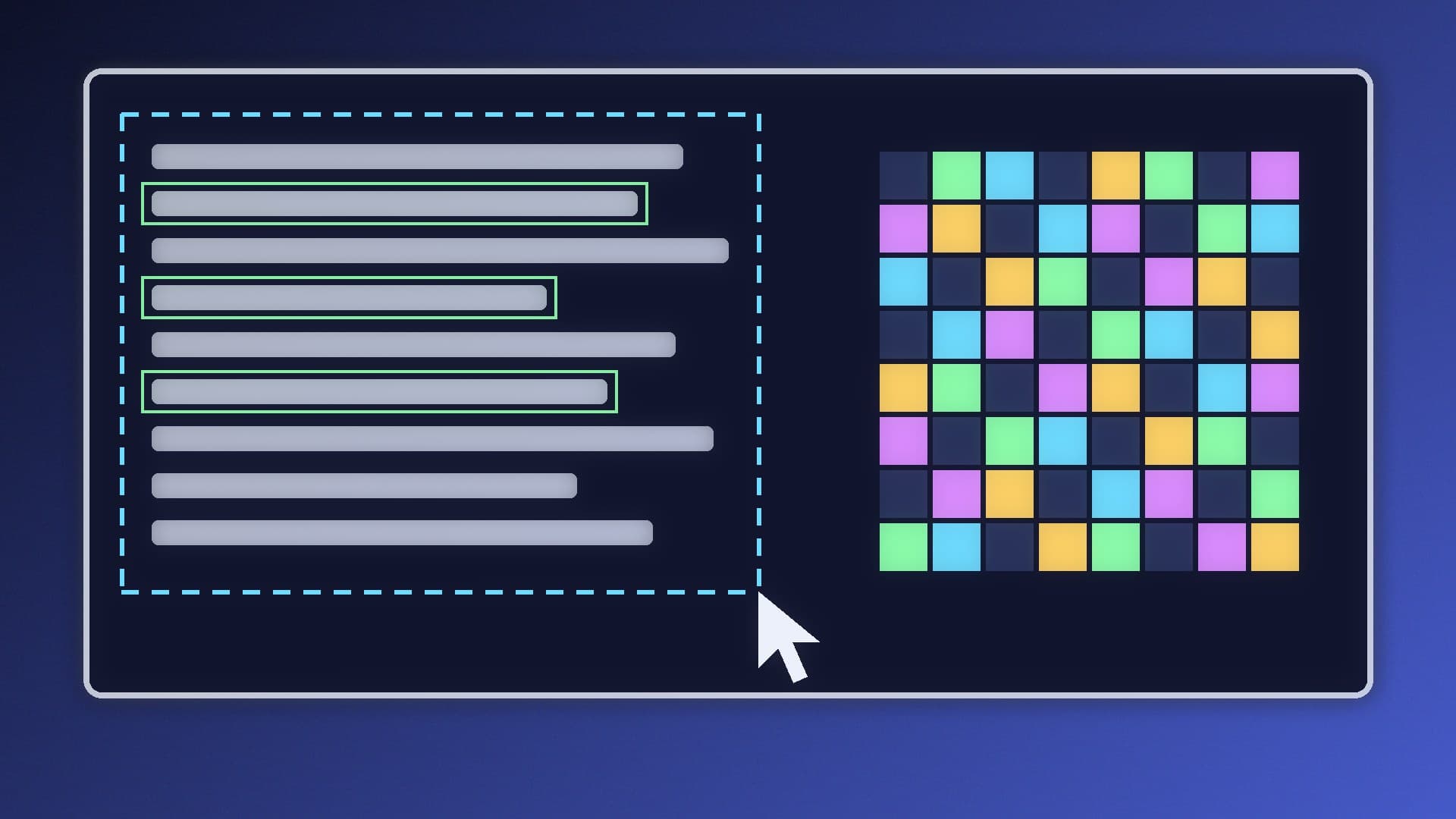
The headline feature is the tile overlay. CapFrameX's existing on-screen display, which it calls the row overlay, lists readings in rows. Version 1.9.2 adds a tile editor, found under Overlay and then Tile overlay, where you arrange items on a grid or a free canvas with a live preview. The release notes list ten kinds of tile:
readings, bars and ring gauges
live charts
text, icons and images
sensor groups, shown as bars or a heatmap (for example every core's load, split by core type)
containers, plus the existing row overlay as a block
Charts can show frame times, display times and frame rates, with up to four lines on one axis and an adaptive stutter threshold. There are 45 starter designs, including simple everyday layouts, vertical strips, layouts for hybrid CPUs and a full-width Performance Strip. One design, called BLACKWELL THERMALS, shows the temperature of every GDDR7 memory module on an RTX 50-series card, and CapFrameX says its hardware-themed designs name the CPU and GPU that are actually installed.
You can export a design and import it on another PC, and CapFrameX says it will map the sensors onto the new machine's hardware and list anything it couldn't match. A tile with no matching sensor simply stays empty. There's also an OLED pixel orbit option, which nudges the overlay by a pixel at set intervals to reduce the risk of a static overlay burning into an OLED panel. Our guide on how to prevent OLED burn-in covers the other precautions worth taking.
One thing to be aware of: tile designs only work with CapFrameX's own in-game and hook-free renderers. If you use RivaTuner Statistics Server (RTSS) to draw the overlay, you keep the familiar row overlay.
Lighter overlays
The second big change is about how much the overlay itself costs the game. The developers say hiding and showing the overlay no longer makes the in-game hook or Vulkan layer tear down and rebuild its resources. In their own example, using Mafia: The Old Country on an RX 9070 XT, every capture with auto-hide previously started with a frame about 5 ms late, and the overlay took 45 ms to come back.
The hook-free renderer, which draws in a separate window rather than inside the game, now only repaints tiles that have changed. The developers say a tile design previously repainted the whole window 33 to 59 times in 10 seconds, with each repaint costing about 1.9 ms of GPU time in Doom: The Dark Ages on a GeForce RTX 5090. These are the developers' measurements, not ours, but they show why overlay overhead matters when you're trying to measure a game accurately. A tile design also now polls only the sensors it displays.
There's a new Off renderer too, for capture-only setups where you don't want any overlay. The hook-free overlay automatically stands in for games the in-game renderer can't draw in, including Direct3D 9 titles and games using Easy Anti-Cheat, BattlEye, VAC or Ricochet.
Capture fixes for long sessions and frame generation
CapFrameX 1.9.2 bundles CX-PresentMon 2.6.1, which the developers point out is their own build of PresentMon, not an Intel release. According to the release notes, it fixes:
tracking data that made CPU and memory use grow during long sessions
capture output that could stall for up to a minute after frame generation was switched
missing display times and a missing animation error with AMD's FSR frame generation, plus the FSR frame generation frame type
a DWM flip delay that shifted when a game's frame reached the screen on NVIDIA cards
Overlay graphs also now draw both frames of a frame-generation pair, instead of a flat line with false spikes. If you want a refresher on how generated frames work, see our explainer on DLSS, FSR and frame generation.
The developers have also corrected an earlier tip they posted on X: turning off PC Latency in the settings never worked around the tracking problem. The fix is in CX-PresentMon 2.6.1.
Other changes include an automatic capture target that follows the game when several processes are listed, power samples from PMD placed by time rather than count, and new sensor readings such as RAM manufacturer from SPD data and AMD CCD topology. The interface is now available in German, Spanish, Russian and Korean as well as English.
Before you update
CapFrameX 1.9.2 (application version 1.9.2.4) is available from the project's GitHub releases page, as an installer or a portable ZIP, with SHA-256 checksums for both. It needs the .NET 10 Desktop Runtime (x64), and the developers say you need the Desktop Runtime even if another version of .NET is already installed. Close CapFrameX and any games before updating. The installer now uses C:\Program Files\CapFrameX, and an upgrade moves an existing installation out of Program Files (x86).
The project's troubleshooting notes also warn that tools with their own FPS or frame time counters, such as HWiNFO or AIDA64, can conflict with CapFrameX's capture service because they rely on similar PresentMon-based mechanisms. The developers strongly recommend turning those features off in other tools while you use CapFrameX. Our roundup of the best free FPS counter software and our guide on how to use Intel PresentMon cover the alternatives if you'd rather use something else.
Our verdict
CapFrameX 1.9.2 is a worthwhile update for anyone who benchmarks their own PC. The tile overlay makes the on-screen display far more flexible, the renderer changes are designed to reduce the overlay's own impact on the game, and the CX-PresentMon 2.6.1 fixes address real problems with long sessions and frame generation captures. Install the .NET 10 Desktop Runtime first, close the app and your games before upgrading, and switch off overlapping FPS counters in tools like HWiNFO so they don't interfere with your captures.