AMD's Radeon AI PRO R9700 has become one of the more interesting cards for local AI because it pairs 32GB of memory with official ROCm support. Its lesser-known sibling, the Radeon AI PRO R9600, keeps the same 32GB and the same memory bandwidth but cuts the compute, power and size roughly in half, and there's a passively cooled R9600D version too. So which should you choose for running AI models at home or in a small office?
Everything below comes from AMD's official specification pages for the Radeon AI PRO R9600, R9600D and R9700, and AMD's ROCm documentation, all read on 27 November 2026. We haven't quoted any performance figures beyond AMD's own peak numbers, because we haven't found independent local AI benchmarks of the R9600 to cite.
Specs compared
| Radeon AI PRO R9600 | Radeon AI PRO R9700 |
|---|
Architecture | RDNA 4 | RDNA 4 |
Compute units | 48 | 64 |
AI accelerators | 96 | 128 |
Stream processors | 3,072 | 4,096 |
Boost clock | Up to 2,020MHz | Up to 2,920MHz |
Memory | 32GB GDDR6 | 32GB GDDR6 |
Memory interface | 256-bit | 256-bit |
Peak memory bandwidth | 640GB/s | 640GB/s |
Infinity Cache | 64MB | 64MB |
ECC memory | Yes (Linux only) | Yes (Linux only) |
Peak FP16 matrix | 99 TFLOPs | 191 TFLOPs |
Peak FP8 matrix | 199 TFLOPs | 383 TFLOPs |
Peak INT8 matrix | 199 TOPs | 383 TOPs |
Peak INT4 matrix | 397 TOPs | 766 TOPs |
Total board power | 150W | 300W |
Minimum PSU (AMD) | 450W | 750W |
Power connector | 12V-2x6 | 12V-2x6 |
Board width | Single slot | Double slot |
Cooling | Active (R9600D: passive) | Active |
Bus | PCIe 5.0 x16 | PCIe 5.0 x16 |
The matrix figures are AMD's peak numbers without structured sparsity. AMD lists the same 53.9 billion transistor count for both cards.
Memory: a tie
For local AI, memory is usually the first thing to check, because it decides which models fit on the card. Here the two are identical: 32GB of GDDR6 on a 256-bit bus, with 640GB/s of peak bandwidth and 64MB of Infinity Cache. A model and context that fits on one will fit on the other. Our explainer on context length and VRAM shows how to work out what fits.
That shared bandwidth matters. As we explain in our guide to memory bandwidth and local LLM speed, generating text with a large language model is often limited by how fast the GPU can read the model's weights from memory. On that basis, the gap between these cards for token generation may be smaller than the compute figures suggest, though we haven't seen independent tests to confirm by how much.
Compute: the R9700 has roughly twice as much
The R9700 has 64 compute units and 128 AI accelerators to the R9600's 48 and 96, and it boosts much higher, at up to 2,920MHz against 2,020MHz. AMD's peak FP16, FP8, INT8 and INT4 matrix figures for the R9700 are all close to double the R9600's.
That's likely to show up in work that leans on compute rather than memory reads: processing long prompts, image and video generation, and fine-tuning. If you use tools such as ComfyUI as much as you chat with LLMs, the R9700 is the safer choice.
Power, size and cooling: the R9600's strengths
This is where the R9600 earns its place. AMD rates it at 150W total board power with a 450W minimum PSU, half the R9700's 300W and well below its 750W minimum. Both still use a 12V-2x6 power connector, so check your PSU has the right cable. Our guide to choosing a PSU for a local AI PC covers the rest.
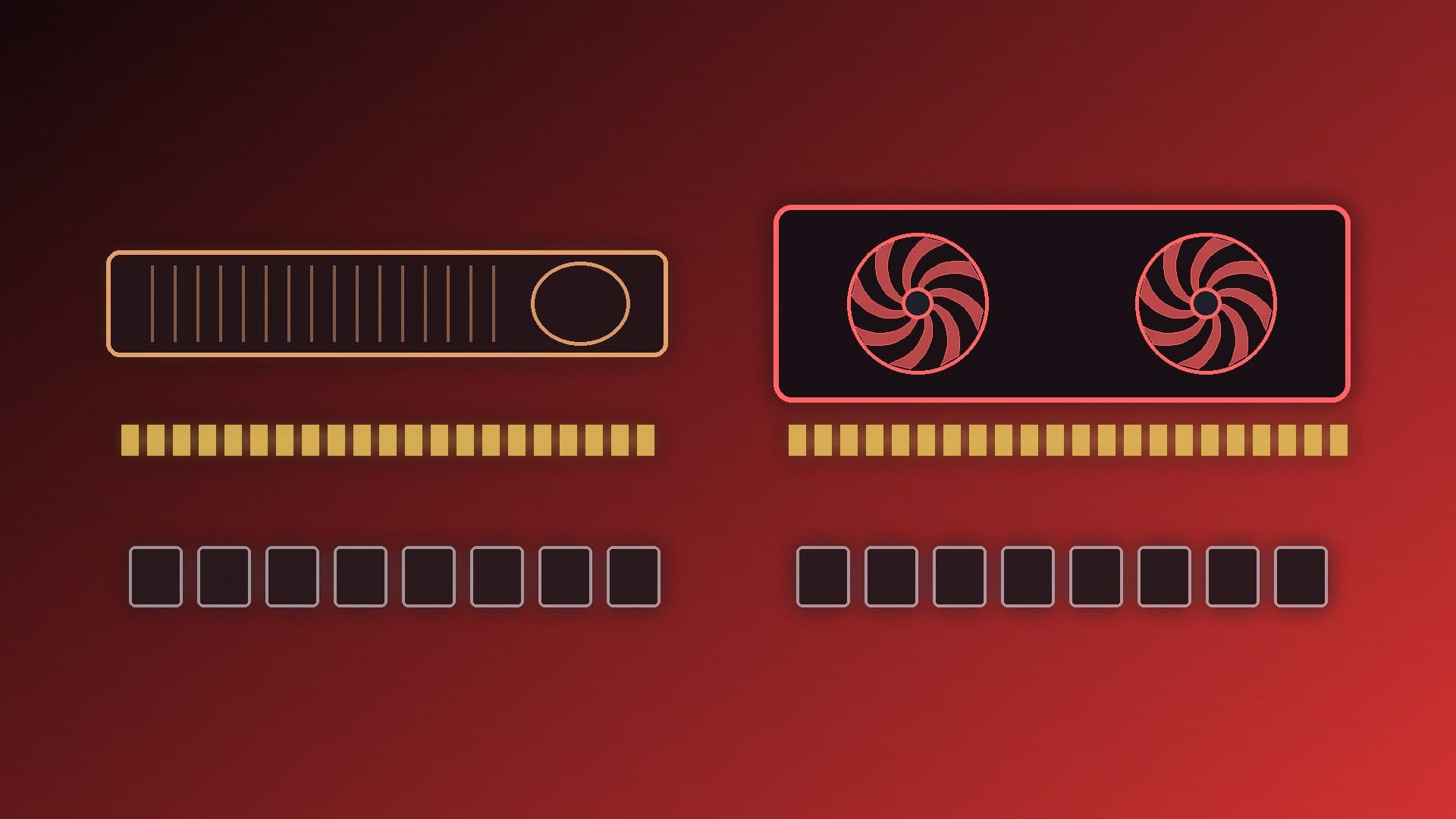
The R9600 is also a single-slot card, against the R9700's double-slot design. That makes it easier to fit more than one card, since AMD pitches the R9600 on "multi-GPU scalability", and two R9600s give you 64GB of GPU memory across two cards. Multi-GPU setups still depend on your motherboard's slot layout and PCIe lanes, and on your software splitting a model across cards; see our guides to the best motherboard and best case for a dual-GPU AI build.
Watch the variant. AMD lists the standard R9600 with active cooling but the R9600D with passive cooling, so the R9600D relies on the system's own fans to move air through it. Only consider it for a server or workstation chassis that its maker says can cool passive cards, not a typical desktop case. AMD lists the same core specs, memory and 150W board power for both.
Software support: check Windows
AMD's ROCm 10.2.0 compatibility matrix lists the R9700, R9600 and R9600D, all with the gfx1201 LLVM target, so on Linux they sit on the same official support list. On Windows the picture is different when we checked: AMD's HIP SDK system requirements page lists the R9700 as supported for the runtime, HIP SDK and ROCm debugger, but doesn't list the R9600 or R9600D. AMD says a GPU that isn't on that list isn't officially supported. If you plan to use ROCm on Windows, the R9700 is the safer choice; our guide to checking ROCm support explains how to check the current lists.
AMD lists Windows 10, Windows 11 and Linux as supported operating systems for the cards themselves. A footnote on AMD's pages also describes Radeon AI PRO R9000 Series cards as workstation-class "except for R9600 Series and R9000S Series cards", so check with the seller or system builder how a particular R9600 system is supported.
Which should you choose?
Choose the Radeon AI PRO R9600 if you mainly run LLMs that fit in 32GB, care about power and heat, want a single-slot card, or plan to install more than one card in a system built for it. Choose the passive R9600D only for a chassis designed to cool it.
Choose the Radeon AI PRO R9700 if you want the most compute from a 32GB AMD card, also do image or video generation, plan to use ROCm on Windows, or want an actively cooled card with the higher boost clock for a normal desktop. One existing option in our database is the PowerColor Radeon AI PRO R9700 32GB.
Our verdict
The Radeon AI PRO R9600 and R9700 have the same 32GB of GDDR6 and the same 640GB/s of bandwidth, so the same models fit on both. The R9700 has roughly twice the AI compute on AMD's peak figures and is on AMD's Windows HIP SDK list, which makes it the better all-rounder for a desktop. The R9600 uses half the power at 150W and fits in a single slot, which suits LLM-focused and multi-GPU builds, but check software support and avoid the passive R9600D unless your system is built to cool it. We haven't tested either card. For other options, see our best 32GB graphics cards for local AI and Radeon AI PRO R9700 vs RX 9070 XT.