ShareX, the free and open-source screenshot and screen recording tool for Windows, has reached version 22.5.0. The update was released on 26 November 2026 and is the sixth release in the new ShareX 22 series, which began on 20 October with a complete rewrite of the interface. The headline change is a new text recognition (OCR) engine, but there's plenty more for anyone who captures, annotates and shares screenshots every day. Everything below comes from ShareX's official changelog and GitHub release page, checked on 27 November 2026.
OCR now uses PaddleOCR instead of Windows OCR
Until now, ShareX's Tools > OCR feature used the text recognition engine built into Windows. That meant choosing the right language, and ShareX could only offer the OCR languages already installed in Windows. Version 22.5.0 replaces it with PaddleOCR, which the changelog describes as "AI powered" and says gives "significantly more accurate results".
According to the changelog, the new engine:
supports more than 100 languages out of the box, with no language packs to download and no switching between languages
still runs locally on your device, so recognition doesn't depend on an online service
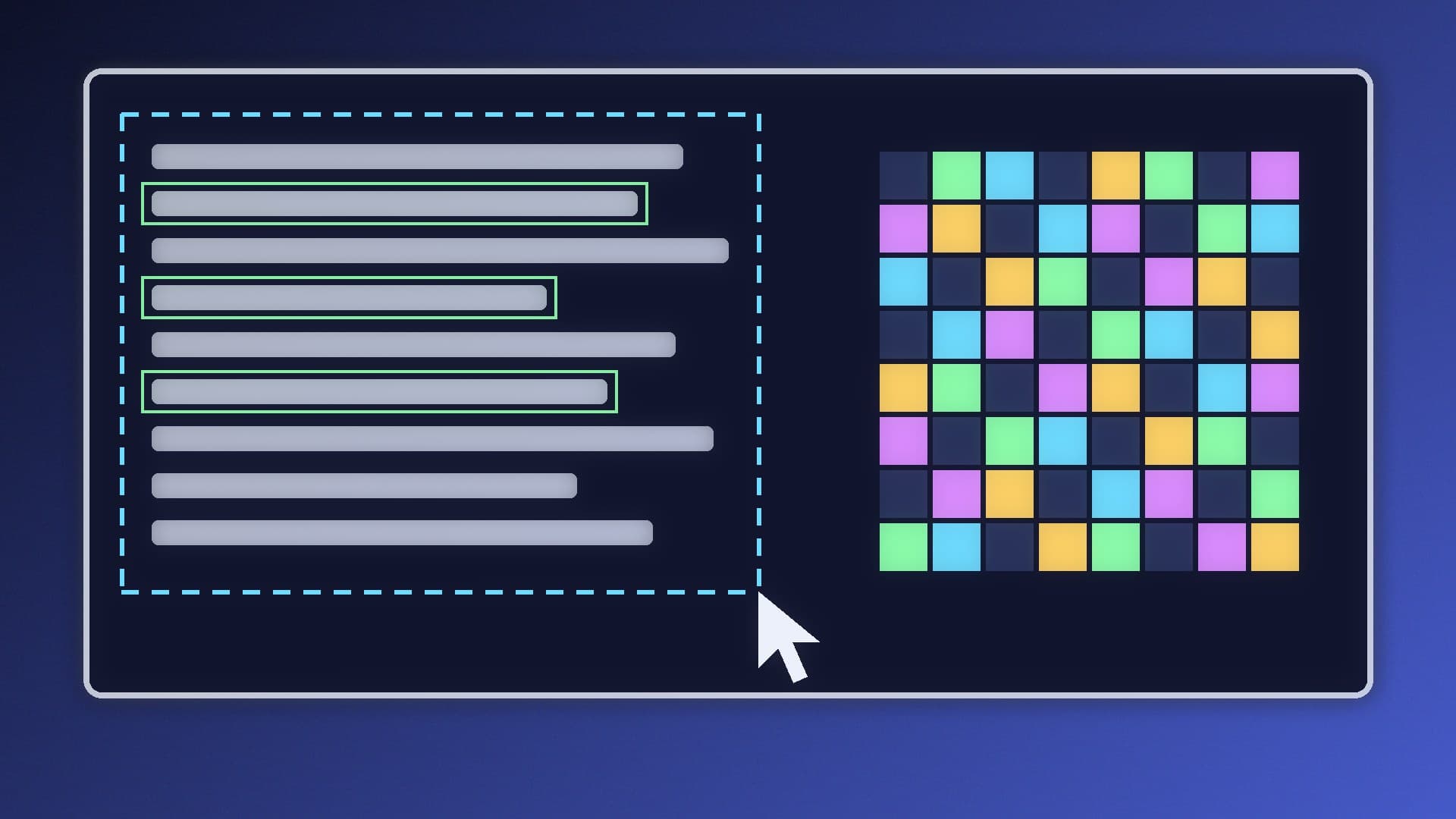
comes with a redesigned OCR window that outlines the recognised text on an image preview. Click a text region to copy it, or use the mouse wheel to zoom.
There's also a new Separate paragraphs option that detects paragraphs and keeps their structure. A Make text in captures searchable in history option (in Application settings > History) lets you find old screenshots by the words in them. Because languages no longer need picking, the old Language and Scale factor options have been removed. One thing to be aware of: at the time of writing, ShareX's separate OCR help page still describes the older Windows engine and its language setting, so go by the changelog for now.
If you only need to grab text from the screen now and then, Microsoft's own tool still does the job. See our PowerToys Text Extractor guide. For heavier OCR work, our best free OCR software round-up covers other local options.
A new Pixel editor
ShareX 22.5.0 adds a Pixel editor for pixel art and sprite animations. The changelog lists layers, an animation timeline, tilemaps, slices, and sprite sheet import and export. You can open an image in it with Edit in Pixel editor… from the main window or the history windows. It's an unusual addition to a screenshot tool, but it's built in, so there's nothing extra to install if you want to try it.
Region capture and image editor changes
Region capture, the tool most people use ShareX for, gets several changes:
Region capture now opens "about twice as fast", according to the changelog.
The Ellipse region and Freehand region tools are back.
Pressing Enter now captures the highlighted window.
The toolbar follows your cursor across monitors until you use it.
A new Mouse wheel option chooses whether scrolling resizes or zooms the magnifier. Hold Ctrl while scrolling to do the other.
The image editor's top toolbar can now be moved with a drag handle. A new Compact image editor toolbar option (in Task settings > Tools > Image editor) is described as closer to the ShareX v21 editor. Several smaller changes also bring back v21 behaviour. Crop shows the position and size while cropping again. Holding Shift with the Freehand tool draws straight lines. Holding Shift while resizing an image keeps its proportions. Font sizes can now be typed in, from 1 to 1,000, including decimals.
Multi-monitor fixes and a display diagnostics report
People with more than one screen get two changes worth knowing about. The after capture window and the editors now open on the screen the capture was taken on. A new Display diagnostics window (under Debug) creates a report for scaling and multi-monitor issues. That's useful if you need to report a scaling or multi-monitor problem.
Other changes
Animated GIFs now play in the task preview, thumbnails and image viewer.
The animated GIF trimmer gains crop and resize options.
The video converter now shows the average bitrate, file size and resolution of the output after converting.
Save image to file as can now save in any supported image format.
Keyboard and screen reader support has been improved, including keyboard control of the task list.
The project has been upgraded to .NET 11, and the "Dev" update channel has been removed.
Should you update?
If you rely on ShareX's OCR, yes. A local engine with more than 100 built-in languages fixes the main hassle of the old Windows OCR set-up. When the ShareX 22.0 rewrite arrived in October, the ShareX team warned that it expected the release to be "significantly less stable than our usual releases" because so much had been rebuilt. Since then, it has shipped updates at a fast pace, five more in a little over a month. If you'd rather keep the older look, the ShareX website points to ShareX Classic, which it says keeps the familiar ShareX v21 experience and is updated to .NET 11.
ShareX 22.5.0 is available as a 64-bit installer or a portable ZIP from GitHub and the ShareX website. The website also lists Microsoft Store and Steam versions. It remains free, open source under the GPL-3.0 licence, and has no adverts. If you're still deciding whether you need it at all, our ShareX vs Snipping Tool comparison and our best free screenshot tools guide explain where it fits.
Our verdict
ShareX 22.5.0 is a worthwhile update, mainly because it replaces Windows OCR with PaddleOCR. That brings more than 100 languages with no language packs, and the processing stays on your PC. Faster region capture and better multi-monitor handling make the everyday screenshot workflow smoother. The Pixel editor is a niche extra. ShareX 22 is still moving quickly after October's full rewrite, so if you need rock-solid stability or prefer the old layout, ShareX Classic is the alternative the developers point to.