Skip to content

VersusKeyboard

Gasket Mount vs Tray Mount Keyboard: What's the Difference?

A gasket mount holds a keyboard's plate between soft pads, so it usually feels softer and sounds quieter; a tray mount screws the circuit board straight into the case for a firmer, more direct feel. Neither is better overall, and switches, keycaps, plate and foam matter just as much.

By , Senior Hardware Editor

4 min read

Gasket Mount vs Tray Mount Keyboard: What's the Difference?

Two mechanical keyboards can use the same switches and keycaps and still feel noticeably different, and one of the biggest reasons is the mounting style. It describes how the stack of parts inside the board (the switches, the plate that holds them and the circuit board, or PCB) is held in the case. Gasket mount and tray mount are the two styles you'll see most often in product listings. This comparison is based on Keychron's published explanations of mounting styles and its product specifications.

The short answer

Gasket mount

Tray mount

How it's held

Plate sits between soft pads (gaskets)

PCB screwed to posts in the bottom case

Typing feel

Softer, more cushioned, slightly bouncy

Firmer and more direct

Sound

Usually softer, with less hollow ringing

Firmer; case, foam and switches shape the sound

Example boards

Keychron's Q series

Keychron's K series

Best for

Long typing sessions, softer and quieter feel

Firm, predictable presses; gaming; lower cost

How a gasket mount works

Keychron explains that in a gasket-mounted keyboard, the internal plate is held between strips or pads of soft material instead of being screwed solidly into the case. When you press a key, the plate can move very slightly into those pads. Keychron says this absorbs some of the force and vibration of each keystroke, which usually gives a softer, more cushioned feel and a quieter, less echoey sound, because less vibration travels into the case. In its comparison of its own ranges, Keychron describes the Q series gasket design as giving a softer, bouncier feel when you press the keys.

Some boards go further. Keychron's Q3 Max, for example, uses what the company calls a double-gasket design: as well as the gaskets on the plate, it adds silicone pads between the top and bottom halves of the case, which Keychron says reduces acoustic resonance between the metal parts. Keychron pairs it with a flexible polycarbonate (PC) plate and layers of acoustic foam, and says this combination keeps the gasket's flexibility while improving the typing sound.

How a tray mount works

In a tray mount, Keychron says, the PCB is attached to the bottom case on several screw-in posts. It's a simple, solid design that's common across many keyboards. Keychron describes the tray-mounted design used in its K series as less cushioned than a gasket mount but offering solid stability and a more traditional typing feel, and suggests it if you like a firm, responsive key press. It also notes that the simpler design helps keep boards lightweight and straightforward.
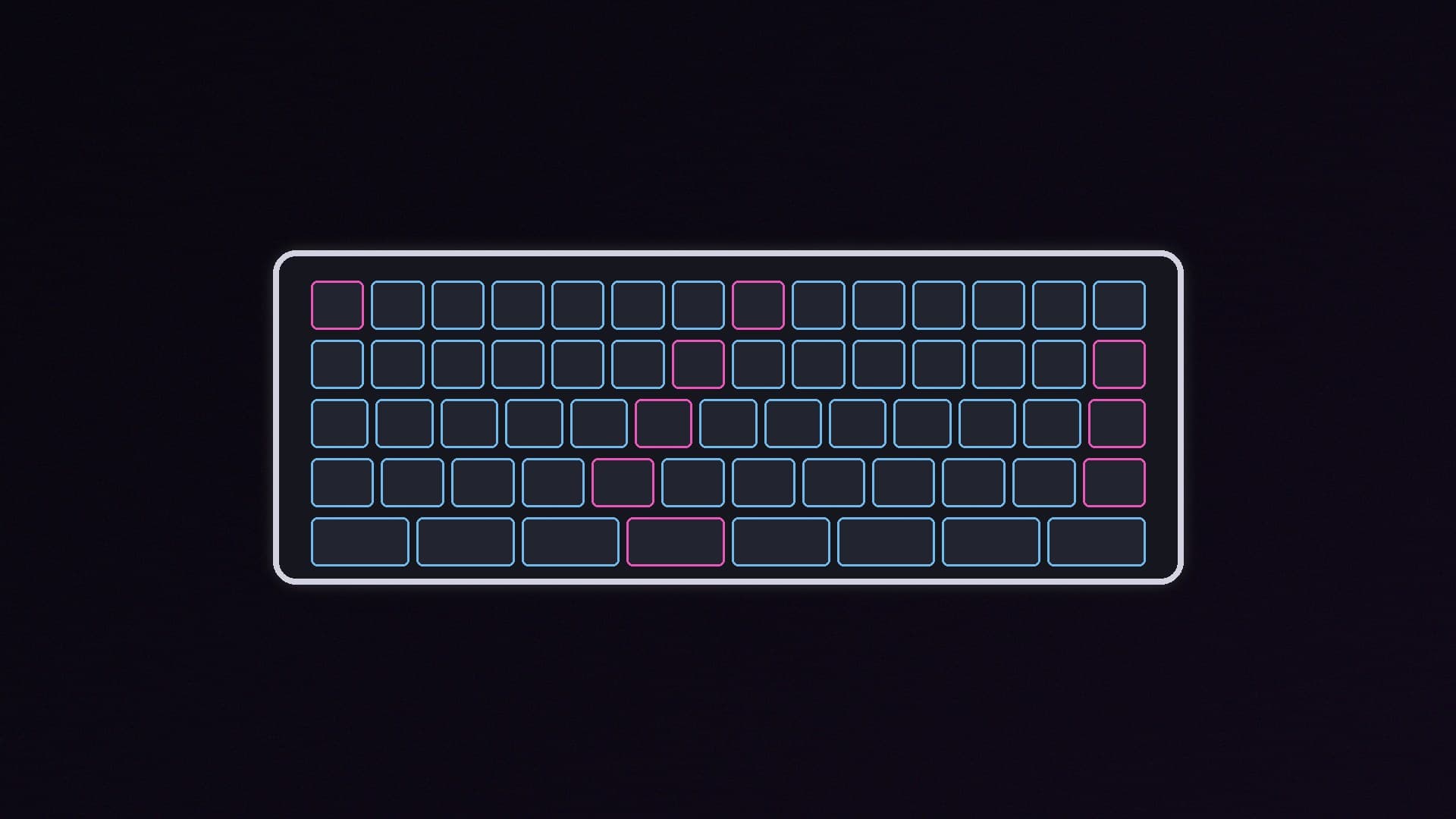

Tray mount isn't a worse design, just a different one. Keychron's own explainer says plenty of people prefer a firmer, more direct feel, especially for gaming.

Other mounting styles

Gasket and tray aren't the only options. Keychron's guide to choosing a custom keyboard also lists top mount, where the plate is attached to the top frame of the case. Keychron says the gasket mount is generally considered the most popular in the enthusiast community because of its soft, flexible feel, and that other styles are stiffer and less elastic by comparison.

Mounting isn't the only thing that changes the sound

Don't buy a keyboard on mounting style alone. Keychron points out that switch type, keycaps and case foam also have a big effect on how loud a keyboard is, and that plate material changes how stiff the board feels; a plastic plate flexes more and is often paired with a gasket mount for a softer feel. It also notes that a hollow-sounding case, especially a metal one, can be quietened by adding foam inside. For the other big factors, see our guides to linear vs tactile vs clicky switches, PBT vs ABS keycaps and hot-swappable vs soldered keyboards.

Who should choose which?

Choose a gasket mount if you type for hours and want a softer, more cushioned feel with a quieter, less hollow sound, and you want an enthusiast-style board.

Choose a tray mount if you prefer a firm, predictable key press, you mainly game, or you want a simpler and often lighter keyboard. If you're coming from a membrane board, either style will feel very different; our membrane vs mechanical keyboard comparison covers that jump, and our best gaming keyboard guide has current recommendations.

Our verdict

Neither mounting style is better overall. A gasket mount holds the plate between soft pads, so it usually feels softer and more cushioned and sounds quieter, which makes it the better choice for long typing sessions and anyone who wants an enthusiast-style feel. A tray mount screws the circuit board straight into the case, so it feels firmer and more direct, and it suits gamers and anyone who wants a solid, simpler keyboard. Switches, keycaps, plate material and foam matter just as much, so treat mounting style as one part of the decision.

The bottom line

Neither mounting style is better overall. A gasket mount holds the plate between soft pads, so it usually feels softer and more cushioned and sounds quieter, which makes it the better choice for long typing sessions and anyone who wants an enthusiast-style feel. A tray mount screws the circuit board straight into the case, so it feels firmer and more direct, and it suits gamers and anyone who wants a solid, simpler keyboard. Switches, keycaps, plate material and foam matter just as much, so treat mounting style as one part of the decision.

Sources

  1. 01Keychron New Zealand, What Is a Gasket-Mounted Keyboard? Gasket vs Tray Mount
  2. 02Keychron, Keychron Q vs. K Series: Which Suits You Best?
  3. 03Keychron, How to Choose A Custom Mechanical Keyboard?
  4. 04Keychron, Keychron Q3 Max product page and specifications

About the author

Callum Reid

Senior Hardware Editor

Callum leads GPU, CPU and platform architecture coverage at Forge PC. Before joining the editorial desk, he spent nine years specifying, assembling and stress-testing custom gaming and workstation systems in the UK, with a focus on PCIe bandwidth, VRM thermal design, DDR5 memory tuning and 1440p/4K frame-time consistency.

More from Callum Reid

Read next

Best 60% Keyboard in 2026: 3 Compact Picks for Gaming

Best Picks

Best 60% Keyboard in 2026: 3 Compact Picks for Gaming

Our 60% keyboard picks from manufacturer specs: the Razer Huntsman V3 Pro Mini for competitive gaming (analog optical switches, 0.1-4.0mm actuation, Rapid Trigger, Snap Tap), the Wooting 60HE+ for tinkerers (deep analog software, four-year warranty) and the Razer Huntsman Mini as a simpler optical board.

Hannah Vance4 min

How to Use Tabs in File Explorer on Windows 11

How-To

How to Use Tabs in File Explorer on Windows 11

How to use tabs in File Explorer on Windows 11: which versions have them, opening tabs with Ctrl+T, the + button, middle-click or Open in new tab, every tab keyboard shortcut, closing and duplicating tabs, moving files between tabs, fixing missing Open in new tab after context menu tweaks, and tips with Quick access and Snap layouts.

Marcus Thorne4 min

How to Use AutoHotkey v2 to Remap Keys, Create Hotkeys and Text Shortcuts

How-To

How to Use AutoHotkey v2 to Remap Keys, Create Hotkeys and Text Shortcuts

How to use AutoHotkey v2, the free open-source Windows scripting tool, to remap keys and mouse buttons, create hotkeys and text shortcuts: safe download, your first script, one-line remaps such as Caps Lock to Ctrl, per-app rules with #HotIf, hotstrings, running at startup, admin windows, games and registry remapping.

Marcus Thorne6 min

Best Split Ergonomic Keyboards for PC in 2026

Best Picks

Best Split Ergonomic Keyboards for PC in 2026

The best split ergonomic keyboards on official specs: Logitech's ERGO K860 (about £99.99 at Logitech UK, 25 Nov 2026) as an easy first step, the compact low-profile ZSA Voyager and its new wireless version, the ZSA Moonlander for tenting and adjustability, and the contoured Kinesis Advantage360.

Hannah Vance6 min