Liquid cooling comes in two very different forms. An all-in-one (AIO) cooler is a sealed unit that arrives filled and ready to fit, while a custom water loop is a set of separate parts (blocks, pump, reservoir, radiators, tubing, fittings and coolant) that you plan, assemble and fill yourself. Both move heat away from your components with liquid and dump it through a radiator, but the cost, effort and upkeep are worlds apart. This comparison is based on Corsair's published guidance for both types of cooling.
The short answer
| AIO cooler | Custom water loop |
|---|
What it is | Sealed, factory-filled CPU cooler | Modular loop built from separate parts |
What it cools | The CPU | CPU, plus GPU and other parts with a suitable water block |
Installation | Self-contained: fit the block, radiator and cables | Plan the loop, fit tubing, fill and check for leaks |
Coolant maintenance | None; the loop can't be opened | Change coolant about every 12 to 24 months (Corsair guidance) |
Expandability | Fixed | Add radiators or blocks as needed |
Best for | Most gaming and work PCs | Enthusiasts who want to water-cool the GPU or build a showpiece |
How an AIO cooler works
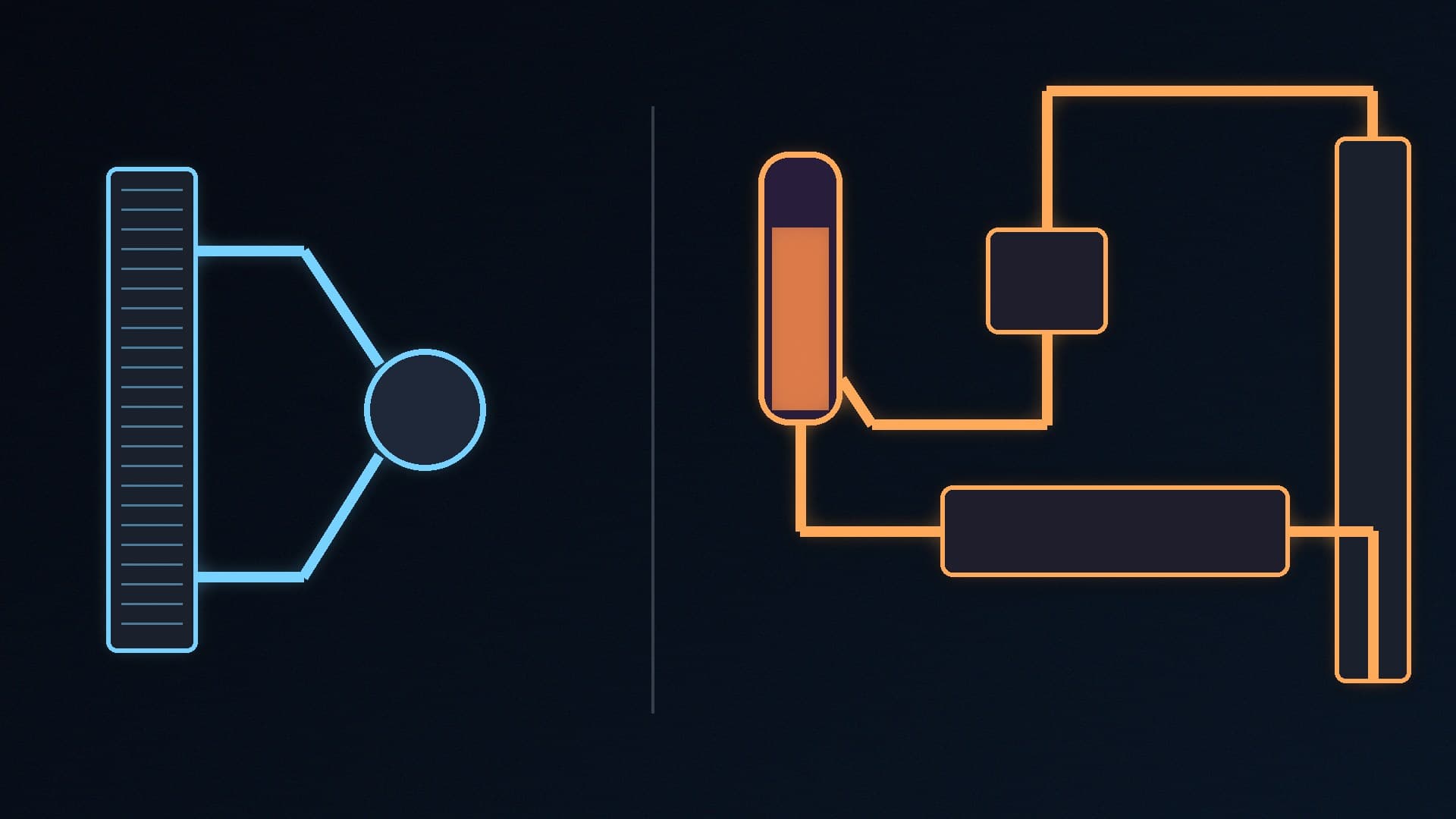
Corsair describes an AIO as a closed liquid cooling system made up of a cooling block and pump assembly, a radiator and fans. The cold plate sits on the processor, liquid carries the heat through the tubes to the radiator, and the fans attached to the radiator blow the warm air out of the case. Corsair's starter guide notes that an AIO is prefilled with liquid in a self-contained unit: you attach the block and pump to the CPU, screw the radiator to the case and connect the pump and fan cables to the motherboard.
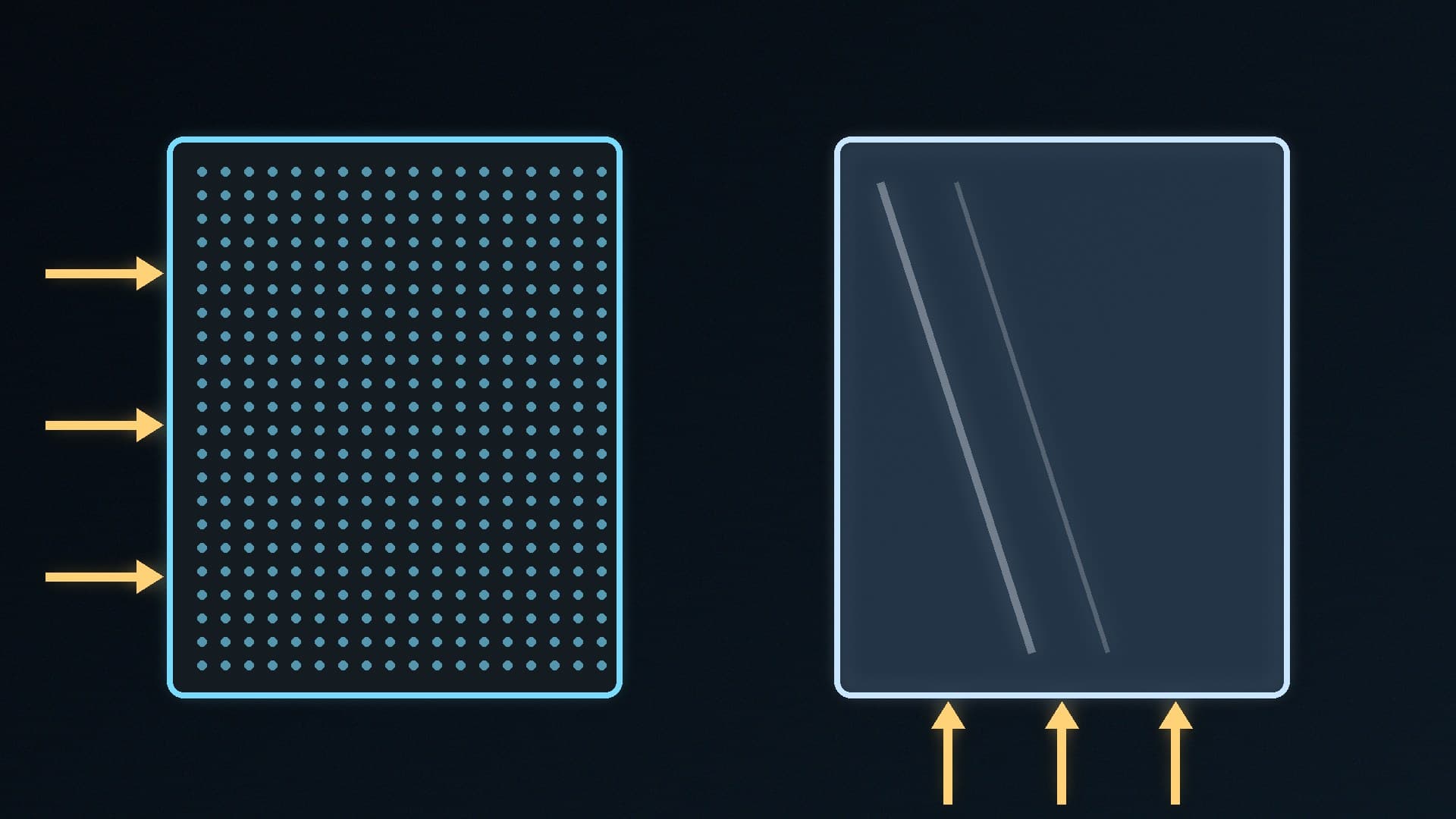
The big advantage is that there's nothing to fill or drain. Corsair says the loop is sealed at the factory with as much air as possible removed, that you can't open an AIO and don't need to, and that there's no maintenance for the liquid itself. What you do need to do is keep the radiator clean, because its densely packed fins collect dust and pet hair. Our how to clean dust out of your PC guide covers that, and how to install an AIO cooler walks through fitting one.
How a custom water loop works
Corsair calls a custom loop "a step above AIO cooling" that trades the simplicity of an AIO for more performance and modularity. Instead of a single sealed unit, a pump (often combined with a reservoir) pushes coolant through water blocks on the components and then through one or more radiators before it returns to the reservoir.
The headline benefit is what you can cool. Corsair says a custom loop can cool not only the CPU but also the graphics card, SSDs and any other heat-generating component that has a water block available. Its guide explains that a GPU block is designed to cool the card's processor, VRMs and memory, and that cooling capacity scales mostly with radiator size, so you add radiators rather than relying on a bigger card cooler. If you want more cooling headroom, you add another radiator.
That flexibility comes with work. Corsair's guide recommends planning around your case, CPU and GPU first, because those decide which blocks you need, how much heat the loop has to remove and how much room there is. Fitting a GPU block means taking the card's own air cooler off. When you fill the loop for the first time, Corsair suggests putting paper towels around the fittings and on the PSU shroud, and if a fitting drips, shutting down, retightening and trying again.
Maintenance: the biggest practical difference
An AIO needs the same dusting as any PC. A custom loop needs that plus coolant care. Corsair generally recommends changing the coolant in a custom loop every 12 to 24 months, depending on the parts used, and lists higher loop temperatures, visible particles clogging the blocks and debris in the reservoir as signs it's time for a coolant change or a full check. Its starter guide also warns that contamination such as algae growth means flushing and cleaning every part before refilling, and recommends using clean components and coolants tested with your blocks to avoid it.
If you'd rather fit a cooler and forget about it, that's a strong argument for an AIO. If the idea of draining and refilling a loop every year or two sounds like part of the fun, a custom loop will suit you.
Space, noise and the rest of your build
Radiator space: both types need room for radiators. Check your case's supported sizes and thicknesses before buying; our guides on checking an AIO radiator fits your case and 240mm vs 360mm AIOs help with that. Corsair notes that most mid-tower cases can fit one or two radiators and bigger cases more.
Pump noise: AIO pumps sit on the CPU block, while custom loops usually put the pump in the reservoir assembly. If an AIO pump is making a racket, see how to fix AIO pump noise.
Air cooling: for many CPUs, a good air cooler is simpler still. Our air cooler vs AIO comparison covers that decision.
Who should choose which?
Choose an AIO if you want liquid cooling for your CPU from a self-contained unit, with no coolant to manage and a fixed, predictable setup. Our best AIO cooler guide is the place to start.
Choose a custom loop if you want to water-cool your graphics card as well as the CPU, you want to scale cooling with extra radiators, or you're building a showpiece PC and you're happy to plan the loop, fill and leak-test it, and change the coolant every year or two.
Our verdict
For most people, an AIO is the better choice, because it's a sealed, pre-filled unit that's easy to install and never needs its coolant changed, only its radiator dusting. A custom water loop is for enthusiasts: it can cool the graphics card and other parts as well as the CPU and can be expanded with more radiators, but you have to plan it, fill and leak-test it, and change the coolant roughly every 12 to 24 months. If you just want a cool, quiet CPU, buy an AIO; if you want to water-cool the whole system and enjoy the build, go custom.