Skip to content

VersusCase

Mesh vs Glass Front PC Case: Which Is Better?

A mesh front gives intake fans a short, open path to your GPU and CPU, so it's the safer choice for cooling and noise. A glass front looks better but relies on side, top or bottom intake, so only buy one designed for it and fit the fans it needs.

By , Senior Hardware Editor

4 min read

Mesh vs Glass Front PC Case: Which Is Better?

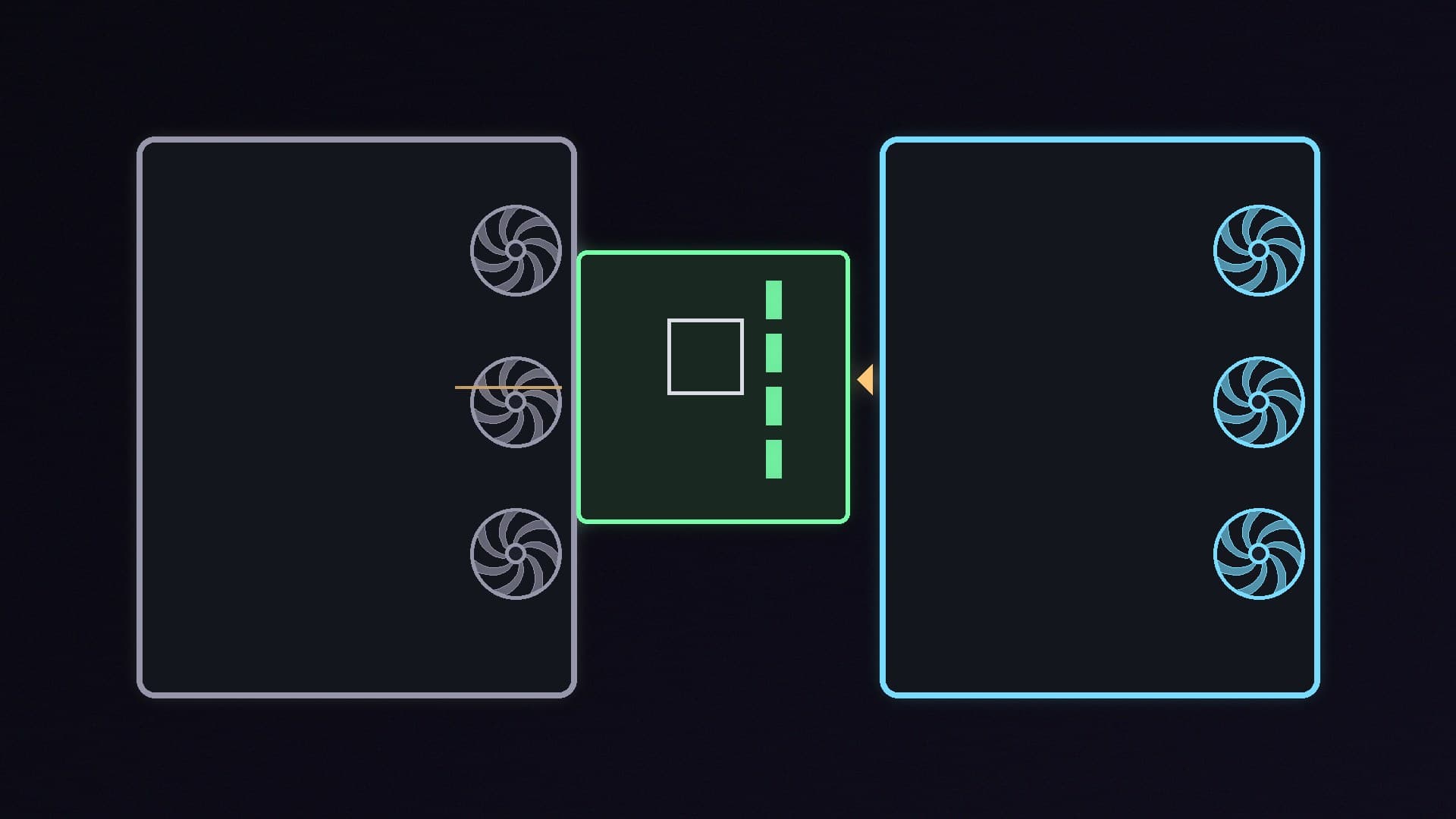
The front panel decides a lot about how a PC case works. A mesh front lets the front fans pull air straight in, while a glass front turns the case into a display cabinet and forces air to come in another way, usually through the side, the bottom or a gap around the panel. Neither is automatically better, but they suit different builds. This comparison explains the design trade-offs using manufacturers' published specifications.

The short answer

Mesh front

Glass front

Main intake path

Straight through the front

Side, bottom or gaps around the front

Best for

Hot GPUs and CPUs, air-cooled builds, quieter fan speeds

Showing off hardware and RGB lighting

Front radiator

Common

Often not supported; side or top instead

Dust

Filtered front intake, easy to clean

Depends on side and bottom filters

Fan layout

Front intake, rear and top exhaust

Often side or bottom intake

How a mesh front case works

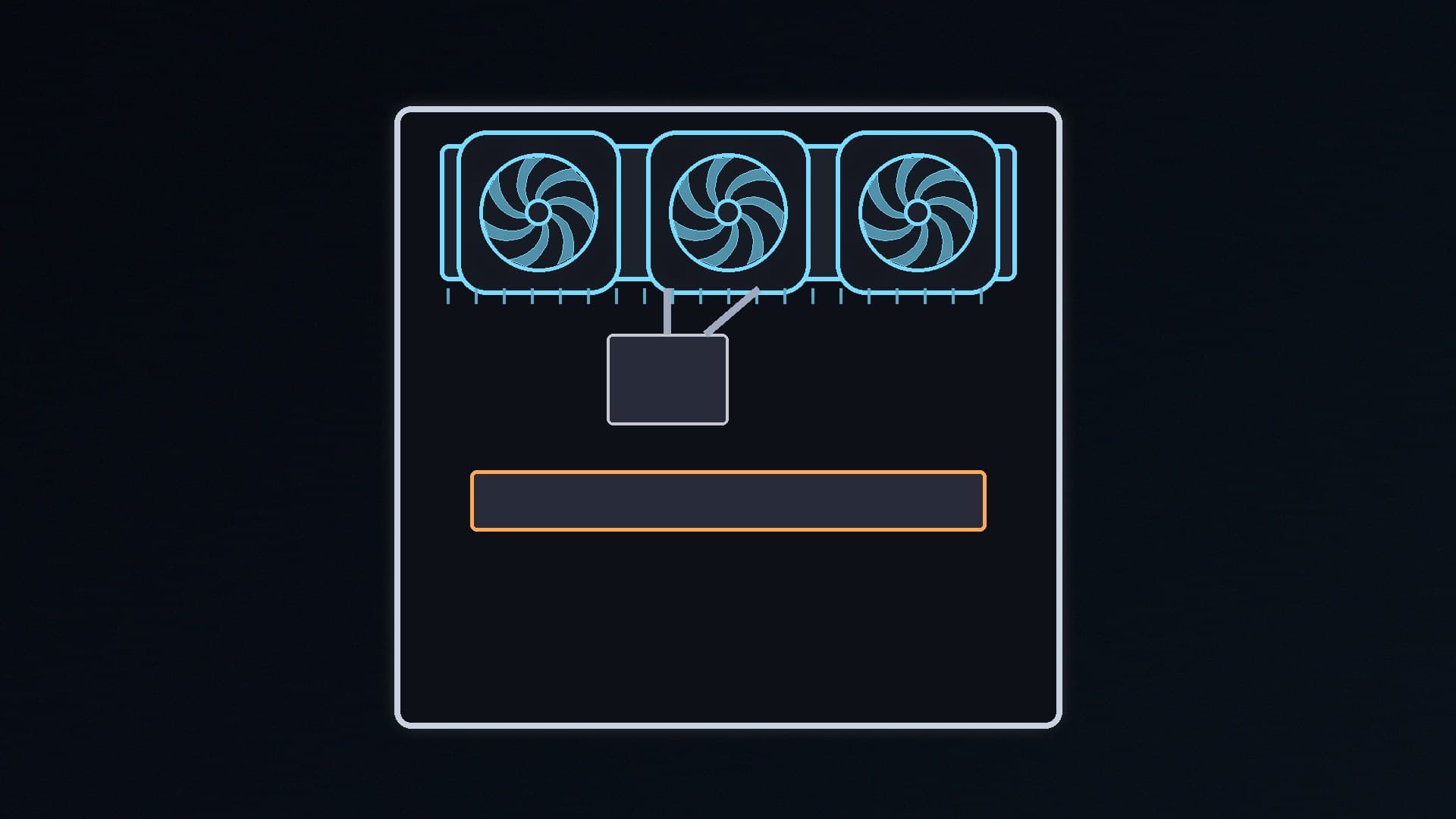
In a mesh-fronted case, intake fans sit right behind a perforated panel, so cool air has a short, open path to the graphics card and CPU cooler. Phanteks' Eclipse G370A is a good example of the "airflow first" approach: Phanteks describes it as having high-airflow mesh throughout the chassis, with three front fan positions plus three on top and one at the rear, and room for a 240mm radiator in the front or a 360mm radiator on top. The Eclipse G400A follows a similar idea, with what Phanteks calls a clean front inlet design and four pre-installed 140mm fans.

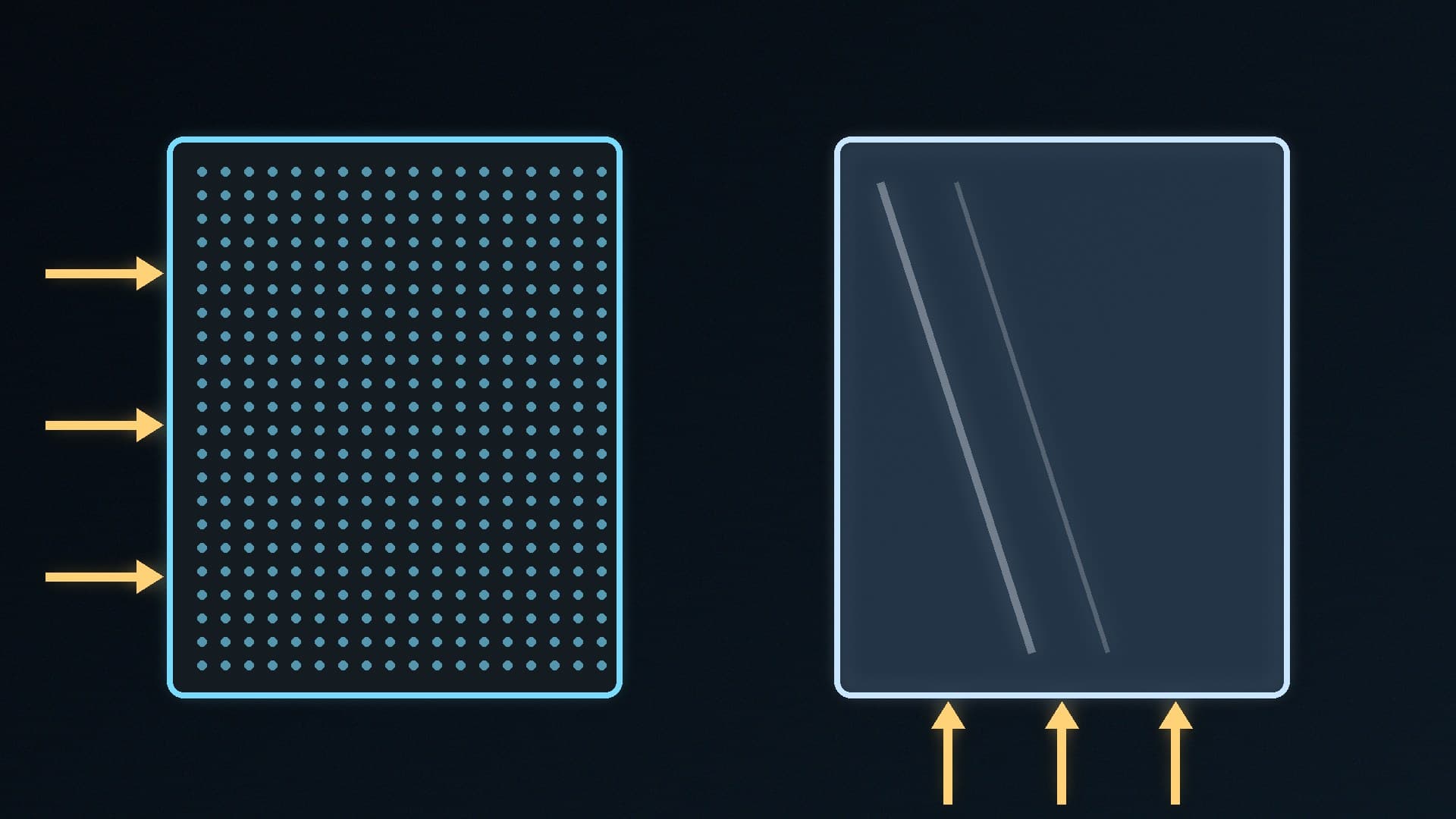
The practical benefit is that the same fans can move more air at a given speed than they could behind a mostly solid panel, which can let you run them slower and quieter for the same cooling. That's why airflow-focused cases dominate our best airflow PC case guide.

How a glass front case works

Glass-fronted cases, often sold as "showcase" or "aquarium" cases, give you an uninterrupted view of the components. Because air can't pass through glass, the designers move the intake elsewhere. Phanteks' NV5X, for example, uses seamless tempered glass on the front and side, with an open grill pattern running from the top to the side for intake and exhaust. Its fan positions are three on top, three on the side and one at the rear, with no front fans at all, and Phanteks lists dust filters for the vents. Some cases, such as Phanteks' Evolv X2 Matrix, raise the chassis on a base so fans can draw air from underneath and exhaust it through the top.
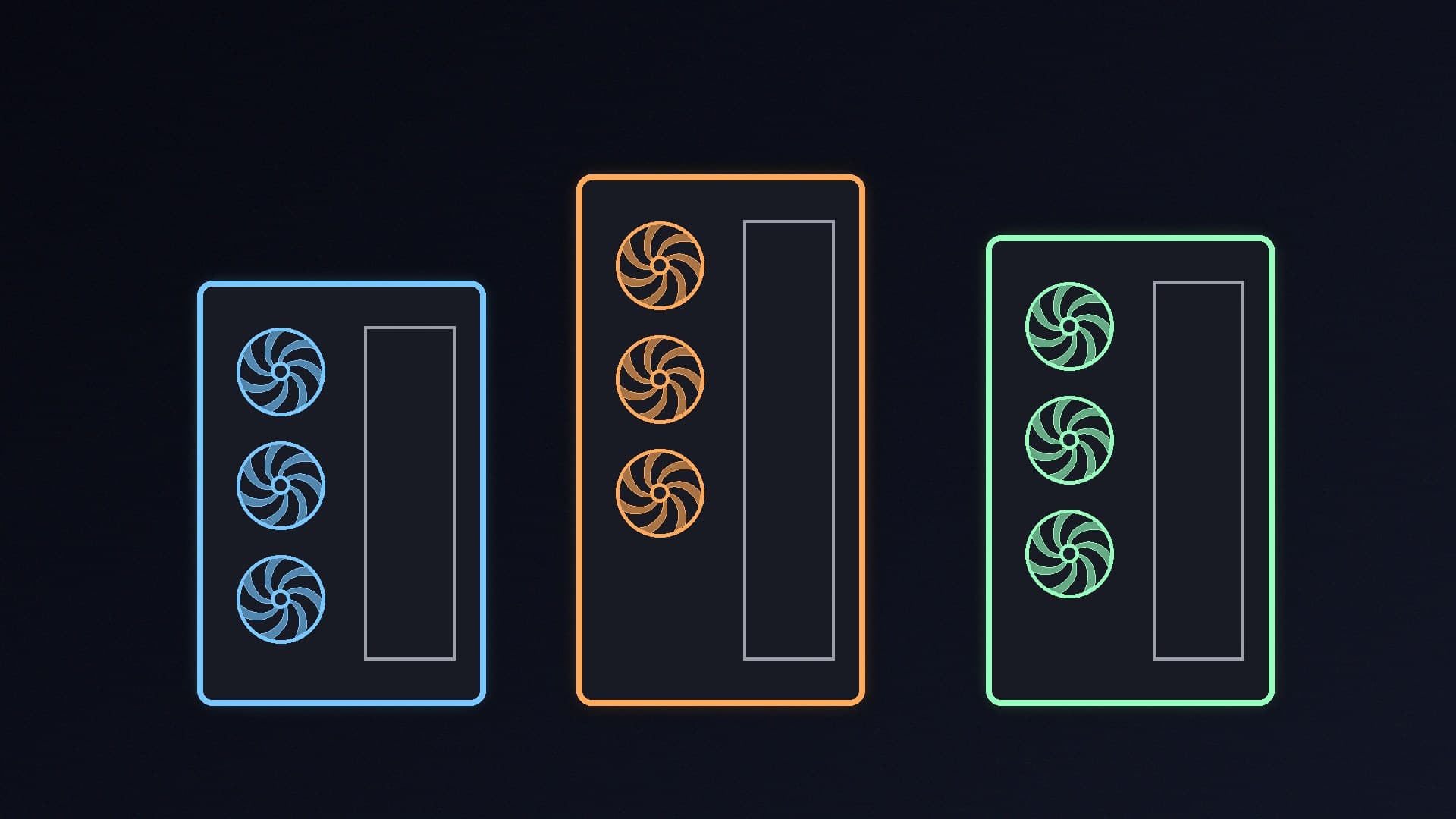

Some glass-fronted designs also use a dual-chamber layout, with the power supply and cables hidden in a second compartment. Our dual-chamber vs standard PC case comparison covers that layout's pros and cons.

What it means for your build

  • Graphics card temperatures: a powerful GPU dumps a lot of heat into the case. Side or bottom intake fans can feed it well in a glass case, but check the case actually has those positions and that you'll fill them.

  • Fans: a glass case needs its intake fans arranged as the designer intended. Check how many fans are included, because the number varies a lot between models, and see our case fan airflow guide for the right directions.

  • Dust: whichever you choose, keep slightly more intake than exhaust through filtered vents. Our positive vs negative air pressure explainer covers why.

  • Space on your desk: a glass-fronted case with side intake needs room on the intake side, so don't push that panel against a wall.

  • Radiators: if you want a front-mounted AIO, check support carefully. Some glass-fronted cases, like the NV5X, take radiators only on the top or side.

Who should choose which?

Choose a mesh front if cooling and noise are your priorities, you're using a high-power graphics card with an air-cooled CPU, or you want a straightforward front-to-back airflow layout.

Choose a glass front if looks matter most, you plan to show off RGB lighting or a custom loop, and you're happy to plan side or bottom intake properly. Our best PC case guide covers both styles.

Our verdict

For most gaming PCs, a mesh front case is the safer choice, because it gives the front intake fans a short, open path to the graphics card and CPU, and it's easier to keep cool and quiet. A glass front case can work well too, but only if it's designed with proper side, top or bottom intake and you fit the fans it needs. If you care most about how your PC looks, choose glass; if you care most about temperatures and noise, choose mesh.

The bottom line

For most gaming PCs, a mesh front case is the safer choice, because it gives the front intake fans a short, open path to the graphics card and CPU, and it's easier to keep cool and quiet. A glass front case can work well too, but only if it's designed with proper side, top or bottom intake and you fit the fans it needs. If you care most about how your PC looks, choose glass; if you care most about temperatures and noise, choose mesh.

Sources

  1. 01Phanteks, Eclipse G370A product page and specifications
  2. 02Phanteks, Eclipse G400A product page and specifications
  3. 03Phanteks, NV5X product page and specifications
  4. 04Phanteks, Evolv X2 Matrix product page and specifications

About the author

Callum Reid

Senior Hardware Editor

Callum leads GPU, CPU and platform architecture coverage at Forge PC. Before joining the editorial desk, he spent nine years specifying, assembling and stress-testing custom gaming and workstation systems in the UK, with a focus on PCIe bandwidth, VRM thermal design, DDR5 memory tuning and 1440p/4K frame-time consistency.

More from Callum Reid

Read next

Best Phanteks PC Case in 2026: 6 Picks Compared

Best Picks

Best Phanteks PC Case in 2026: 6 Picks Compared

The best Phanteks cases on official specs: the Eclipse G400A for most builds (four 140mm fans, 415mm GPU, 184mm cooler, 360mm top radiator), the XT Pro for value, the G370A for budget mesh, the NV5X and Evolv X2 Matrix for looks and the NV7 for multi-radiator builds.

Hannah Vance5 min

How to Fix a PC That Won't Turn On

How-To

How to Fix a PC That Won't Turn On

If your PC is completely dead, work from the wall inwards: check the socket and extension, the switch on the back of the PSU, the 24-pin and CPU power cables and the case power button plug. Then test with minimal parts and a known-good power supply before suspecting the motherboard.

Marcus Thorne4 min

How to Move Your PC Into a New Case, Step by Step

How-To

How to Move Your PC Into a New Case, Step by Step

To move a PC to a new case, check form factor, GPU, cooler and PSU clearances, photograph every connection, strip the old case from the outside in, install only the standoffs your board needs, fit the I/O shield first if separate, then reconnect and test before closing up. Windows shouldn't need reactivating.

Marcus Thorne6 min

Best PC Cases for a 360mm Radiator in 2026

Best Picks

Best PC Cases for a 360mm Radiator in 2026

Four ATX cases with official 360mm radiator support: the compact Lian Li LANCOOL 207 (top, 45.5 litres), Phanteks Eclipse G400A (top, up to 415 x 138 x 60mm), Fractal Meshify 2 Compact (front) and Fractal Torrent (front and bottom, up to 420mm), compared on clearances and included fans.

Hannah Vance5 min