Every PC case leaks. Air doesn't only move through the fans: it also passes through ventilated slot covers, gaps around panels, cable holes and unused vents. Whether air flows in or out of those gaps depends on the air pressure inside the case, and that decides how much dust ends up on your graphics card. This comparison is based on guidance published by case and component makers XPG and SilverStone.
The three set-ups explained
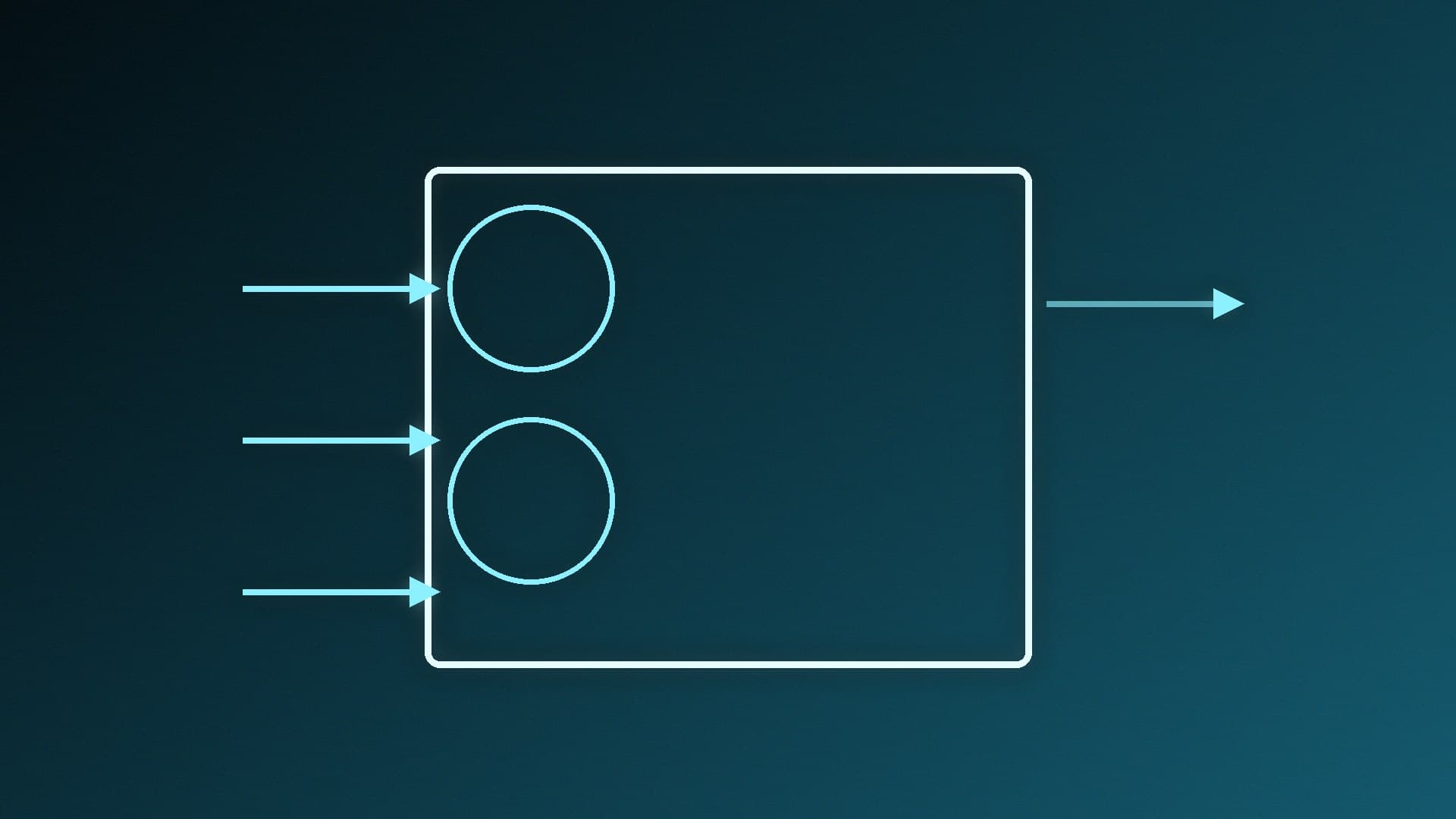
Positive pressure: your intake fans move more air into the case than your exhaust fans move out. XPG explains that the extra air is pushed out through the case's other openings.
Negative pressure: the exhaust fans move more air than the intakes, so the case is at slightly lower pressure and outside air is drawn in through gaps and openings.
Neutral (balanced) pressure: intake and exhaust roughly match, so there's little air movement through the gaps.
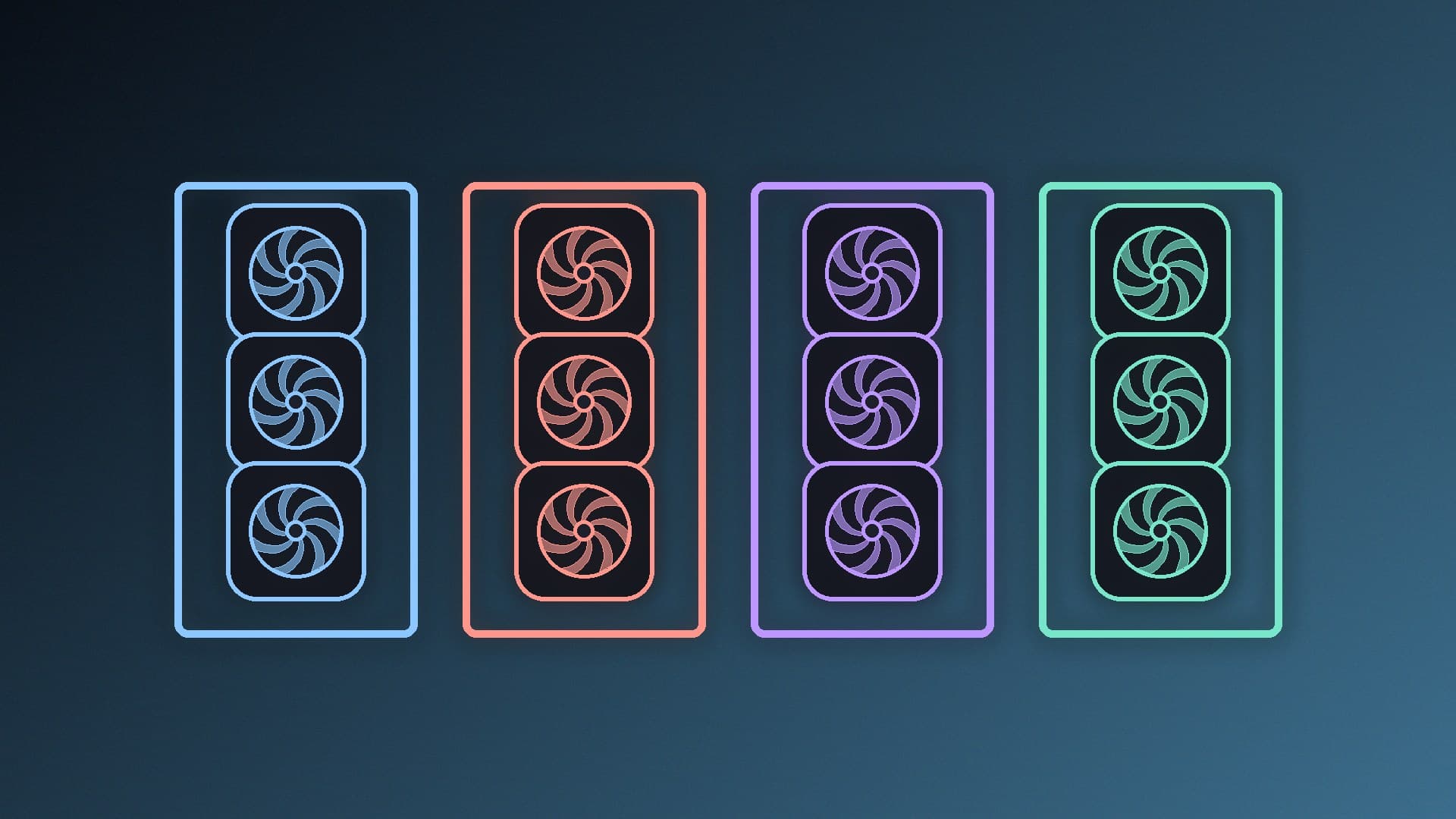
You change the balance with the number, size and speed of your intake and exhaust fans.
Head to head
| Positive pressure | Negative pressure |
|---|
Where air enters | Through the intake fans (and their filters) | Through intake fans and every unfiltered gap |
Dust build-up | Lower, if intakes are filtered | Higher |
Hot-air removal | Good, unless intake far exceeds exhaust | Can be slightly better |
Cleaning needed | Less often | More often |
Typical set-up | More, or faster, front and bottom intake fans | More, or faster, top and rear exhaust fans |
Why positive pressure wins on dust
SilverStone's explanation is the clearest. With positive pressure, only the intake fans need dust filters, because air leaves through the unfiltered vents and gaps rather than entering through them. A case with negative pressure pulls air, and dust, in through those unfiltered openings. SilverStone compares the idea to a cleanroom, which is kept at positive pressure so dirt can't get in.
XPG says filters in front of intake fans reduce airflow noticeably, but are still essential for controlling dust. In other words, a filter costs you a little cooling, but it's the filter plus positive pressure that keeps the inside clean.
Why negative pressure can cool slightly better, at first
XPG says a negative-pressure set-up can give slightly better cooling, because hot air is removed quickly before it builds up. The problem is that dust drawn in through gaps settles on heatsinks and fans and reduces their performance over time. XPG's conclusion is that without regular cleaning, any cooling advantage is lost.
Don't overdo positive pressure either
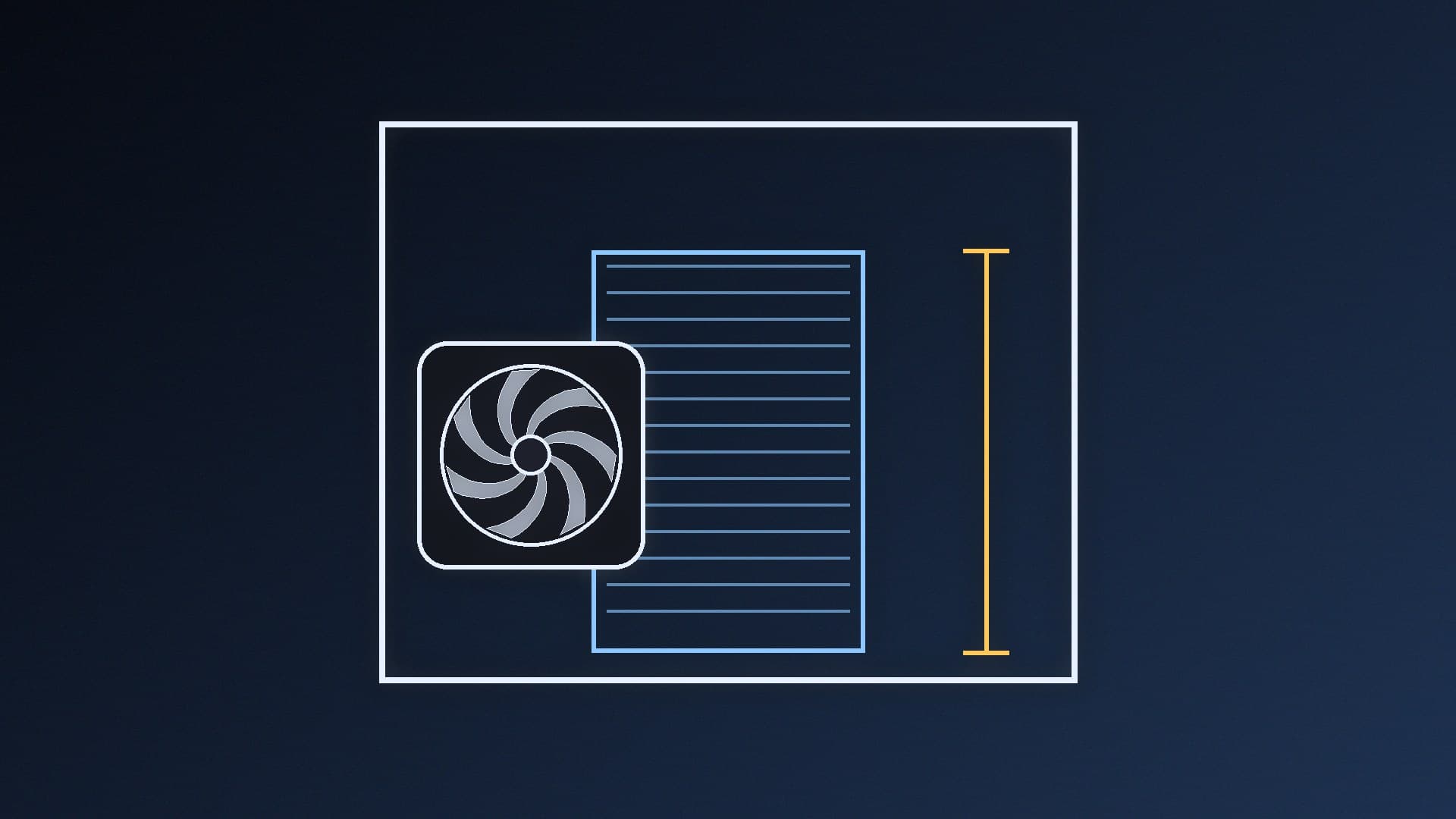
Too much intake with too little exhaust has a downside too. XPG notes that in an overly strong positive-pressure set-up, hot air gets trapped inside the case and temperatures rise. The aim is a little more intake than exhaust, not a case full of intake fans with nowhere for the warm air to go.
How to set your fans for slight positive pressure
Filter every intake. Most cases have filters on the front and bottom; check that they're fitted.
Use the front (and bottom, if available) for intake, and the rear and top for exhaust. Our case fan airflow guide shows typical layouts.
Give intakes a slight edge. Use one more intake fan than exhaust, or run the intakes a little faster. Our 120mm vs 140mm case fans comparison explains how fan size affects airflow.
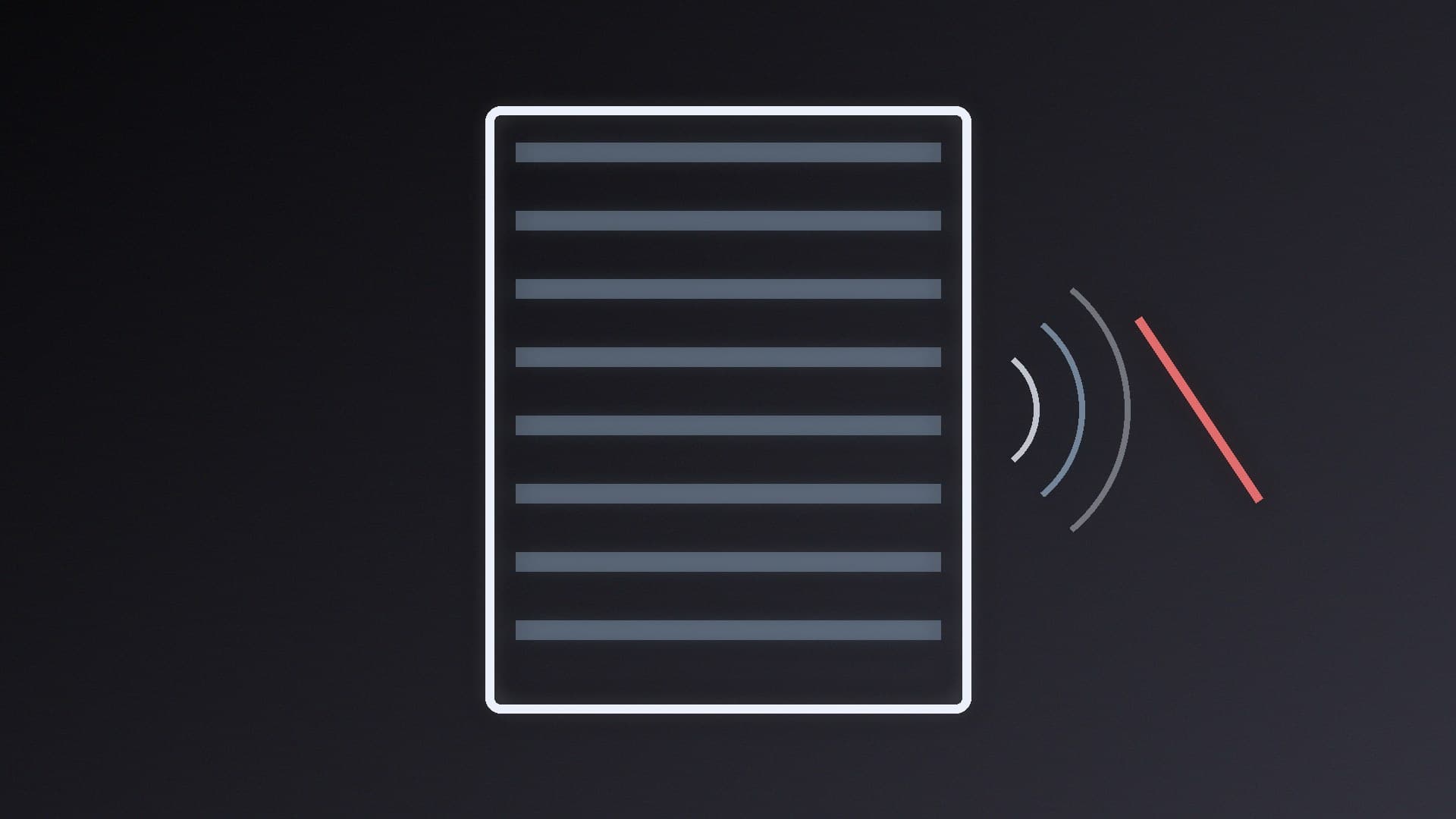
Check the result. A simple check is to hold a strip of tissue near an unused vent or slot cover with the PC running: if it moves outwards, air is leaving through the gaps, which is what positive pressure should do.
Clean the filters regularly. A clogged filter cuts intake airflow and can tip the case into negative pressure. Our guide to cleaning dust out of a PC covers filters too.
If you need more fans to get the balance right, see our best case fans guide.
Our verdict
Aim for slight positive pressure: a little more filtered intake than exhaust. It keeps dust out because air leaves through the unfiltered gaps instead of entering through them, and if you don't overdo it, it cools just as well. Negative pressure can remove hot air slightly faster, but it pulls dust in through every gap, so it only stays cooler if you clean the PC often. Neutral is a reasonable middle ground. Whatever you choose, keep the intake filters clean.