A surge protection strip and an uninterruptible power supply (UPS) are often mentioned in the same breath, and both plug in between your PC and the wall. They're not interchangeable, though. A surge protector is designed to absorb brief voltage spikes; a UPS has a battery that keeps your PC running for a few minutes when the power cuts out or dips, so you can save your work and shut down properly. This comparison is based on manufacturer documentation and UK electrical safety guidance.
The short answer
| Surge protector | UPS |
|---|
Protects against | Short voltage spikes (surges) | Power cuts, voltage dips and surges (depending on model) |
Keeps the PC running in a power cut | No | Yes, for a limited time on battery |
Lets you shut down safely | No | Yes |
Typical rating to compare | Joules (energy it can absorb) | VA and watts (how much load it can carry) |
Size | Extension-lead sized | Box with a heavy battery |
Ongoing cost | None, but replace it if its protection indicator shows it's no longer protecting | Replacement batteries over time |
What a surge protector does
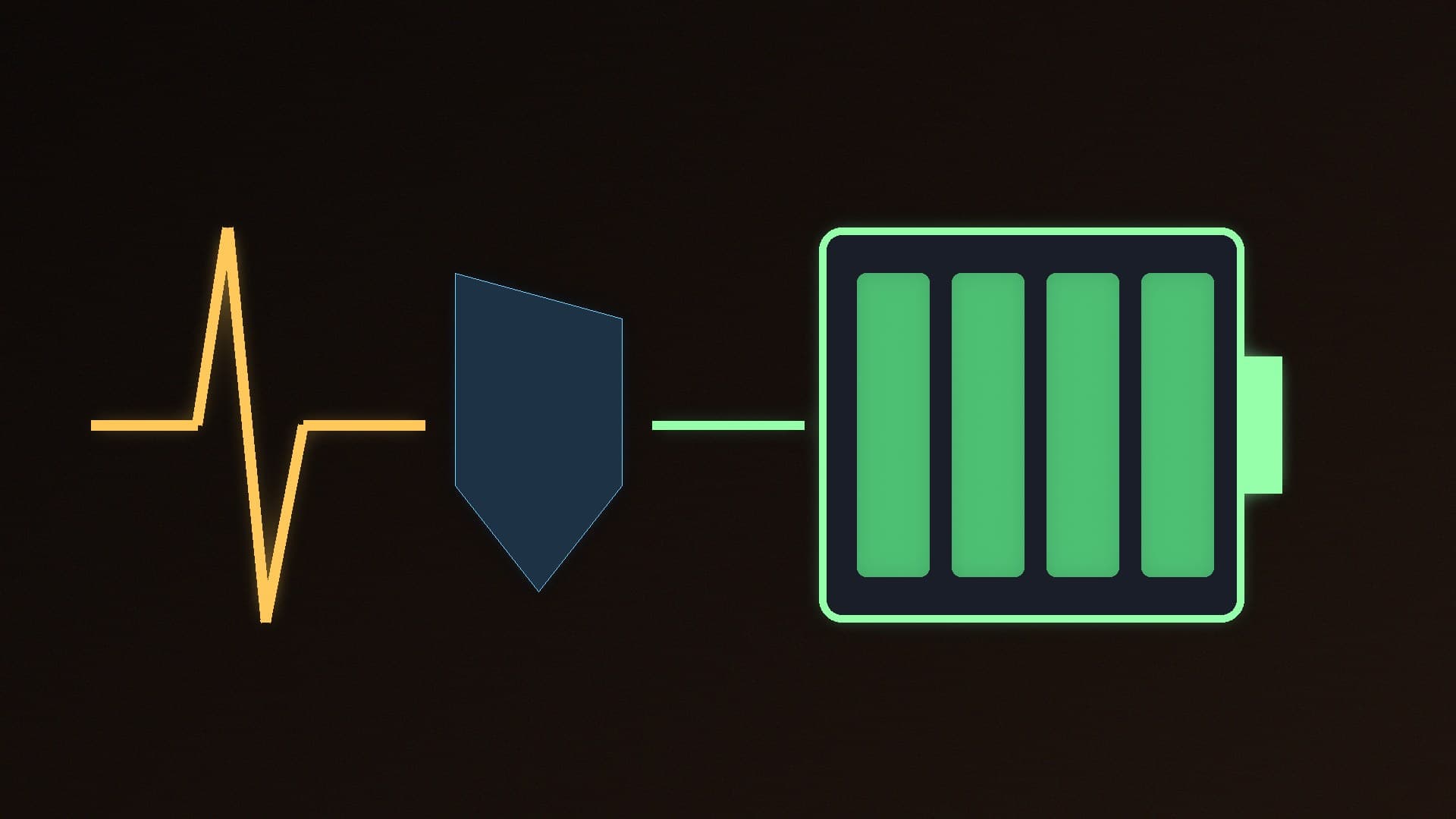
A surge protection strip looks like an ordinary extension lead, but it contains components called metal oxide varistors (MOVs) that divert brief voltage spikes away from connected equipment. Manufacturers rate them in joules, which roughly indicates how much surge energy they can absorb. Belkin's support documentation for its Surge Protection Power Strip range, for example, lists ratings from up to 525 joules for its four-outlet models to up to 900 joules for its eight-outlet model, along with a protection indicator that shows whether surge protection is still active.
What a surge protector can't do is keep anything powered. If the electricity goes off, your PC goes off with it, along with any unsaved work. For more on choosing one, see our best surge protector for PC guide.
What a UPS does
A UPS contains a battery and the electronics to turn its stored energy back into mains-style AC power. CyberPower explains that a UPS provides backup power when the mains supply fails or the voltage drops to an unacceptable level, allowing an orderly shutdown of a computer and connected equipment. How long it runs depends on its size and on how much power your PC is drawing.
There are three main designs:
Standby UPS units switch to battery during a blackout, sag or surge. CyberPower positions them for consumer electronics and entry-level computers.
Line-interactive UPS units can also correct minor under- and over-voltages without switching to battery, and CyberPower lists PCs and gaming systems among their typical uses.
Online (double-conversion) UPS units run equipment from converted power all the time, and are aimed at servers and critical IT equipment.
CyberPower also notes that a pure sine wave output helps equipment with Active PFC power supplies, which many modern PC power supplies use, avoid shutting down when the UPS switches from mains to battery. That's worth checking before you buy a cheaper "simulated sine wave" model for a gaming PC. Our line-interactive vs online UPS comparison goes into more depth.
Which one do you need?
Choose a surge protector if you mainly want to protect your PC, monitor and router from spikes, power cuts are rare where you live, and losing an unsaved document now and then wouldn't be a disaster. It's the cheaper, simpler option.
Choose a UPS if you've experienced power cuts or flickering lights, you work on files that would be painful to lose, you run a home server or NAS, or you want your PC to shut itself down cleanly when the power fails. Size it on watts as well as VA, and leave headroom for your PC's peak draw. Our best UPS for PC guide and our walkthrough on setting up UPS auto-shutdown cover both steps.
Many people use both: a UPS for the PC and monitor, and a surge protector for less critical devices such as speakers and chargers. Check your UPS manual before plugging a surge strip into one of its outlets, though.
UK safety points
Whichever you choose, the usual rules for extension leads apply. Electrical Safety First says extension leads are rated at 13A (some older ones at 10A), and that you shouldn't overload one by plugging in appliances whose combined current exceeds that rating. It also warns against plugging one extension lead into another ("daisy chaining"), because of the risk of overloading the wall socket. A gaming PC, monitor and a couple of chargers are normally well within 13A, but a fan heater on the same strip is not a good idea.
Our verdict
A surge protector and a UPS do different jobs. A surge protector absorbs brief voltage spikes but does nothing in a power cut, while a UPS keeps your PC running on battery long enough to save your work and shut down safely, and most models also handle surges. For most gaming PCs, a decent surge protection strip is the sensible minimum. If power cuts happen where you live or losing work would be costly, a line-interactive UPS with sine wave output is the better buy.