Specifications come from AMD's and NVIDIA's official pages, software support from Ollama's and AMD's documentation, and UK prices from SpecPrice, all read on 25 November 2026.
If you want to run local AI models such as chatbots in Ollama or LM Studio, or image generators in ComfyUI, 16GB of VRAM is the sensible minimum in late 2026. AMD's Radeon RX 9070 and NVIDIA's GeForce RTX 5060 Ti 16GB both have exactly that, yet they're very different cards. The Radeon has a much wider memory bus; the GeForce has NVIDIA's CUDA software ecosystem and a lower price. Here's how to choose.
Specifications side by side
| Radeon RX 9070 | GeForce RTX 5060 Ti 16GB |
|---|
Shader units | 56 compute units, 3,584 stream processors | 4,608 CUDA cores |
AI hardware | 112 AI accelerators | 5th-generation Tensor cores |
Boost clock | Up to 2,520MHz | 2.57GHz |
VRAM | 16GB GDDR6 | 16GB GDDR7 |
Memory bus | 256-bit | 128-bit |
Memory bandwidth | Up to 640GB/s | 448GB/s |
Extra cache | 64MB Infinity Cache | Not listed |
Power | 220W typical board power | 180W total graphics power |
Interface | PCIe 5.0 x16 | PCIe Gen 5 |
UK price (approx., 25 Nov 2026) | From about £750 | From about £660 |
VRAM: a draw
Both cards have 16GB, so the same models fit on each. That's enough for many popular mid-sized models at 4-bit quantisation, with some room left for context. Our guide to how much VRAM you need has more detail on which model sizes fit.
Memory bandwidth: a clear win for the RX 9070
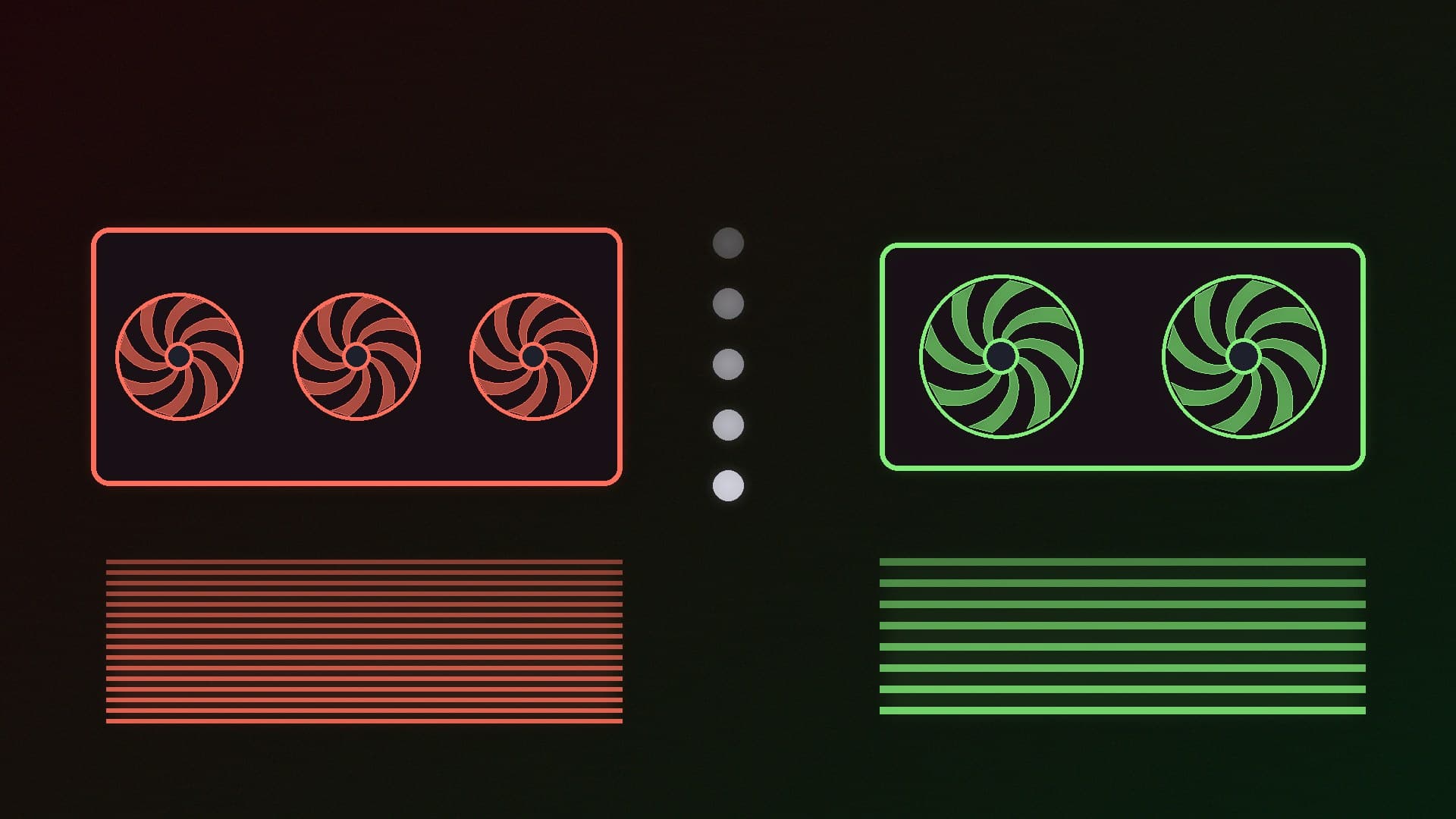
This is the biggest hardware difference. AMD lists the RX 9070 at up to 640GB/s, from 16GB of 20Gbps GDDR6 on a 256-bit bus. NVIDIA's comparison page lists the RTX 5060 Ti at 448GB/s; it uses faster GDDR7 but on a bus half as wide. That gives the Radeon about 43% more bandwidth.
Why does that matter? When a chatbot generates text, the card has to read through the model's weights for every token it produces, so token generation speed tends to rise with memory bandwidth. We explain this in memory bandwidth and local LLM speed. Bandwidth isn't everything, though: software maturity can easily outweigh it, and we haven't measured either card.
AMD quotes up to 145 TFLOPS of FP16 matrix performance (289 with structured sparsity), 289 TOPS for INT8 and 578 TOPS for INT4 (1,156 with sparsity). NVIDIA quotes 759 "AI TOPS" for the RTX 5060 Ti. The two companies measure these headline numbers differently, so don't compare them directly. Our explainer on CUDA vs ROCm vs Vulkan explains why software often decides real-world speed.
Software support: where NVIDIA still leads
RTX 5060 Ti. Ollama supports NVIDIA cards with compute capability 5.0 or newer and lists the RTX 5060 Ti at compute capability 12.0. Ollama uses NVIDIA cards through CUDA, which remains the most widely supported route in local AI software, so setup on Windows is usually just a driver install.
RX 9070. Ollama's hardware page lists the RX 9070 among AMD GPUs it supports through AMD's ROCm library. However, its Windows ROCm list currently names only Radeon RX 7000-series and Radeon PRO W7000 cards, so on Windows, Ollama is likely to use its Vulkan backend for the RX 9070 instead. Ollama says Vulkan is enabled by default when the backend is installed, and most Windows GPU drivers include Vulkan support. On Linux, AMD's ROCm 7.2.1 compatibility matrix lists the RX 9070 on Ubuntu 24.04.4, Ubuntu 22.04.5 and RHEL 10.1. AMD also lists the RX 9070 for PyTorch on Windows, but notes that the full ROCm stack isn't yet supported on Windows.
If you're happy to use Linux, the Radeon is a much more practical AI card than it once was; see our guides to installing ROCm on Ubuntu and running local AI on an AMD Radeon GPU. If you mostly use Windows and want image and video generation in ComfyUI with the fewest problems, CUDA is still the safer bet.
Power and size
The RX 9070 has a 220W typical board power, against 180W for the RTX 5060 Ti. NVIDIA recommends a 600W power supply for systems with the RTX 5060 Ti. Neither figure is high for a desktop graphics card. Card length varies by manufacturer, so check the model you're buying fits your case.
Price
On 25 November 2026, SpecPrice's lowest UK listing for the RX 9070 was £749.99 and for the RTX 5060 Ti 16GB was £659.99, both at Overclockers UK. That makes the GeForce about £90 cheaper. These are approximate prices on that date, and they may change around Black Friday on 27 November.
Models we list
Our specs database includes the ASUS Prime Radeon RX 9070 16GB OC, the PowerColor Reaper RX 9070 16GB, the ASUS Dual GeForce RTX 5060 Ti 16GB OC and the MSI GeForce RTX 5060 Ti 16GB Ventus 2X OC Plus.
Other cards to consider
If you're weighing up the RX 9070 against NVIDIA's next step up, see RTX 5070 vs RX 9070 for local AI, although the RTX 5070 has only 12GB. For a cheaper AMD alternative to the RTX 5060 Ti, read RX 9060 XT 16GB vs RTX 5060 Ti 16GB for local AI. Our best 16GB graphics cards for local AI round-up covers the wider field.
Our verdict
For most people running local AI on Windows, the RTX 5060 Ti 16GB is the safer and cheaper choice: it has the same 16GB of VRAM, CUDA support in every major app and a lower power draw. Choose the RX 9070 if you use Linux, mainly run chatbots rather than image generators, and want the extra memory bandwidth, which should help text generation speed.