6 for this report. Details come from the SenseNova-U1 GitHub repository and U1.6 model guide, the official Hugging Face model cards, Comfy-Org's ComfyUI repackage and the ComfyUI changelog, all read on 25 November 2026. Quality figures are the developers' own.
The team behind the SenseNova-U models released SenseNova U1.6 on 24 November 2026, along with 4-step and 8-step distilled variants, and says the model is now officially supported in ComfyUI. It's an open-weights model released under the Apache 2.0 licence, so you can download it and run it on your own PC.
What makes it different from most local image generators is that it's a single "unified" multimodal model. According to the project's GitHub page, the same model can understand an image, generate or edit one, and produce responses that alternate between text and images. U1.6 uses that to do something new: it can draw an infographic, check it against your prompt, write a critique and then produce a corrected version.
What's new in U1.6
The developers list three main changes over U1.5:
Refined aesthetics. U1.6 focuses on portraits, posters and illustrations, with finer textures and a more contemporary style. The team says overall aesthetic quality improved by 10% over U1.5 in subjective user evaluations.
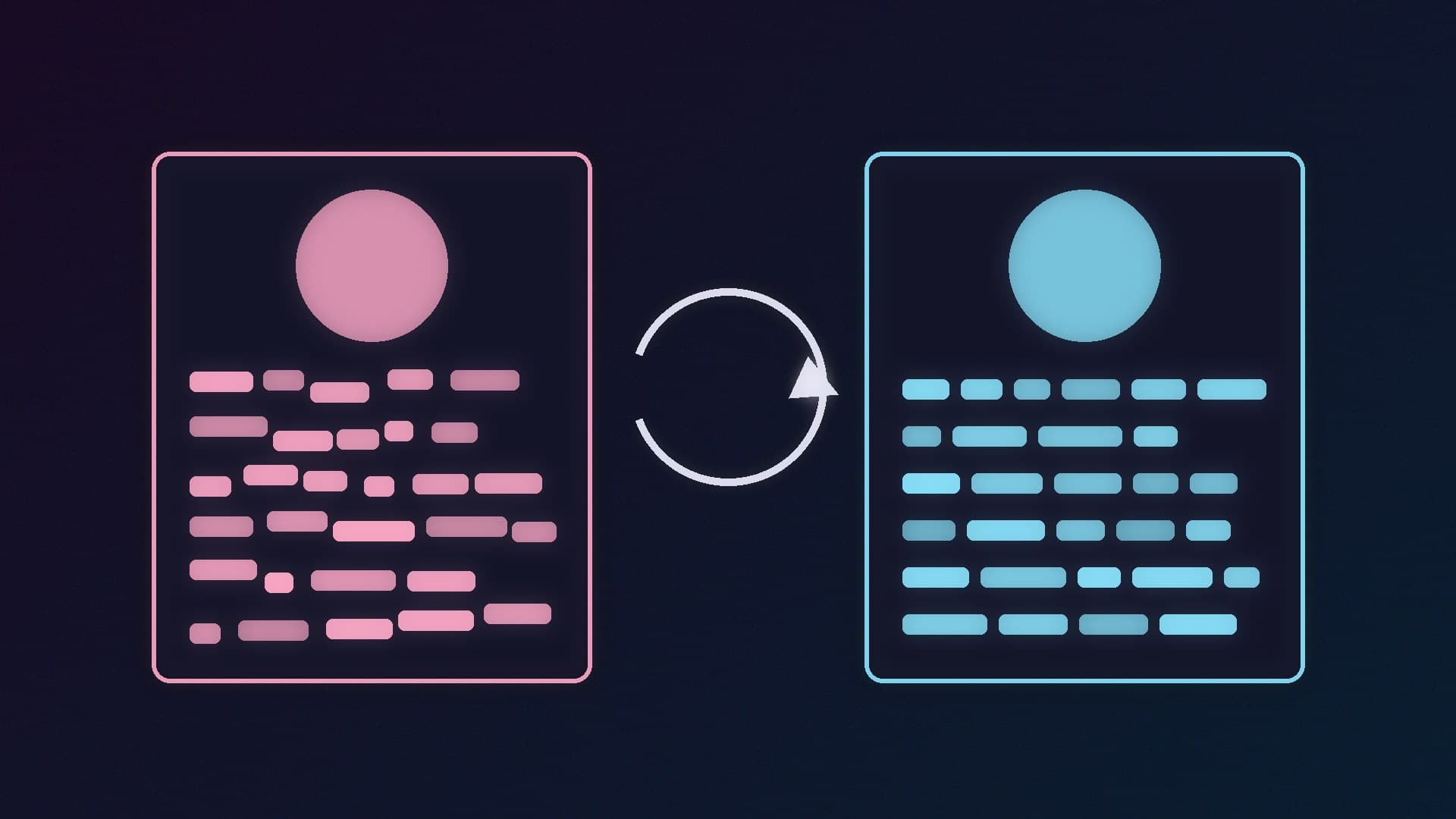
Native self-correction. After generating an infographic, the model compares it with the original prompt and can generate a revision that fixes problems such as blurred text, typos, garbled characters and incorrect numbering. The model guide notes that self-correction training focused on infographics.
Better text accuracy. On UltraTextBench's dense infographic tasks, the developers report a 7% average relative improvement from self-correction compared with single-pass generation.
Those are the developers' own results, and we haven't verified them. The model card is also honest about the limits: complex layouts, dense text, small human details and long or multi-reference editing "may require further validation" for this checkpoint.
The model supports three workflows: text-to-image, image editing (a reference image plus an edit instruction), and self-correction, where the model revises its own output guided by its critique.
Which files to download
SenseNova U1.6 comes in several forms. The sizes below are from the official Hugging Face model cards, in decimal gigabytes.
Version | Format | Size | Use with |
|---|
SenseNova-U1.6-8B-MoT | Sharded BF16 (original) | About 35GB on disk | SenseNova-U1 Python runtime |
Native: BF16 | Consolidated BF16 | 35.07GB | SenseNova-U1 Python runtime |
Native: FP8 | FP8 E4M3FN W8A8 | 18.87GB | SenseNova-U1 Python runtime |
Native: INT8 | INT8 ConvRot W8A8 | 18.87GB | SenseNova-U1 Python runtime |
GGUF Q4_0 / Q6_K / Q8_0 | GGUF | 12.28GB / 16.62GB / 20.70GB | SenseNova-U1 Python runtime |
Comfy-Org repack | BF16 and INT8 checkpoints, plus 8-step LoRA | Not stated | ComfyUI |
One thing to watch: the GGUF files are described as GGUF versions "for the SenseNova-U1 Python runtime". Don't expect to load them in Ollama or LM Studio the way you would a GGUF chat model. If you want to understand the file formats, our explainer on GGUF vs Safetensors covers the basics, and our guide to FP4 vs FP8 vs FP16 explains why the 8-bit versions are roughly half the size of BF16.
What hardware you need
For SenseNova's own Python runtime, the GitHub quick start says to use a mostly idle Linux machine with one CUDA (NVIDIA) GPU and, for its "balanced" memory mode, to plan for 24GB of GPU memory and 64GB of system RAM, plus about 35GB of disk space for the U1.6 weights.
The project doesn't publish a separate VRAM figure for ComfyUI. Comfy-Org's INT8 checkpoint is the smaller of the two ComfyUI files, and the official INT8 ConvRot file on SenseNova's Native model card is 18.87GB, which suggests a 24GB card is the comfortable target. On a 16GB card, ComfyUI would need to offload part of the model to system RAM, which is slower; our guide to running ComfyUI on low VRAM explains the options. If you're shopping, our best 24GB graphics cards for local AI and PC for Stable Diffusion and Flux guides cover the hardware.
How to try it in ComfyUI
ComfyUI's changelog for version 0.46.0, dated 18 November 2026, lists SenseNova improvements covering thinking, interleaved generation and self-correction, plus a new ModelSamplingSenseNova node. To use U1.6:
Update ComfyUI to the latest version. If you haven't installed it yet, follow our guide to installing ComfyUI on Windows.
Open Workflow > Browse Workflow Templates and search for SenseNova U1.6. There are two templates: Text to Image and Image Edit.
Download the model files the template links to. Comfy-Org's repack puts the BF16 or INT8 checkpoint in ComfyUI/models/checkpoints and the 8-step LoRA in ComfyUI/models/loras.
Run the workflow. According to the SenseNova-U1 repository, both templates include prompt enhancement (an "Enable PE" switch), an 8-step LoRA switch ("Turbo Mode?"), a self-correction path and model download links.
The developers' example commands for the base model use 50 sampling steps, so the 8-step LoRA should be considerably quicker, but we haven't measured it.
How it fits with other local image models
ComfyUI has added several new open models in November, including MiniMax H3 Image, which we've covered in how to run MiniMax H3 Image in ComfyUI. SenseNova U1.6's selling point is text-heavy images such as posters and infographics, which is exactly what its self-correction feature targets. For a wider round-up of tools, see our best local AI image generators.
Our verdict
SenseNova U1.6 is worth a look if you make posters, infographics or other images with lots of text and have a 24GB graphics card. Its self-correction feature is a genuinely new idea for a local model, and the Apache 2.0 licence is generous. Treat the developers' quality claims with caution until independent tests appear, and expect a 16GB card to need offloading.