Case fans are one of the cheapest upgrades you can make, and one of the easiest to get wrong. A fan that's ideal for an open front panel can struggle behind a dust filter or on a radiator, and a fan that's quiet on paper can drone if your motherboard can't control it. This guide explains what to look for, step by step. All figures come from ARCTIC's own product pages.
1. Match the size to your case
Check your case manual for supported fan sizes at the front, top, rear and bottom. Most mounts take 120mm fans, many also take 140mm, and a few take 200mm. A larger fan can move a similar amount of air at a lower speed, which usually means less noise, but only if the case has the mounting holes for it. Our 120mm vs 140mm case fans comparison covers the trade-off in detail. Also check thickness: most fans are 25mm deep, and slim fans exist for tight spots.
2. Airflow fan or static pressure fan?
Fan spec sheets list two key numbers:
Airflow (in CFM or m³/h): how much air the fan moves with nothing in its way.
Static pressure (in mmH₂O): how well it keeps pushing air when something resists it, such as a dense mesh, a dust filter, a heatsink or a radiator.
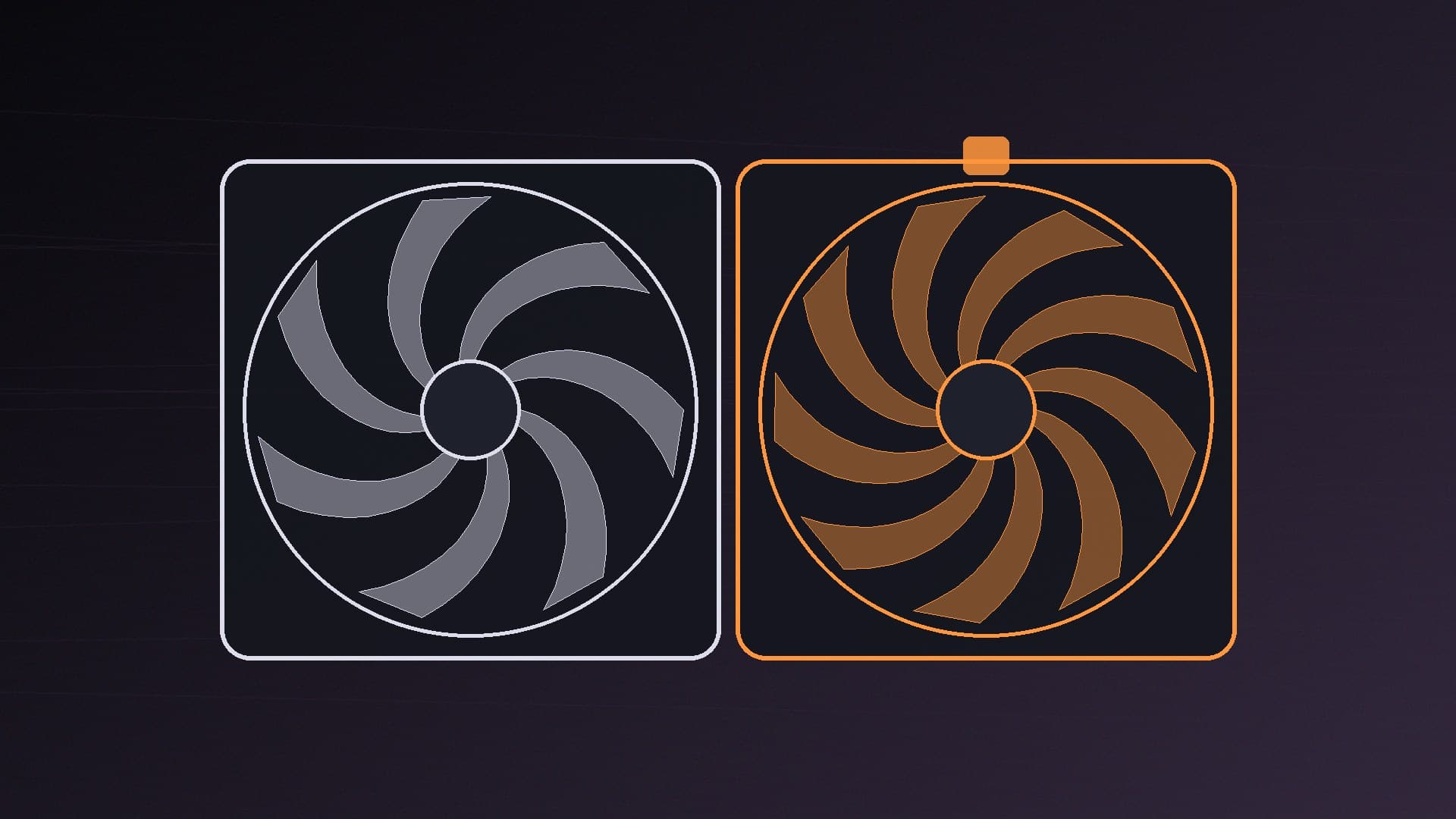
ARCTIC's own line-up shows the difference. Its F12 PWM PST, which ARCTIC sells as a regular case fan, is rated at 230-1,350rpm, 53 CFM (90.1m³/h) and 1mmH₂O. The P12 PWM PST is described by ARCTIC as optimised for static pressure and particularly suited to heatsinks and radiators; it's rated at 200-1,800rpm, 56.3 CFM (95.7m³/h) and 2.2mmH₂O, more than double the F12's pressure figure.
As a rule of thumb, use pressure-focused fans on radiators, coolers and restrictive front panels, and airflow-focused fans where nothing is in the way, such as an open rear exhaust. Our airflow vs static pressure fans explainer goes deeper. Treat the numbers as a guide: each brand measures in its own way, so compare fans within a brand's range rather than across brands.
3. PWM or DC control
Fans with a 4-pin PWM connector are controlled by a signal from the motherboard and can usually slow down further, while 3-pin DC fans are controlled by changing the voltage. PWM is the better choice for most builds. See our PWM vs DC case fans comparison.
Some fans add extras. ARCTIC's PST (PWM Sharing Technology) fans have a 4-pin connector plus a 4-pin socket so you can daisy-chain them and run several from one header. ARCTIC says the P12 PWM PST can also stop completely below 5% PWM (0rpm), which is useful for a near-silent PC at idle.
4. Noise
Fan noise is usually given in dB(A) or, by ARCTIC, in sone, and ARCTIC lists both the F12 PWM PST and P12 PWM PST at 0.3 sone. Like airflow, noise figures aren't measured the same way by every brand, so use them to compare models from one maker. The bigger lever is speed: a fan running at half speed is far quieter than the same fan at full tilt, so good fan curves matter more than small spec differences. Our best free fan control software guide can help you set them.
5. Bearings and warranty
Fan bearings affect lifespan and noise over time. Fluid dynamic bearings (FDB) are common on good fans; both ARCTIC fans here use them, and ARCTIC gives both a six-year warranty. A long warranty is a useful signal of how long a manufacturer expects its fans to last.
6. RGB, reverse blades and wiring
RGB fans add cables and cost, so decide whether you care about lighting before you buy. If you do, check which header type they use (usually 5V ARGB) and whether your motherboard or a hub can control them. Reverse-blade fans let you put the "pretty" side facing inwards while still pulling air in; see reverse blade vs standard case fans. For lots of fans, a fan hub or daisy-chain system saves headers and tidies cables.
7. How many fans do you need?
Most gaming PCs work well with two or three front intake fans and one rear exhaust, plus whatever your CPU cooler or radiator needs. Aim for slightly more intake than exhaust to keep dust down; our positive vs negative air pressure guide explains why. Then follow our case fan airflow setup guide and how to install case fans.
Linked in our database
Our verdict
Choose fans for where they're going, not just for the biggest numbers. Use static-pressure fans on radiators, coolers and filtered or mesh front panels, and airflow fans where nothing blocks them. Go for 140mm if your case supports it and quiet matters, and pick 4-pin PWM fans so your motherboard can slow them down.
A daisy-chain option, a fluid dynamic bearing and a long warranty are worth having; RGB is optional. For specific recommendations, see our best case fans and best ARCTIC case fans guides.