Fan spec sheets usually list two headline numbers: airflow, measured in cubic feet per minute (CFM) or cubic metres per hour, and static pressure, measured in millimetres of water (mmH2O). Some fans are designed to push air hard through something restrictive; others are designed to move a lot of air where nothing is in the way. This comparison explains the difference and uses two real fans from the same maker, ARCTIC's P12 and F12, as an example.
What the two numbers mean
Airflow is how much air a fan moves, given by makers in CFM or cubic metres per hour. A higher figure means more air moved.
Static pressure describes how hard a fan can push air against resistance. Radiators, CPU cooler heatsinks, dust filters and tightly meshed front panels all resist airflow. A fan with higher static pressure is better at forcing air through them.
Makers publish these figures themselves, so they're most useful for comparing fans from the same manufacturer rather than across brands.
ARCTIC P12 vs F12 on paper
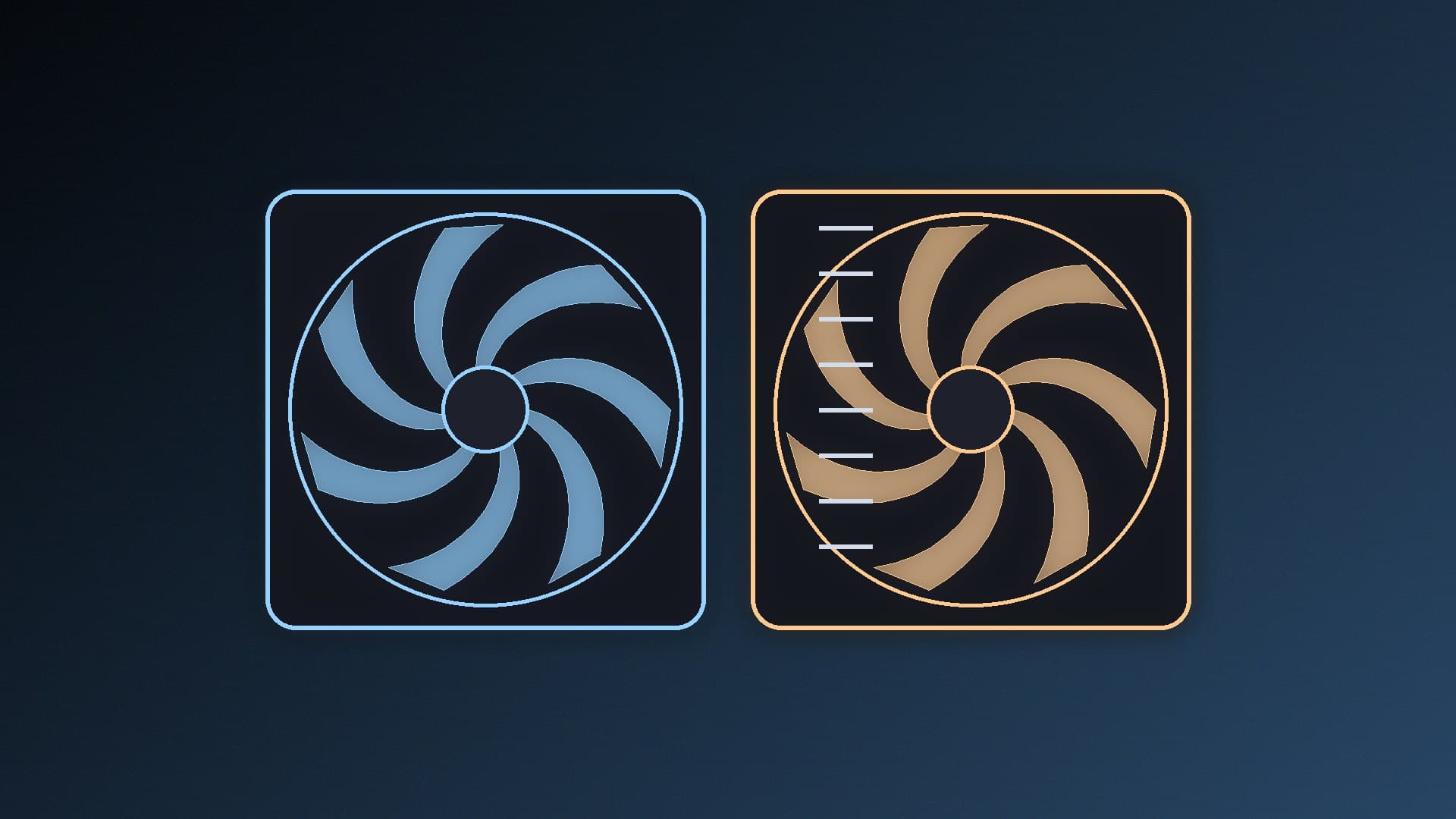
ARCTIC sells two similar-looking 120mm fans, and its own descriptions show the difference. It says the P12 was developed with "special emphasis" on a focused airstream and high static pressure, making it "particularly suitable for use on heatsinks and radiators". The F12 is described as having blades designed to improve airflow and deliver efficient ventilation, with an impeller designed to keep noise low.
| ARCTIC P12 | ARCTIC F12 |
|---|
Size | 120 x 120 x 25mm | 120 x 120 x 25mm |
Fan speed | 1800rpm | 1350rpm |
Airflow | 56.3 CFM (95.7m³/h) | 53 CFM (90.1m³/h) |
Static pressure | 2.20mmH2O | 1.00mmH2O |
Noise (ARCTIC) | 0.3 sone | 0.3 sone |
Bearing | Fluid dynamic | Fluid dynamic |
Connector | 3-pin | 3-pin |
Warranty | 6 years | 6 years |
The interesting detail is that the P12's static pressure is more than double the F12's, while its airflow figure is only slightly higher. That's why "airflow fan" and "static pressure fan" are better thought of as design priorities than strict categories: a fan can be good at both, and the right choice depends on what sits in front of it. Both models are also sold in PWM versions; check ARCTIC's site for the exact model you're buying.
Where to use each type
Use static pressure fans on:
Radiators for AIO and custom water cooling. See our 240mm vs 360mm AIO comparison and our guide to AIO radiator orientation.
CPU air cooler heatsinks, where the fins are tightly packed.
Intakes behind dense dust filters or restrictive front panels.
Airflow-focused fans suit:
Exhaust positions at the rear or top of the case, where there's usually only a fan grille in the way.
Open intakes in cases with mesh or open fronts.
Getting the rest right
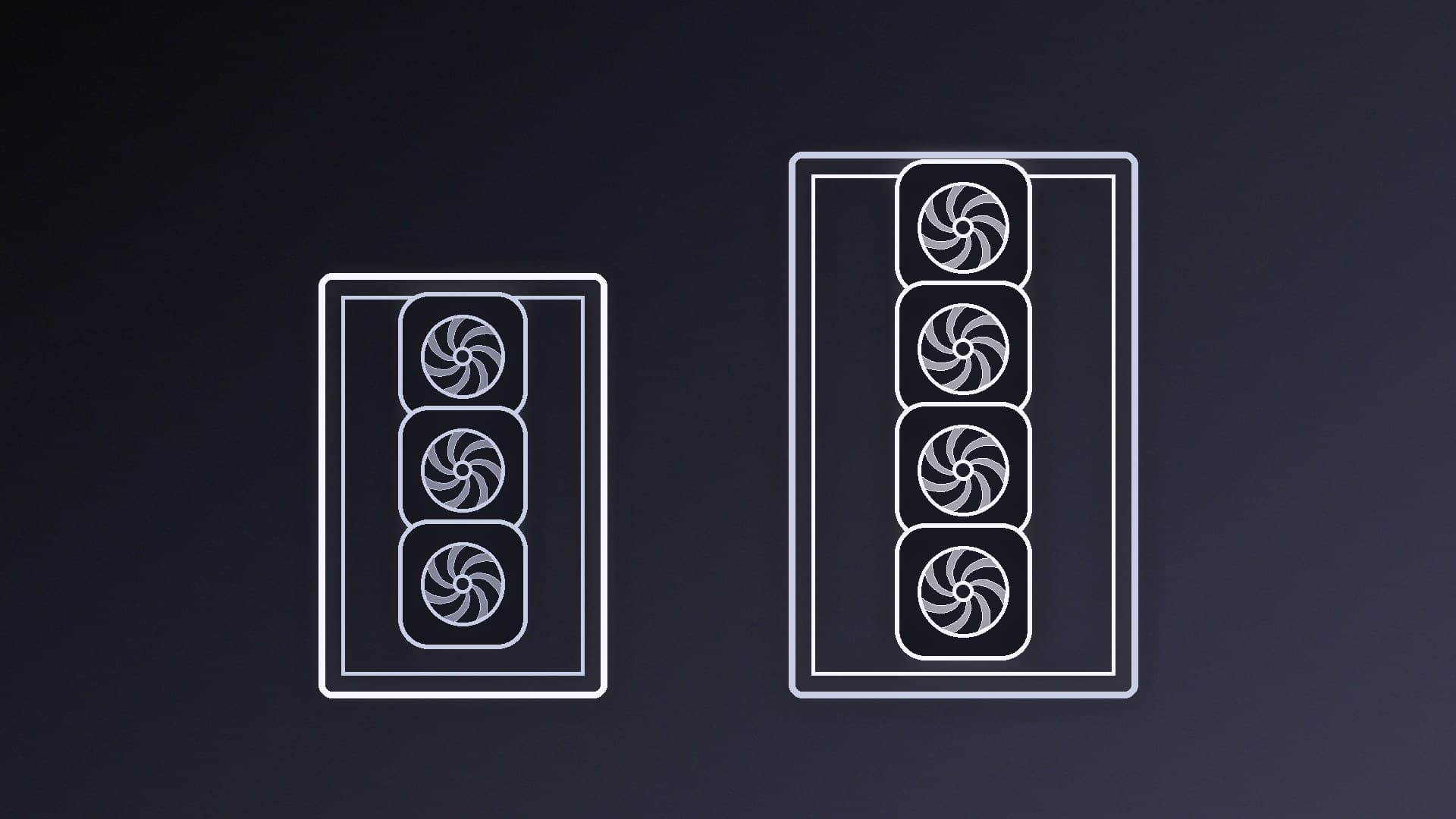
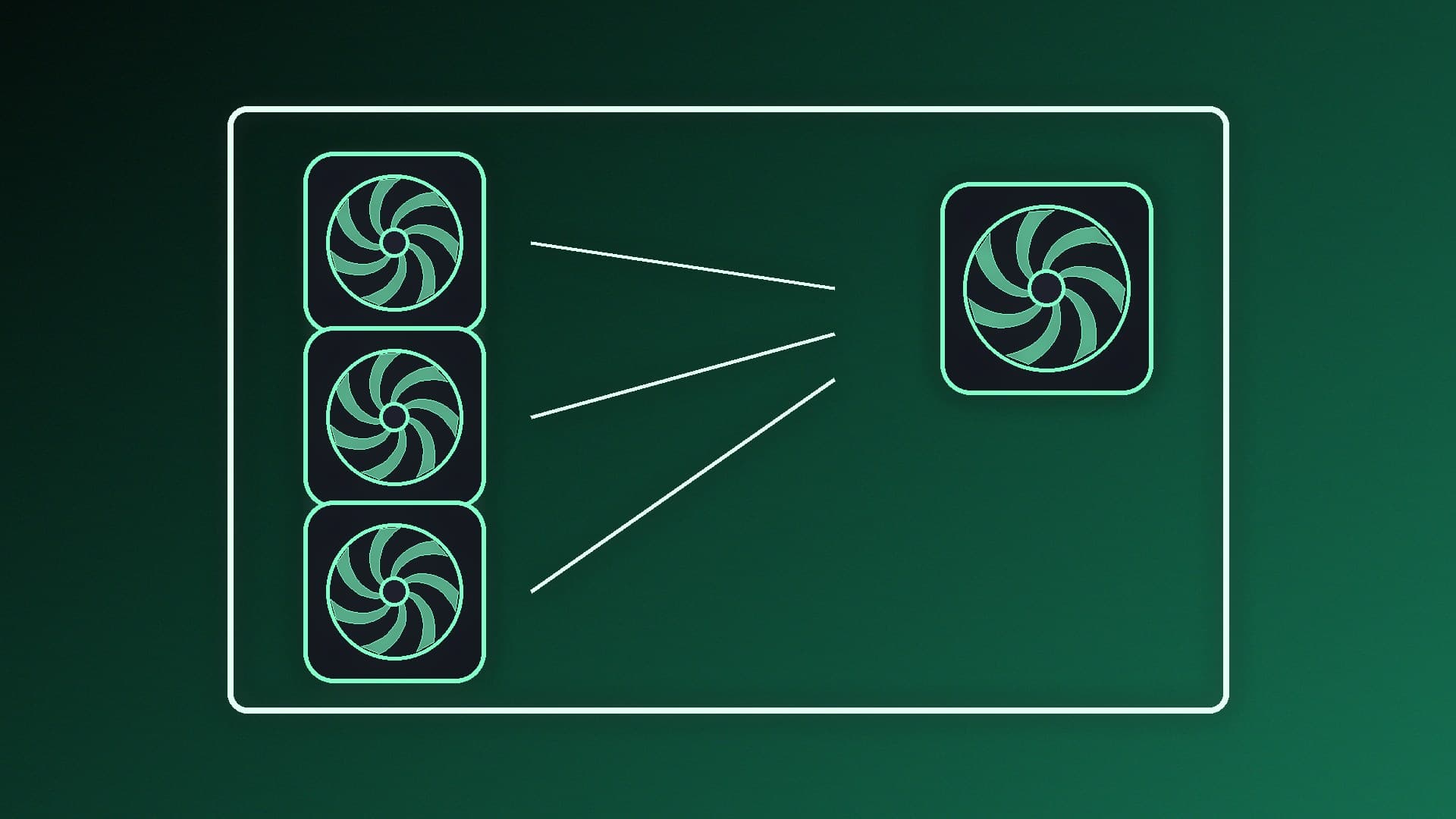
Fan type is only part of the picture. How many fans you use, where they go and whether your case runs at positive or negative pressure also affect temperatures and dust. Our guides to case fan airflow, positive vs negative air pressure, installing case fans and setting fan curves cover the practical side. For recommendations, see our best case fans guide.
Our verdict
If a fan will sit on a radiator, heatsink or behind a dense filter, choose one designed for static pressure, such as ARCTIC's P12. For unobstructed exhaust and open intake positions, an airflow-focused fan like the F12 does the job. Compare the static pressure figure first for restricted positions, and only compare figures between fans from the same manufacturer.