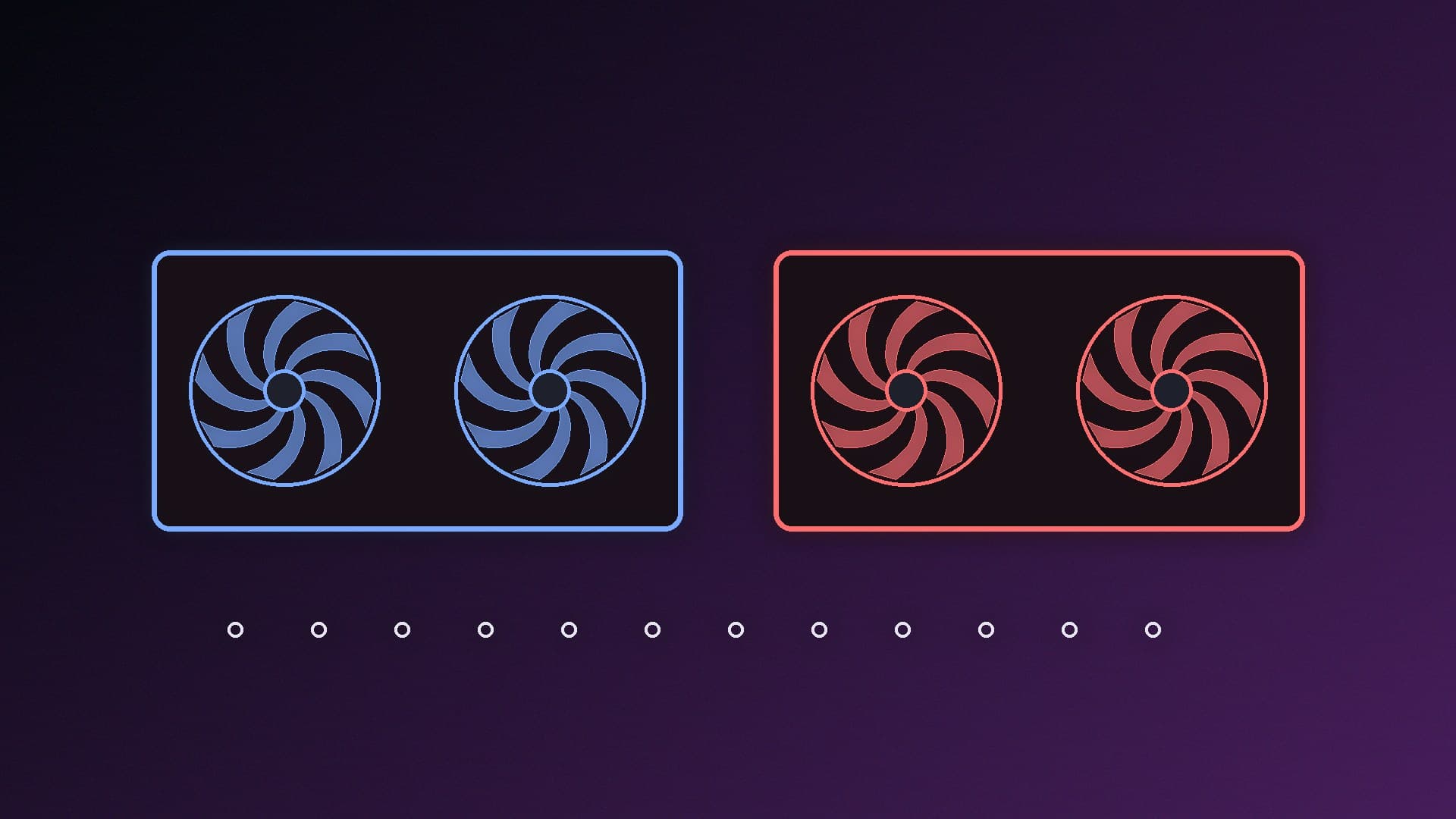
If you want to run local AI models without paying for an NVIDIA card, the Intel Arc B580 and AMD Radeon RX 9060 XT 16GB are two of the most obvious alternatives. One has 12GB of video memory on a wide bus; the other has 16GB on a narrower one. This comparison uses Intel's and AMD's official specifications and Ollama's hardware documentation.
Specs side by side
| Intel Arc B580 | AMD Radeon RX 9060 XT 16GB |
|---|
Architecture | Xe2 (Battlemage) | AMD RDNA |
Compute | 20 Xe-cores, 160 XMX engines | 32 compute units, 64 AI accelerators |
VRAM | 12GB GDDR6 | 16GB GDDR6 |
Memory bus | 192-bit | 128-bit, plus 32MB Infinity Cache |
Memory bandwidth | 456GB/s | Up to 320GB/s |
INT8 AI throughput (vendor peak) | 233 TOPS | 205 TOPS (410 TOPS with structured sparsity) |
Board power | 190W TBP | 160W typical board power |
Minimum PSU (vendor) | 600W (Intel reference card) | 450W |
PCIe | PCIe 4.0 x8 | PCIe 5.0 x16 |
Power connector | 1x 8-pin (Intel reference card) | 1x 8-pin |
Peak TOPS numbers are the makers' theoretical figures and aren't directly comparable between brands. Treat them as a rough guide only.
VRAM: the deciding factor for most people
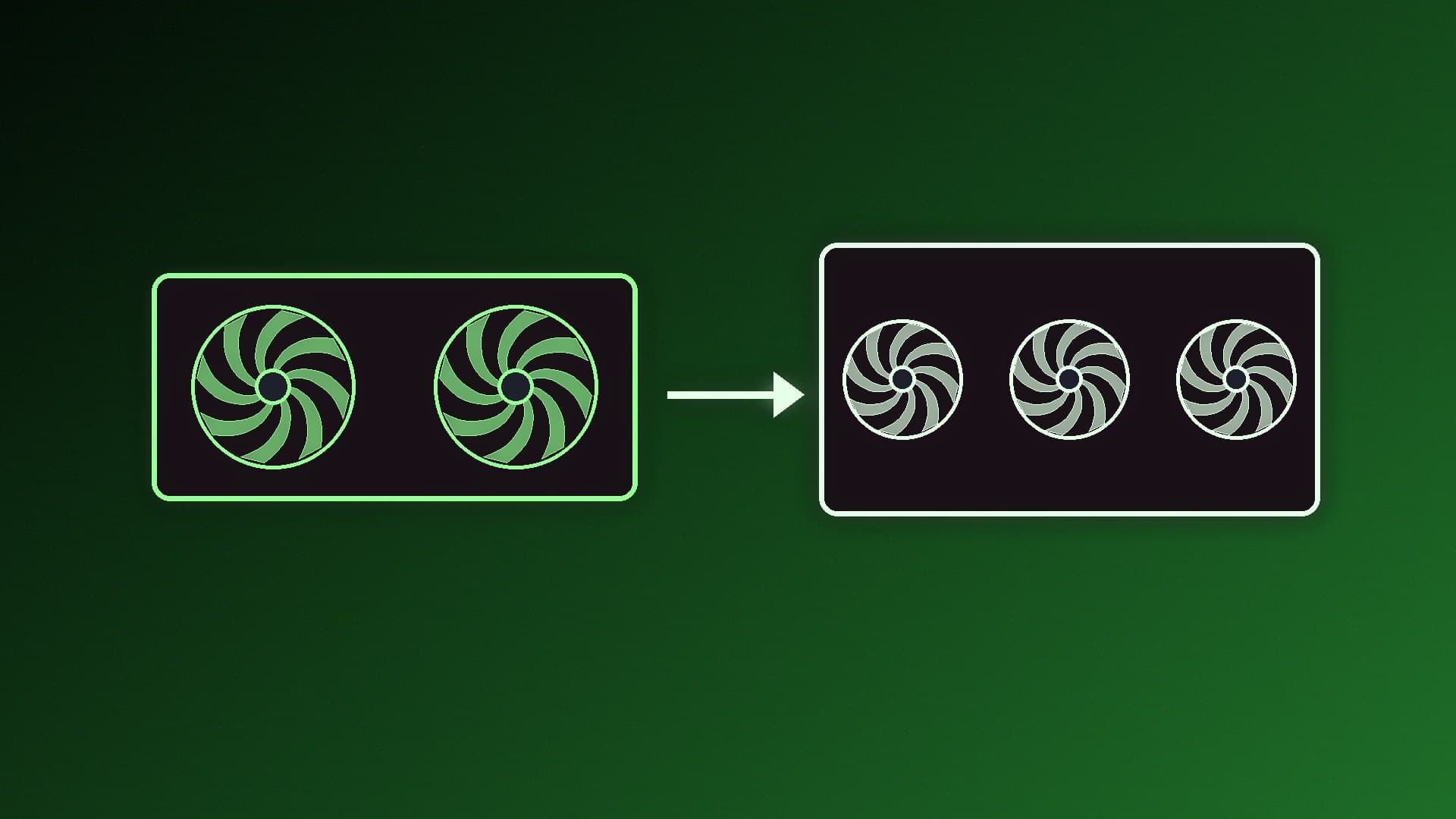
For local language models, how much fits in video memory usually matters more than raw compute. A model that doesn't fit has to spill into system RAM, which is much slower. The RX 9060 XT's extra 4GB gives you more room for larger models, longer context windows or higher-quality quantisations. Our guide to how much VRAM you need explains how model size, quantisation and context length add up.
The B580 does have one advantage on paper: its 192-bit bus gives Intel's quoted 456GB/s of bandwidth against AMD's "up to 320GB/s". When a model fits on both cards, memory bandwidth is one of the factors that affects how fast text is generated, so the B580 isn't simply the weaker card. If you mainly run smaller models that fit comfortably in 12GB, it's worth looking at independent AI benchmarks for both cards before deciding.
Software support
Software support is where these cards differ most from NVIDIA, and from each other.
Ollama. Ollama's GPU documentation lists the Radeon RX 9060 XT among the AMD cards supported through ROCm on Linux. Its Windows ROCm list currently covers RX 7000-series cards rather than the RX 9060 XT. Ollama also says additional GPU support on Windows and Linux comes through Vulkan, which is enabled by default when the backend is installed, and that most GPU vendors' Windows drivers include Vulkan support. That's the route for the Arc B580 too. Our guide to running local AI on an Intel Arc GPU covers Intel's options in more detail.
Intel's tools. Intel lists oneAPI, OpenVINO and the Intel Extension for PyTorch (IPEX) as supported on the B580, which matters if you use apps built on those frameworks.
Image generation. For Stable Diffusion-style tools, check the specific app's documentation for AMD or Intel support before buying.
Power and fitting it in
AMD rates the RX 9060 XT 16GB at 160W and recommends a 450W PSU. Intel rates the B580 at 190W TBP and lists a 600W minimum PSU for its reference card. Partner cards may differ, so check your specific model. The RX 9060 XT runs at PCIe 5.0 x16; the B580 uses PCIe 4.0 x8, which is worth knowing if your motherboard's slot runs at an older PCIe generation.
Which should you buy?
Choose the RX 9060 XT 16GB if you want to run larger models or longer contexts, or if you'll use Linux, where Ollama lists it under ROCm support.
Choose the Arc B580 if your models fit in 12GB, you want the higher memory bandwidth, or you use Intel's OpenVINO or IPEX-based tools.
Previous comparisons may also help: Arc B580 vs RTX 3060 12GB for local AI and RX 9060 XT 16GB vs RTX 5060 Ti 16GB for local AI. For a wider view, see the best GPU for local LLMs.
Our verdict
For most local AI users, the RX 9060 XT 16GB looks the safer pick on paper because 16GB of VRAM gives more room for models and context. The Arc B580 has more memory bandwidth and good support in Intel's own AI frameworks, so it makes sense if your models fit in 12GB. Check independent AI benchmarks and current UK prices for both before you buy.