Panoramic and dual-chamber cases have made reverse-blade fans a common sight in fan packs and case bundles. They look almost identical to standard fans and are sold alongside them, so it's easy to buy the wrong ones or to wonder whether they're worth it. This comparison explains what reverse-blade fans change, what manufacturers' own figures say about performance, and where each type belongs. It draws on explainers from Corsair, Overclockers UK and darkFlash and on Lian Li's published specifications.
Quick comparison
| Standard fan | Reverse-blade fan |
|---|
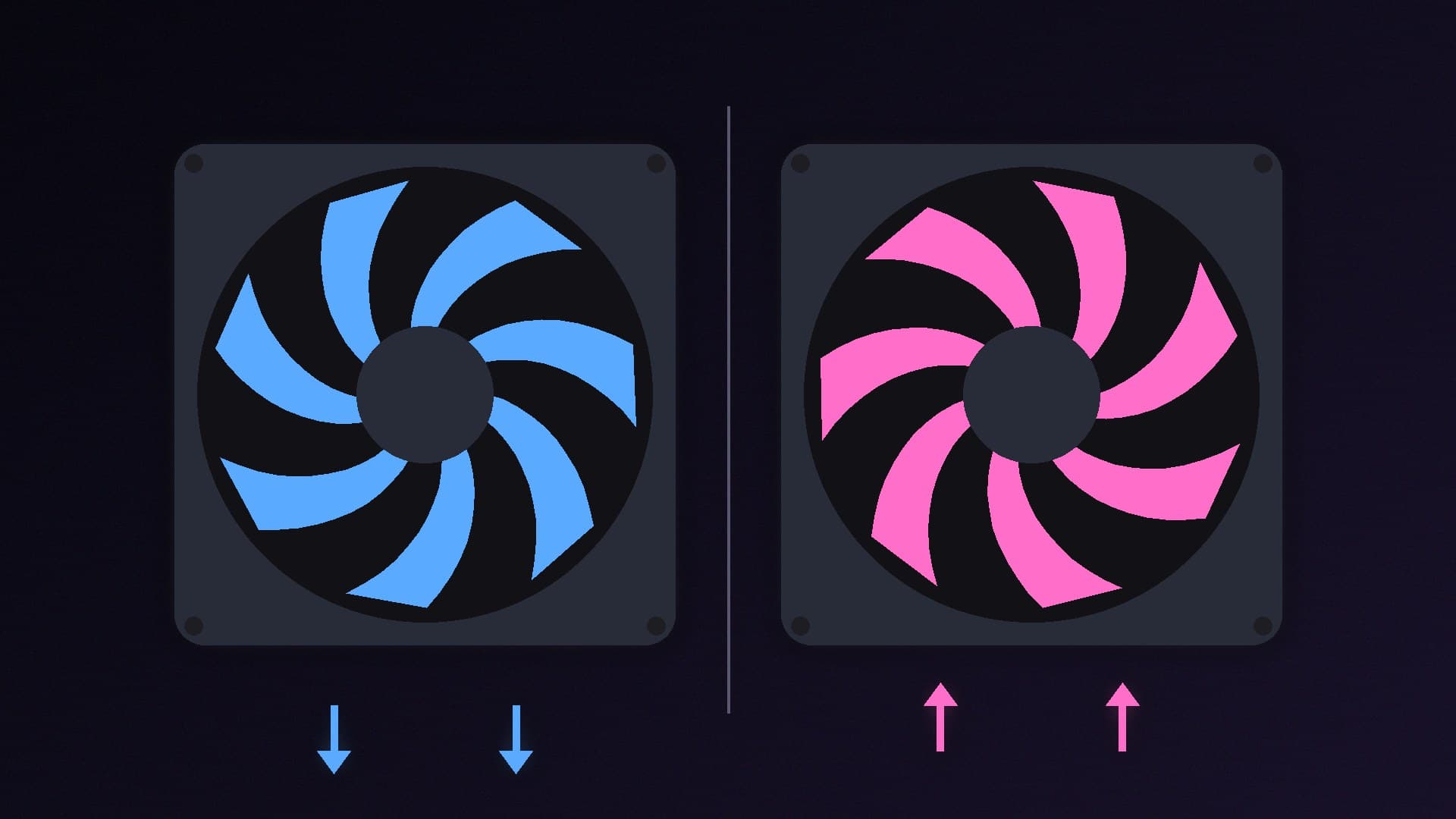
Airflow direction | In through the open front, out through the back (the side with the frame struts) | In through the back, out through the front |
Side you see when used as an intake on a case's bottom or motherboard-tray side | The back: struts and sticker | The front: clean blades and lighting |
Performance on paper | Baseline | Usually close; often a little lower static pressure, depending on model |
Best positions | Front intake, top and rear exhaust, radiators | Bottom intake and side intake in glass cases |
Check airflow direction before fitting | Yes | Yes, especially when mixed with standard fans |
What a reverse-blade fan actually is
Overclockers UK describes it simply: on a standard fan, air enters through the front and exits from the rear, while reverse fans "have their blades angled to allow air to enter from the back of the fan and exit through the front". Corsair says the same of its LX-R and RS120-R models: the reversed blade design inverts the direction of airflow through the fan.
Nothing else changes. The fan still mounts with the same screw pattern and can be used for intake or exhaust. The point is which face of the fan you see once it's installed.
Why they exist: looks, not cooling
The problem reverse fans solve is visual. In a case with glass on the front and side, the bottom fans and any fans on the motherboard-tray side usually work as intakes. With standard fans in those spots, you look at the back of the fan, with its struts, sticker and less attractive frame. Corsair says reverse fans should be used "for any location where you would see a standard RGB intake fan from its back", which is often the bottom and the motherboard tray side.
Overclockers UK makes the same point: the main benefit is showing the "pretty" side of the fan and its lighting while it pulls air into the case. If a fan sits behind a solid panel or somewhere you won't see it, a reverse fan gives you nothing that a standard fan doesn't.
Sometimes slightly, according to makers' own spec sheets, though it depends on the model. Lian Li publishes separate figures for its UNI FAN TL range in standard and reverse-blade form:
Lian Li UNI FAN TL (maker figures) | Speed | Max airflow | Max static pressure | Max noise |
|---|
TL 120 (standard) | 0, 200 to 2,600rpm | 90.1 CFM | 3.97 mmH₂O | 33 dB(A) |
TL 120 Reverse Blade | 0, 200 to 2,300rpm | 83.4 CFM | 2.66 mmH₂O | 34 dB(A) |
TL 140 (standard) | 0, 200 to 1,800rpm | 103.9 CFM | 2.34 mmH₂O | 29 dB(A) |
TL 140 Reverse Blade | 0, 200 to 1,800rpm | 101.6 CFM | 2.27 mmH₂O | 31 dB(A) |
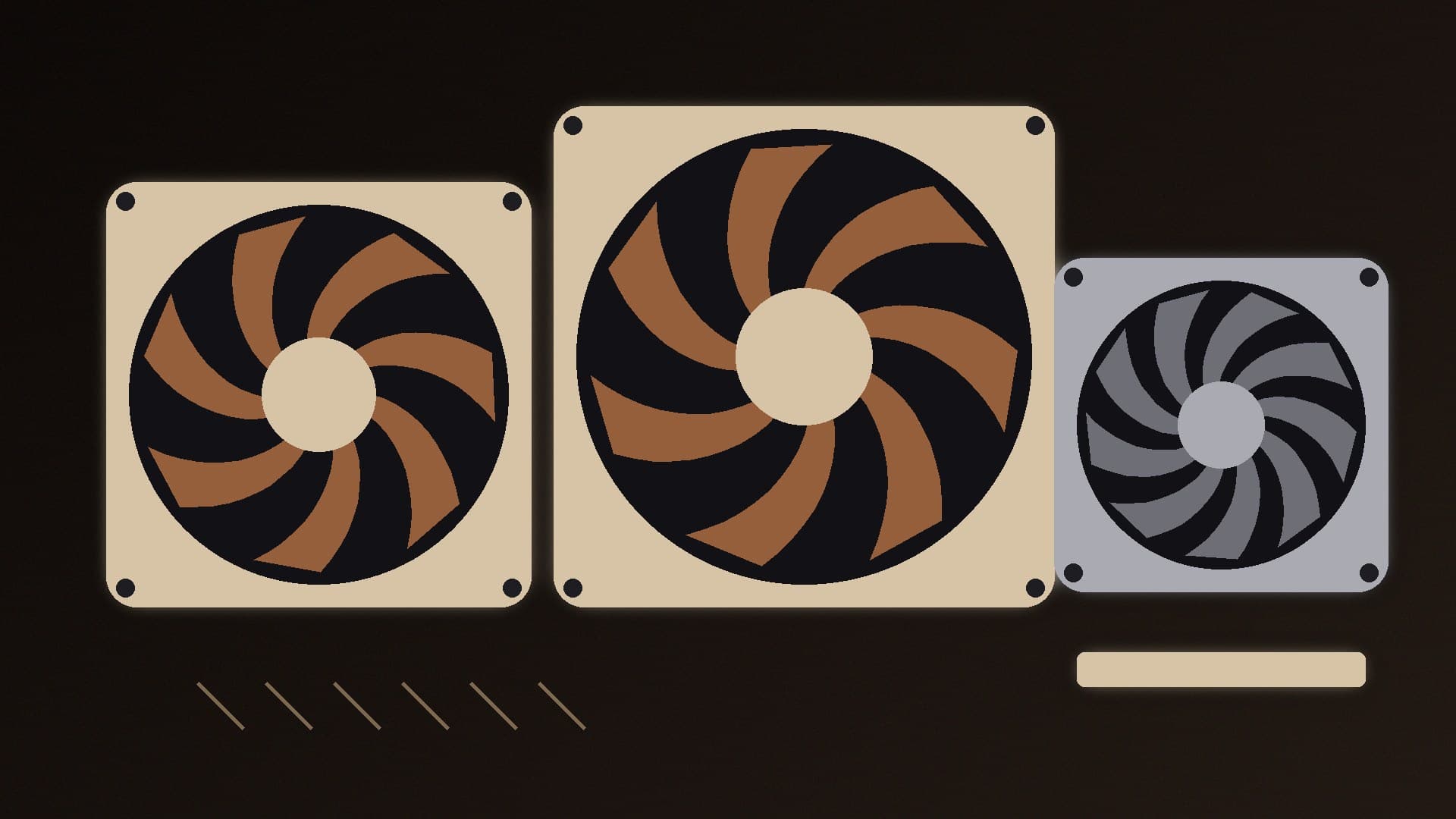
For this range, the 120mm reverse fan has a lower top speed, lower maximum airflow and noticeably lower static pressure than the standard version, while the 140mm pair is much closer. Lian Li also notes that in its L-Connect 3 software the TL120 and TL120 Reverse share the same speed chart, so the reverse fan reaches its maximum speed at roughly 80%.
Corsair's own comparison of its iCUE LINK LX and reverse LX-R fans is more mixed. Both run at the same speed, and the LX-R models have higher minimum airflow in both sizes; at 140mm the LX-R even has the higher maximum airflow (90.6 CFM against 84.7 CFM). The standard LX fans, though, have higher maximum static pressure (by 10.6% at 120mm and 15.2% at 140mm) and are quieter at maximum speed. Corsair concludes that although the reverse fans look worse on paper, the difference is not big enough to cause problems, and that a mix of reverse and standard fans still cools well.
The practical takeaway: compare the specific reverse model's published figures rather than assuming it matches the standard version, and don't use reverse fans where you need the most static pressure, such as on a radiator, unless the numbers suit. Our airflow vs static pressure explainer covers why pressure matters there.
Where each type goes
A typical layout in a glass-fronted or dual-chamber case looks like this, but follow your own case's airflow plan (our case fan airflow guide covers intake, exhaust and positive pressure):
Position | Usual role | Fan type |
|---|
Bottom, visible through glass | Intake | Reverse |
Side, on the motherboard-tray side | Intake | Reverse |
Front, behind a solid or mesh panel | Intake | Standard |
Top | Exhaust | Standard |
Rear | Exhaust | Standard |
If you're choosing a case with this layout, our dual-chamber vs standard PC case comparison explains the trade-offs.
Avoid fitting them the wrong way round
Mixing reverse and standard fans breaks the usual rule of thumb that air comes out of the side with the struts. With a reverse fan, it comes out of the clean side. Before tightening any screws, check the fan itself. darkFlash advises using the airflow-direction arrow on the frame as your main reference where there is one, and otherwise checking the product specifications or manual, which matters most when reverse and standard fans are mixed in one build. The airflow should point into the case for intakes and out of it for exhausts. Our guide to installing case fans covers the rest of the process.
Our verdict
Reverse-blade fans reverse the airflow through the fan so that bottom and side intakes can show their clean, lit front through the glass. They don't cool better, and makers' own figures show some reverse models trail their standard versions slightly, especially on static pressure. Buy reverse fans only for intake positions you'll actually see, typically the bottom and the motherboard-tray side of a panoramic case, and use standard fans everywhere else, always checking the airflow direction before fitting.