This comparison uses Intel's official Arc Pro B60 data sheet, Tom's Hardware's launch report on the Arc Pro B70 and ASUS's press release for its UGen B70, all read on 25 November 2026.
Intel's Arc Pro cards are one of the cheaper ways to get a lot of video memory for local AI. The Arc Pro B60 offers 24GB, and the Arc Pro B70, which uses a larger version of Intel's Battlemage graphics chip, raises that to 32GB. If you're choosing between them, the question is whether the extra memory, bandwidth and compute are worth the higher price and power draw.
Specs compared
| Intel Arc Pro B60 | Intel Arc Pro B70 |
|---|
Memory | 24GB GDDR6 | 32GB GDDR6 (19Gbps) |
Memory bus | 192-bit | 256-bit |
Memory bandwidth | 456GB/s | 608GB/s |
Xe cores | 20 (Xe2-HPG) | 32 |
FP32 compute | Up to 12.28 TFLOPS | 22.9 TFLOPS (theoretical) |
Power | 120W to 200W total board power | 160W to 290W depending on design; ASUS UGen version 310W |
PCIe | PCIe 5.0 x16 slot (x8 electrical) | Not confirmed in our sources |
B60 figures are from Intel's data sheet. B70 figures are from Tom's Hardware's launch report, except the ASUS power figure, which is from ASUS's press release.
Memory: 24GB vs 32GB
The extra 8GB is the main reason to buy the B70. With 24GB, the B60 already runs a wide range of quantised models with room for context. 32GB gives you more headroom for larger models, longer context windows, or keeping two models loaded at once, such as a chat model and an embedding model for document search. ASUS says a single UGen B70 supports most models under 27 billion parameters, which is a useful guide, though the real limit depends on quantisation and context length. Our context length and VRAM explainer shows how quickly context eats into memory.
Bandwidth: a third more
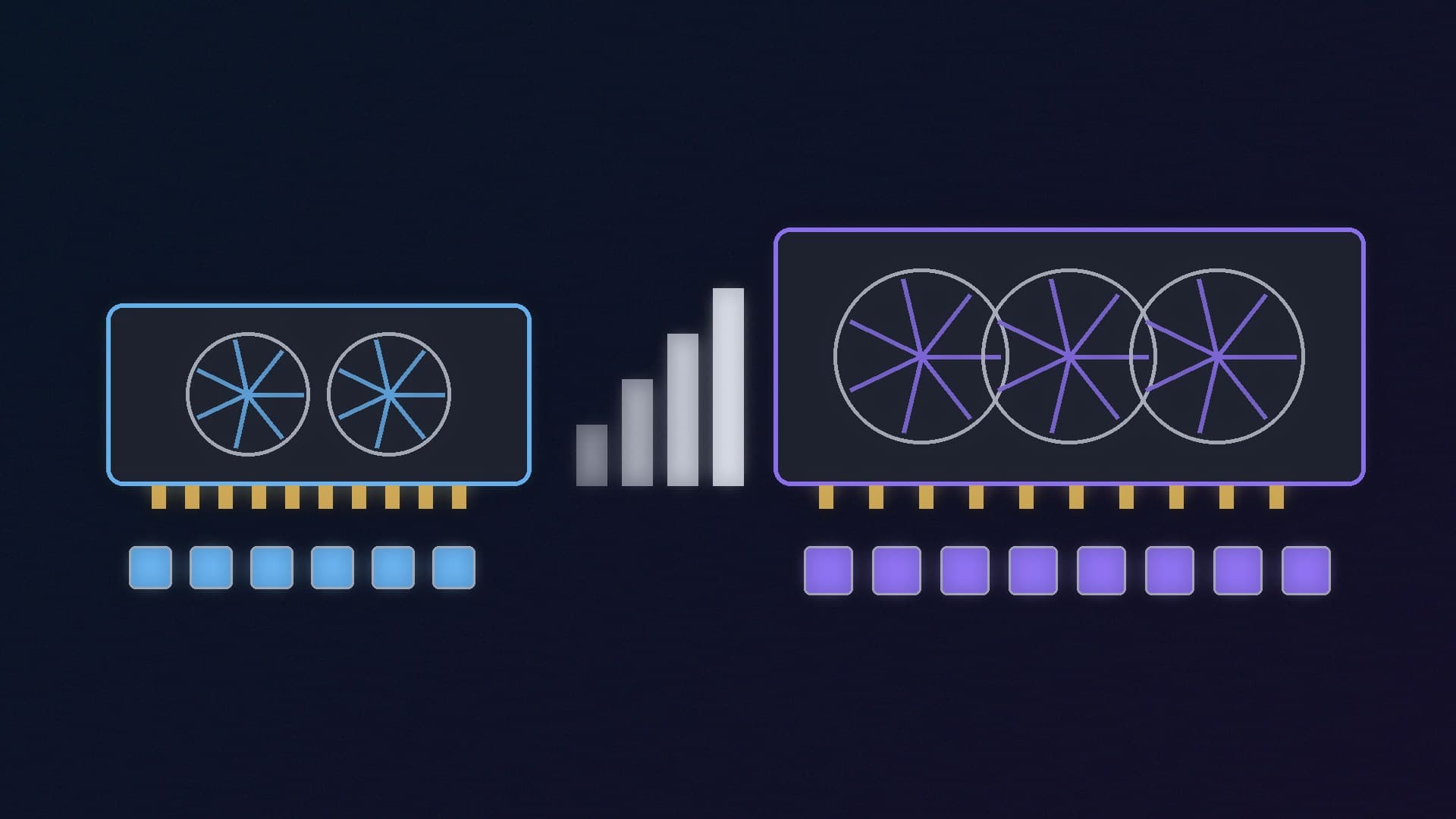
The B70's wider 256-bit bus gives it 608GB/s against the B60's 456GB/s, about 33% more. Because generating text with a language model is largely limited by memory bandwidth, you can expect the B70 to produce tokens faster on models that fit on both cards, though we haven't measured how much faster in practice, and software efficiency also plays a part.
Compute: much more for images and prompts
On paper the B70 has 60% more Xe cores (32 vs 20) and nearly double the theoretical FP32 throughput (22.9 vs 12.28 TFLOPS). Compute matters most for processing long prompts and for image generation in tools such as ComfyUI, so the gap between the cards should be bigger there than in plain chat.
Power and cooling
The B60 is rated at 120W to 200W total board power depending on the partner design, while the B70 spans 160W to 290W, and ASUS rates its UGen B70 at 310W. The B60 is the easier card to cool in a compact workstation or to run in pairs on a mid-range power supply. Check the specific partner card's rating, and see our guide to choosing a PSU for a local AI PC.
Two B60s or one B70?
Intel's data sheet highlights Linux multi-GPU LLM support for the B60, and two B60 cards give 48GB in total. That's more memory than one B70, but splitting a model across two cards adds complexity and depends on software support for multi-GPU inference. A single B70 is simpler and avoids that overhead. If you go the two-card route, check your motherboard's slot spacing and lane layout with our best motherboards for dual-GPU local AI guide.
Software is the same for both
Both cards use Intel's AI software stack. ASUS lists Intel LLM Scaler and vLLM XPU, llama.cpp (SYCL and Vulkan), Ollama, OpenVINO and oneAPI, PyTorch XPU and ComfyUI for its B70, and Intel's data sheet notes Windows and Linux support for the B60. Software maturity still trails NVIDIA's CUDA ecosystem, so check that the tools you want to use support Intel GPUs; our guide to running local AI on an Intel Arc GPU walks through the main options.
Which should you buy?
Choose the Arc Pro B60 if 24GB covers the models you run, you want lower power draw and an easier card to cool, or you plan to run two cards for 48GB.
Choose the Arc Pro B70 if you want 32GB on a single card, faster text generation thanks to the extra bandwidth, and more compute for image generation and long prompts.
For alternatives, see our Arc Pro B60 vs RTX 5060 Ti 16GB and Arc Pro B60 vs Radeon AI PRO R9700 comparisons, or our best Intel Arc GPUs for local AI guide. Neither card is in the Forge PC product database yet.
Our verdict
The Arc Pro B70 is a clear step up from the B60 on paper, with 32GB instead of 24GB, about a third more memory bandwidth and much more compute, but it draws more power and costs more. If 24GB is enough for your models, the B60 remains the more efficient choice and pairs well for 48GB. If you want the most memory and speed from one Intel card, the B70 is the one to buy.