Our picks are based on the official Wan 2.2 and LTX-2 repositories, ComfyUI's Wan 2.2 tutorial and NVIDIA's specification pages, all read on 25 November 2026. We've left out prices because they change week to week.
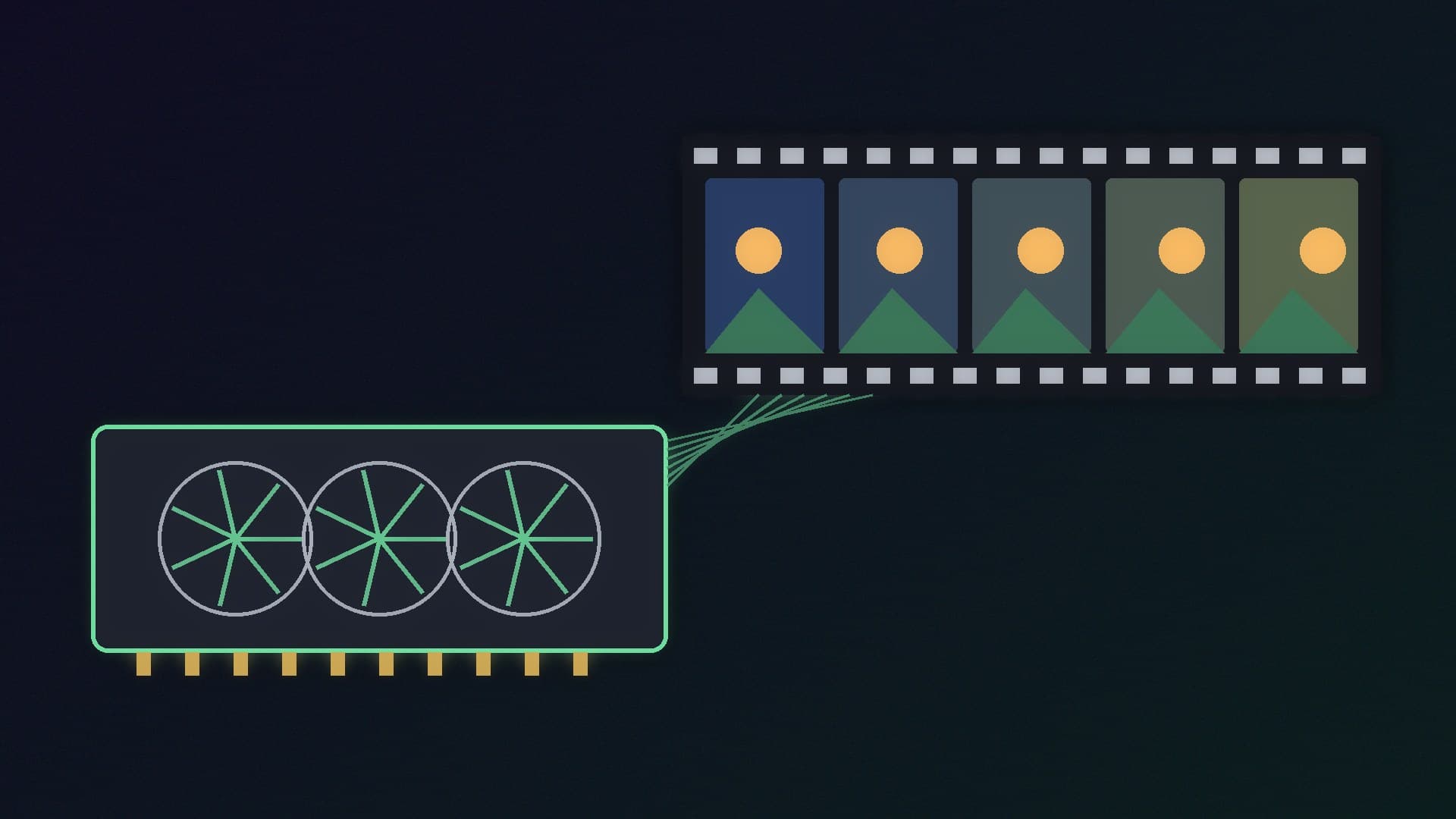
Generating video from a text prompt or a still image is the most demanding thing most people will ask a home AI PC to do. At 24 frames per second, a five-second clip is 120 frames that have to be generated together, so video models need far more video memory (VRAM) and compute than chatbots or image generators. The good news is that open models such as Alibaba's Wan 2.2 and Lightricks' LTX-2 can run locally, and tools such as ComfyUI can squeeze them onto surprisingly modest cards. If you're deciding between those two models, our Wan 2.2 vs LTX-2.5 comparison covers the differences.
How much VRAM do video models need?
The official documentation gives a useful set of reference points:
Wan 2.2 TI2V-5B (the smaller text- and image-to-video model): the Wan 2.2 README says its 720p example command, with model offloading turned on, can run on a GPU with at least 24GB of VRAM, such as an RTX 4090. The README also says this model can generate a five-second 720p clip in under nine minutes on a single consumer GPU without specific optimisation.
The same 5B model in ComfyUI: ComfyUI's tutorial says it should fit well on 8GB of VRAM using ComfyUI's native offloading. Offloading moves parts of the model into system RAM, so it works on smaller cards but is slower.
Wan 2.2 A14B (the larger text-to-video and image-to-video models): the README's single-GPU 720p examples call for at least 80GB of VRAM, even with offloading turned on.
LTX-2: the README suggests FP8 quantisation and offloading to CPU or disk when GPU memory is tight, and notes that its production-quality pipeline needs more VRAM than the faster distilled one.
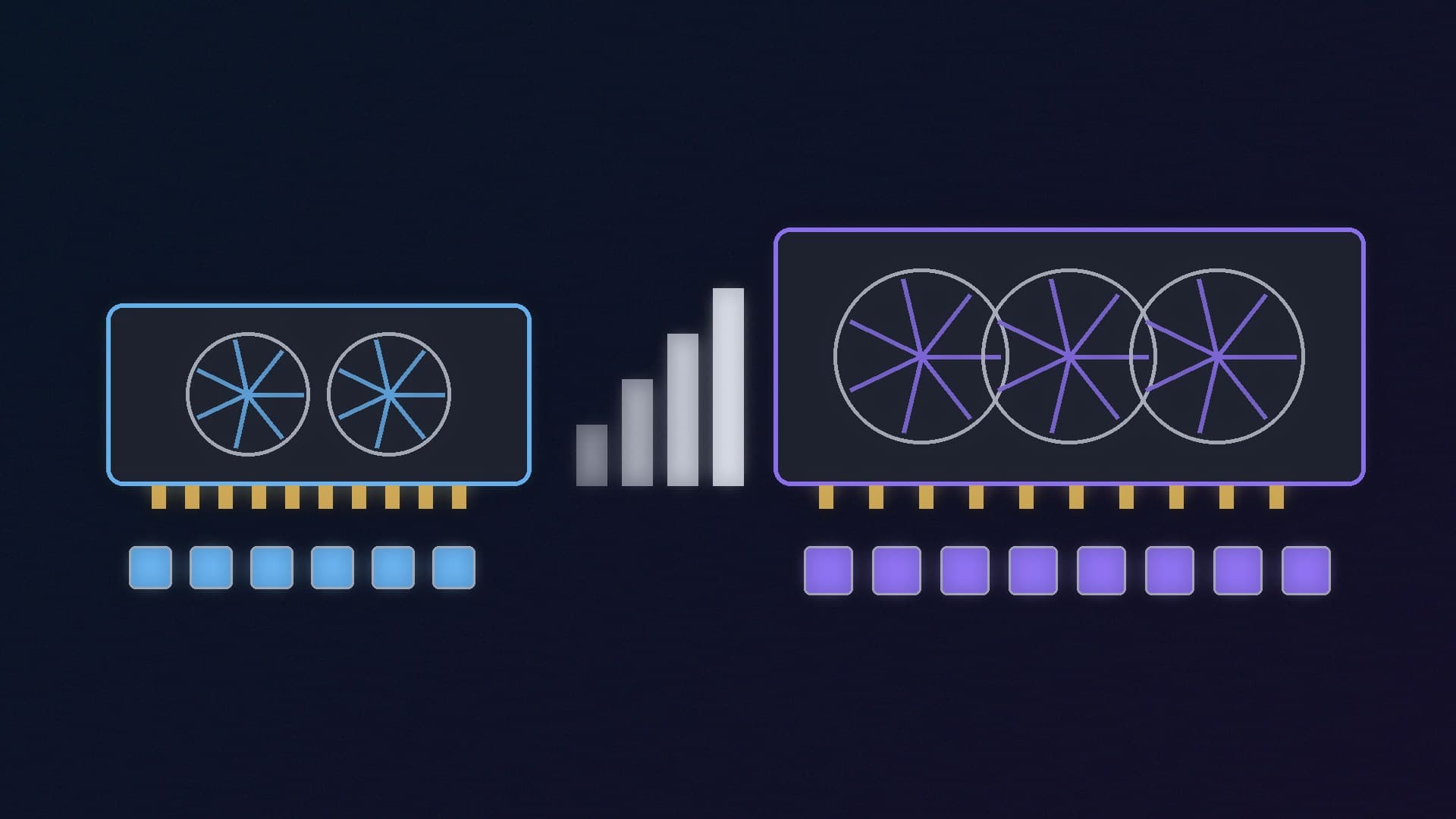
In short: 8GB to 16GB gets you started with smaller models and offloading, 24GB to 32GB lets you run them comfortably at 720p, and the biggest models in full need workstation-class memory. Plenty of system RAM helps too, because offloading leans on it.
Why NVIDIA dominates here
Both official repositories are written with NVIDIA hardware in mind. Wan 2.2's examples reference the RTX 4090 and data-centre H100, and LTX-2's optimisations mention CUDA, Hopper and Blackwell GPUs; its fastest video decoder backend is Linux and CUDA only. AMD and Intel cards with lots of memory, such as the 32GB Radeon AI PRO R9700 and Arc Pro B70, can run some video workflows through ComfyUI, but expect more setup and less documentation. Our CUDA vs ROCm vs Vulkan explainer explains why. That's why all our picks are NVIDIA cards.
Quick picks
Pick | Card | VRAM | Memory bus | Power (NVIDIA rating) |
|---|
Best overall | GeForce RTX 5090 | 32GB GDDR7 | 512-bit | 575W total graphics power |
Best for the largest models | RTX PRO 6000 Blackwell Workstation Edition | 96GB GDDR7 with ECC | Not listed (1,792GB/s bandwidth) | 600W max power consumption |
Best 24GB option | GeForce RTX 4090 | 24GB GDDR6X | 384-bit | 450W total graphics power |
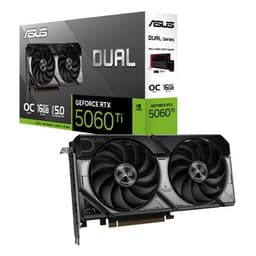
Best budget pick | GeForce RTX 5060 Ti 16GB | 16GB GDDR7 | 128-bit | 180W total graphics power |
Best overall: NVIDIA GeForce RTX 5090
Why it's here: the RTX 5090 is the most capable consumer card for local video. NVIDIA lists 32GB of GDDR7 on a 512-bit bus, which comfortably exceeds the 24GB the Wan 2.2 README cites for its 5B model at 720p and leaves room for higher resolutions, longer clips or upscaling in the same workflow.
Things to weigh up: NVIDIA rates it at 575W total graphics power and recommends a 1,000W power supply, so it needs a large case, strong cooling and a quality PSU. Our guide to choosing a PSU for a local AI PC explains the sizing. Even 32GB isn't enough for the A14B models' official 80GB examples, so you'll still rely on quantised versions and offloading for those.
Product page: NVIDIA GeForce RTX 5090 Founders Edition
Best for the largest models: NVIDIA RTX PRO 6000 Blackwell
Why it's here: with 96GB of GDDR7 with ECC, the RTX PRO 6000 Blackwell Workstation Edition is the only desktop card here that clears the 80GB the Wan 2.2 README asks for when running its 14B models on a single GPU. If you want to run the larger video models at 720p without heavy quantisation, this is the card.
Things to weigh up: it's a workstation card with a workstation price, well beyond most home budgets. For most people a 32GB card with quantised models is the more sensible compromise. Our RTX PRO 6000 vs RTX 5090 comparison covers the trade-off in detail.
Product page: NVIDIA RTX PRO 6000 Blackwell Workstation Edition 96GB
Best 24GB option: NVIDIA GeForce RTX 4090
Why it's here: the RTX 4090 is the card the Wan 2.2 team itself names as an example for running the 5B model at 720p. NVIDIA lists 24GB of GDDR6X on a 384-bit bus. It's no longer NVIDIA's current flagship, but it's still a capable choice if you can find one, including on the used market.
Things to weigh up: NVIDIA rates it at 450W, so it also needs a strong PSU and good airflow. If you buy used, check the card's condition carefully. Our best 24GB graphics cards guide covers other 24GB options. There's no RTX 4090 in the Forge PC product database, so we haven't linked one.
Best budget pick: NVIDIA GeForce RTX 5060 Ti 16GB
Why it's here: if you want to experiment without spending flagship money, the 16GB RTX 5060 Ti is the cheapest current NVIDIA card with a useful amount of memory. NVIDIA lists 16GB of GDDR7, 180W total graphics power and a 600W recommended power supply. That's double the 8GB ComfyUI says the Wan 2.2 5B model fits on with native offloading, giving you more headroom.
Things to weigh up: its 128-bit memory bus is much narrower than the flagships', and relying on offloading makes generation slower, so expect to work at lower resolutions or shorter clips. Make sure you have plenty of system RAM. Our guide to running ComfyUI on low VRAM explains the settings that help, and our best 16GB graphics cards guide lists alternatives.
Product page: ASUS RTX 5060 Ti 16GB Dual OC
Which should you choose?
You want the best home video setup: RTX 5090, with 32GB for 720p and beyond.
You need the largest models without compromise: RTX PRO 6000 Blackwell and its 96GB.
You want 24GB for less, or a used card: RTX 4090.
You're starting out on a budget: RTX 5060 Ti 16GB, with ComfyUI's offloading.
Our verdict
Local AI video generation is the one job where VRAM really can't be faked. The GeForce RTX 5090 is the best choice for most enthusiasts, with 32GB that comfortably covers Wan 2.2's 5B model at 720p. The 96GB RTX PRO 6000 Blackwell is the only desktop card that meets the 80GB the larger Wan models officially ask for, while the RTX 4090 remains a strong 24GB option. On a budget, the RTX 5060 Ti 16GB and ComfyUI's offloading will get you started, as long as you accept slower, smaller clips.