Everything below comes from the official Wan 2.2 and LTX-2 GitHub repositories, Lightricks' ComfyUI-LTXVideo documentation, ComfyUI's Wan 2.2 tutorial and NVIDIA's graphics card pages, all read on 24 November 2026. Model files and recommendations change often, so check the repositories before you download anything.
If you want to generate AI video on your own PC rather than through a paid online service, two open model families come up again and again: Wan 2.2, from the Wan team, and Lightricks' LTX-2 series, whose current recommended release is LTX-2.5. Both work with ComfyUI. But they're built differently, and the hardware you need to run them comfortably is very different.
If you've never generated video locally, start with our step-by-step guide to generating AI video on your own PC with ComfyUI and Wan 2.2. This article is about choosing between the two model families and matching them to your graphics card.
At a glance
| Wan 2.2 | LTX-2.5 |
|---|
Developer | Wan team (Wan-Video on GitHub) | Lightricks |
Main models | TI2V-5B (text and image to video); T2V-A14B and I2V-A14B; S2V-14B (speech to video); Animate-14B | 22B transformer in "dev" (full) and "distilled" (fewer steps) versions |
Architecture | A14B models use Mixture-of-Experts: two experts of about 14B each, 27B total, 14B active per step | Single joint audio-video transformer (DiT) |
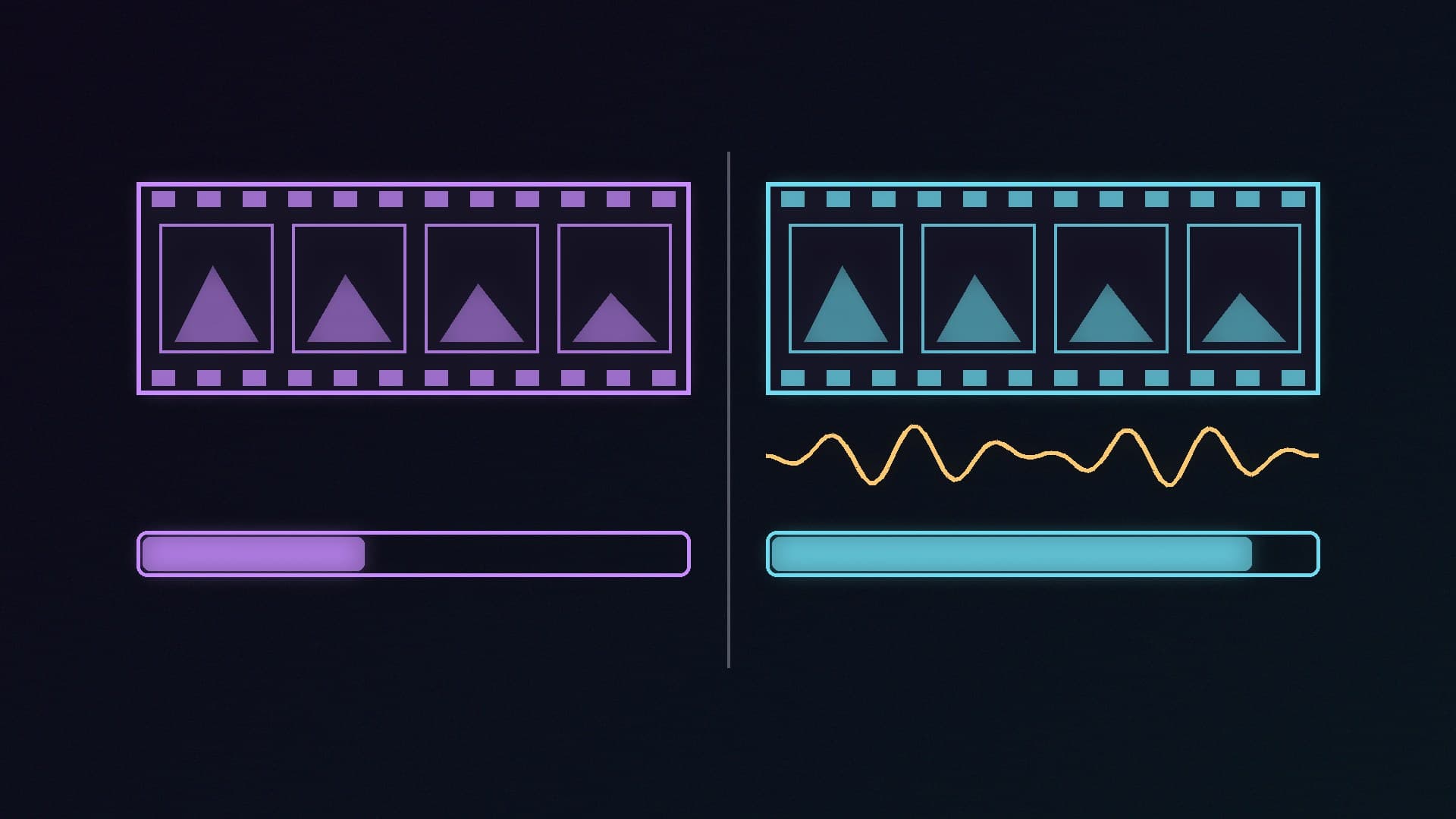
Audio | No audio output listed for the T2V, I2V and TI2V models; S2V-14B takes audio as an input | Generates synchronised audio and video in one model |
Resolution (official docs) | A14B: 480p and 720p. TI2V-5B: 720p at 24fps | DFR pipeline defaults to 1024x1536 at 24fps; a 4K option (3840x2176) is documented |
Text encoder | UMT5-XXL (ComfyUI provides an FP8 version) | Gemma 4 12B, fine-tuned for LTX and bundled with the model |
Official VRAM guidance | TI2V-5B: at least 24GB (e.g. RTX 4090) with offload options in the reference code; "should fit well on 8GB" with ComfyUI's native offloading. A14B: at least 80GB on a single GPU in the reference code | ComfyUI-LTXVideo: CUDA GPU with 32GB+ VRAM and 100GB+ free disk space |
Model licence | Apache 2.0 | LTX-2.x Community License (code is Apache 2.0) |
ComfyUI support | Native workflows in ComfyUI's docs | Built into ComfyUI core, plus Lightricks' ComfyUI-LTXVideo nodes |
Hardware: the biggest difference
Wan 2.2 scales down much further. The 5B TI2V model is the one most home users will run. Wan's own reference code says it can run on a GPU with at least 24GB of VRAM, such as an RTX 4090, when you use its options to offload the model, convert data types and keep the T5 text encoder on the CPU. ComfyUI's tutorial is more optimistic: it says the 5B version "should fit well on 8GB vram with the ComfyUI native offloading". Offloading means parts of the model are swapped between system RAM and VRAM, so it lets a smaller card finish the job but makes generation slower.
The larger A14B text-to-video and image-to-video models are a different matter. Wan's reference code says its single-GPU command needs at least 80GB of VRAM, even with the offload and data-type options enabled. ComfyUI provides FP8 versions of the A14B high-noise and low-noise expert files, which reduce the memory needed, but the 14B models are still far heavier than the 5B model.
LTX-2.5 targets high-end cards from the start. Lightricks' ComfyUI-LTXVideo page lists a CUDA-compatible GPU with 32GB or more of VRAM and 100GB or more of free disk space as prerequisites. Its low-VRAM loader nodes handle offloading so that generation "fits in 32 GB VRAM", and ComfyUI's --reserve-vram launch option is recommended to leave headroom. Outside ComfyUI, the LTX-2 repository suggests --quantization fp8-cast and CPU or disk offloading if you're short of GPU memory.
In practice, that means:
Your GPU memory | Wan 2.2 | LTX-2.5 |
|---|
8GB to 16GB | TI2V-5B in ComfyUI with offloading, according to ComfyUI's docs | Below Lightricks' stated 32GB prerequisite |
24GB | TI2V-5B with Wan's reference code and offload options | Below the stated 32GB prerequisite; expect to rely on heavy quantisation and offloading |
32GB (e.g. RTX 5090) | TI2V-5B comfortably; A14B FP8 files with offloading | Meets Lightricks' stated ComfyUI prerequisite |
80GB and above (e.g. 96GB RTX PRO 6000) | Meets Wan's single-GPU A14B guidance | Well above Lightricks' stated 32GB prerequisite |
NVIDIA lists the GeForce RTX 5090 with 32GB of GDDR7 and the RTX PRO 6000 Blackwell with 96GB of GDDR7. Both are in our database: the NVIDIA GeForce RTX 5090 Founders Edition and the NVIDIA RTX Pro 6000 Blackwell Workstation Edition 96GB. If you're on a 12GB or 16GB card, our guide to running ComfyUI with low VRAM explains the launch options that help.
Don't forget system RAM and storage. Offloading moves model weights into system memory, so a card with less VRAM leans harder on your RAM. LTX's 100GB disk recommendation also means a fast NVMe SSD with plenty of free space is worth having before you start.
Features: audio is LTX's headline
The biggest functional difference is sound. Lightricks describes LTX-2 as a DiT-based audio-video foundation model that produces synchronised audio and video in one model, and the LTX-2.5 download includes a separate audio VAE for that purpose. Lightricks' ComfyUI nodes can even put the model into an audio-only mode for text-to-audio.
Wan 2.2's documentation doesn't list audio output for its main text-to-video, image-to-video and 5B hybrid models. Wan does offer a separate S2V-14B model, which generates video driven by an audio clip you supply, such as a person singing, plus an Animate-14B model for character animation and replacement.
LTX-2.5 also has more pipeline options in its official repository. The distilled pipeline is described as the fast starting point, while the DFR (Diffusion Fidelity Rendering) pipeline adds generated keyframes and a spatial detailing pass for higher quality, at the cost of longer run times and more VRAM. There are also spatial and temporal upscalers and an optional "duration head" that predicts clip length from your prompt.
Wan 2.2's selling points are efficiency and flexibility. Its A14B models split the denoising process between a high-noise expert for overall layout and a low-noise expert for detail, so the model has 27B parameters in total but only 14B active at each step. The 5B model uses a new Wan2.2-VAE with a 16x16x4 compression ratio, and the Wan team says it's one of the fastest 720p, 24fps models currently available.
Licences
This matters if you plan to use the output commercially. The Wan 2.2 repository says its models are licensed under Apache 2.0. The LTX-2 repository's code is Apache 2.0, but Lightricks says the models themselves are covered by the LTX-2.x Community License, which applies whenever you use them. Read the full licence on Lightricks' repository before using LTX output in paid work.
Which should you choose?
Choose Wan 2.2 if:
You have a graphics card with 8GB to 24GB of VRAM.
You want a fully Apache 2.0-licensed model.
You're happy to add sound separately, or you want audio-driven video with S2V-14B.
Choose LTX-2.5 if:
You have a 32GB card such as an RTX 5090, or a workstation GPU with more memory.
You want synchronised audio generated together with the video.
You want built-in upscaling and higher-resolution pipelines, and you've checked that its licence suits your use.
If you're planning a new PC for this kind of work, our guide to choosing a PC for Stable Diffusion and Flux covers the rest of the build, from RAM to storage.
Our verdict
For most home PCs, Wan 2.2 is the more practical choice: its 5B model is designed to run on consumer cards, ComfyUI says it fits on 8GB with offloading, and its models are Apache 2.0-licensed. LTX-2.5 is the more ambitious model, generating synchronised audio and video with high-resolution pipelines, but Lightricks lists 32GB of VRAM and 100GB of free disk space as prerequisites for its ComfyUI workflows. Pick LTX-2.5 if you have an RTX 5090-class card and need sound; otherwise start with Wan 2.2.