It's based on AMD's official R9700 specification page, Tom's Hardware's launch report on the Arc Pro B70, ASUS's press release for its UGen B70 card and Ollama's hardware support documentation, all read on 25 November 2026.
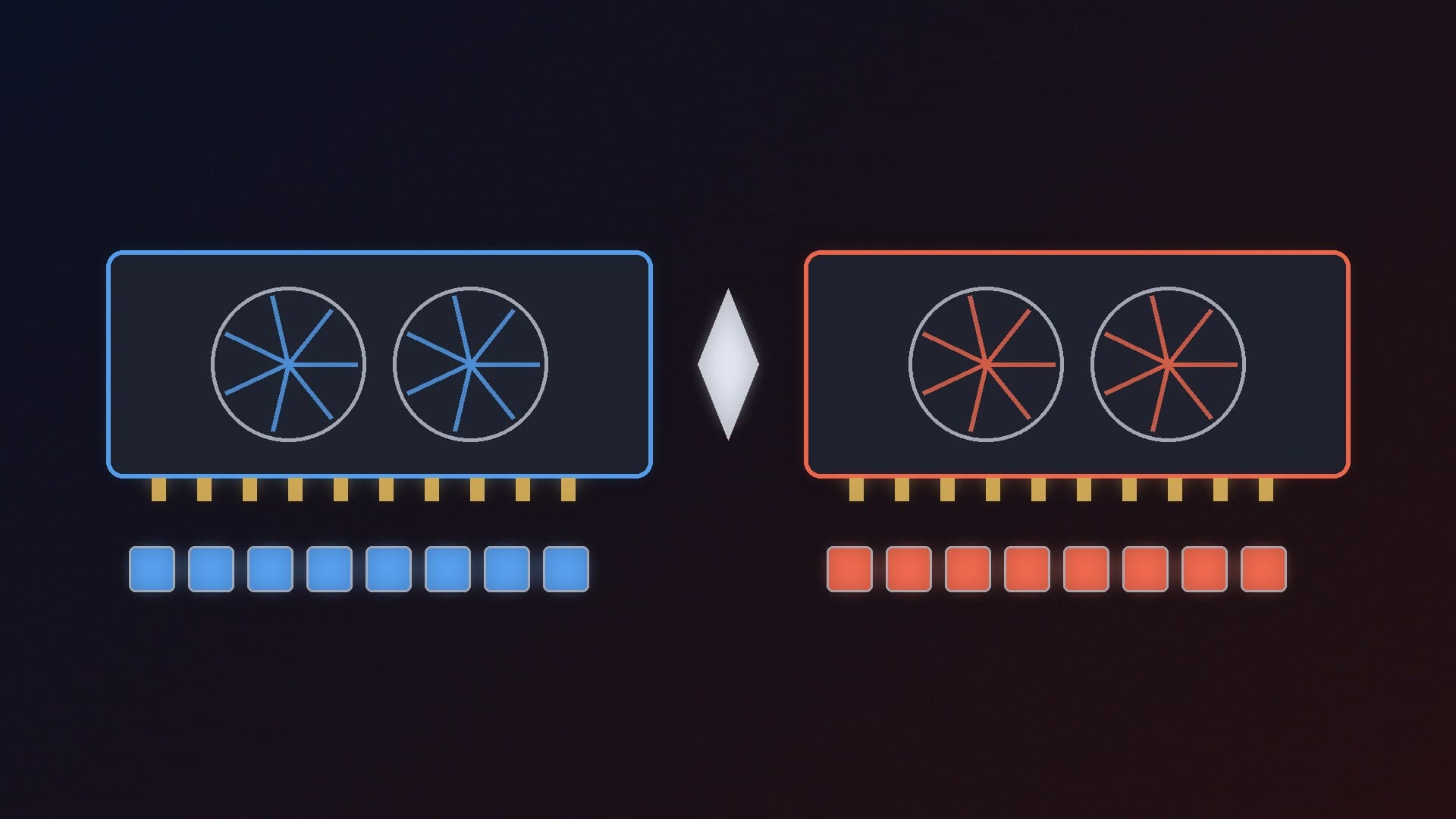
If you want 32GB of video memory on one graphics card for local language models, the GeForce RTX 5090 is the obvious answer, but it's expensive and draws a lot of power. Two workstation cards offer the same capacity for less: AMD's Radeon AI PRO R9700 and Intel's Arc Pro B70. Both use GDDR6 on a 256-bit bus, and both are workstation cards aimed at AI and professional work rather than gaming. The differences are in bandwidth, compute, power and, above all, software.
Specs compared
| Intel Arc Pro B70 | AMD Radeon AI PRO R9700 |
|---|
Memory | 32GB GDDR6 (19Gbps) | 32GB GDDR6, ECC on Linux only |
Memory bus | 256-bit | 256-bit |
Memory bandwidth | 608GB/s | 640GB/s |
Compute | 32 Xe cores, 22.9 TFLOPS FP32 (theoretical) | 64 compute units, 4,096 stream processors |
Power | 160W to 290W depending on design; ASUS UGen version 310W | 300W total board power, 750W minimum PSU |
US launch price | From $949 (Intel reference design) | $1,299 (as reported by Tom's Hardware) |
Intel's figures come from Tom's Hardware's launch report; ASUS's figures from its own press release; AMD's from its spec page. US launch prices are as reported by Tom's Hardware in March 2026 and don't convert directly to UK prices.
Memory: same capacity, similar bandwidth
Capacity is the headline, and here the cards are equal. 32GB is enough to keep a mid-sized model and a generous context window on the card, or to run a chat model alongside an embedding model. ASUS says a single UGen Arc Pro B70 supports most models under 27 billion parameters and a context window of up to 128K tokens with Llama 3.1 8B. Treat that as a manufacturer's guide: the real limit depends on the quantisation and context length you choose, as our context length and VRAM explainer shows.
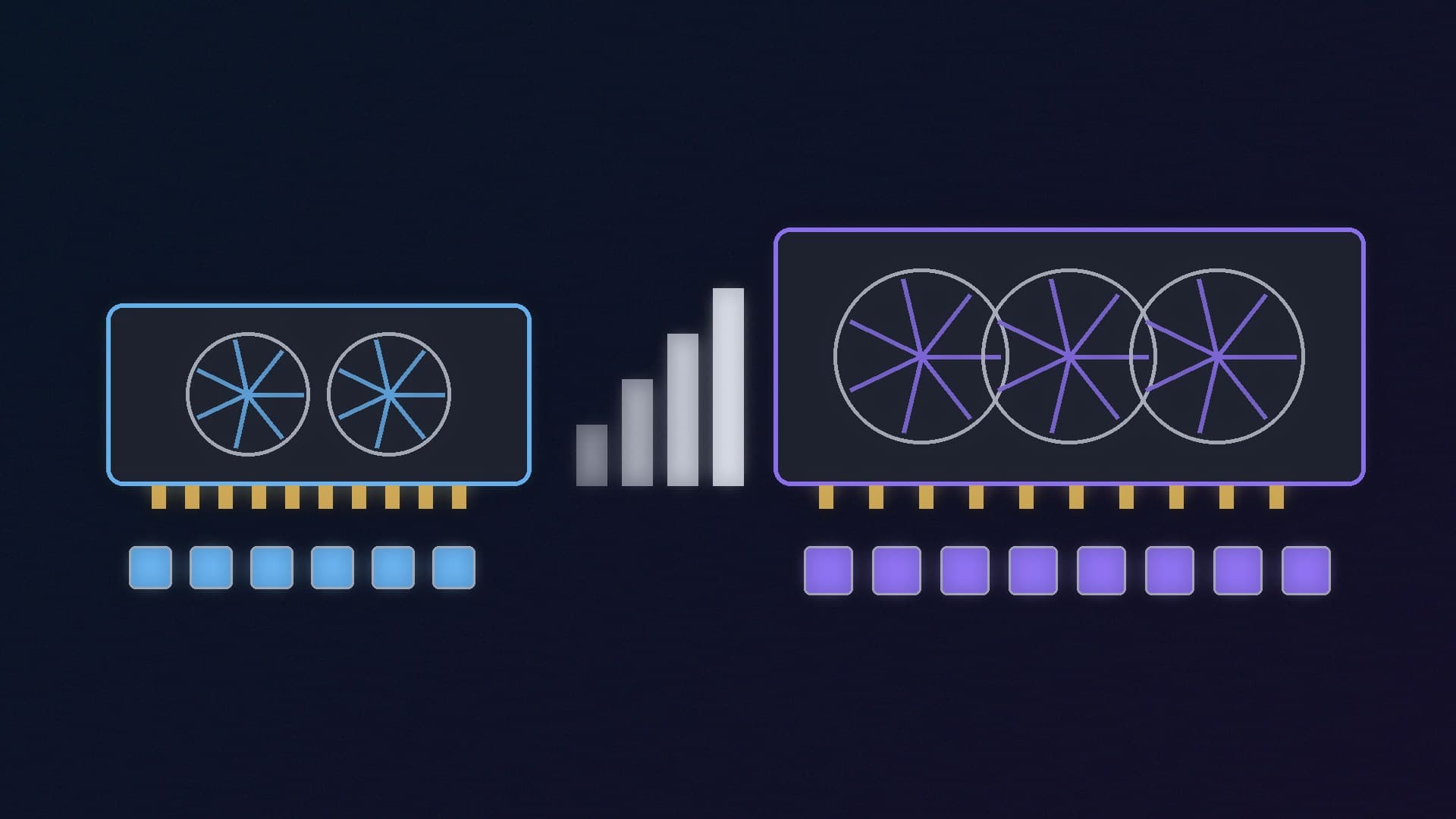
Bandwidth largely decides how fast a language model generates text once it fits. On paper the R9700 has a small edge, 640GB/s against 608GB/s, which is about 5% more. That's too small a gap to be a deciding factor on its own; software efficiency is likely to matter more.
Compute and power
The two vendors publish compute figures in different ways, so a direct comparison isn't meaningful. AMD lists 64 compute units with matrix (AI) performance figures; Tom's Hardware reports 32 Xe cores and 22.9 TFLOPS of theoretical FP32 performance for the B70. Compute matters more for prompt processing and image generation than for text generation.
Power is where the B70 is more flexible. Intel lets partners build B70 cards anywhere from 160W to 290W, according to Tom's Hardware, so you can find cooler, quieter designs for small workstations, while ASUS's UGen version is rated at 310W. The R9700 is a 300W card with a 12V-2x6 power connector, and AMD recommends at least a 750W power supply. Check the exact partner card's power rating before you buy; our guide to choosing a PSU for a local AI PC explains how to size one.
Software support is the real difference
For most buyers, software will decide this more than specs.
Radeon AI PRO R9700: Ollama's documentation lists the R9700 among AMD cards supported through ROCm, and says ROCm on Linux needs the ROCm v7 driver. On Windows, Ollama's additional GPU support comes through its Vulkan backend. That makes the R9700 a strong fit for a Linux AI server, with Windows support depending on the apps you use. Note that ECC memory is supported only on Linux, according to AMD.
Arc Pro B70: ASUS lists support for Intel LLM Scaler and vLLM XPU, llama.cpp (SYCL and Vulkan), Ollama, OpenVINO and oneAPI, PyTorch XPU and ComfyUI. That's a broad list, but Intel's AI stack generally needs more care than NVIDIA's, and some tools require specific Intel builds or backends. Our guide to running local AI on an Intel Arc GPU shows what's involved, and our CUDA vs ROCm vs Vulkan explainer covers the wider picture.
Scaling to more than one card
If one card isn't enough, ASUS pitches the B70 for multi-card setups: it says four UGen B70 cards give 128GB of VRAM, and it claims dual-card setups run 80B-class models at 43.4 tokens per second (ASUS's own figure, not independently verified). If you're planning two cards, check that your motherboard has suitably spaced PCIe slots; our best motherboards for dual-GPU local AI guide can help.
Which should you buy?
Choose the Radeon AI PRO R9700 if you're building a Linux AI box, want the slightly higher bandwidth and ECC, and value its established place in Ollama's ROCm support list.
Choose the Arc Pro B70 if you want 32GB at a lower launch price, a wider choice of power ratings for a quiet or compact build, and you're comfortable checking that your apps support Intel's backends.
Consider neither if you rely on CUDA-only tools; then an NVIDIA card such as the RTX 5090 is the safer, if pricier, choice. Our Radeon AI PRO R9700 vs RTX 5090 comparison covers that trade-off, and our best 32GB graphics cards guide lists all the options.
If 24GB is enough, our Arc Pro B60 vs Radeon AI PRO R9700 comparison looks at Intel's cheaper card. There's no Arc Pro B70 in the Forge PC product database yet; the R9700 is listed as the PowerColor AI PRO R9700 32GB.
Our verdict
On paper the Arc Pro B70 and Radeon AI PRO R9700 are closely matched: both have 32GB of GDDR6 on a 256-bit bus, with the R9700 slightly ahead on bandwidth (640GB/s vs 608GB/s). The R9700 is the safer pick for a Linux AI server thanks to ROCm support in Ollama and ECC on Linux. The B70 wins on launch price and power flexibility, as long as you're happy to check that the tools you rely on support Intel's software stack first.