This comparison is based on RustDesk's and AnyDesk's official websites, documentation and pricing pages, checked on 25 November 2026.
If you want to check on a download, grab a file or help a relative from another room or another country, you need a remote desktop app. AnyDesk is one of the best-known names for quick remote access, while RustDesk pitches itself as an open-source alternative to AnyDesk and TeamViewer. Both have free options for home users, but they work in quite different ways.
At a glance
| RustDesk | AnyDesk |
|---|
Home use | Free and open source | Free for personal use, with a limited feature set |
Business use | Free self-hosted server, or paid Server Pro plans | Paid licence required (Solo, Standard, Advanced, Ultimate) |
Source code | Open source (AGPL-3.0) | Proprietary |
Run your own server | Yes (free OSS server or paid Pro) | On-premises option on the top Ultimate plan only |
Platforms | Windows, macOS, Linux, Android, plus a web client | Desktop apps; Android and iOS listed in its plan table |
Billing for paid plans | Annual | Annual |
The big difference: who runs the servers
AnyDesk is a commercial service. Its pricing page says AnyDesk is free for personal use with "a limited set of features and support", while professional users need a paid licence. Paid plans are billed annually, and only the person starting a session needs a licence; the people they connect to don't. An on-premises version, which lets a business keep AnyDesk on its own servers, is listed as available only on the top Ultimate plan.
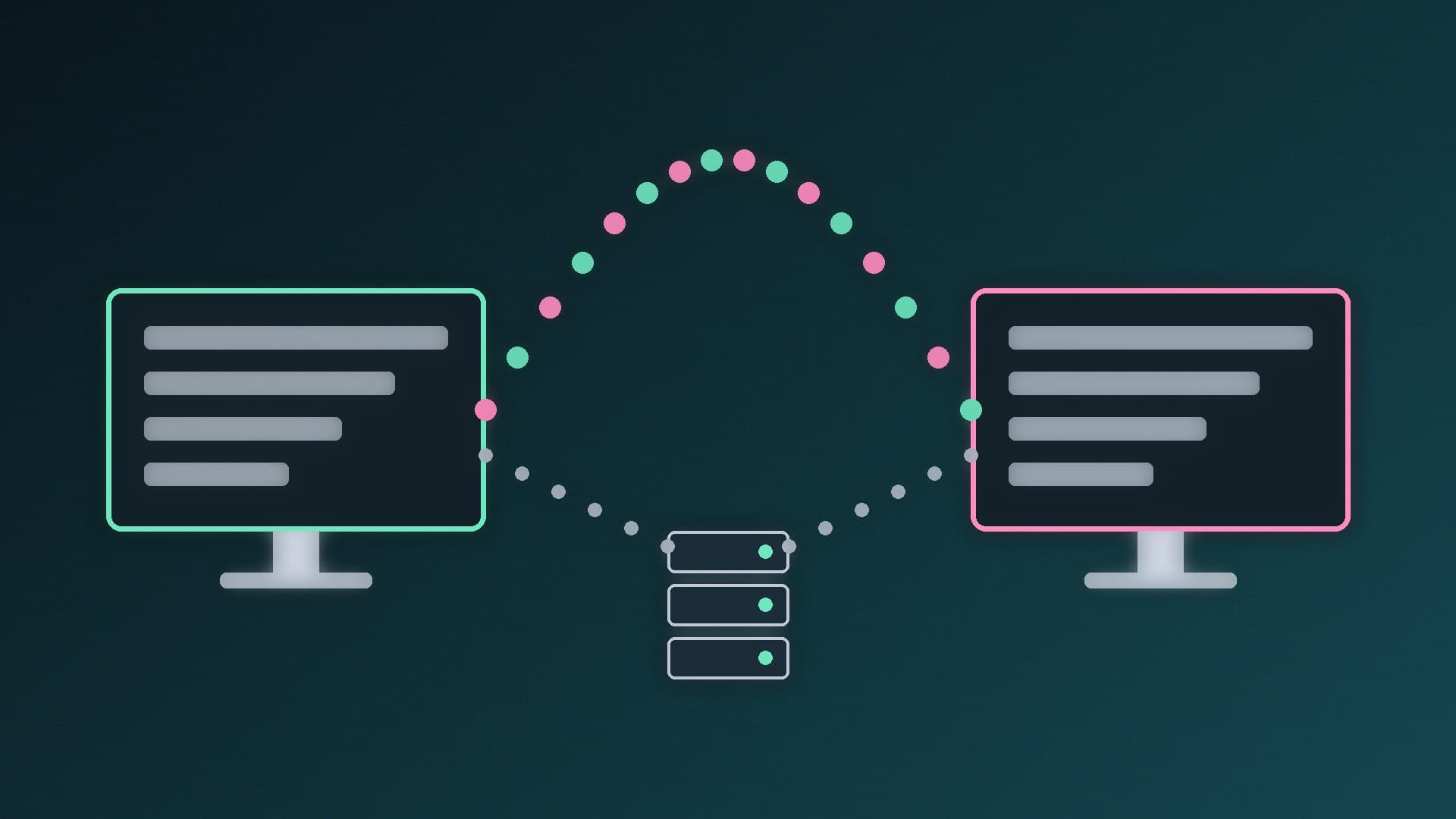
RustDesk's main selling point is self-hosting. Its documentation explains that a RustDesk server is really two programs: hbbs, the ID (rendezvous) server, and hbbr, the relay server. Run them yourself, with Docker or on Windows, and your PCs register with and connect through your own infrastructure. The open-source RustDesk Server OSS is free with community support via Discord; RustDesk Server Pro adds a web console, 2FA, access control, LDAP and OIDC sign-in, device management and multi-relay management for a yearly fee.
For a home user, self-hosting is optional. It's worth considering if you already run a home server or NAS and want everything under your control, but it means opening or forwarding the ports listed in RustDesk's documentation (TCP 21115 to 21119 and UDP 21116; 21118 and 21119 are for web sockets, and TCP 21114 is used only by Pro) or keeping the server on a private network.
Features for home users
AnyDesk's pricing table lists unattended access, file transfer, remote restart, remote printing, Wake-on-LAN, Android and iOS support, two-factor authentication and privacy mode across its paid plans. The free personal-use version has a smaller feature set, and AnyDesk doesn't break down exactly what it includes on the pricing page, so check the app itself before relying on a specific feature.
RustDesk lists Windows, macOS, Linux and Android support and a web client you can host on your own domain. Its 1.5.0 release added WebRTC connection paths, direct access from the web client and updated quality-of-service handling for delay, congestion and frame-rate targets. Because it's open source under the AGPL-3.0 licence, anyone can inspect the code on GitHub.
Safety tips for both
Download only from the official site. RustDesk warns that rustdesk.com is its only official domain; get AnyDesk from anydesk.com.
Never give access to a cold caller. Anyone you let in can see and control your PC, so only share your ID with people you know and trust, never with someone who phoned or messaged you out of the blue.
Use a strong password for unattended access and turn on two-factor authentication where the app offers it.
Which should you choose?
Choose AnyDesk if you want a quick, polished set-up for occasional personal use and don't mind a proprietary service with a limited free tier.
Choose RustDesk if you prefer open-source software, want to run your own server, or need something you could later use for a small business without a per-seat AnyDesk licence.
If your main goal is playing games on your PC from another device, neither is built for that: see Parsec vs Steam Remote Play or our guide to streaming games with Sunshine and Moonlight. To reach your PC securely without exposing any ports, our guide to accessing your home PC remotely with Tailscale is a good partner to either app, and Wake-on-LAN lets you switch the PC on first. More options are in our best free remote desktop software roundup.
Our verdict
AnyDesk is the easier pick for occasional personal remote access: it's free for personal use and quick to set up, but proprietary, with a limited free feature set and business use needing an annual paid licence. RustDesk is the better choice if you want open-source software and full control, because you can run its free server on your own hardware. Whichever you use, download it only from the official site and never let a stranger connect.