Specifications come from Intel's product pages and datasheets, and software support from Ollama's hardware documentation, all checked on 25 November 2026. We haven't quoted UK prices, because Arc Pro cards are sold through board partners and stock varies widely from retailer to retailer.
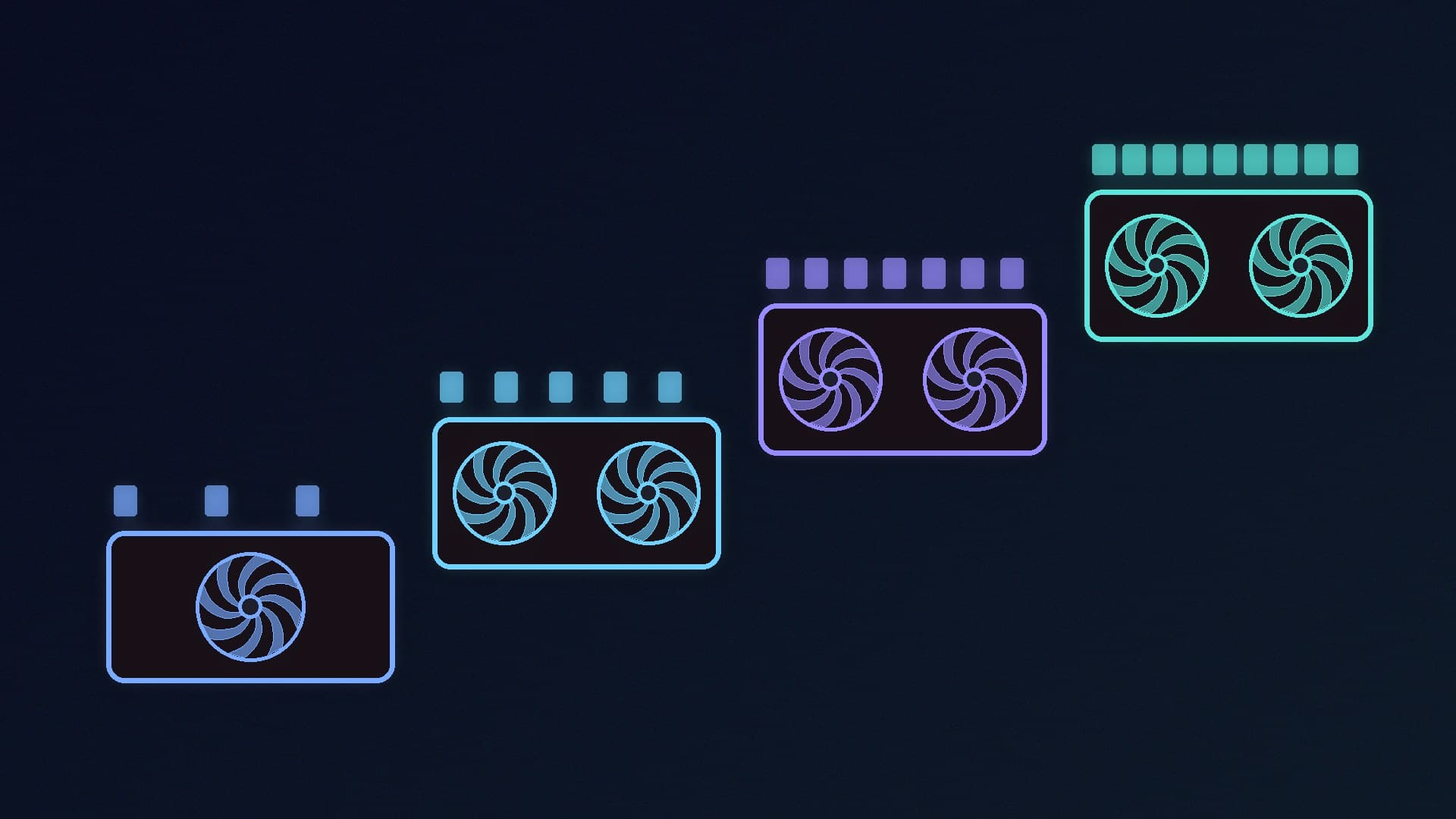
Intel's Battlemage (Xe2) desktop line-up has six GPUs worth considering for running language models and image generators locally: two gaming cards, the Arc B570 and Arc B580, and four workstation cards, the Arc Pro B50, B60, B65 and B70. For local AI, the interesting thing about the Pro range is memory. Intel offers 16GB, 24GB and 32GB options, and memory capacity decides which models you can load at all.
The catch is software. NVIDIA's CUDA is still what most AI tools are built around first, and Intel cards usually reach them through Vulkan, OpenVINO or Intel's own PyTorch support. So choose an Arc card when you know the apps you want to use support it, not just because the memory looks generous. Our CUDA vs ROCm vs Vulkan explainer covers what that means in practice.
Intel Arc for local AI at a glance
Card | Xe-cores | Memory | Bandwidth | Peak INT8 TOPS (Intel) | Board power |
|---|
Arc B570 | 18 | 10GB GDDR6 | 380GB/s | 203 | 150W |
Arc B580 | 20 | 12GB GDDR6 | 456GB/s | 233 | 190W |
Arc Pro B50 | 16 | 16GB GDDR6 | 224GB/s | 170 | 70W |
Arc Pro B60 | 20 | 24GB GDDR6 | 456GB/s | 197 | 120-200W |
Arc Pro B65 | 20 | 32GB GDDR6 | 608GB/s | 197 | 200W |
Arc Pro B70 | 32 | 32GB GDDR6 | 608GB/s | 367 | 160-290W (230W Intel card) |
All figures are Intel's. TOPS are Intel's peak INT8 figures for the GPU's XMX engines and aren't a measure of real-world chatbot speed. When a model fits in memory, text generation speed depends heavily on memory bandwidth, which is why that column matters more than the TOPS one; our memory bandwidth explainer explains why.
Best for most people: Intel Arc Pro B60 24GB
Why it's our pick: 24GB is the point where local AI stops feeling cramped. It's the same capacity as an RTX 3090 or RTX 4090, enough for mid-sized quantised language models with room for a sensible context window, and it's comfortable for image models such as FLUX.2 [klein] 4B, which Black Forest Labs says needs about 13GB.
Intel's datasheet lists 20 Xe-cores, 160 XMX AI engines, 24GB of GDDR6 and up to 456GB/s of bandwidth, the same bandwidth as the gaming Arc B580 but with twice the memory. Total board power is 120W to 200W, and Intel lists Windows 11, Windows 10 and Ubuntu Linux support. Intel also says its own reference version isn't for sale, so you'll be buying a partner card.
Bear in mind: it's a workstation card, so form factor, cooling, power connectors and warranty vary by partner, according to Intel's datasheet. Check those details on the specific card before buying. Our Arc Pro B60 vs Radeon AI PRO R9700 comparison weighs it against AMD's 32GB card.
Best for the biggest models: Intel Arc Pro B70 32GB
Why it's our pick: if your models don't fit in 24GB, the B70 is Intel's fastest answer. Its datasheet lists 32 Xe-cores, 256 XMX engines, 367 peak INT8 TOPS, 32GB of GDDR6 on a 256-bit bus and 608GB/s of bandwidth. That's a third more bandwidth than the B60 and much more compute, which helps with prompt processing and image generation as well as text generation.
Bear in mind: Intel allows board partners to set power anywhere from 160W to 290W (its own card is 230W), so check the partner's power and connector requirements before you buy, and budget for a power supply with headroom. Our guide to LLM context length and VRAM will help you work out whether you actually need 32GB.
Best 32GB for less compute: Intel Arc Pro B65
Why it's our pick: the B65 has the same 32GB, 256-bit memory and 608GB/s of bandwidth as the B70, according to Intel's specification page, but with 20 Xe-cores instead of 32 and a 200W board power figure. For language models, where memory capacity and bandwidth do most of the work, that's an appealing combination; for image and video generation, the B70's extra compute matters more.
Bear in mind: availability is still patchy. When ASRock announced its Arc Pro B65 Creator card in Japan in November 2026, it hadn't announced UK pricing; see our ASRock Arc Pro B65 Creator report.
Best low-power option: Intel Arc Pro B50 16GB
Why it's our pick: Intel rates the Arc Pro B50 at 70W, with no external power connector needed and a 280W minimum power supply recommendation. That makes it one of the few ways to add 16GB of graphics memory to a small office PC or a home server with a weak power supply.
Bear in mind: its 224GB/s of bandwidth is less than half the B580's, so models that fit will generate text more slowly than on the bigger cards. Our Arc Pro B50 vs RTX 5060 Ti 16GB comparison goes into the trade-offs.
Best budget gaming card that also does AI: Intel Arc B580 12GB
Why it's our pick: if you want one card for gaming and dabbling with local AI, the B580 is the obvious Arc choice. Intel lists 20 Xe-cores, 12GB of GDDR6, 456GB/s of bandwidth and 190W board power. 12GB is enough for small and mid-sized quantised language models and for the smaller image models.
Bear in mind: 12GB fills up quickly with long context windows or larger models. The Arc B570 is cheaper but drops to 10GB and 380GB/s, which we'd avoid for AI use; see our Arc B580 vs Arc B570 comparison. The Intel Arc B580 Limited Edition is in our specs database.
Software: what works on Intel Arc
Before buying, check your apps:
Ollama: its hardware documentation says Vulkan is enabled by default when the backend is installed, and that on Windows most GPU vendors' drivers already include Vulkan. On Linux you need Intel's GPU driver packages, which Ollama links to.
Intel AI Playground: Intel describes it as an AI PC starter app for image creation, image stylising and chatbots on a PC with an Intel Arc GPU. Our AI Playground guide walks through it.
OpenVINO and PyTorch: Intel lists OpenVINO and Intel Extension for PyTorch support on its Arc Pro specification pages, which is the route many developer tools use.
Our step-by-step guide to running local AI on an Intel Arc GPU covers setting these up.
How to choose
Choose the Arc Pro B60 if you want the best balance of memory, bandwidth and power for language models.
Choose the Arc Pro B70 if you need 32GB and also run image or video generation.
Choose the Arc Pro B65 if you need 32GB mainly for language models and want lower board power than the B70.
Choose the Arc Pro B50 if power and space are tight.
Choose the Arc B580 if gaming comes first and AI is a hobby.
If you're open to other brands, compare these with our best AMD graphics cards for local AI guide.
Our verdict
The Intel Arc Pro B60 is the best Intel GPU for local AI for most people, because 24GB and 456GB/s at up to 200W hits the sweet spot for language models. Step up to the 32GB Arc Pro B70 for bigger models and image work, pick the B50 for low-power builds, and stick with the Arc B580 if gaming matters most. Whichever you choose, check that your AI apps support Intel graphics first.