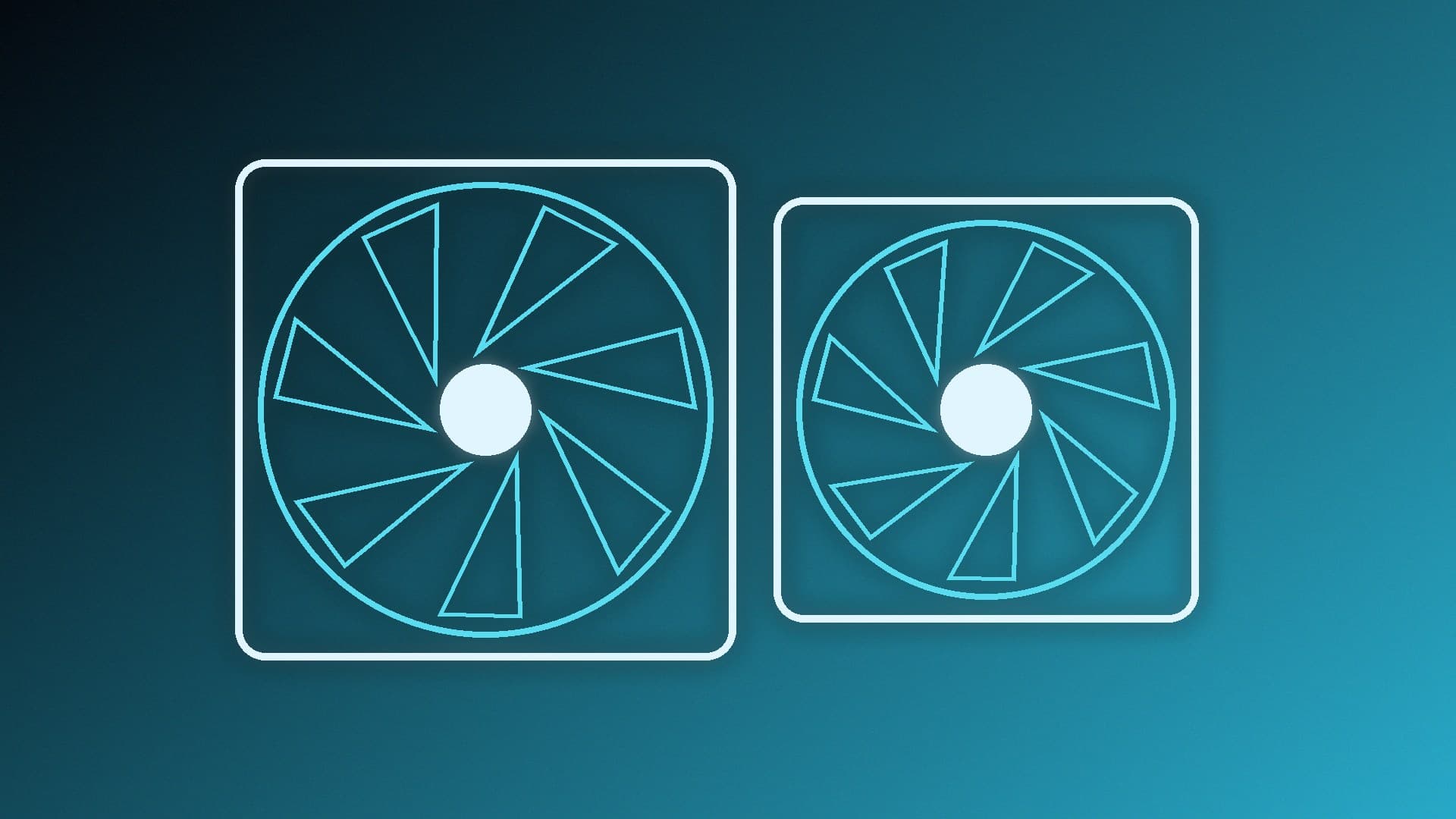
Arctic describes its P-series fans as optimised for static pressure, and says the standard PWM PST models are particularly suitable for heatsinks and radiators. The range now splits into the standard PWM PST models and the faster Pro models, in both 120mm (P12) and 140mm (P14) sizes. This guide compares four current models using Arctic's own published specifications; it hasn't involved hands-on testing, and real-world noise and temperatures will depend on your case, fan curve and components.
The four fans at a glance
Fan | Size | Fan speed | Airflow | Static pressure | Connector |
|---|
Arctic P12 PWM PST | 120 x 120 x 25 mm | 200-1,800 rpm | 56.3 cfm (95.7 m³/h) | 2.2 mmH₂O | 4-pin plug + 4-pin socket |
Arctic P12 Pro | 120 x 120 x 25 mm | 600-3,000 rpm | 77 cfm (131 m³/h) | 6.9 mmH₂O | 4-pin fan plug |
Arctic P14 PWM PST | 140 x 140 x 27 mm | 200-1,700 rpm | 72.8 cfm (123.76 m³/h) | 2.4 mmH₂O | 4-pin plug + 4-pin socket |
Arctic P14 Pro PST | 140 x 140 x 27 mm | 400-2,500 rpm | 110 cfm (186 m³/h) | 5.2 mmH₂O | 4-pin plug + 4-pin socket |
All four use a fluid dynamic bearing, run on 12 V DC, are PWM controlled with 0 rpm below 5% PWM, have a 400 mm cable and come with a six-year warranty, according to Arctic.
Best all-rounder for 120mm: Arctic P12 PWM PST
The P12 PWM PST is the standard choice if your case, radiator or cooler takes 120mm fans. Arctic rates it at 200 to 1,800 rpm, 56.3 cfm and 2.2 mmH₂O, with a noise level of 0.3 sone, and it weighs 145 g.
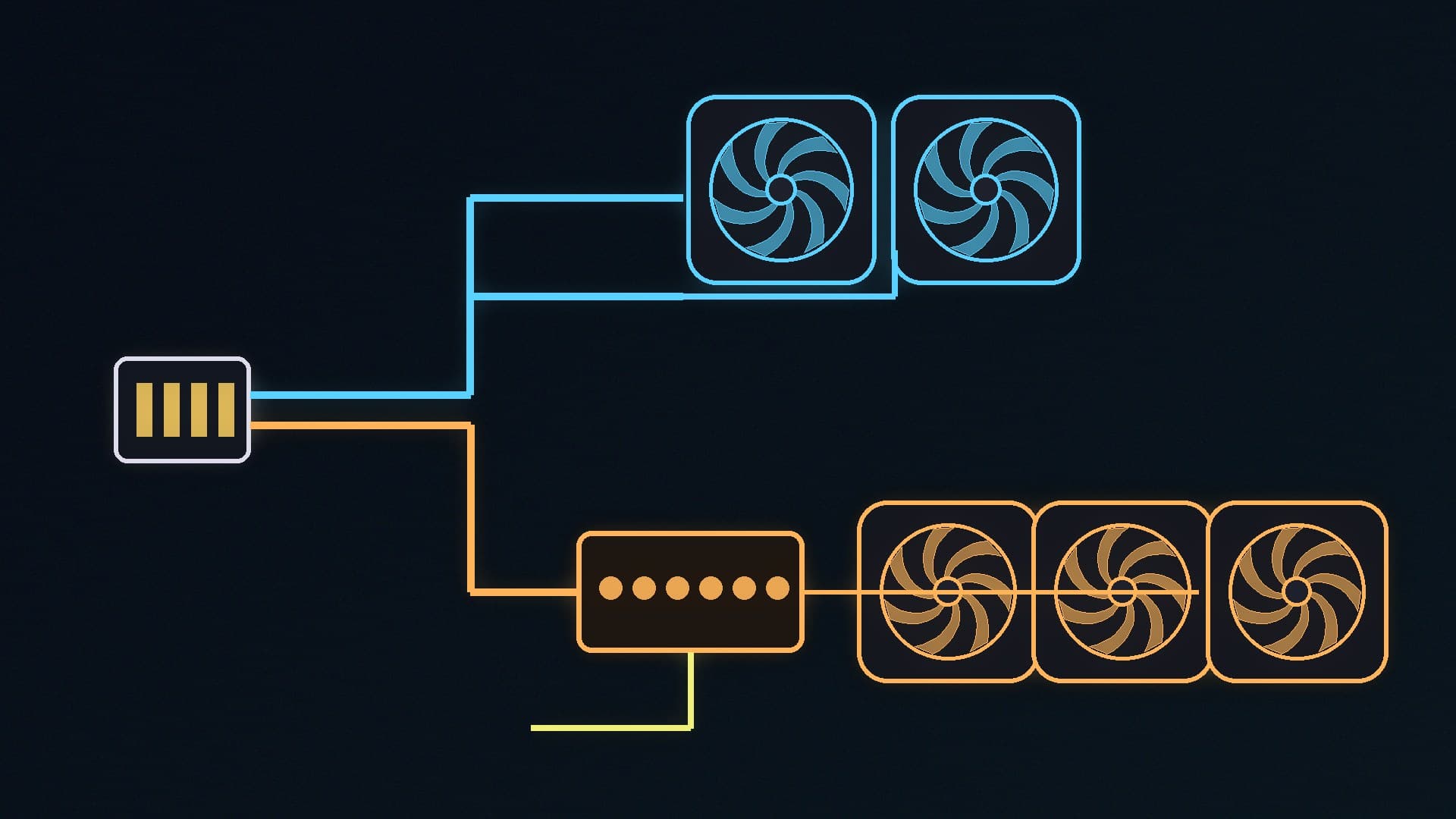
PST stands for PWM Sharing Technology. Each fan has a 4-pin connector plus a 4-pin socket, so you can daisy-chain several fans from one motherboard header, and Arctic says PST lets their speed be controlled synchronously with your other fans. That keeps cable management simple in cases with several fans. If you're new to fitting fans, see our guide on how to install case fans.
The P12 Pro is the one to pick if you need much more pressure from a 120mm fan. Arctic says the Pro fans' high static pressure makes them ideal for radiators, perforated panels and mesh filters. Arctic rates it at 600 to 3,000 rpm, 77 cfm and 6.9 mmH₂O, more than three times the static pressure of the P12 PWM PST on paper. It draws 0.33 A and weighs 183 g.
Arctic quotes 25 dB(A) for the Pro fans at low speeds, but its spec page doesn't give a noise figure at the 3,000 rpm maximum, so a sensible fan curve matters if you want a quiet PC. Our guide to setting fan curves explains how. Arctic lists a single 4-pin fan plug for this model rather than the plug-and-socket pair on the PST models, so check your header count before buying several.
Best all-rounder for 140mm: Arctic P14 PWM PST
If your case has 140mm mounts, the P14 PWM PST moves more air than the P12 PWM PST at a lower top speed. Arctic rates it at 200 to 1,700 rpm, 72.8 cfm and 2.4 mmH₂O, with a noise level of 0.3 sone. It's 27 mm thick, weighs 194 g and has the same PST plug-and-socket design for daisy-chaining. For the general size trade-offs, read our 120mm vs 140mm case fans comparison.
The P14 Pro PST is the most powerful fan here on Arctic's figures: 400 to 2,500 rpm, 110 cfm and 5.2 mmH₂O. It draws 0.35 A and weighs 242 g. Unlike the P12 Pro, this version has a 4-pin plug plus a 4-pin socket and an 80 mm daisy-chain cable, so you can chain several from one header. Like the P12 Pro, Arctic positions it for radiators, perforated panels and mesh filters. Set a fan curve so it isn't running flat out when it doesn't need to.
How to choose
Check the size first. Your case, radiator or cooler decides whether you need 120mm or 140mm fans. The P14 models are also 27 mm thick rather than 25 mm, which can matter in tight spaces.
Standard or Pro? For most case fans and quiet builds, the PWM PST models are enough. The Pro models make sense for radiators, perforated panels, mesh filters or builds that need extra headroom. Our airflow vs static pressure fans explainer covers why pressure matters.
Count your headers. Three of these four have the PST socket for daisy-chaining. Check your motherboard manual for the header's current rating before chaining several fans, using Arctic's per-fan current figures (0.1 A for the P12 PWM PST up to 0.35 A for the P14 Pro PST).
For other brands and options, see our best case fans guide.
Our verdict
For most builds, the P12 PWM PST and P14 PWM PST are the sensible picks: wide PWM speed ranges, 0 rpm mode, daisy-chaining and a six-year warranty. Choose the P12 Pro or P14 Pro PST when you need much more static pressure for radiators or restrictive cases, and set a fan curve to keep their higher top speeds in check. Match the size to your case first, then decide how much headroom you need.